
GGA myBenefits Mobile
Glynn Griffing and Associates
4.6 ★
83 ratings
Free
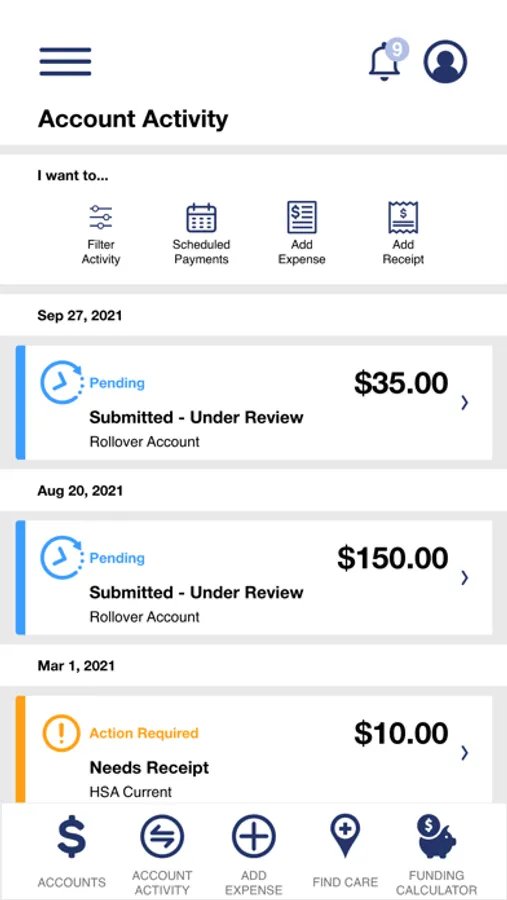
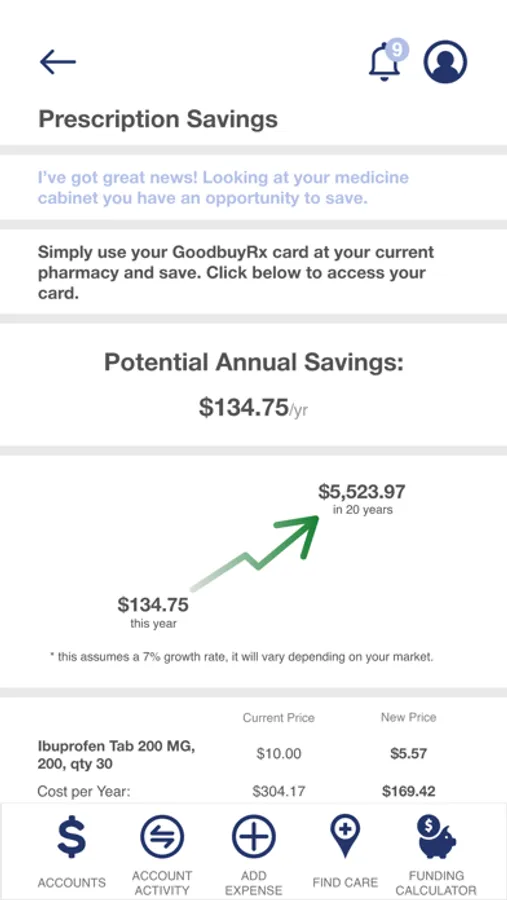
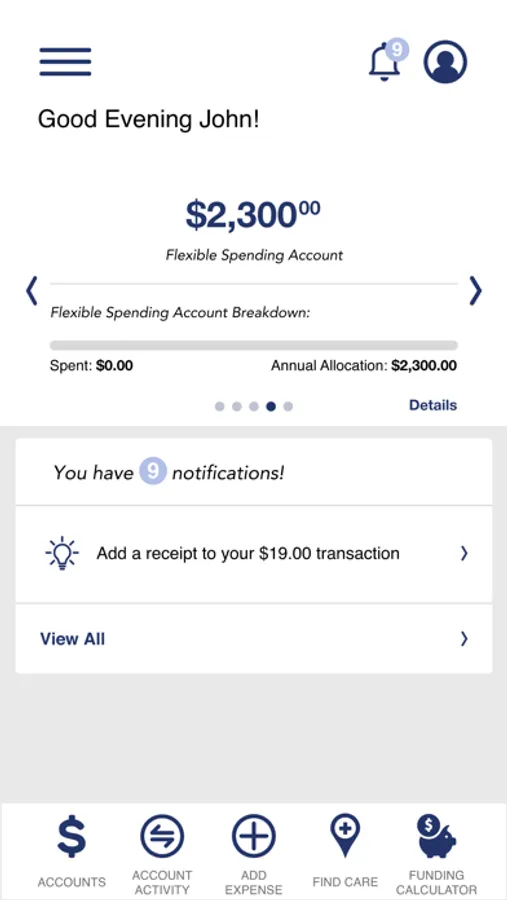
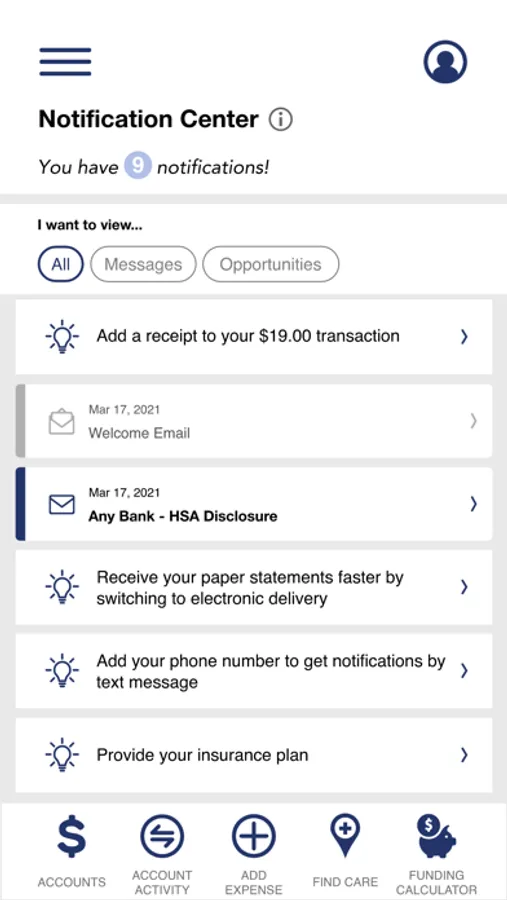
With this benefit management app, you can view account balances, recent transactions, receive email alerts, and contact support. Includes account details, user management, and secure authentication features.
AppRecs review analysis
AppRecs rating 4.6. Trustworthiness 45 out of 100. Review manipulation risk 28 out of 100. Based on a review sample analyzed.
★★★★☆
4.6
AppRecs Rating
Ratings breakdown
5 star
82%
4 star
8%
3 star
2%
2 star
5%
1 star
2%
What to know
✓
Authentic reviews
Natural distribution, no red flags
⚠
Rating authenticity concerns
High rating concentration (82% 5-star) in sampled ratings
About GGA myBenefits Mobile
GGA myBenefits Mobile provides the following functionality:
• Benefit Health Account balances and details
• Recent transactions and details
• View all email alerts
• Contact administrator from mobile application via email or mobile phone
• Same username/password as the GGA myBenefits portal (no need to register your mobile device; just download, login, and go!)
• Stronger authentication support (Picture/Passphrase, device identification and challenge questions)
• View Demographic Details
• View Dependents
• View Card Details
• View Card PIN
• Register new users directly from mobile device
GGA myBenefits Mobile Screenshots
Tap to Rate:
Reviews for GGA myBenefits Mobile
CrashDummy_MS
Authentication is annoying
Submitting expense seemed easy enough, but every time I open the app and tap log in it does the facial recognition, then requires MFA instead of remembering my device. The code goes to my email, I switch over and get it. But then it will not let me paste the code in?? Ok fine I’ll let it in. But instead of bringing up the number pad it goes to full keyboard. Tap numbers and hit the first digit. It goes back to full keyboard. So I have to manually switch to number pad 6 times to type the MFA code in. Ugh
WortWitch
Handy
The app works as described. Submitting claims and documentation is painless.