With this drawing app, you can create personalized stickers and send them to friends and family, using various brush sizes and colors. Includes undo functionality, zoom controls, color picker, and support for Apple Pencil.
AppRecs review analysis
AppRecs rating 3.7. Trustworthiness 77 out of 100. Review manipulation risk 27 out of 100. Based on a review sample analyzed.
★★★☆☆
3.7
AppRecs Rating
Ratings breakdown
5 star
58%
4 star
0%
3 star
17%
2 star
0%
1 star
25%
What to know
✓
Low review manipulation risk
27% review manipulation risk
✓
Credible reviews
77% trustworthiness score from analyzed reviews
About Sticky Draw
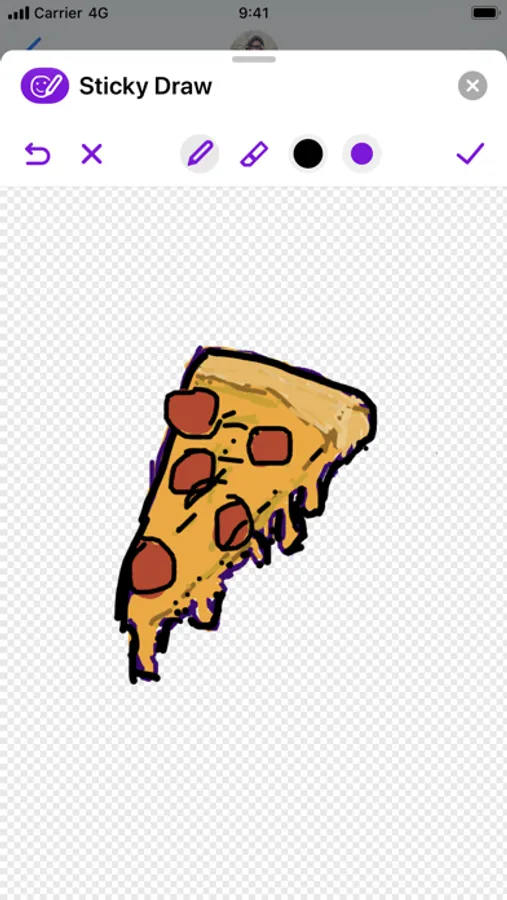
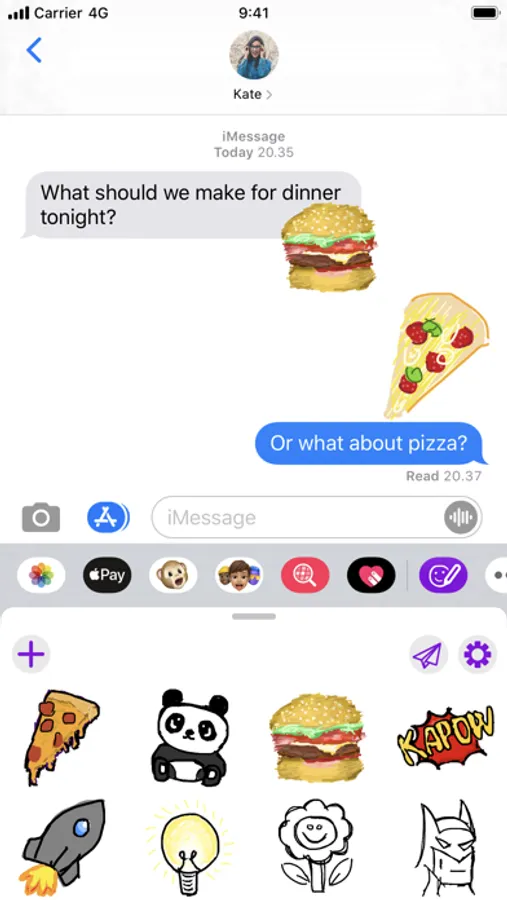
Draw your own stickers and send them to friends and family. Sticky Draw is a fun way to add a personal touch to the message you send to your loved ones.
- Add a personal touch to the messages you send to friends and family.
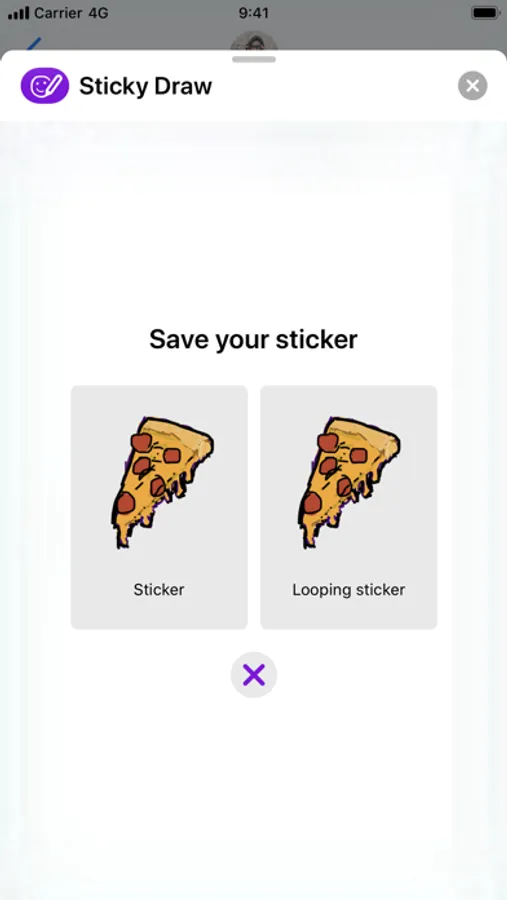
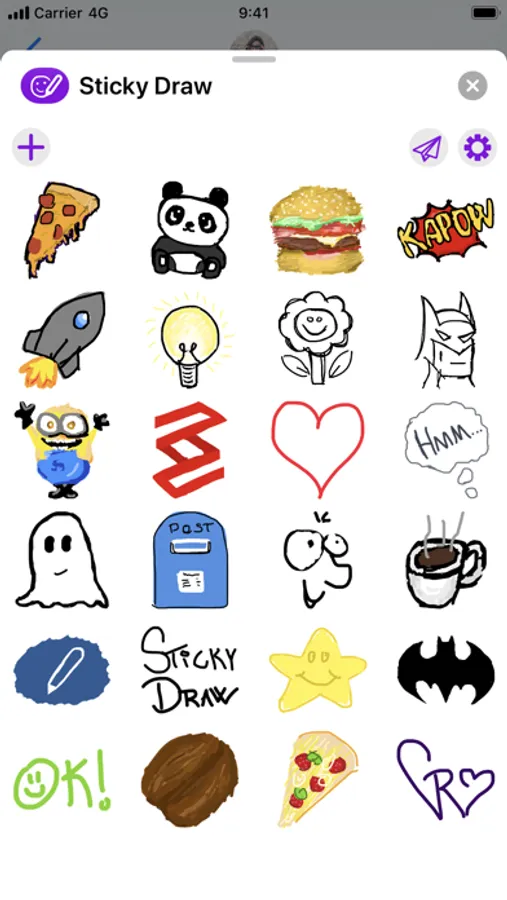
- Create a catalog of your own stickers and send them at any time.
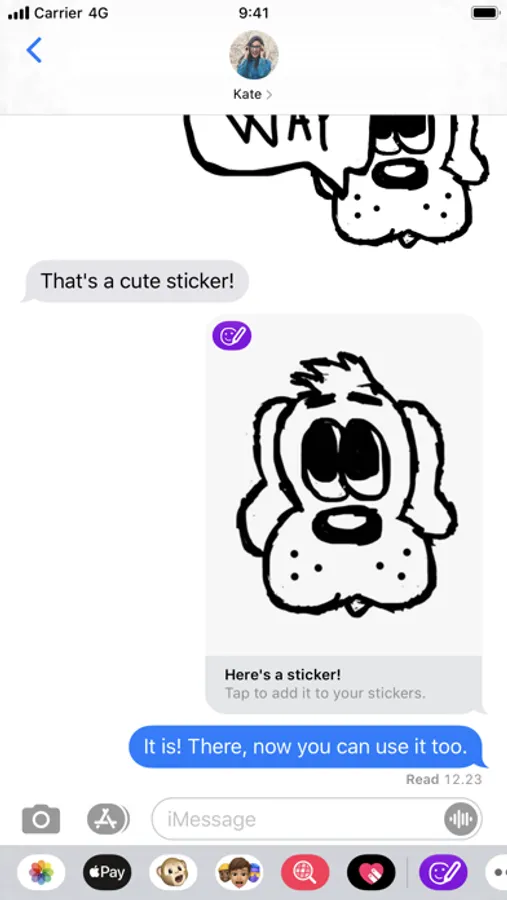
- Share your stickers with friends and family so they can add your sticker to their catalog! And add stickers you receive to your catalog!
- Send looping stickers that show your drawing come to life.
- With a wide range of brush sizes, adding small details is just as easy as filling large areas.
- Those pesky mistakes? Don’t worry. Just undo!
- Zoom in and out to perfect the small details.
- Use the color picker to find just the right color for your drawing or use one of the 21 carefully picked and delicious colors.
- Double-tap on a second generation Apple Pencil to quickly switch between the pen and eraser tool or show and hide the color palette, depending on your preference.
- When drawing with an Apple Pencil, you can use your finger to erase from the canvas.
- Support for dark mode on iOS 13 and later.
- Add a personal touch to the messages you send to friends and family.
- Create a catalog of your own stickers and send them at any time.
- Share your stickers with friends and family so they can add your sticker to their catalog! And add stickers you receive to your catalog!
- Send looping stickers that show your drawing come to life.
- With a wide range of brush sizes, adding small details is just as easy as filling large areas.
- Those pesky mistakes? Don’t worry. Just undo!
- Zoom in and out to perfect the small details.
- Use the color picker to find just the right color for your drawing or use one of the 21 carefully picked and delicious colors.
- Double-tap on a second generation Apple Pencil to quickly switch between the pen and eraser tool or show and hide the color palette, depending on your preference.
- When drawing with an Apple Pencil, you can use your finger to erase from the canvas.
- Support for dark mode on iOS 13 and later.
Sticky Draw Screenshots
Tap to Rate:
Reviews for Sticky Draw
Bob retired
PAID - NO APP!
The app doesn’t show up! Rip off!
mony man 🤑
Good app
I love this app I think the 99 cents is worth it but it is only for Imessage and it lags. But overall good app.