
With this data store app, you can persist key-value pairs and manage data for Shortcuts. Includes support for iCloud synchronization, multiple data formats, and file storage.
AppRecs review analysis
AppRecs rating 4.5. Trustworthiness 68 out of 100. Review manipulation risk 29 out of 100. Based on a review sample analyzed.
★★★★☆
4.5
AppRecs Rating
Ratings breakdown
5 star
93%
4 star
5%
3 star
1%
2 star
1%
1 star
1%
What to know
✓
Low review manipulation risk
29% review manipulation risk
✓
High user satisfaction
93% of sampled ratings are 5 stars
About Data Jar
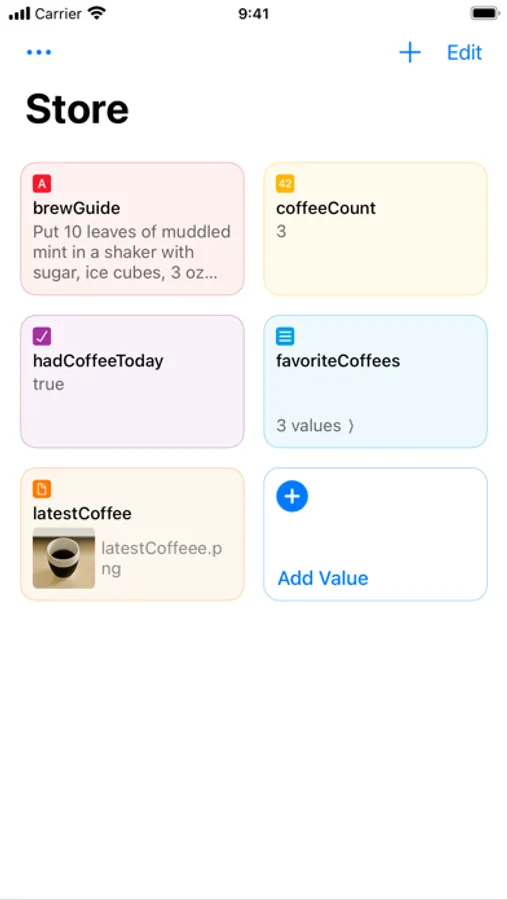
If you have used dictionaries and lists in Shortcuts, then you’ll find that the data format used by Data Jar is very similar.
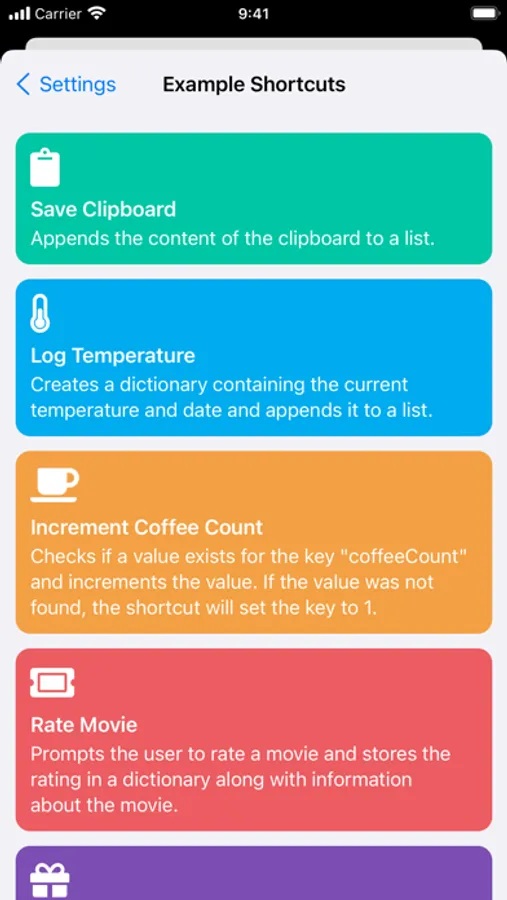
- Extensive support for Shortcuts, enabling you to read and update data directly from Shortcuts.
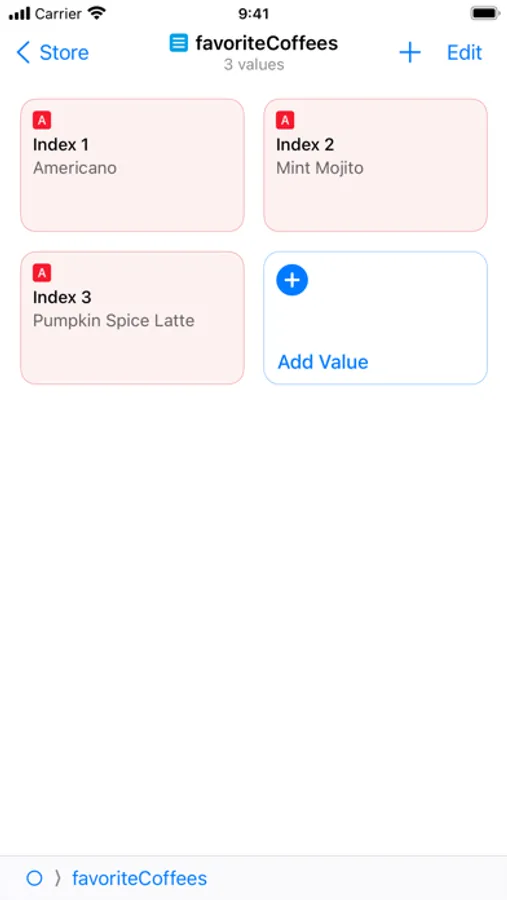
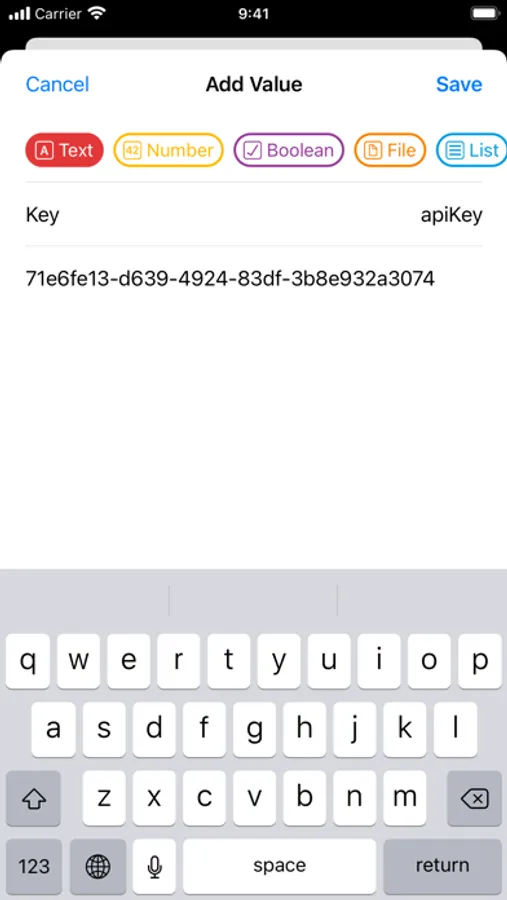
- Store text, numbers, booleans, lists, dictionaries and even files.
- Files are stored in iCloud Drive and can be accessed from the Files app.
- Support for multiple windows and drag and drop on the iPad.
- Synchronisation between devices using iCloud.
Data Jar is free to use but contains a tip jar where users can pay a few bucks to support the developer.
Data Jar Screenshots
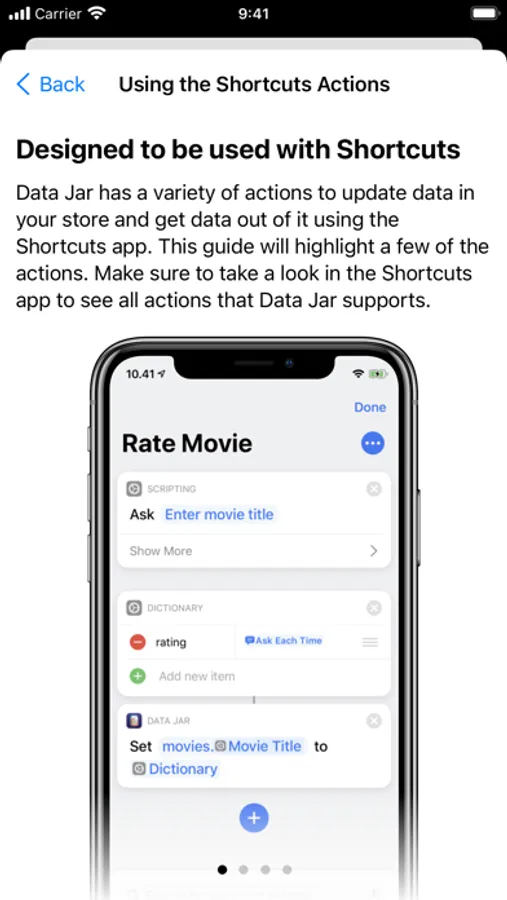
Tap to Rate:
Reviews for Data Jar
jthingelstad
Indispensable App!
Data Jar transforms what is possible with Shortcuts. I have been able to create complex and powerful automations because Data Jar creates ways to share state and information across them. Must have app!
Shelby von Trapp
Great app, awesome value… not sure how useful it is long term
I’ve been using this as a way to have a data store for shortcuts, and while it is great for so much of it, I think the weird inconsistencies in how well it works that I run into are a big stopper to my wanting to use it long term. I built so much into it, and I think it’s worth every penny, but if you have a large amount of data you want to store in it… you start running into odd issues that I don’t even think the dev can control easily. This is not a bug report, but when throwing multiple base64 encoded images into a value, it ends up crashing, and losing everything you threw at it, and stopping the shortcut. Is it weird to use it this way? Yes. Does that matter to my use? Eh, I mean, that’s kinda the point of this review, isn’t it? I’ve switched now to just using files storage for my stuff, and that makes me sad because the more I do it, the more I appreciate the ease of use of this app… but stability is more important in the long run, and more I’ve gotta go back, and redo so much of what I was doing before. Again, this is great if you don’t have too much to store all at once/the data you throw in is not _super_ important. Before starting the endeavor I’m on now a few months ago, I used it everyday without issue, or losing data basically ever. 💖