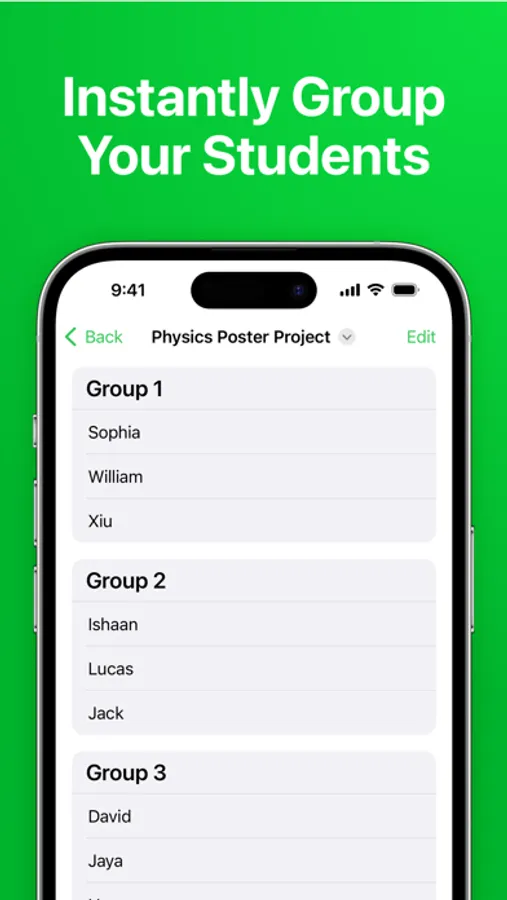
In this app, you can organize students into teams using an advanced algorithm and customize groupings with editing options. Includes features like gender balancing, bulk import, and cross-device sync.
AppRecs review analysis
AppRecs rating 4.5. Trustworthiness 71 out of 100. Review manipulation risk 16 out of 100. Based on a review sample analyzed.
★★★★☆
4.5
AppRecs Rating
Ratings breakdown
5 star
90%
4 star
7%
3 star
2%
2 star
1%
1 star
0%
What to know
✓
Low review manipulation risk
16% review manipulation risk
✓
Credible reviews
71% trustworthiness score from analyzed reviews
✓
High user satisfaction
90% of sampled ratings are 5 stars
About Groups - Random Team Generator
ADVANCED TEAM BUILDING
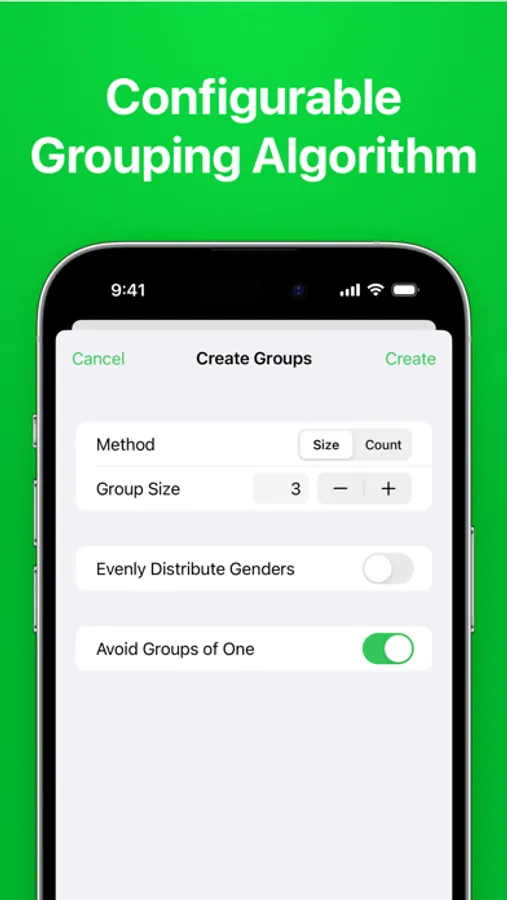
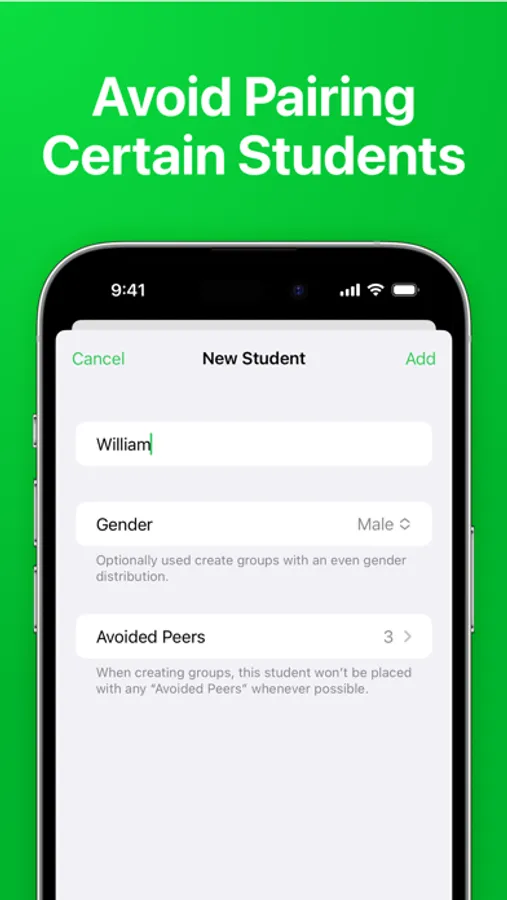
Have certain students who don’t work well together? Simply list these pairs in the app and Groups will handle the rest, with its advanced team-building algorithm.
BALANCE GENDERS
Ensure each group has an even distribution of genders with the ”Balance Genders” option, promoting diversity and encouraging collaboration.
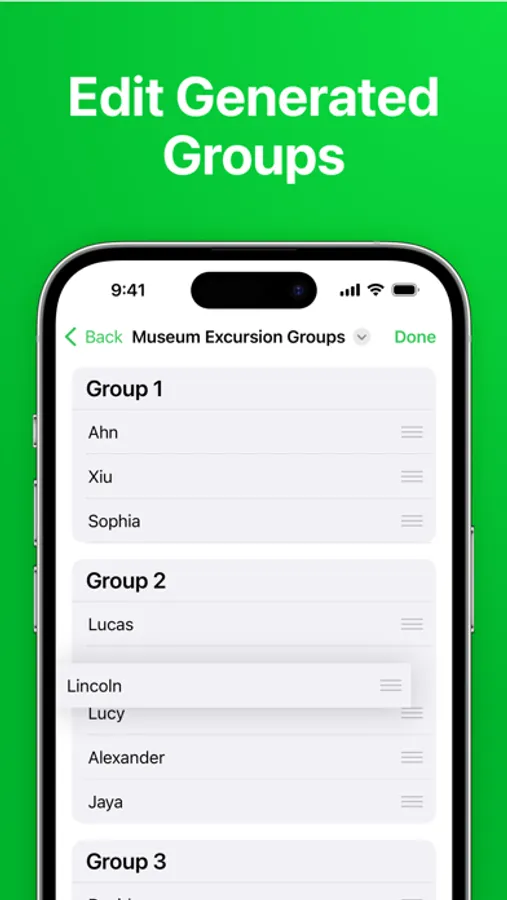
EDIT GROUPS
Need to fine tune the generated groups? Easily rearrange the result to achieve a perfect team composition.
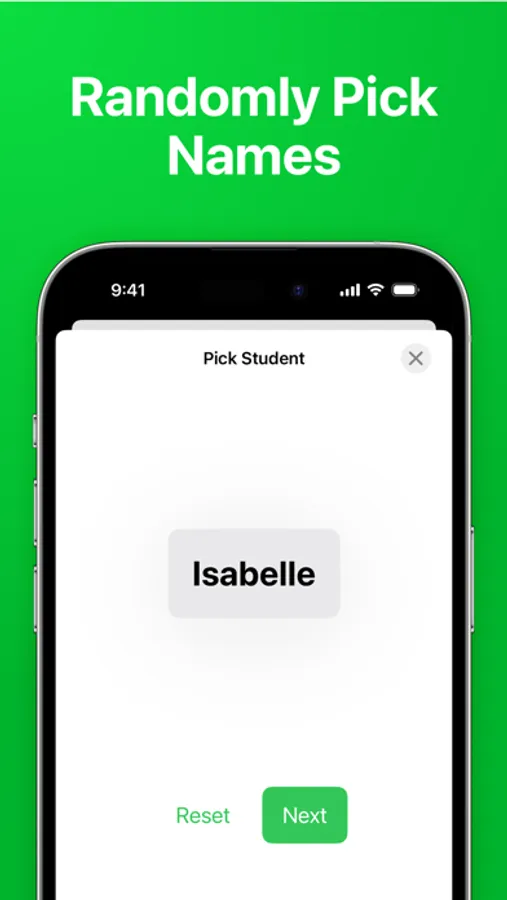
RANDOM STUDENT PICKER
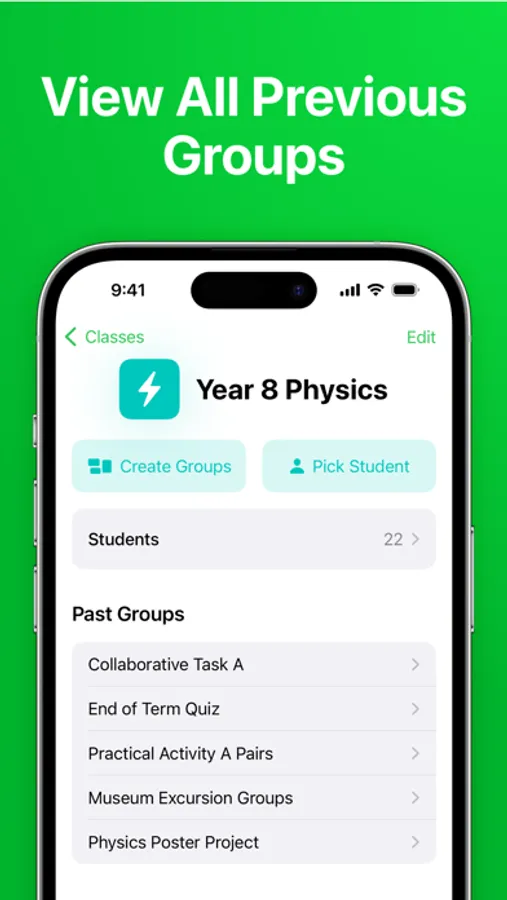
Encourage equal participation in the classroom with Groups’ random student picker. This makes sure everyone gets a chance to provide input, ensuring all voices are heard.
EXPORT AND PRINT
Easily create printable handouts, posters, or a PDF to share using five beautiful themes.
BULK IMPORT
Add students from Microsoft Excel workbooks, CSV files, or plain text lists.
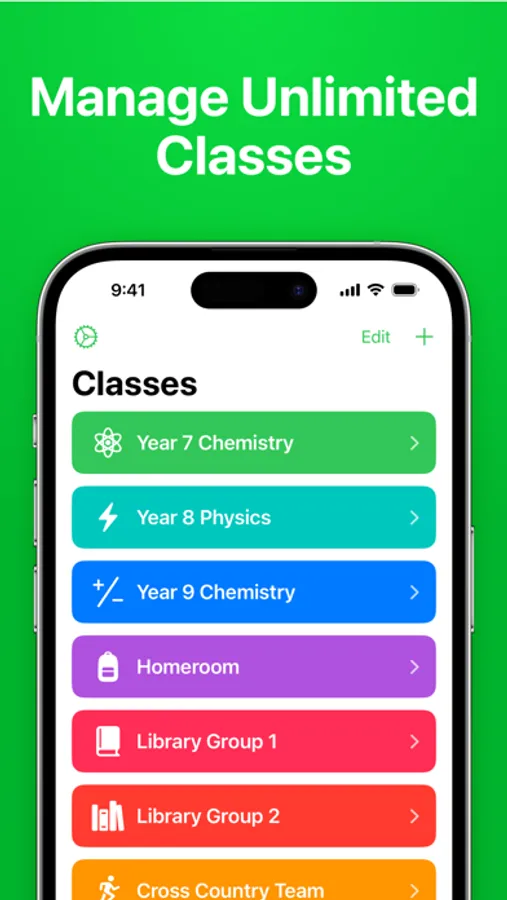
UNLIMITED CLASSES
Enter all your students once, and then create as many groups as you need. You can even add an icon and color to each class to easily tell them apart.
CROSS DEVICE SYNC
Add your classes once, and use them across all your Apple devices with iCloud sync.
———————————————
Groups has helped tens of thousands of teachers sort their students into groups, fostering more positive learning environments for students worldwide.
Privacy Policy: https://wttech.com.au/docs/groups/privacy-policy
Terms & Conditions: https://wttech.com.au/docs/groups/eula
Groups - Random Team Generator Screenshots
Tap to Rate:
Reviews for Groups - Random Team Generator
mthomp2#
Would be perfect with one addition
Love everything but please add the option to the names of the groups. My students work at the whiteboards and each is labeled with a color. So, I would like red group, blue group, etc.
Blkbeemer
Awesome app.
Been using this app to create random teams for tournaments. Quick easy and simple to understand. Looks like it was designed for teachers creating random class room groups. Even then you can use it for other things like picking random teams.