With this authentication app, you can confirm your identity using biometrics, one-time passcodes, or QR codes. Includes support for offline verification, multiple devices, and various login methods.
AppRecs review analysis
AppRecs rating 3.6. Trustworthiness 82 out of 100. Review manipulation risk 22 out of 100. Based on a review sample analyzed.
★★★☆☆
3.6
AppRecs Rating
Ratings breakdown
5 star
58%
4 star
6%
3 star
2%
2 star
4%
1 star
30%
What to know
✓
Low review manipulation risk
22% review manipulation risk
✓
Credible reviews
82% trustworthiness score from analyzed reviews
⚠
High negative review ratio
34% of sampled ratings are 1–2 stars
About IBM Verify
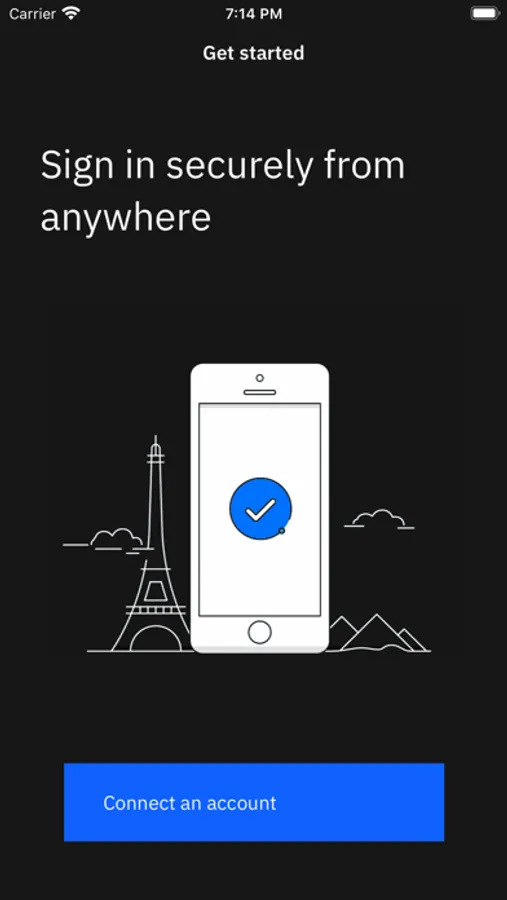
With IBM Verify, you can confirm your identity with a simple yes or no, your fingerprint or face, or a secure one-time password right from your registered mobile device.
Features:
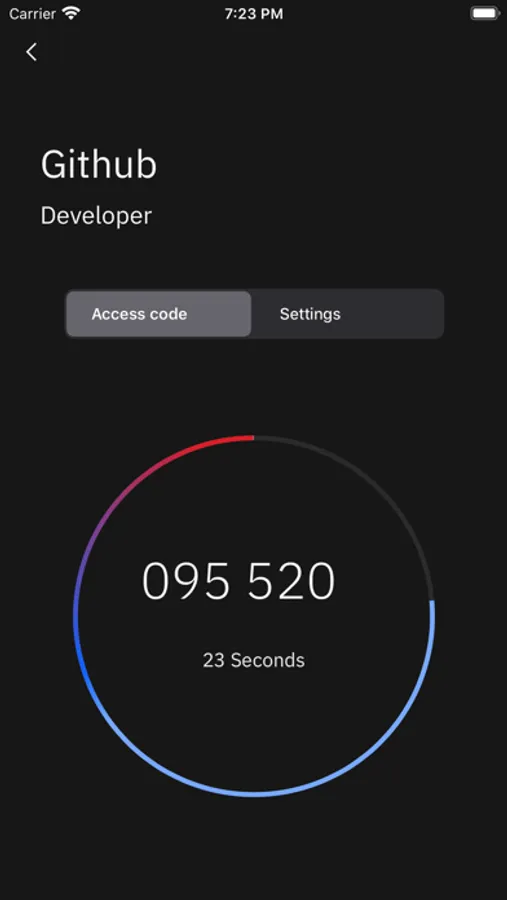
• Verify using a one-time passcode, even without a data connection
• Works with services that require a password for login
• Verify using Touch ID or Face ID
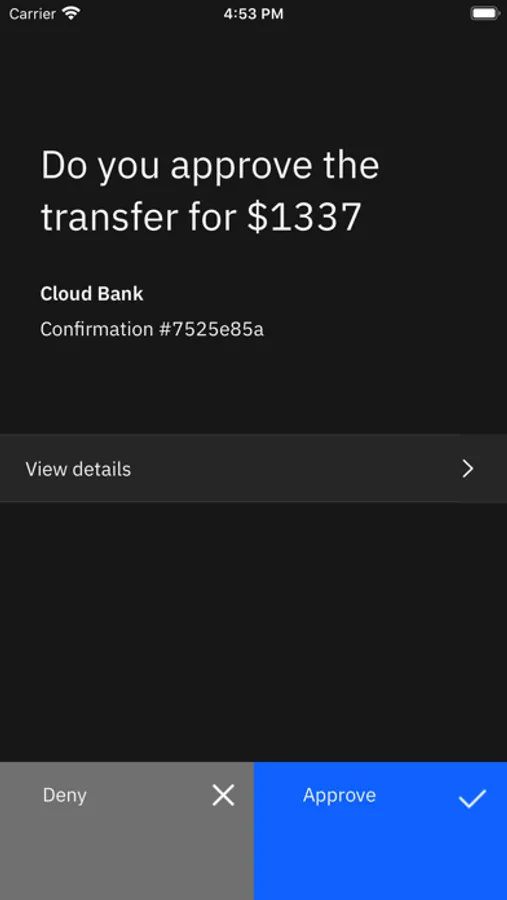
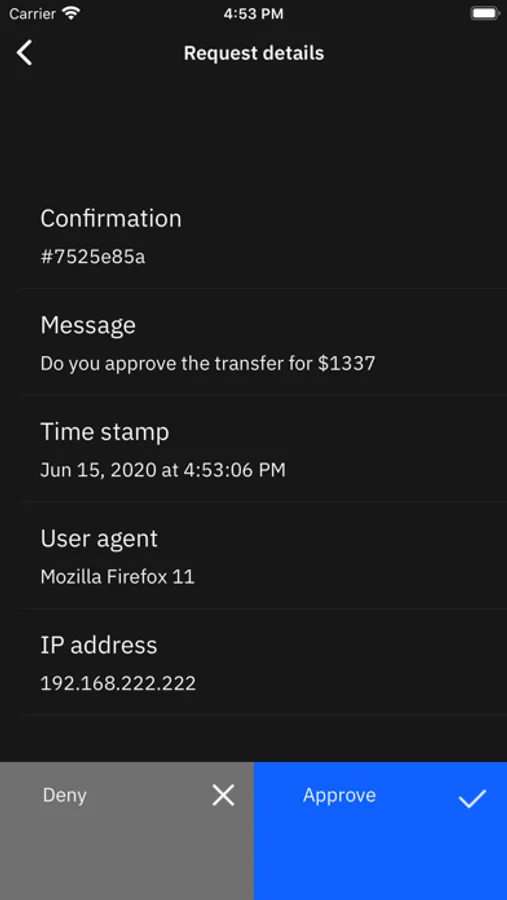
• Verify with a simple Yes or No
• Sign-in into services with a QR code scan
• Supports multiple devices
IBM Verify Screenshots
Tap to Rate:
Reviews for IBM Verify
Chris Aries
Traded in my old Android for my iPhone at Verizon, now I can't get past Two-Step Authentication
Can't get around 2-Step Authentication after trading in my old phone for a new one. Two Step Authentication is tied to that specific phone. I can't use any of these verification methods, so I tried getting help and it says "Contact your help desk for further assistance." After figuring out that means to contact my connected apps. I only have two apps connected. I've contacted both, and only get an automated response. Any further inquiry past this is only met with silence. I cannot get anyone on the phone. It's been over a year, and now I really need to login to proceed with my taxes. I'm posting this as last effort to resolve this. Please help.
EscapedArea51
Got some chores to do before using but it works
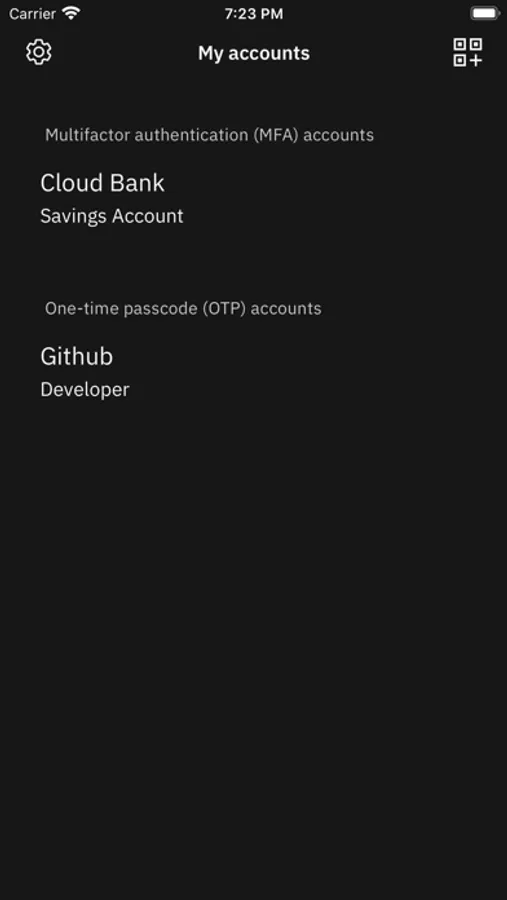
Like IBM has replied to other reviews, you must sign up for an IBM ID for this to work. I am not an IBM enterprise user but I like IBM as a brand, applied -unsuccessfully- to various UX jobs in Austin and yet I signed up for an IBM account. It’s rather quick to accomplish but the UX isn’t as sharp as it could be and as a user, I had to poke around a few pages to get an IBM ID and to activate/register the this app. Plus, as a non-enterprise user, the pages and the user flow can look intimidating. Nevertheless, getting an IBM ID is free, as of Sept 23, 2024. Once you get your app registered with an iBM ID, download it, IBM Verify behaves like any other authenticator app. Yet, as a student of IBM’s Carbon design system, I do have some gripes with it in my list of feedback: -there are no styled (bolded) fonts for service names. Its a list of saved accounts, it works; it just looks uninspired and contributes scrutinizing the list for a specific account and to eye fatigue. -No thin dividing line between accounts nor alternating row colors. Without this visual flair, the list seems endless and contributes to eye fatigue. -I previously used Sophos’ InterceptX authenticator app and the home screen had codes and timers clearly visible- without the need to open a saved account. Not necessarily a gripe, but perhaps a requirement from enterprise users? -Scrolling through a long list seems to fetch data, as if stored somewhere else outside of the phone. There is no loading animation, accounts sort of fade in the list, again, as if they were being fetched. If true, it is a bit concerning after saying it out loud. -I am not too sure if I remember FaceID popping up upon first startup but if enterprise users need security, why doesn’t IBM Verify ask for authentication before showing a list of 2FA codes? -Unlike InterceptX, all the device health metrics are stowed away in the settings icon. This is nice to see for a user of an unmanaged device. -Also unlike InterceptX, there is no way to backup accounts. Maybe a good thing but who knows how long this app will be available? Allowing export might be good when sunsetting the app in the future. -Missing visual flair like QR code frame overlay with the camera mode active. -Accounts do not have icons. This is neither a negative or plus. I like the color choices and do not need graphic representation of the services- but I know this is a feature elsewhere. -User guides and privacy policies are also stowed away but easily made available. -Nice to see screen protection toggle in the settings menu. Overall, I like the app. Partly, yes, because I like IBM but also because it works after you’ve done the hoop jumping on IBMs main website. It gets codes front and center and all the health metrics and user documents out of the way. Plus this isn’t published by companies like Goog or Microsoft.