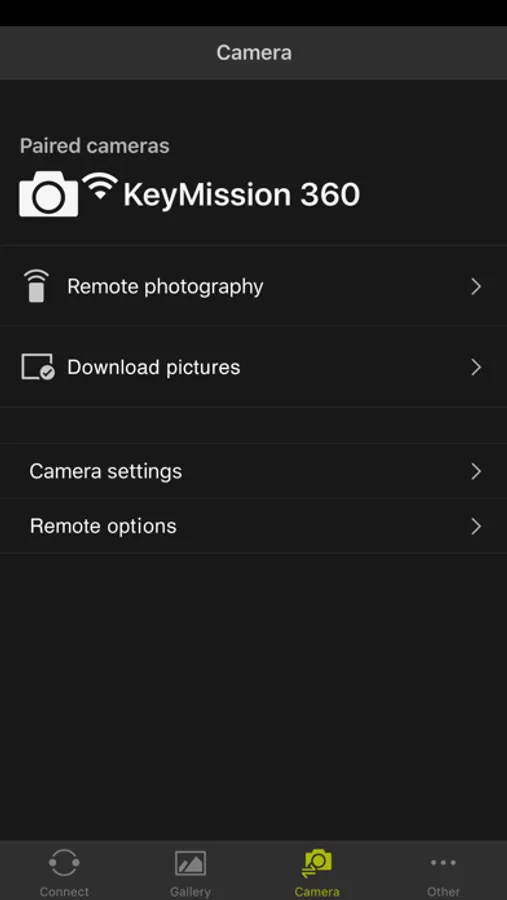
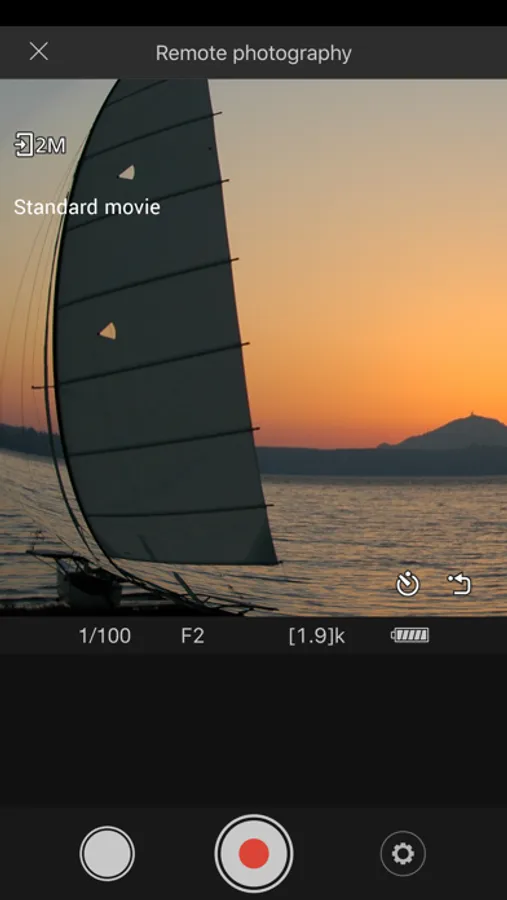
In this photo management app, you can connect wirelessly to Nikon KeyMission cameras to shoot remotely, import media, and adjust settings. Includes image editing tools and automatic photo uploads.
AppRecs review analysis
AppRecs rating 2.0. Trustworthiness 72 out of 100. Review manipulation risk 25 out of 100. Based on a review sample analyzed.
★★☆☆☆
2.0
AppRecs Rating
Ratings breakdown
5 star
14%
4 star
10%
3 star
6%
2 star
9%
1 star
60%
What to know
✓
Low review manipulation risk
25% review manipulation risk
⚠
Mixed user feedback
Average 2.1★ rating suggests room for improvement
⚠
High negative review ratio
69% of sampled ratings are 1–2 stars
About SnapBridge 360/170
This app lets you connect wirelessly to a KeyMission 360 or KeyMission 170 to easily shoot/record, import, and change settings remotely. The app lets you edit images and movies as well.
Supported Digital Cameras as of July 2017
KeyMission 360, KeyMission 170
Note: Before using the app, update the camera firmware to the latest version. Visit the Nikon Download Center to get information on and download the latest firmware.
http://downloadcenter.nikonimglib.com/
Note: For cameras other than those listed above, check "SnapBridge" and "Wireless Mobile Utility."
Principal Features
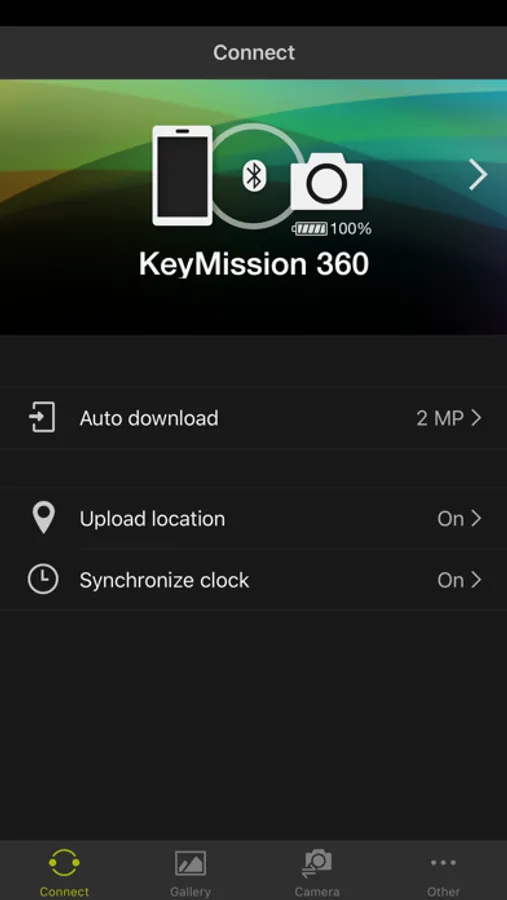
- Once the camera is paired with your iOS device, new photos can be downloaded automatically.
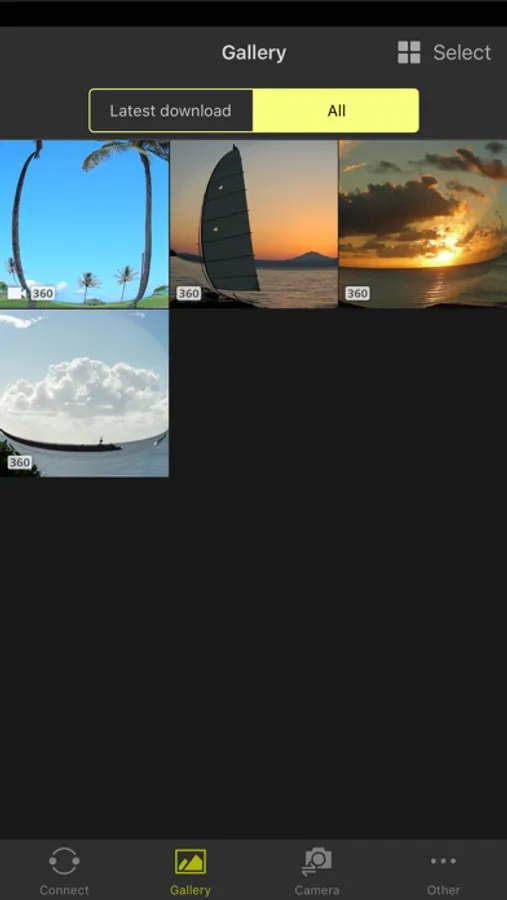
- Movies and still images stored on the camera can be viewed (streaming playback).
- When connected to a KeyMission 360, touch operations can be used to move the viewpoint freely and view the image at any location.
- Simple editing of movies taken by the camera can be performed.
- Camera settings can be changed remotely from an iOS device.
- Photos can be uploaded automatically to NIKON IMAGE SPACE (see Note 1 below).
- The camera can be operated from an iOS device to shoot and upload selected images.
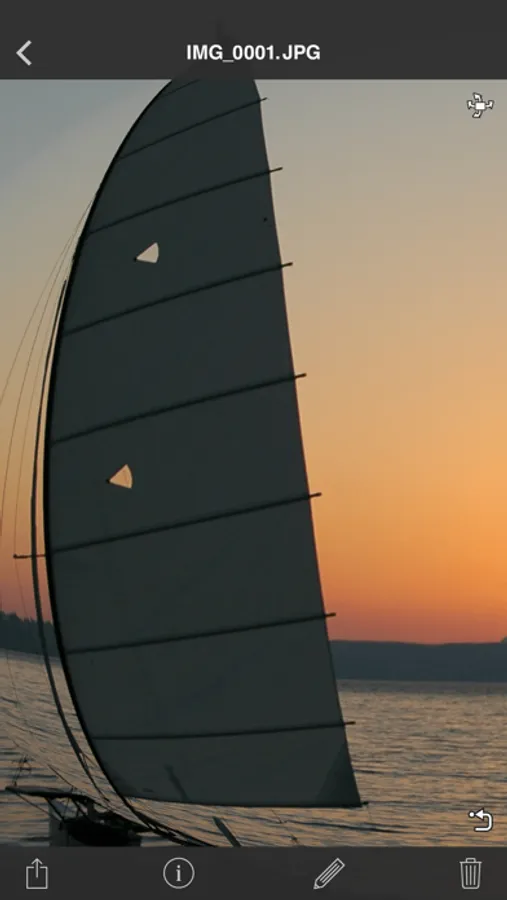
- Photos downloaded to an iOS device can be viewed or shared via e-mail or social media.
- Download location data to the camera (Note 2) or set the camera clock to the time reported by the smart device.
- Receive notifications of firmware updates for paired cameras.
System Requirements
iOS 9.3, iOS 10.3, iOS 11.2, iOS12.3
Note: Under iOS 11.3 to 12.1, using live view during remote photography would sometimes interrupt the Wi-Fi connection.
iPhone 5 or later, fourth-generation iPad or later
Bluetooth 4.0 or later
There is no guarantee that this app will run on all devices.
Updating to Version 1.1
- Auto upload is now off by default.
- You will no longer be able to use auto upload to upload images at the original size.
Notes
- Note 1: Uploading photos to NIKON IMAGE SPACE requires a Nikon ID.
- Users can register for a Nikon ID using this app.
- Enable Bluetooth and Wi-Fi when using this app.
- The default Wi-Fi password is "NikonKeyMission".
- Movies can be downloaded by switching to Wi-Fi and selecting the files manually. Download is not available with AVI files.
- 4K UHD movie upload and playback are not supported on the iPhone 5 and some other devices.
- The app can connect to only one camera at a time.
- The app may not perform as expected depending on your environment and network conditions.
- An iOS device with a display resolution of WVGA (960 x 540 pixels) or better is required.
- The app requires 100 MB or more of free memory on the iOS device.
- Note 2: Operation not guaranteed on devices without GPS.
- Continued use of GPS running in the background can dramatically decrease battery life.
Using the App
For more information, use the app "Instructions" (online help) option.
https://nikonimglib.com/snbrkm/onlinehelp/en/index.html
Notes
iPhone, iPad, and iPod touch are trademarks or registered trademarks of Apple Inc in the United States and other countries.
App Store is a service mark of Apple Inc.
All other tradenames mentioned in this document are the trademarks or registered trademarks of their respective holders.
Supported Digital Cameras as of July 2017
KeyMission 360, KeyMission 170
Note: Before using the app, update the camera firmware to the latest version. Visit the Nikon Download Center to get information on and download the latest firmware.
http://downloadcenter.nikonimglib.com/
Note: For cameras other than those listed above, check "SnapBridge" and "Wireless Mobile Utility."
Principal Features
- Once the camera is paired with your iOS device, new photos can be downloaded automatically.
- Movies and still images stored on the camera can be viewed (streaming playback).
- When connected to a KeyMission 360, touch operations can be used to move the viewpoint freely and view the image at any location.
- Simple editing of movies taken by the camera can be performed.
- Camera settings can be changed remotely from an iOS device.
- Photos can be uploaded automatically to NIKON IMAGE SPACE (see Note 1 below).
- The camera can be operated from an iOS device to shoot and upload selected images.
- Photos downloaded to an iOS device can be viewed or shared via e-mail or social media.
- Download location data to the camera (Note 2) or set the camera clock to the time reported by the smart device.
- Receive notifications of firmware updates for paired cameras.
System Requirements
iOS 9.3, iOS 10.3, iOS 11.2, iOS12.3
Note: Under iOS 11.3 to 12.1, using live view during remote photography would sometimes interrupt the Wi-Fi connection.
iPhone 5 or later, fourth-generation iPad or later
Bluetooth 4.0 or later
There is no guarantee that this app will run on all devices.
Updating to Version 1.1
- Auto upload is now off by default.
- You will no longer be able to use auto upload to upload images at the original size.
Notes
- Note 1: Uploading photos to NIKON IMAGE SPACE requires a Nikon ID.
- Users can register for a Nikon ID using this app.
- Enable Bluetooth and Wi-Fi when using this app.
- The default Wi-Fi password is "NikonKeyMission".
- Movies can be downloaded by switching to Wi-Fi and selecting the files manually. Download is not available with AVI files.
- 4K UHD movie upload and playback are not supported on the iPhone 5 and some other devices.
- The app can connect to only one camera at a time.
- The app may not perform as expected depending on your environment and network conditions.
- An iOS device with a display resolution of WVGA (960 x 540 pixels) or better is required.
- The app requires 100 MB or more of free memory on the iOS device.
- Note 2: Operation not guaranteed on devices without GPS.
- Continued use of GPS running in the background can dramatically decrease battery life.
Using the App
For more information, use the app "Instructions" (online help) option.
https://nikonimglib.com/snbrkm/onlinehelp/en/index.html
Notes
iPhone, iPad, and iPod touch are trademarks or registered trademarks of Apple Inc in the United States and other countries.
App Store is a service mark of Apple Inc.
All other tradenames mentioned in this document are the trademarks or registered trademarks of their respective holders.
SnapBridge 360/170 Screenshots
Tap to Rate:
Reviews for SnapBridge 360/170
Brettysbar
Failed connection
The app is terrible it often fails to connect. When it doesn’t connect you will go mad trying to connect
mermaid444
Cannot connect
There s simply no way to connect to this app. It is the only way to use this camera and it doesn’t work. Trash.