In this photo editing app, users can shoot, review, and apply edits to images directly from their mobile devices. Includes RAW processing, preset sharing, and external storage support.
AppRecs review analysis
AppRecs rating 3.5. Trustworthiness 76 out of 100. Review manipulation risk 19 out of 100. Based on a review sample analyzed.
★★★☆☆
3.5
AppRecs Rating
Ratings breakdown
5 star
50%
4 star
12%
3 star
6%
2 star
10%
1 star
23%
What to know
✓
Low review manipulation risk
19% review manipulation risk
⚠
Pricing complaints
Many low ratings mention paywalls or pricing
⚠
High negative review ratio
33% of sampled ratings are 1–2 stars
About Capture One
* With Retouch Faces, you can complete your post-work on the fly and deliver your images on location.
* Sessions Support enables you to stay organized with nested folders and track your selections.
* Work and backup as you please with External Storage, so you’re not limited by your mobile storage.
SHOOT INTO MOBILE & SHOWCASE YOUR STYLE
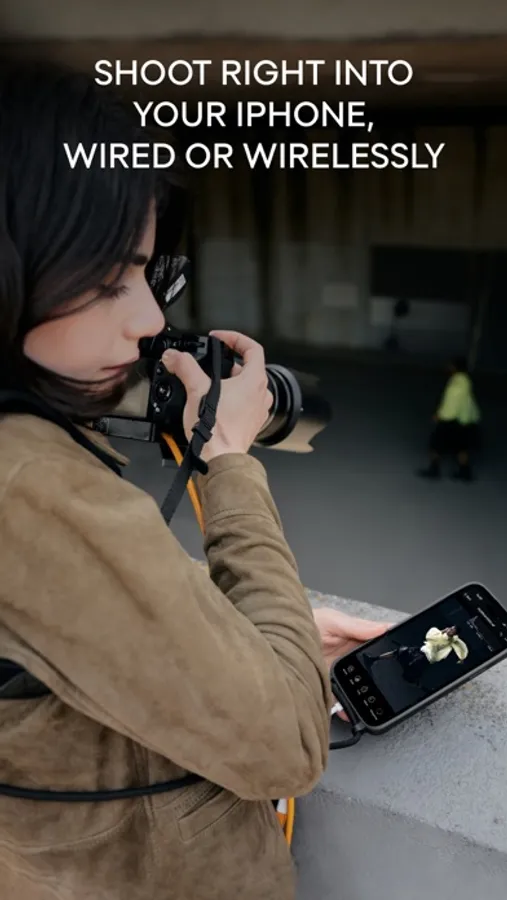
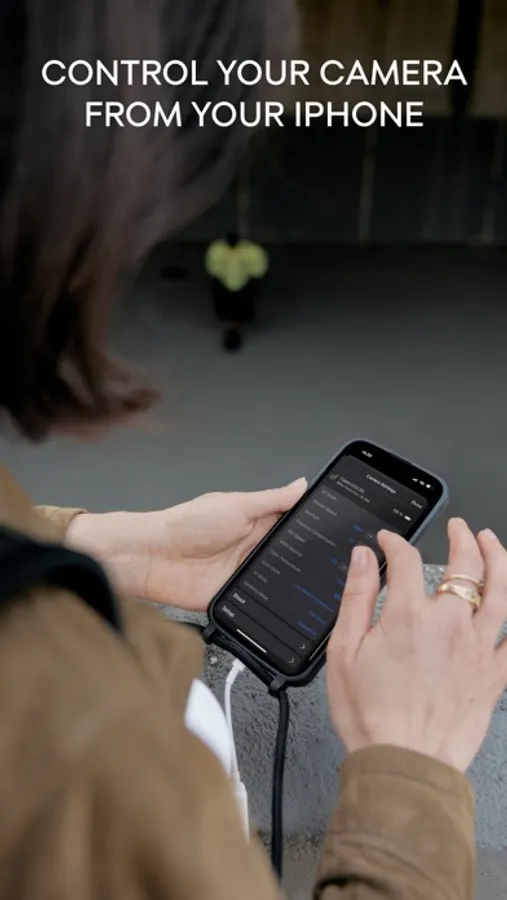
Forget the heavy laptop. Tether your camera directly to your iPhone or iPad, wired or wirelessly. Shoot, review, and showcase your images in real time. Impress clients and make sure you get the perfect shot on the spot.
SHARE, RATE, COLLABORATE
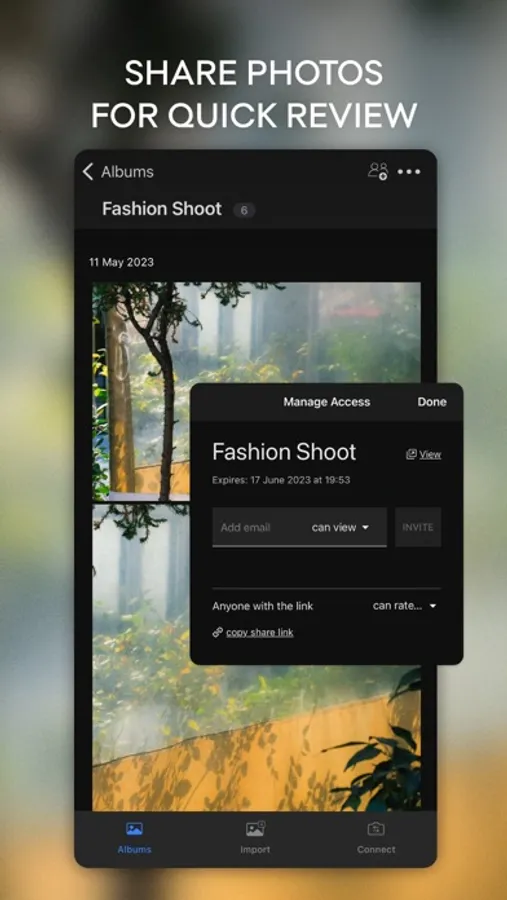
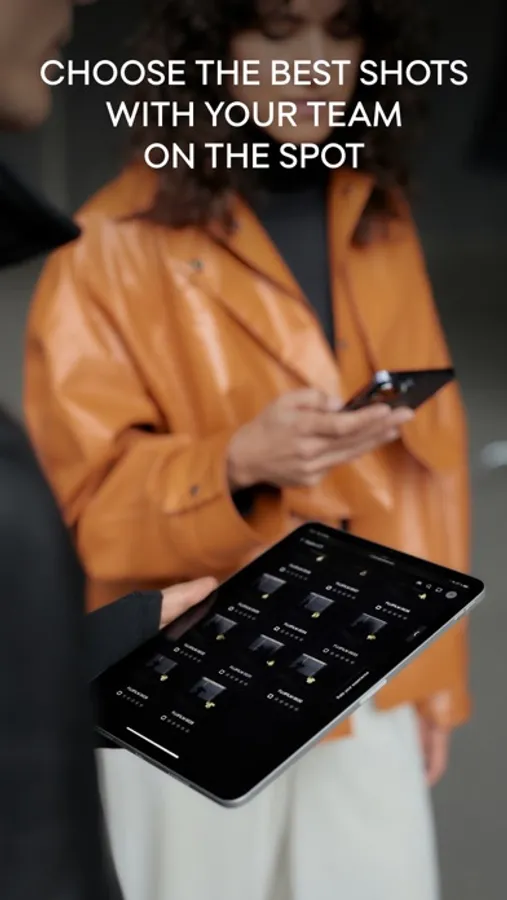
Share shots instantly with teams and clients, get comments, star ratings, and color tags, and keep all feedback in one place, no matter where everyone is.
APPLY EDITS AS YOU SHOOT
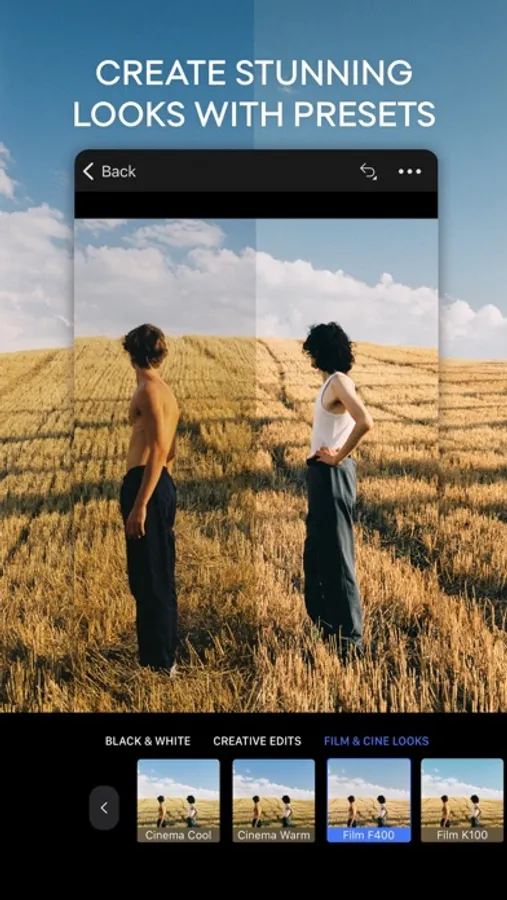
Turn RAWs into near-final images instantly. Make quick edits and auto-apply the same look as you shoot for faster, clearer client feedback during the session.
INCREDIBLE COLOR QUALITY
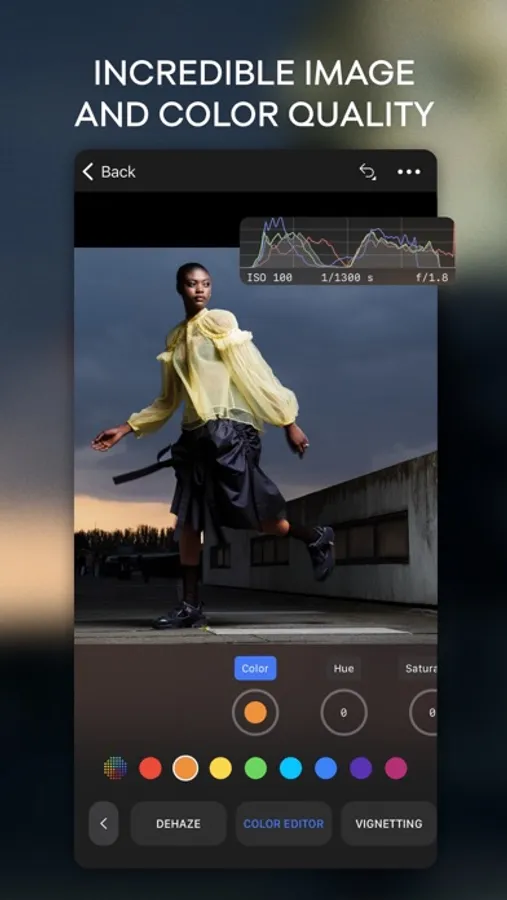
Get our renowned RAW conversion and hand-calibrated colors right on your mobile screen, for true-to-life tones and perfect skin every time.
STYLE & EDIT ON THE FLY
AirDrop your favorite presets and Styles, or create your own. Apply them in a tap, auto-create complex masks, correct perspective, straighten shots, and edit freely on the go.
DELIVER ANYWHERE
Export to an external SSD, or send your work to Capture One Pro with all edits and ratings intact, so you can start on mobile and finish on desktop seamlessly.
WORK WITH ANY CAMERA
Supports 550+ cameras from Canon, Sony, Nikon, FUJIFILM, Leica, and more. Control your camera, fire the shutter, and adjust settings right from your device.
PRICING & PLANS
Start with a 7-day free trial of Capture One Mobile. Continue with a mobile subscription, or go All in One to get:
* Capture One Pro (desktop)
* Capture One Mobile
* Capture One Live Unlimited
* Priority support
Upgrade to All in One and get the complete photo workflow, from capture to delivery.
Capture One Screenshots
Tap to Rate:
Reviews for Capture One
Asher Curri
Anti consumerist capture one
Capture One’s switch to a subscription model is a slap in the face to the photographers who supported them. They’re one unique selling point was the perpetual license, without that, they are just a less capable version of Lightroom. Capture One prioritized guaranteed revenue over product innovation and customer loyalty. If I have to pay a subscription, I’m choosing the industry leader. Pure greed!
Melek6311
Incomplete
The app is lacking a few important features. No color grading wheels for Shadows/Midtones/Highlights, mind you this is present in lightroom which is free. One thing that is maddening is the fact that the when you place a point down on any curve it doesn't automatically snap but assumes you have pixel perfect touch capabilities (nonexistent). The curve tool just needs to be reworked because apart from from that it locks if you tap outside of the box when dealing with with the most left/eight points. Its incredibly unrealistic to assume that on such a tiny device such as a phone you can have that level of precision with your finger. Whoever designed the curves and decided it was a good idea to make the ends snap and lock needs to be demoted asap.