With this mapping app, you can add, organize, and visualize multiple locations on a single map, filter by distance or name, and customize map views. Includes location search, grouping, notes, color-coding, and export options.
AppRecs review analysis
AppRecs rating 3.7. Trustworthiness 79 out of 100. Review manipulation risk 21 out of 100. Based on a review sample analyzed.
★★★☆☆
3.7
AppRecs Rating
Ratings breakdown
5 star
65%
4 star
11%
3 star
6%
2 star
5%
1 star
13%
What to know
✓
Low review manipulation risk
21% review manipulation risk
✓
Credible reviews
79% trustworthiness score from analyzed reviews
⚠
Ad complaints
Many low ratings mention excessive ads
About MapIt - Map Multiple Locations
Do you want to see where multiple locations are in relation to your location?
Do you want to plot multiple points and see which location is closer?
Want to map all your errands for the day?
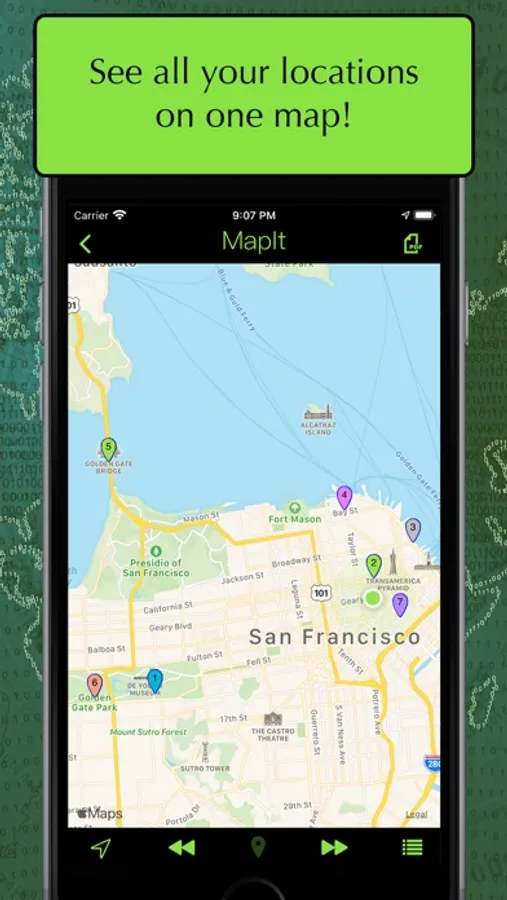
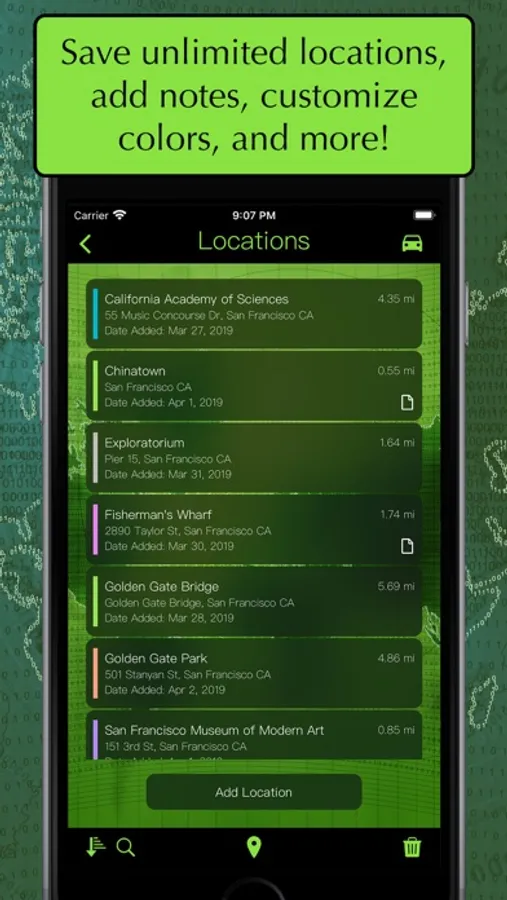
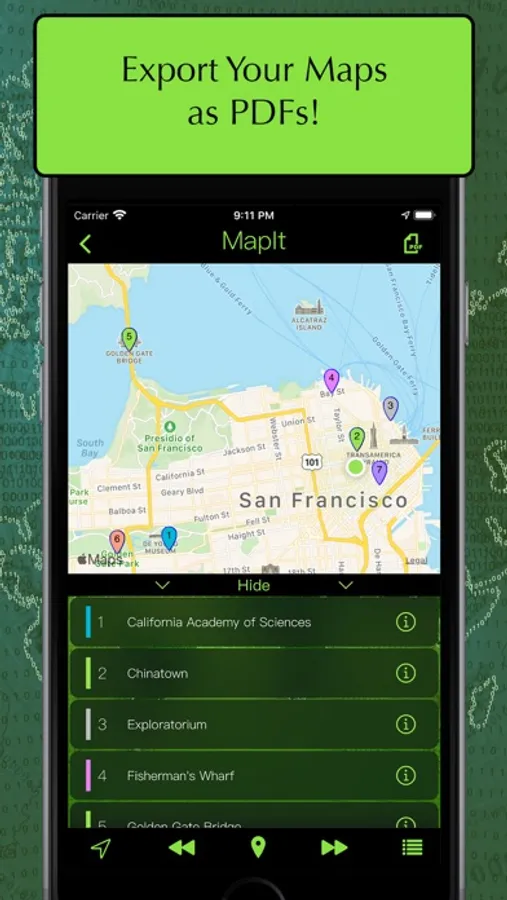
MapIt lets you map locations quickly and easily! You can view all your locations on a map or sort them by name, distance or date in a list. With a quick touch of a button, you can zoom in on an individual location or zoom out to see them all!
FEATURES:
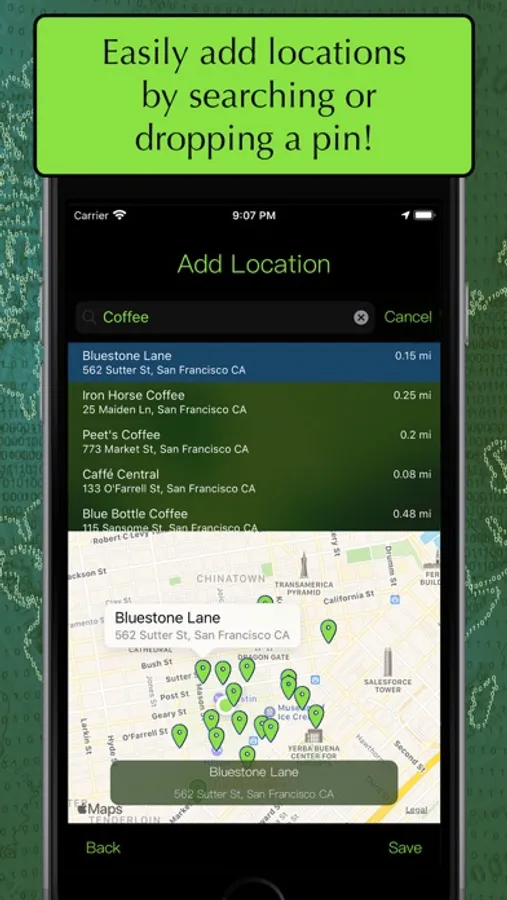
- Add locations by searching or dropping a pin
- Save unlimited** locations
- Supports renaming locations and adding notes to each location
- Customize colors for each location
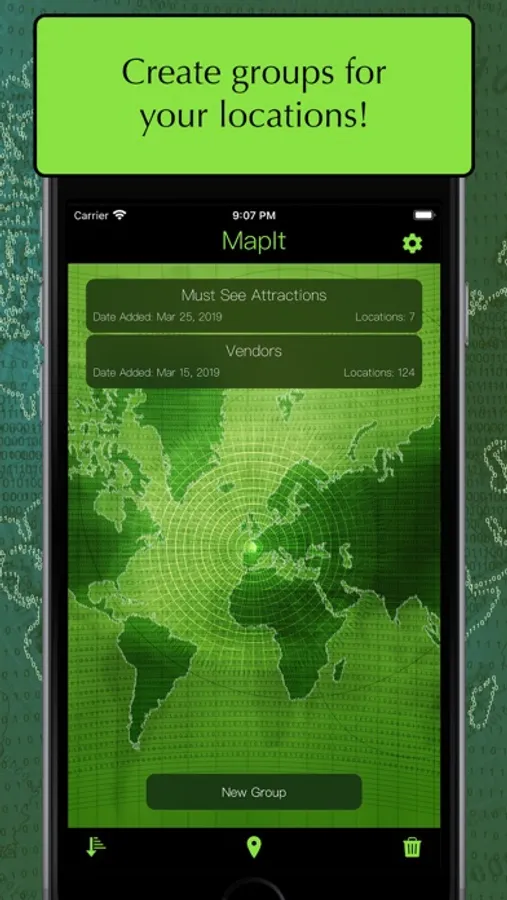
- Option to organize locations into groups**
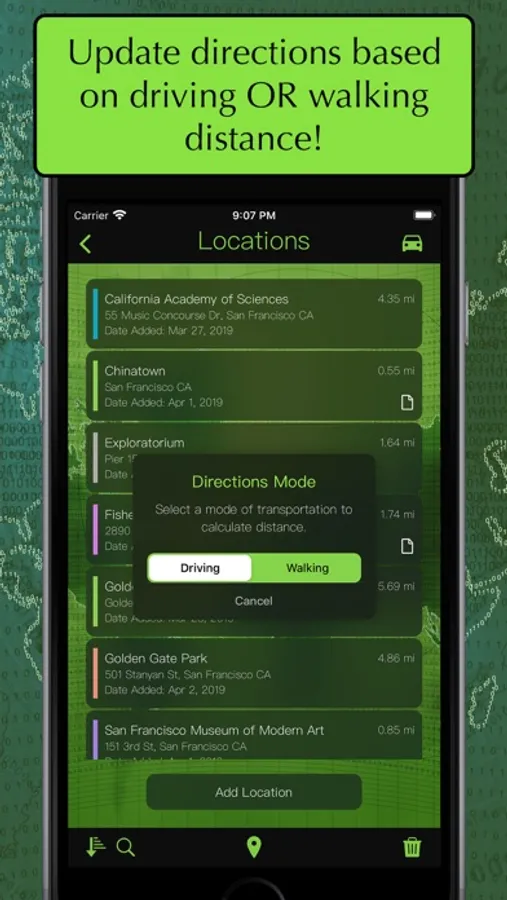
- See distance for either driving OR walking distance
- Open navigations options in either Apple Maps or Google Maps (if supported).
- Copy locations to other groups
- Switch between standard, satellite, and hybrid map types
- Sort groups by name, date added, date modified
- Sort locations by name, date added, distance, and custom
- Search locations by name or address
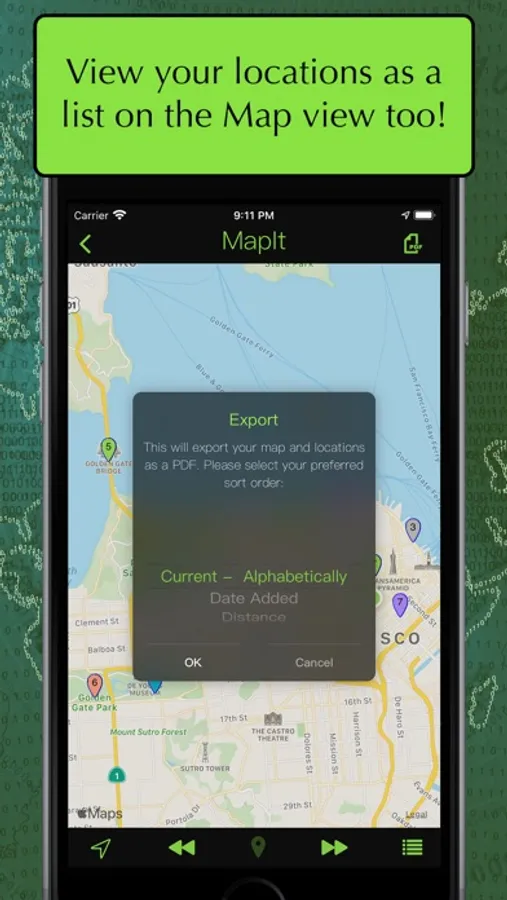
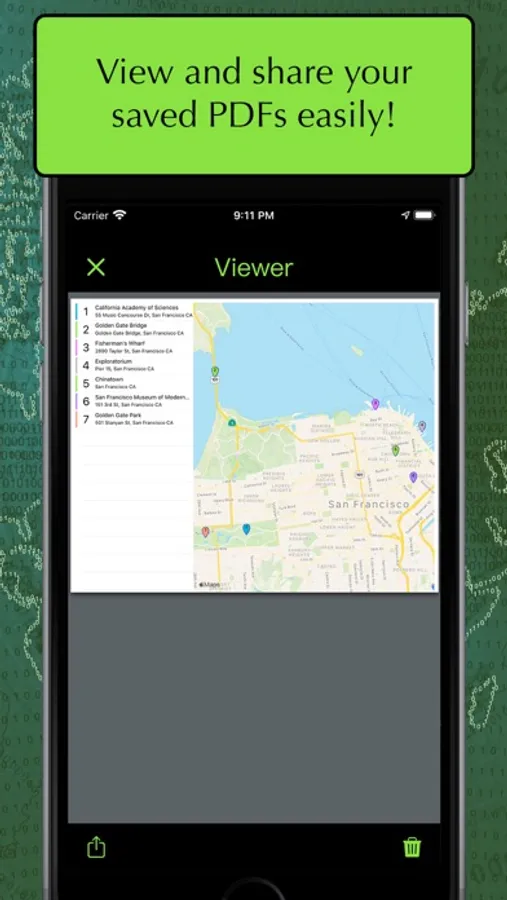
- Export your maps as a PDF
- Toggle between Imperial (miles) and Metric (kilometers) for distance
- Features an interactive tutorial on your first launch
**With a one-time In-App Purchase. The free version limits the number of group, locations and exports.
Subscription:
• Title: MapIt Tip Jar Month
• Length of subscription: 1 month
• Price of subscription: US$0.99 / Month
• Payment will be charged to iTunes Account at confirmation of purchase
• Account will be charged for renewal within 24-hours prior to the end of the current period, and identify the cost of the renewal
• Subscriptions may be managed by the user and auto-renewal may be turned off by going to the user's Account Settings after purchase
Terms of Use: https://www.apple.com/legal/internet-services/itunes/dev/stdeula/
Privacy Policy: https://skylaproductions.wordpress.com/my-apps/mapit-map-multiple-locations/mapit-privacy-policy/
MapIt - Map Multiple Locations Screenshots
Tap to Rate:
Reviews for MapIt - Map Multiple Locations
jtkane83
Could use some improvement.
I am using this app to plot points on a map for a leisurely roadtrip. It is incredibly helpful for plotting a course that sticks to the backroads. After one day of using the app, I already love it, but here are some suggestions I have to make it better. 1) When deleting a group, there should be a message that asks, “are you sure you want to delete this group?” I have mistakenly deleted two groups as I was trying to edit the group name, and I could t find a way to recover them. 2) I’d like to be able to see where all my added locations are while adding more locations. Currently, I can see all the locations that have been added but I have to go back and forth if I want to see them and I haven’t added all my points. 3) It would also be incredibly helpful if the points of interest could be links that take you to a web search. 4) It would also be helpful if I could rearrange the locations while I. Looking at the map. Overall it’s a great app, a few adjustments and it will be a lot better. Well worth the money to go ad-free with unlimited location adds. I think if you make the changes I mention here, you could justify charging more for the upgrades.
RatPack2121
Great App but keeps Crashing
Does everything I need it to after my company switched to a far inferior appointment map view. So, on that note, it’s great. It does, however, keep crashing on an iPhone 16 with iOS 18. Hopefully an update will fix it. Would also be nice to have a light view instead of everything so dark.