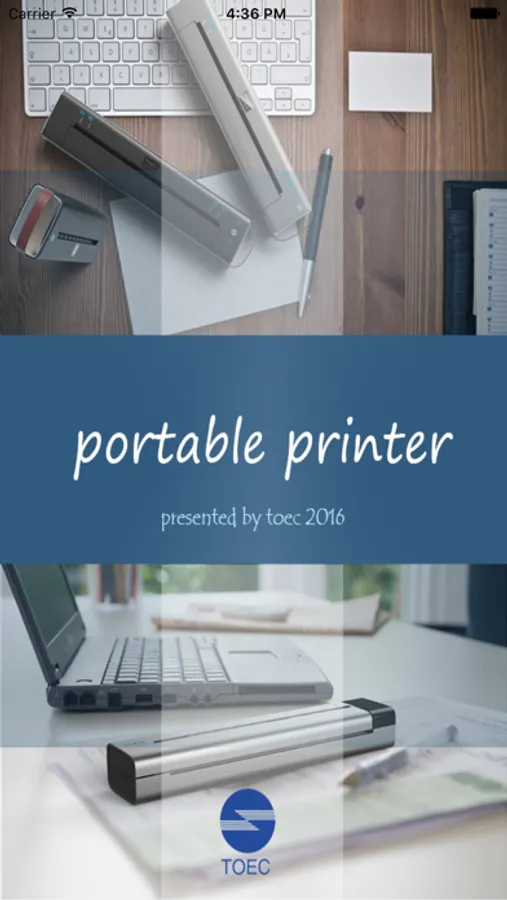
With this printing app, you can print images from your iPhone album or camera using a TOEC printer via WLAN and select between tattoo or thermal modes. Includes multiple print sizes and connection options.
AppRecs review analysis
AppRecs rating 1.8. Trustworthiness 71 out of 100. Review manipulation risk 23 out of 100. Based on a review sample analyzed.
★☆☆☆☆
1.8
AppRecs Rating
Ratings breakdown
5 star
10%
4 star
8%
3 star
8%
2 star
10%
1 star
63%
What to know
✓
Low review manipulation risk
23% review manipulation risk
⚠
Mixed user feedback
Average 1.9★ rating suggests room for improvement
⚠
High negative review ratio
73% of sampled ratings are 1–2 stars
About TOEC Printer
Key Features:
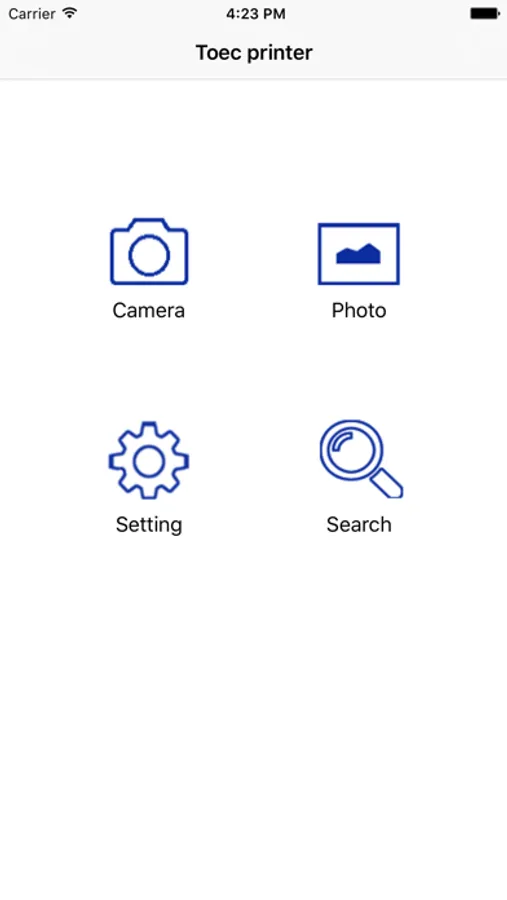
-Application can connect the Toec printer through WLAN or the WLAN module inside the printer.
-Application can print images such as the images of album or the photo by camera.
-Two print mode can be choose: tattoos or thermal mode. This means that we can use tattoo paper or the thermal paper to printing.
-Three print size can be choose: A4/ B5.
TOEC Printer Screenshots
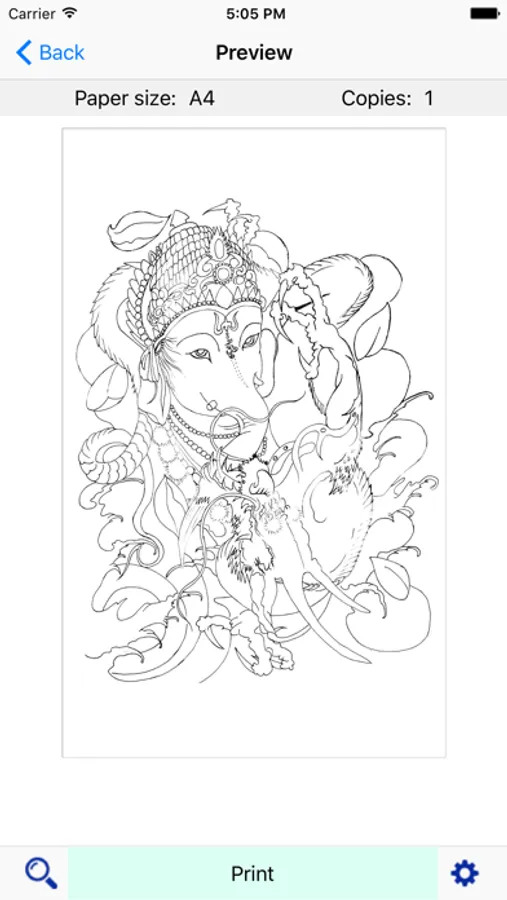
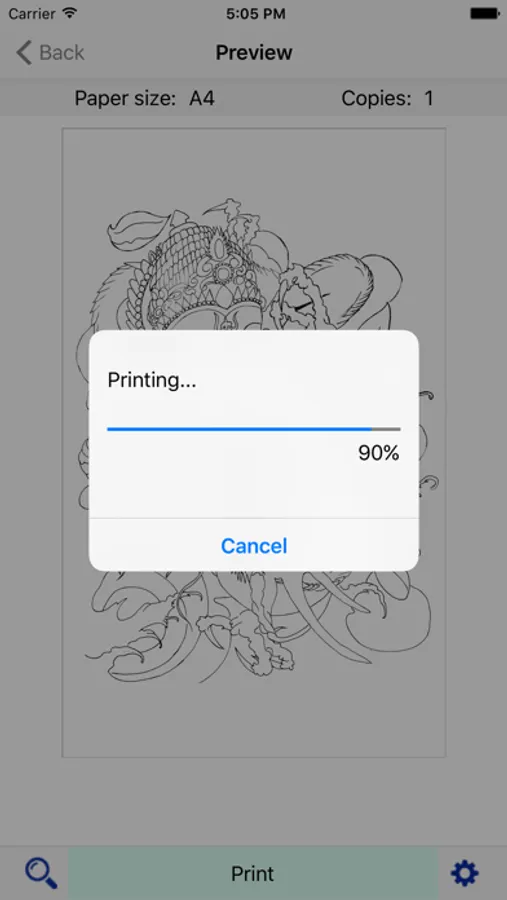
Tap to Rate:
Reviews for TOEC Printer
Xxlyons
Won’t connect
Printer won’t connect. Website is in another language. Can’t reach out
kibeeel
Found way to fix ghost, blank image issue
This suddenly stopped printing images. I toyed with some of the settings , go to the magnify glass tool and press both toec buttons listed to make sure they are both check marked . Change print visibility setting to “normal”, and click the B5 paper size instead of the typical A4 setting. Im not sure if all or just one of these settings fixed the issue. But this finally made the image visible again and successfully printed. Wanted to warn and offer others the advice. Wouldnt suggest purchasing and using unless already owning one. Just because of the amount of issues that fluctuate with its use with very little assistance or a manual online. Otherwise when it does function, a decent quality printer .