AppRecs review analysis
AppRecs rating 3.5. Trustworthiness 65 out of 100. Review manipulation risk 20 out of 100. Based on a review sample analyzed.
★★★☆☆
3.5
AppRecs Rating
Ratings breakdown
5 star
0%
4 star
0%
3 star
0%
2 star
100%
1 star
0%
What to know
✓
Low review manipulation risk
20% review manipulation risk
About ePrinter
Key Features:
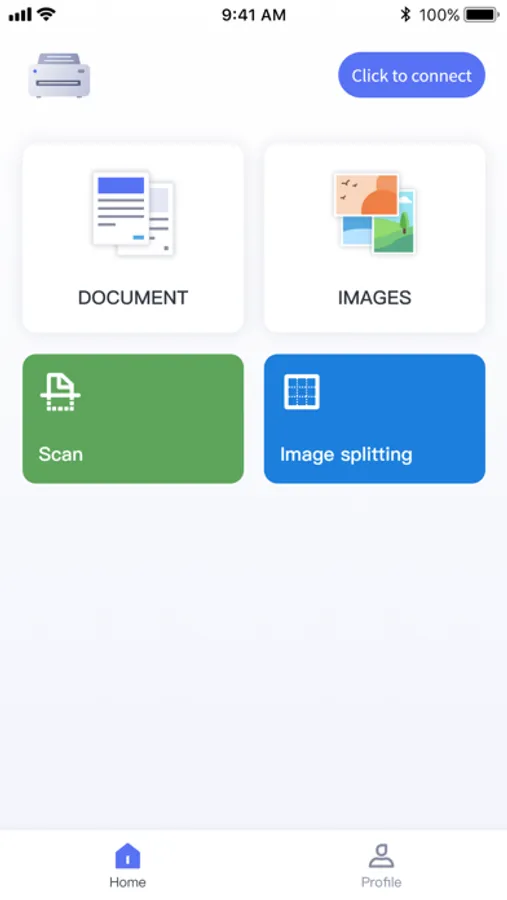
1. Document Printing:
Effortlessly print your documents, including text documents, PDFs, spreadsheets, and more.
Support for multiple document formats and printing options to cater to both professional and personal needs.
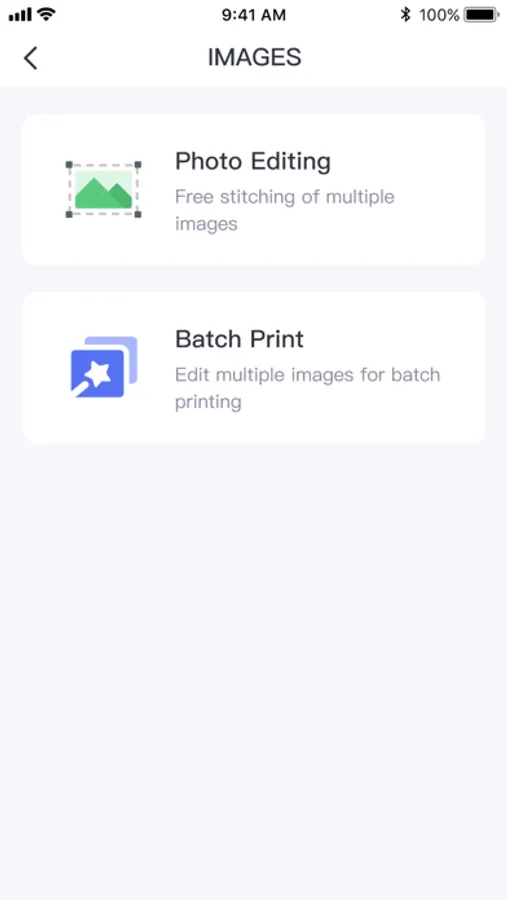
2. Photo Printing:
Transform your cherished photos into high-quality printouts.
Choose from various print sizes and textures to meet your preferences.
3. Scan Printing:
Utilize your device's camera for scan printing.
Convert physical documents, photos, or illustrations into digital documents for archiving or sharing.
4. Image Cropping:
Precisely crop large-sized images to obtain the desired sections.
Customize cropping options to ensure perfect output.
5. More Features Coming Soon:
We will continuously update the application, introducing powerful printing features.
Look forward to more print templates, filter effects, and additional output options.
Why Choose ePrinter:
User-friendly interface suitable for all users.
High-quality print output.
Ongoing feature updates to meet growing demands.
Secure and reliable, ensuring the protection of your data.
How to Use:
Download and install the "ePrinter" application.
Open the app and connect your printer device.
Select the printing function you desire.
Adjust settings and options to meet your needs.
Preview and confirm, then start printing.
Enjoy your exquisite printouts or digitized documents!
ePrinter is the ideal companion for your daily work and creative
requirements. Download it now and embark on a journey of seamless printing!
Term of Use:https://www.apple.com/legal/internet-services/itunes/dev/stdeula/
EULA:https://www.apple.com/legal/internet-services/itunes/dev/stdeula/
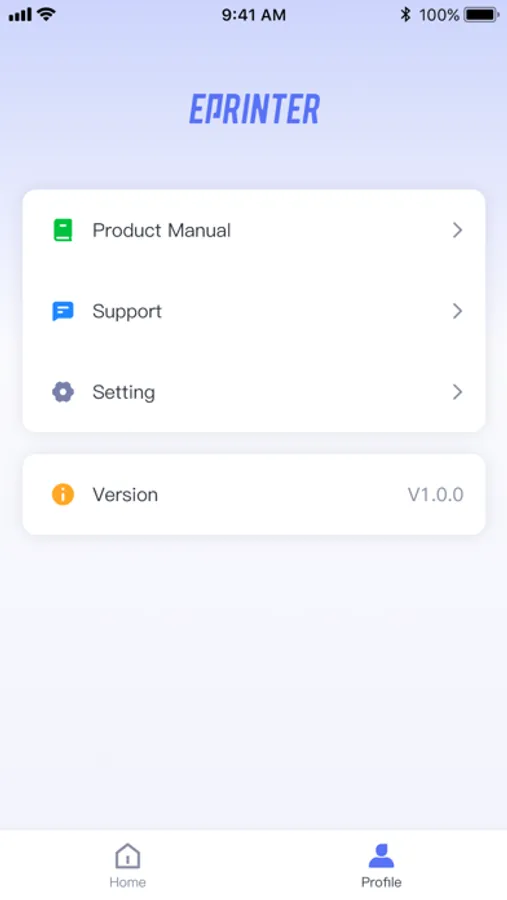
ePrinter Screenshots
Tap to Rate:
Reviews for ePrinter
Alita.alita
Wrong design dimensions
The app says: "When the anti-wrinkle mode is turned on, anti-wrinkle lines will be printed on both sides of the paper to reduce the wrinkle problem of the tattoo paper. If you do not need to turn it on, you can select "Off"." But unfortunately there is no OFF OPTION, so the cm/inch of the design are always slightly off. The app could be fixed, hopefully soon!
drawingoria
Límite de tamaño mínimo
La aplicación no me deja imprimir una forma de menos de 34 mm y yo muchas veces necesito imprimir cosas más pequeñas