In this scorekeeping app, you can track scores for multiple games and share scoreboards with others. Includes features for managing players, creating groups, and customizing scoring options.
AppRecs review analysis
AppRecs rating 4.5. Trustworthiness 73 out of 100. Review manipulation risk 24 out of 100. Based on a review sample analyzed.
★★★★☆
4.5
AppRecs Rating
Ratings breakdown
5 star
81%
4 star
12%
3 star
4%
2 star
1%
1 star
1%
What to know
✓
Low review manipulation risk
24% review manipulation risk
✓
Credible reviews
73% trustworthiness score from analyzed reviews
✓
High user satisfaction
81% of sampled ratings are 5 stars
About GameScore - Scorekeeper
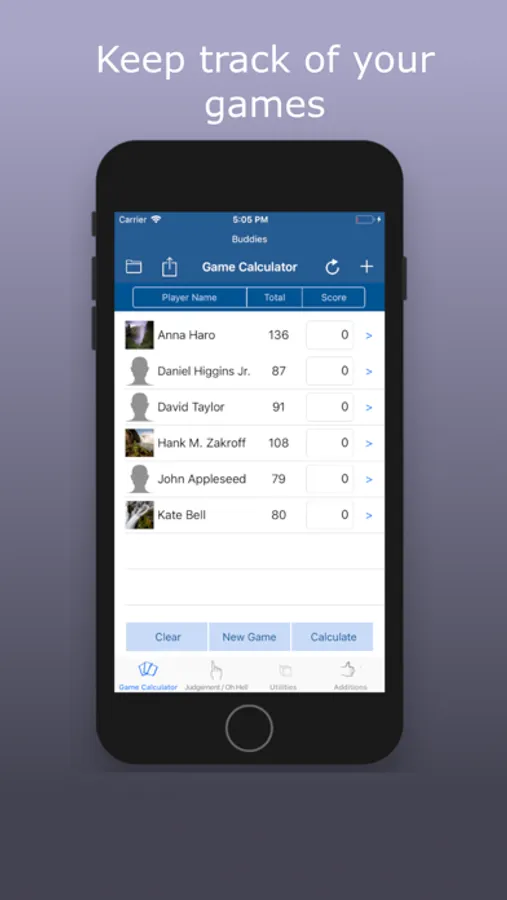
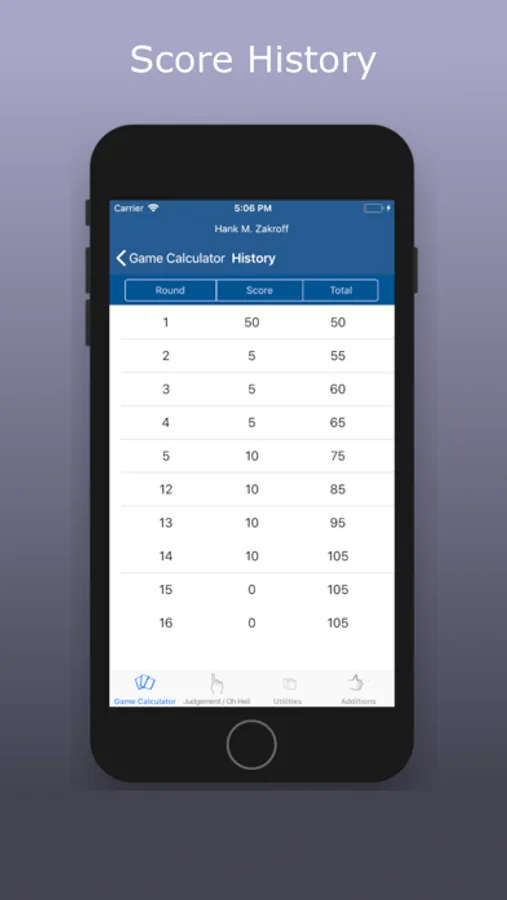
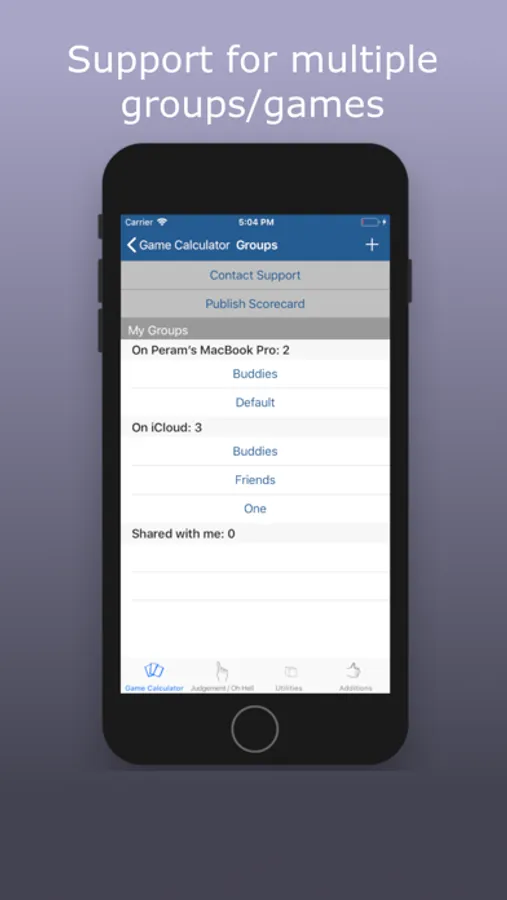
Do you play with multiple teams? Keep multiple scoreboards and continue from where you left off.
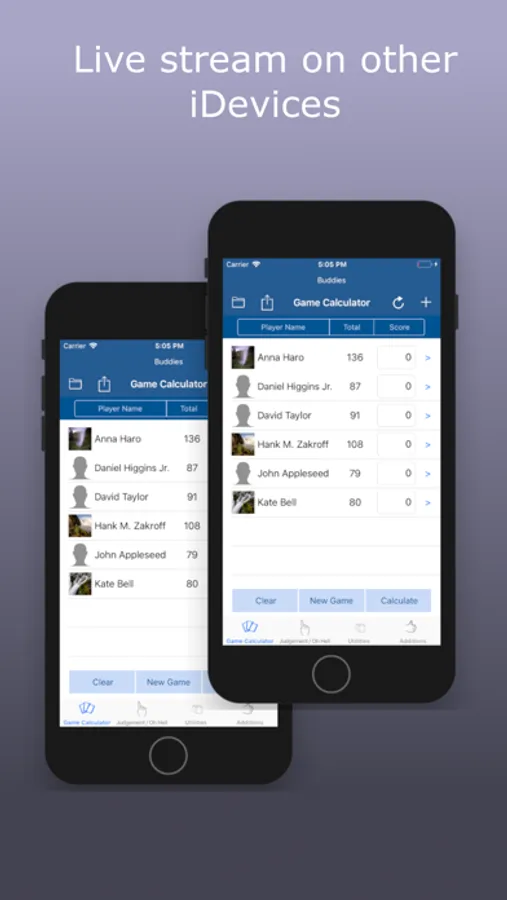
Getting pestered about scores? Share your scoreboard with other players so that they can look it up on their iDevices.
Publish your results by email/message or post it to social media.
- Add players from your contacts or manually
- Create multiple groups eg: Friends, family, coworkers and share them if they are created on iCloud
- Delete lists or players by swiping left
- Same player can be on multiple lists
- Sort by name, current score or total score
- Clear scores or clear board if you want to start all over again
- Publish your scores by email/message or post it to social media
- No limit on number of players or number of groups
- Negative scores are ok too.
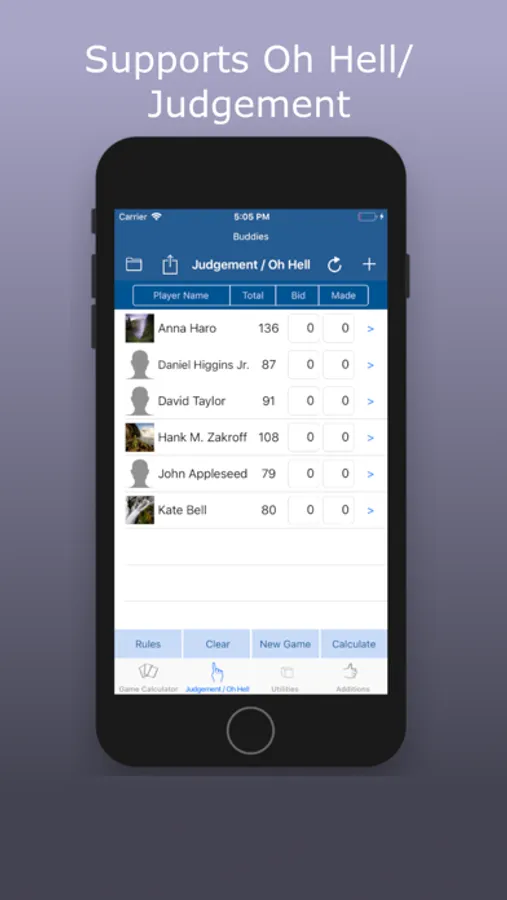
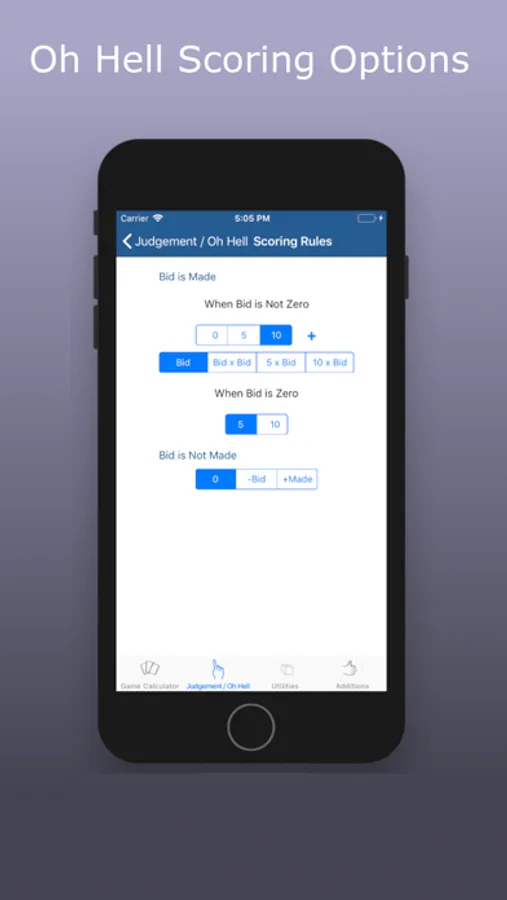
It also has a "Whist/Oh Hell" scorekeeper where scoring is done differently. Scoring rules are configurable in the app. Oh Hell is known by many names: Niggle, Estimate, Estimation, Judgement, Oh Pshaw, Pooch, German Bridge etc
Oh Hell has many variations for scoring. If you like a particular scoring style, send us feedback and we will add it if there is enough interest.
GameScore - Scorekeeper Screenshots
Tap to Rate:
Reviews for GameScore - Scorekeeper
Burdine11
Great!
This app is awesome and saves me a ton of time. We use it for the game of Golf
akg22
Hard to use interface
The small scoring boxes are difficult to select and type scores. When you are done adding scores you need to click on an empty (non keyboard) area to see the calculate button. Number of other free apps with ability to view history without purchasing or wasting time to watch a video!