In this video recording app, users can adjust camera settings, stabilization, and audio options to capture high-quality videos with customizable parameters. Includes support for external storage, various resolutions, frame rates, and synchronization features.
AppRecs review analysis
AppRecs rating 3.6. Trustworthiness 79 out of 100. Review manipulation risk 20 out of 100. Based on a review sample analyzed.
★★★☆☆
3.6
AppRecs Rating
Ratings breakdown
5 star
54%
4 star
15%
3 star
7%
2 star
9%
1 star
15%
What to know
✓
Low review manipulation risk
20% review manipulation risk
✓
Credible reviews
79% trustworthiness score from analyzed reviews
✓
Good user ratings
69% positive sampled reviews
About REC - Pro Video Camera
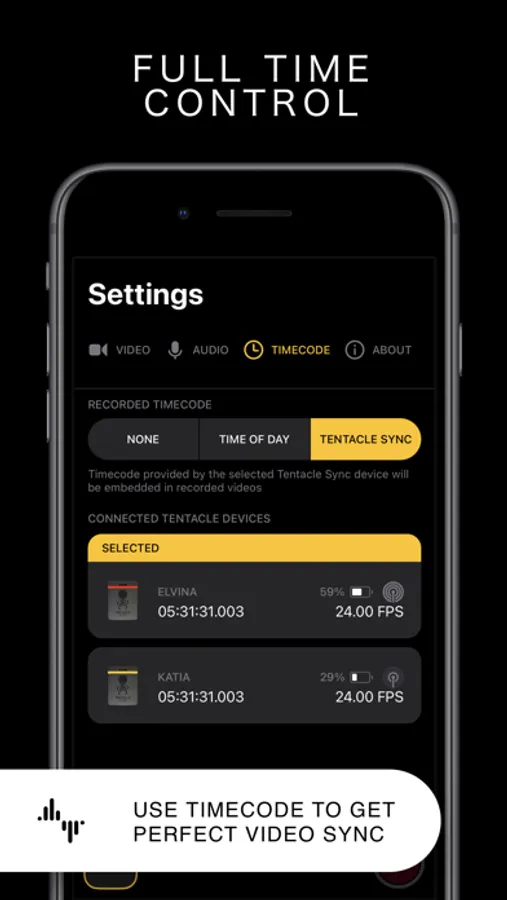
Plus, with REC's timecode feature, you can easily synchronize footage from multiple devices for seamless, multi-angle videos. Choose from "Time of Day" timecode or use Bluetooth sync with Tentacle Sync devices for precise, one-frame resolution synchronization. And with seamless management options, including preview, watch, and send directly to your photo library or favorite editing app, you can create and share professional-quality videos with ease.
Here's a quick summary of REC's plethora of video options:
- Camera: Front, Telephoto, Wide, Ultra-Wide (As available on your device.)
- Camera Stabilization (As available by device and camera selection.)
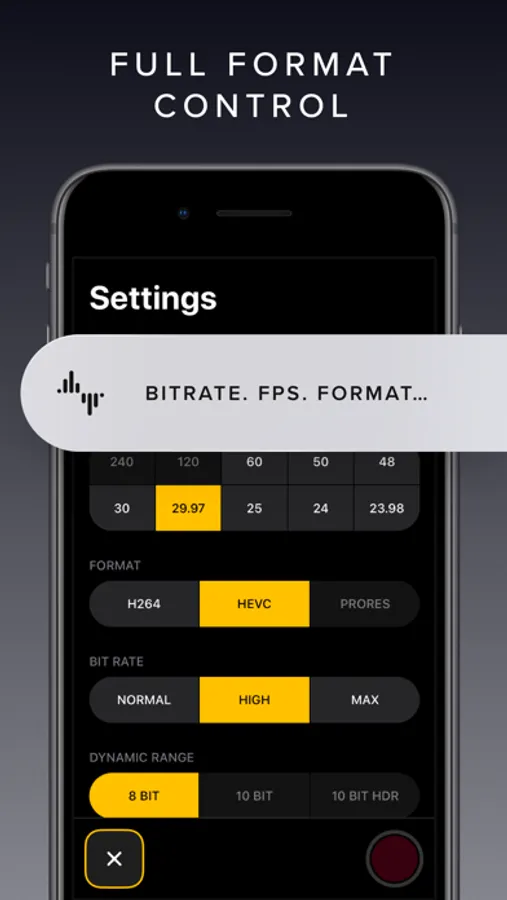
- Resolution: Open Gate, 4K, 1080p, 720p (As available by device.)
- FPS: 240, 120, 60, 50, 48, 30, 29.97, 25, 24, 23.98 (As available by device and camera selection.)
- Bit Rate: Normal, High, Max
- Dynamic Range: 8 Bit, 10 Bit, 10 Bit HDR (As available by device and other selections.)
- Format: HEVC, H.264, ProRes 422 HQ, ProRes RAW HQ (As available by device and other selections.)
- Lock Exposure and White Balance when recording begins.
- Apple Log and Apple Log 2 support when recording in ProRes.
- External storage support for iPhone 15 to 17 Pro using USB-C,
Audio
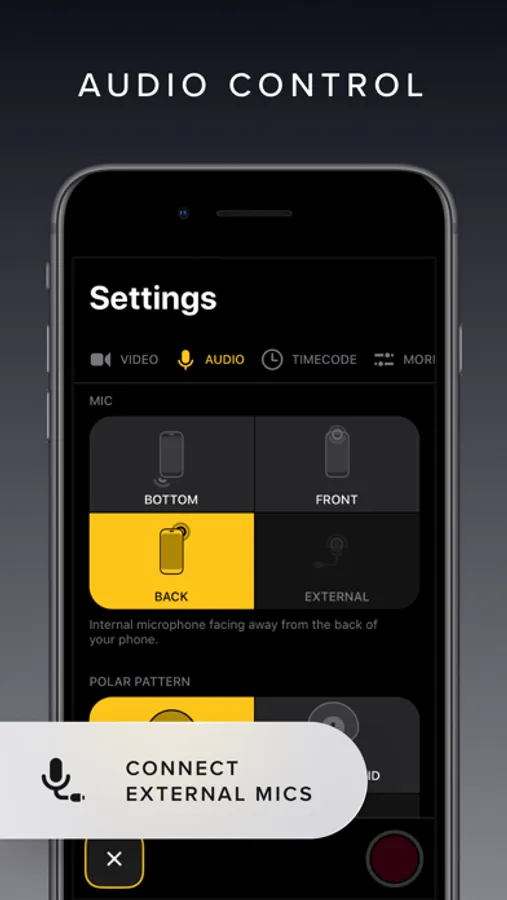
Here's a quick summary of REC's extensive audio options:
- Microphone: Front, Back, Bottom, External (As available on your device.)
- Microphone Gain control
- Microphone Polar Pattern control: Choose omni, subcardioid, cardioid or stereo pickup depending on what best fits your usage. (As available by device and microphone.)
- Sample Rate: 24Khz, 44.1Khz, 48Khz
- Format: AAC, PCM
Lot of options! But REC gives you simplicity along with flexibility, you'll never be able to select a combination that doesn't work with your device.
Captivating Controls
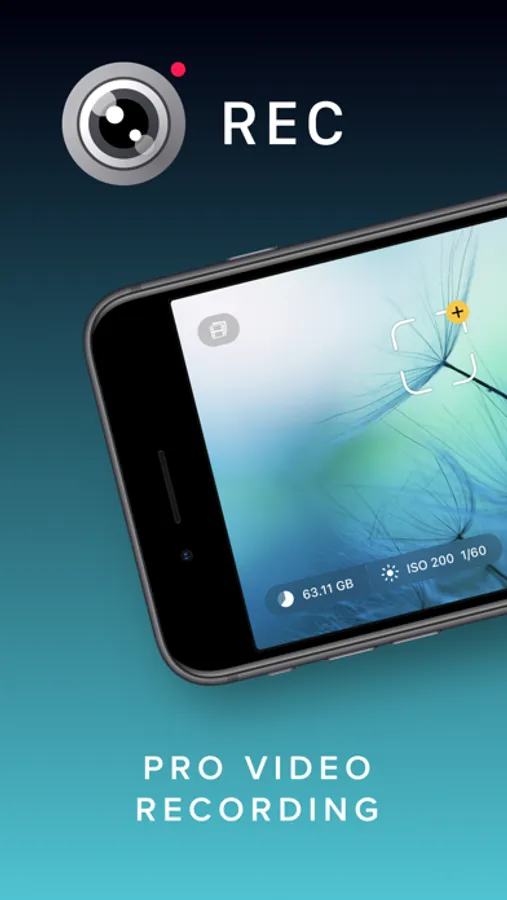
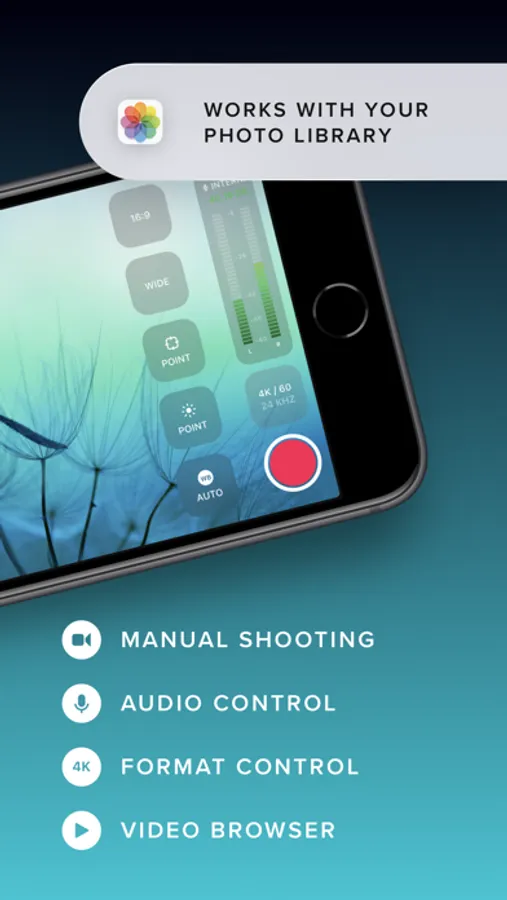
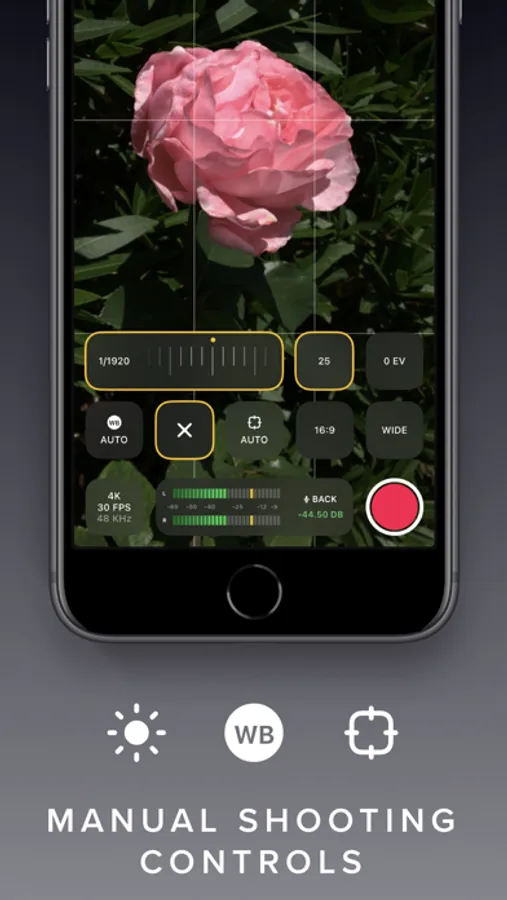
REC's floating buttons put pro level controls at your fingertips, and keeps them out of the way while you're focusing on what's important, shooting your video! A single tap brings up any of the control menus where you can adjust the white balance, shutter speed, ISO, EV, and focus manually. Or, use our intuitive touch controls to specify precisely where in your frame focus on and expose to. Quickly swap between the Wide, Ultra-Wide, Telephoto, or Front cameras and different formats with a flick of your finger, and your selection is always available at a glance. Optionally overlay a grid, and zoom in or out to help you frame the perfect shot every time.
Terrific Timecodes
REC provides two Timecode methods. The first one is "Time of Day", which simply records your device's clock information alongside the video. In order for it to work, just make sure all your devices are set to the same time. For really accurate and extremely simple synchronization, REC also provides Bluetooth sync using Tentacle Sync devices. Using Tentacle Timecode, REC is able to synchronize your iPhone footage with high accuracy. You can find more about the Tentacle Sync solutions at https://tentaclesync.com.
Marvelous Management
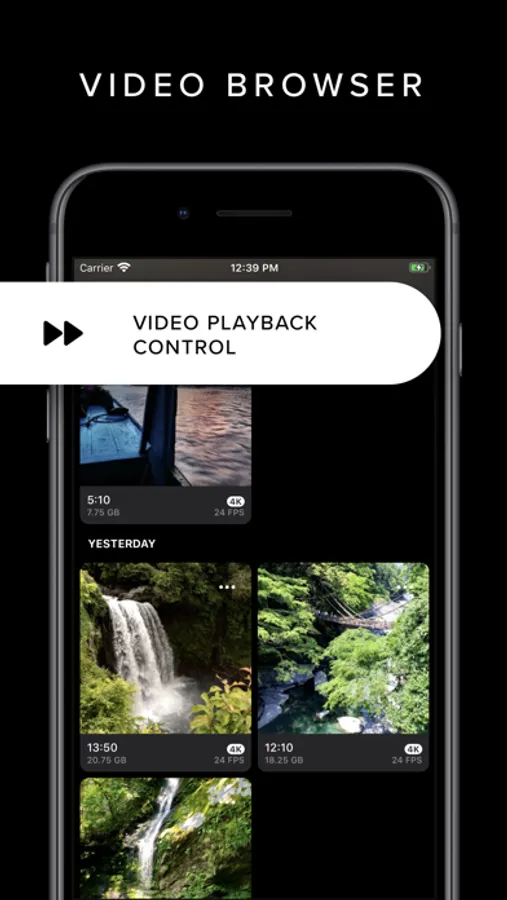
REC saves all of your videos seamlessly to the built-in manager that lets you quickly and easily preview your creations. Watch your shots at different speeds, and preview them without sound if you're trying to find the right shot to share in a sensitive environment. Sending a video to your photo library or favorite editor is just a tap away. Or if you'd prefer, send videos directly to the Photo Library and enjoy its seamless integration with any app that supports video.
Terms of use: https://www.apple.com/legal/internet-services/itunes/dev/stdeula/
REC - Pro Video Camera Screenshots
Tap to Rate:
Reviews for REC - Pro Video Camera
Man.Osm
A Videography Powerhouse for Educators
Whether for recording training videos, student presentations, or lab demonstrations, REC delivers professional results. The variety of frame rates and dynamic range options allows for creative and clear visual explanations. It’s reliable, packed with features found in apps costing much more, and incredibly easy to recommend to colleagues. The best investment for educational video creation on iPhone.
Chris Biskit
The best of them all
Absolutely The best of them all.