AppRecs review analysis
AppRecs rating 1.8. Trustworthiness 70 out of 100. Review manipulation risk 26 out of 100. Based on a review sample analyzed.
★☆☆☆☆
1.8
AppRecs Rating
Ratings breakdown
5 star
10%
4 star
10%
3 star
0%
2 star
10%
1 star
70%
What to know
✓
Low review manipulation risk
26% review manipulation risk
✓
Credible reviews
70% trustworthiness score from analyzed reviews
⚠
Mixed user feedback
Average 1.8★ rating suggests room for improvement
About LHSecondScreenApp
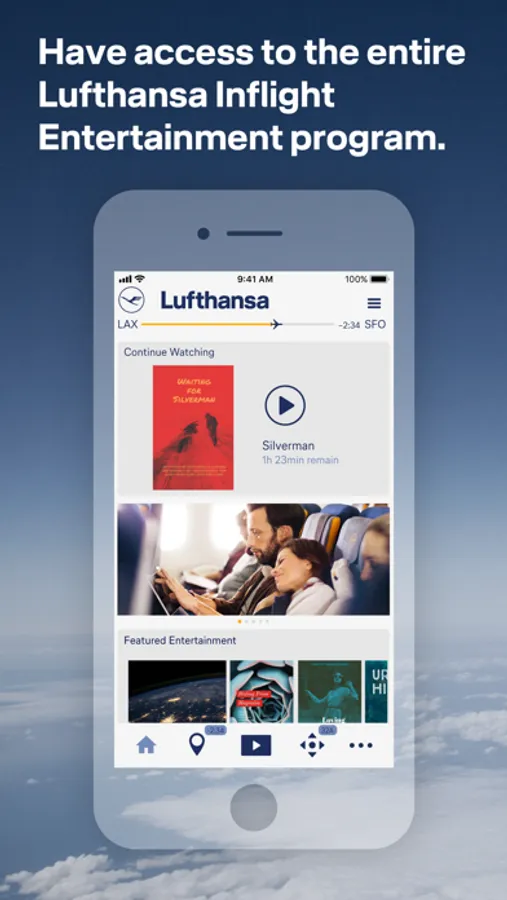
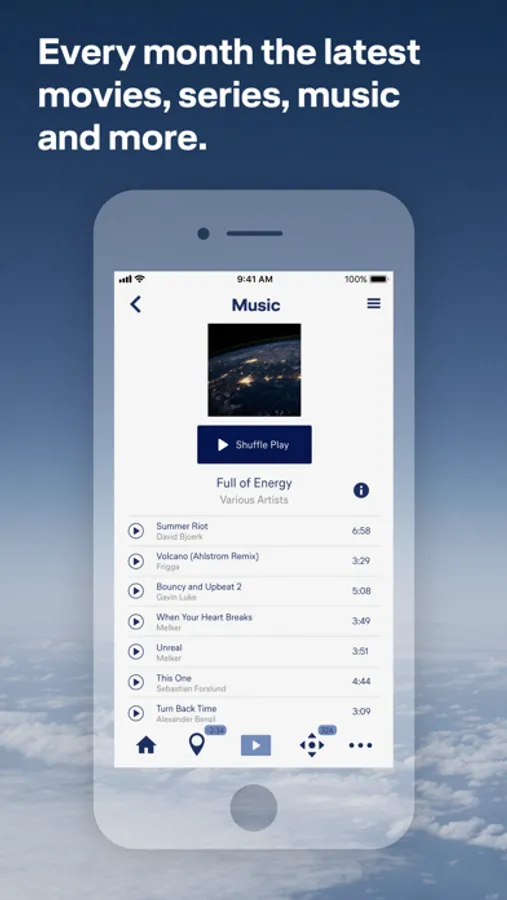
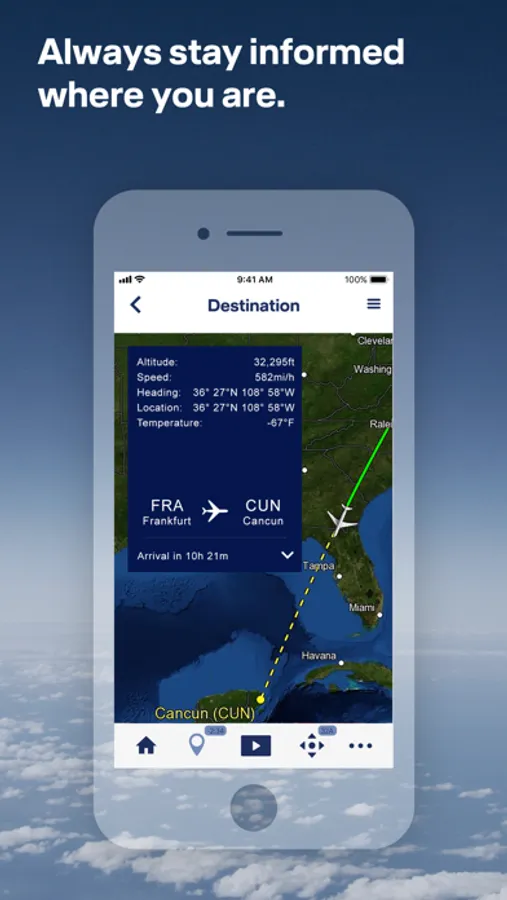
The LHSecondScreenApp also provides you with up-to-date flight information and the location of your flight on a map.
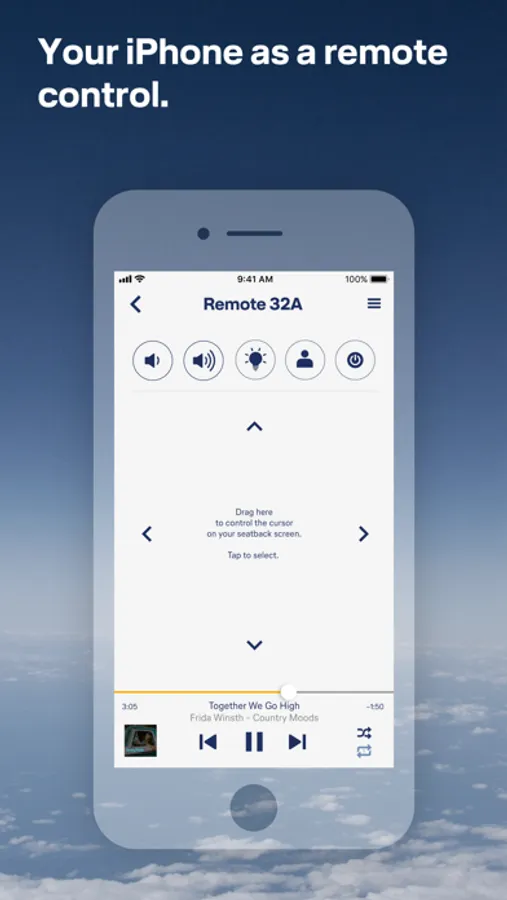
What do you need to do - once you're on board your Rave Inflight Entertainment flight, connect to the Telekom_FlyNet hotspot, launch the LHSecondScreenApp, connect your device to the seat screen and sync - ready.
Please note that this app is only available on flights with the Lufthansa Rave Inflight Entertainment. Flights with Rave Inflight Entertainment are longhaul flights starting in Berlin, Frankfurt, Munich or Düsseldorf.
For Lufthansa flights with the Airbus A350 you need a different version of the Entertainment App. These can be found in the App Store under the name “LH Entertainment App”. Whether you have booked a flight with the Lufthansa A350 can be seen in the booking or the preflight e-mail using the A350 symbol.
For Lufthansa flights with the Airbus A350 you need a different version of the Entertainment App. These can be found in the App Store under the name “LH Entertainment App”. Whether you have booked a flight with the Lufthansa A350 can be seen in the booking or the preflight e-mail using the A350 symbol.
LHSecondScreenApp Screenshots
Tap to Rate:
Reviews for LHSecondScreenApp
Troglodyte4senate
Pointless
It's just a remote for the seat back app. It provides zero value, and needlessly complicates a touchscreen by adding a touchpad in the form of your phone.
Moglee
Does Not Work
I was flying in an A380 from SIN to FRA. As instructed I connected to the Telekom hotspot, started the app and pressed the connect button. The screen then changed for a fraction of a second and returned to the one showing the connect button. No message showing what to do or describing what the problem is. Very user unfriendly.