
Use this health monitoring app to measure your heart rate with your iPhone camera and view blood flow patterns. Includes trend graphs, real-time heartbeat visualization, and health data integration.
AppRecs review analysis
AppRecs rating 4.6. Trustworthiness 72 out of 100. Review manipulation risk 29 out of 100. Based on a review sample analyzed.
★★★★☆
4.6
AppRecs Rating
Ratings breakdown
5 star
77%
4 star
13%
3 star
6%
2 star
2%
1 star
2%
What to know
✓
Low review manipulation risk
29% review manipulation risk
✓
Credible reviews
72% trustworthiness score from analyzed reviews
✓
High user satisfaction
77% of sampled ratings are 5 stars
About HEARTshape - Pulse and Fitness
What does your pulse look like? Not just the number of beats it does per minute (i.e. the heart rate), but how does it behave? HEARTshape will let you see your heart in a whole new light!
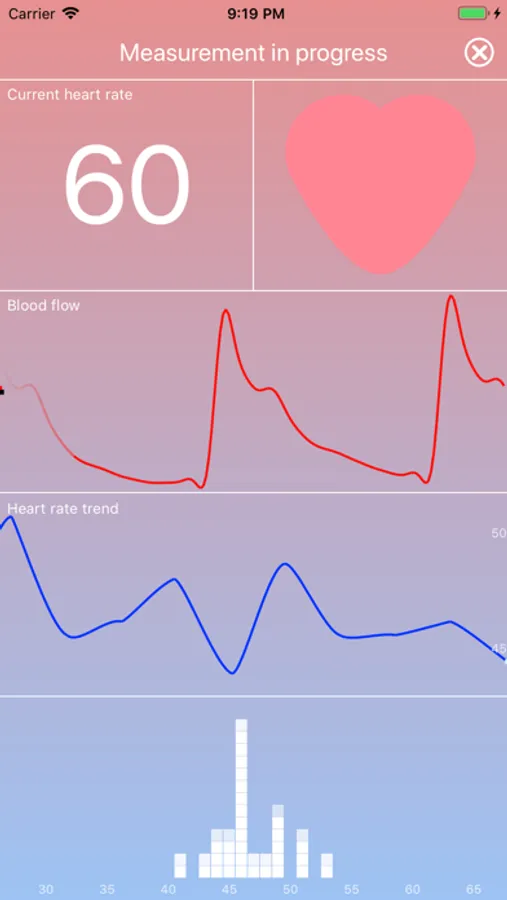
HEARTshape measures your heart rate using your iPhone camera and flash. No need for a dedicated heart rate monitor!
HEARTshape gives you the possibility to see how blood flows through your finger with every heartbeat. How your heart rate changes - not minute by minute, but heartbeat by heartbeat. Changes to your heart rate will be displayed in an instant - with every new pulse!
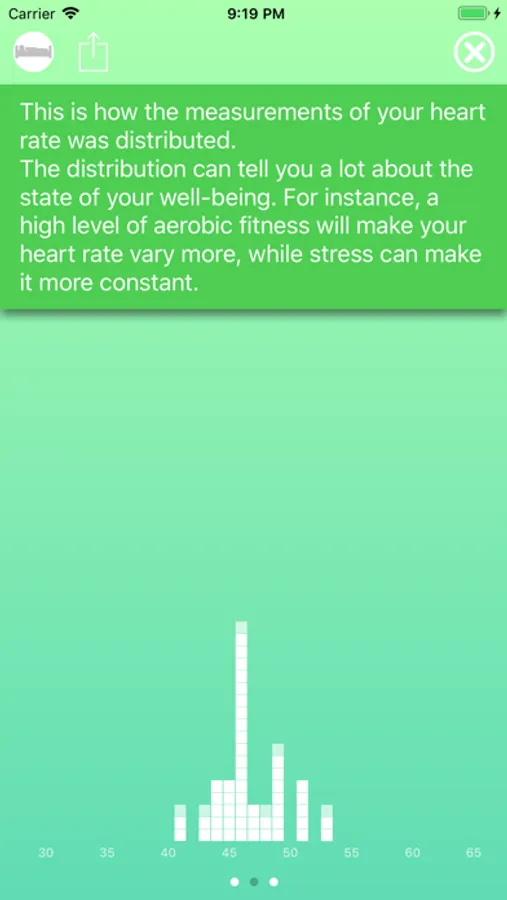
HEARTshape will also show you how your heartbeats are distributed so that you can clearly see every time your heart skips a beat.
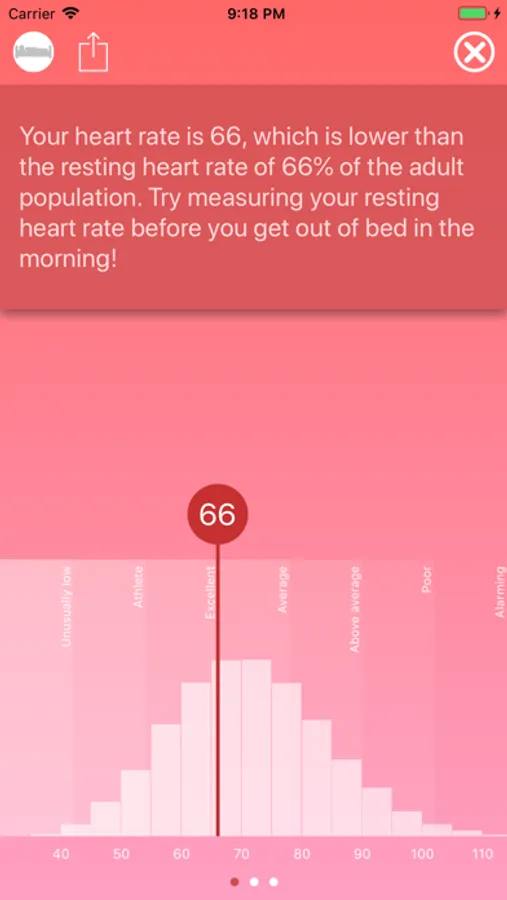
You should also take the opportunity to compare your heart rate to the general population. How does your resting heart rate measure up?
Features:
- Optical measurement of blood flow and detection of heartbeats using the built-in camera.
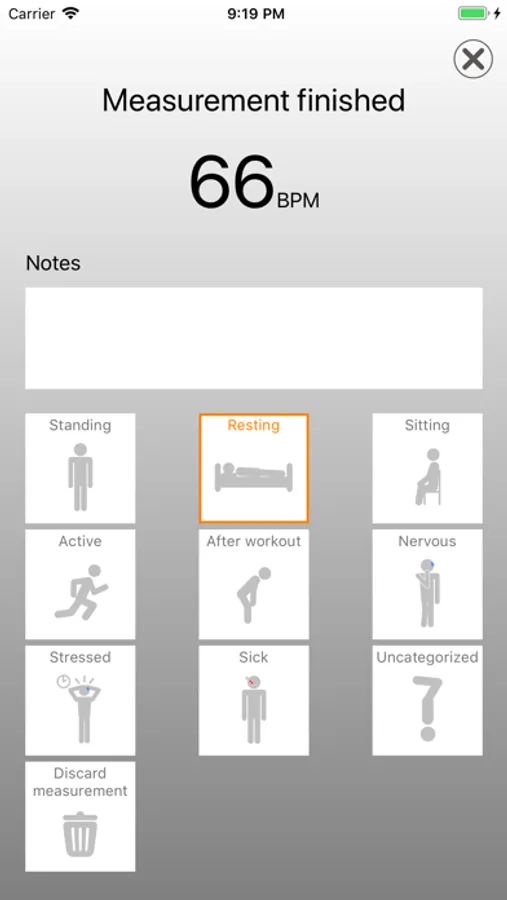
- Measurement of heart rate (beats per minute).
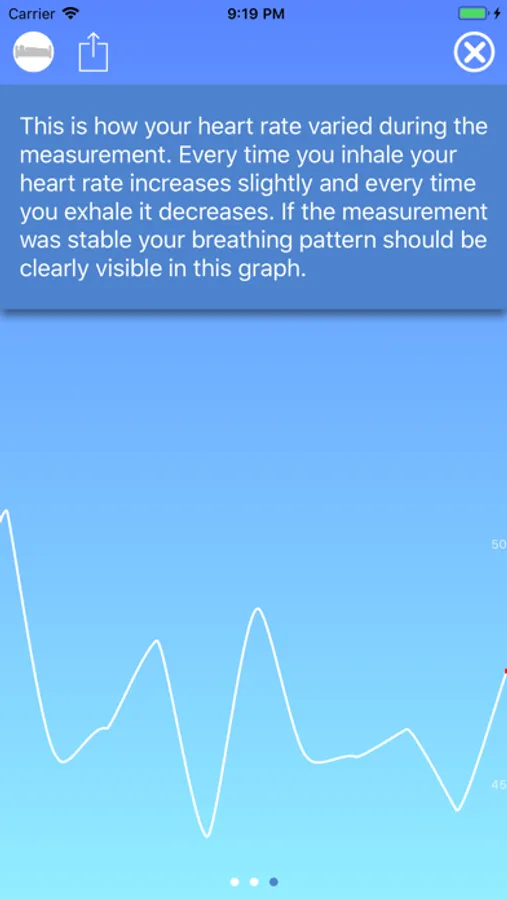
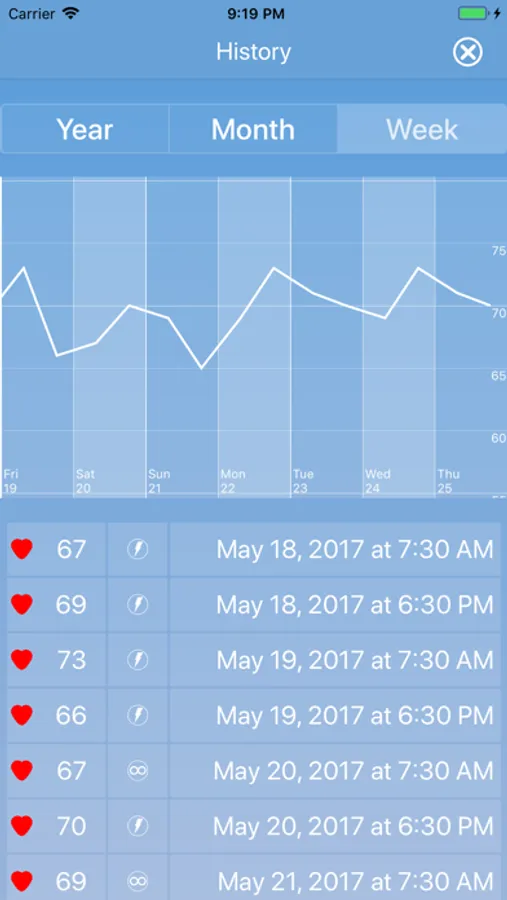
- Trend graph that shows how your heart rate changes with every heartbeat.
- Shows the variation of the beat to beat interval in realtime, i.e. the heart rate for each and every heartbeat.
- HealthKit integration to show you how your heart rate has changed over a longer period of time (enable in settings).
- Feel your heart beat! Using haptic feedback, you'll now be able to not only see but also feel your heart beats in real time. This feature requires iOS 13 and supported hardware (iPhone 8 and above).
---
Note:
This app is intended for recreational use. It is not intended for medical diagnoses or similar purposes. The contents is not to be seen as medical advice. If you need medical consultation, we advice you to see a doctor.
HEARTshape measures your heart rate using your iPhone camera and flash. No need for a dedicated heart rate monitor!
HEARTshape gives you the possibility to see how blood flows through your finger with every heartbeat. How your heart rate changes - not minute by minute, but heartbeat by heartbeat. Changes to your heart rate will be displayed in an instant - with every new pulse!
HEARTshape will also show you how your heartbeats are distributed so that you can clearly see every time your heart skips a beat.
You should also take the opportunity to compare your heart rate to the general population. How does your resting heart rate measure up?
Features:
- Optical measurement of blood flow and detection of heartbeats using the built-in camera.
- Measurement of heart rate (beats per minute).
- Trend graph that shows how your heart rate changes with every heartbeat.
- Shows the variation of the beat to beat interval in realtime, i.e. the heart rate for each and every heartbeat.
- HealthKit integration to show you how your heart rate has changed over a longer period of time (enable in settings).
- Feel your heart beat! Using haptic feedback, you'll now be able to not only see but also feel your heart beats in real time. This feature requires iOS 13 and supported hardware (iPhone 8 and above).
---
Note:
This app is intended for recreational use. It is not intended for medical diagnoses or similar purposes. The contents is not to be seen as medical advice. If you need medical consultation, we advice you to see a doctor.
HEARTshape - Pulse and Fitness Screenshots
Tap to Rate:
Reviews for HEARTshape - Pulse and Fitness
KAL4YHVH
It worked for several weeks fine
It doesn’t work anymore. First it would do nothing when I open it. Now it make a squiggly line even if my finger is not on the camera and give no heat raté number.
Mańan
Jauja
Feliz