In this scoreboard app, you can customize and control game scores, timers, and penalties with various layouts and external device support. Includes features like social sharing, external display connections, sound effects, and multi-sport support.
AppRecs review analysis
AppRecs rating 4.6. Trustworthiness 71 out of 100. Review manipulation risk 32 out of 100. Based on a review sample analyzed.
★★★★☆
4.6
AppRecs Rating
Ratings breakdown
5 star
79%
4 star
12%
3 star
5%
2 star
1%
1 star
3%
What to know
✓
Credible reviews
71% trustworthiness score from analyzed reviews
✓
High user satisfaction
79% of sampled ratings are 5 stars
✓
Authentic reviews
Natural distribution, no red flags
About Ultimate Scoreboard
Features:
- Choose between 6 different layouts when presented on an external screen.
- Adjustable length- and number of periods.
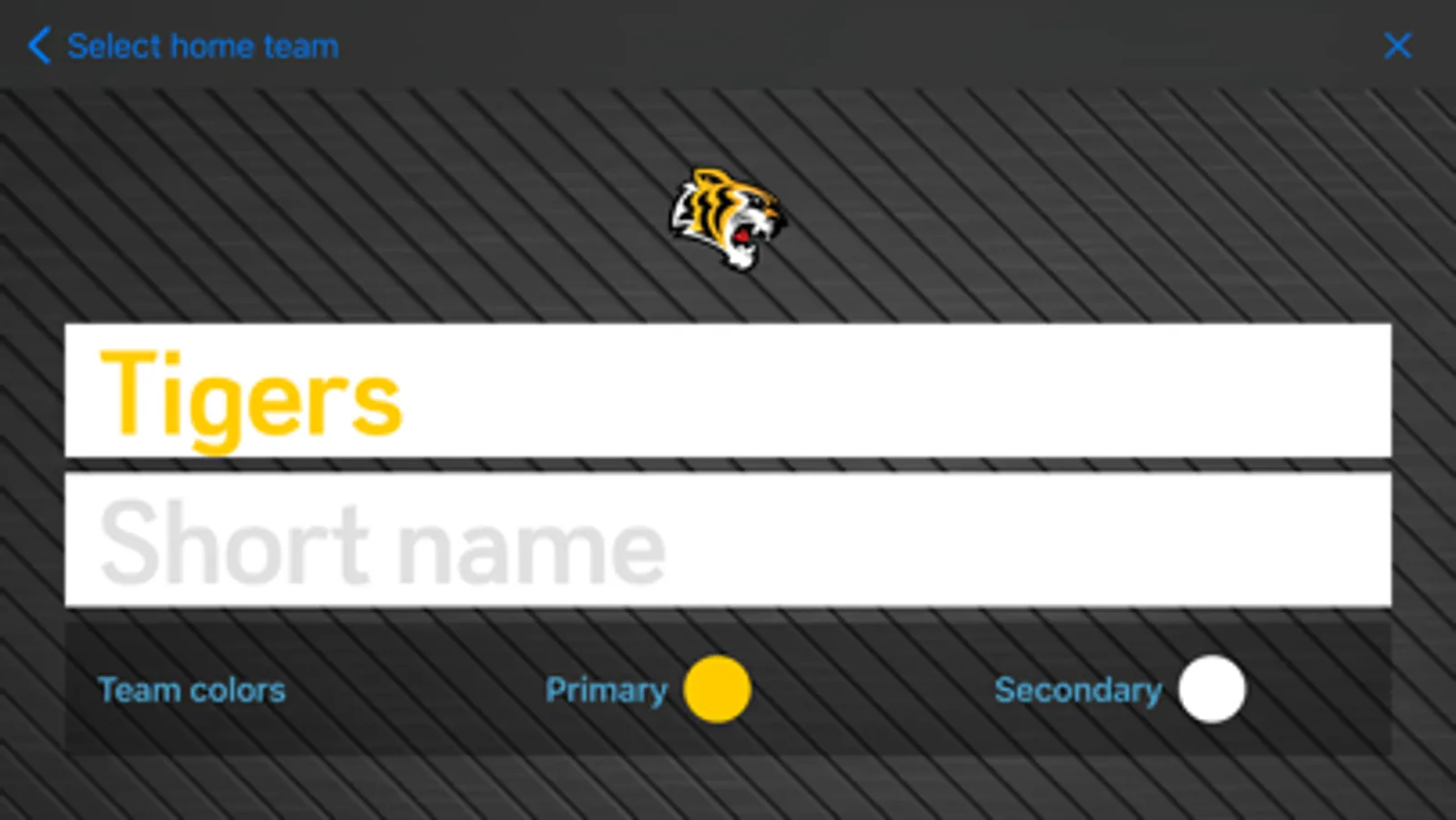
- Set up teams with optional logos and colors.
- Penalties - shows up to three concurrent penalties per team, supports unlimited concurrent penalties. Penalties can be edited and removed.
- Shot clock.
- Timeouts.
- Intermissions.
- All clocks can be adjusted, even while still running. Long tap to enter edit mode.
- Change clock direction.
- Get a notification when the period or game ends if the app is running in the background (you need to accept push notifications for this to work).
- Sound effects: select from a rich set of sound effects for events such as scoring, match clock start/stop, period end, game won, penalty or timeout expiration etc.
- Customize the colors and fonts of clocks, scores and teams individually.
- Select your own background for an even more personal touch.
- Share results on social media, Email, messages etc.
- Use the companion Apple Watch app to control the scoreboard from your wrist, maybe even as one of the participants?
- Show a big scoreboard by connecting a TV by cable or AirPlay mirroring and select from a number of different layouts.
- Connect up to 7 iPads or iPhones over the network and use them as external screens. Each connected scoreboard can use it's own separate layout and styling.
- Supports most sports including Soccer, Ice hockey, Basketball, Tennis, Padel, Handball, Floorball, Lacrosse and many more.
- Connect external buttons (Flic) to control the scoreboard as one of the participants or a referee. Wear the button on your wrist or on your cloths, stick it to the side of your table tennis table... you get the idea.
- Use shortcuts through the Shortcuts app to trigger scores, control the game clock and more.
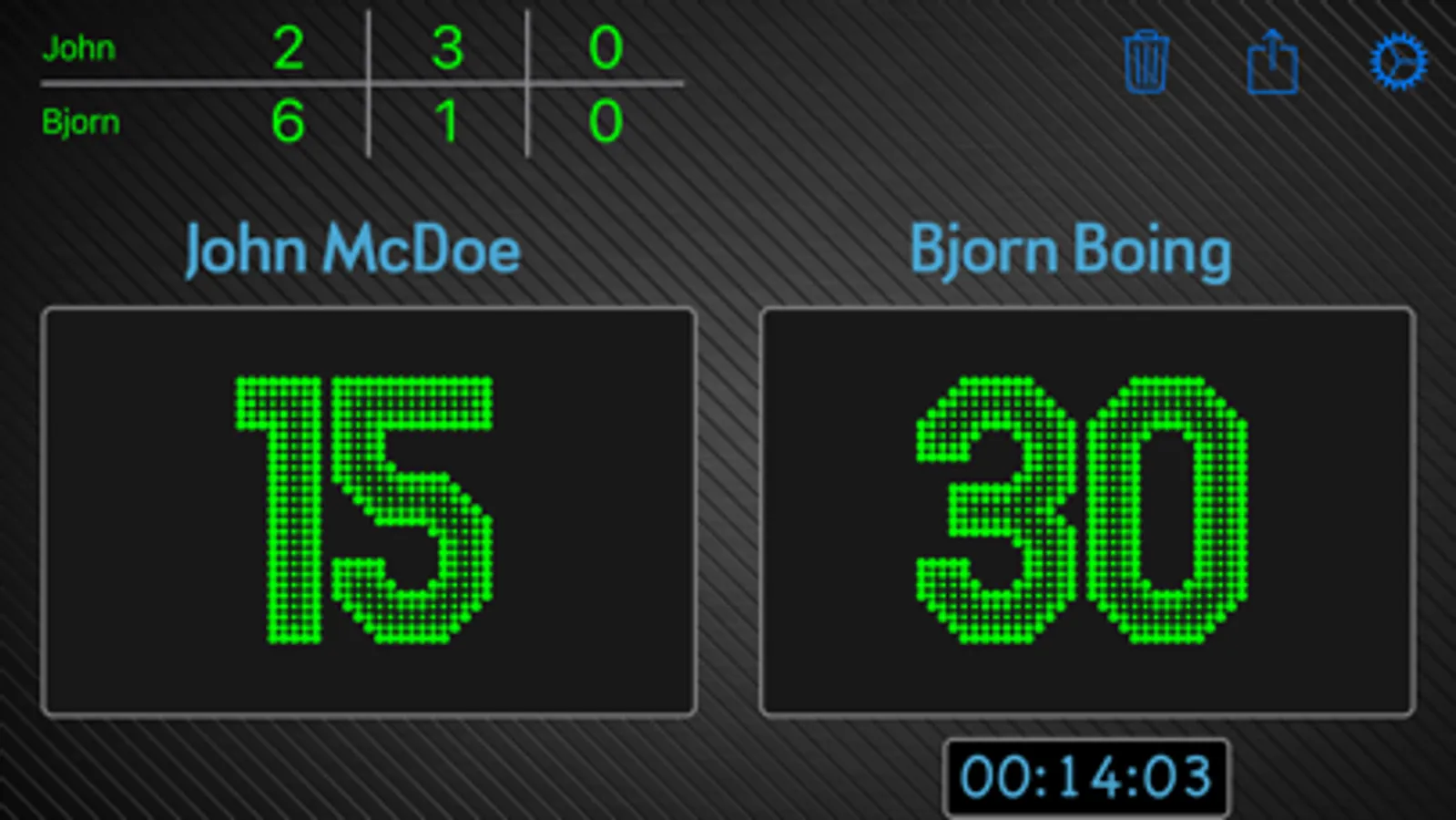
Instructions: Tap the score with one finger for one point, two fingers for two points and three fingers for three points. You can also swipe up or right to increase the score by one or swipe left or down to remove the last added point(s).
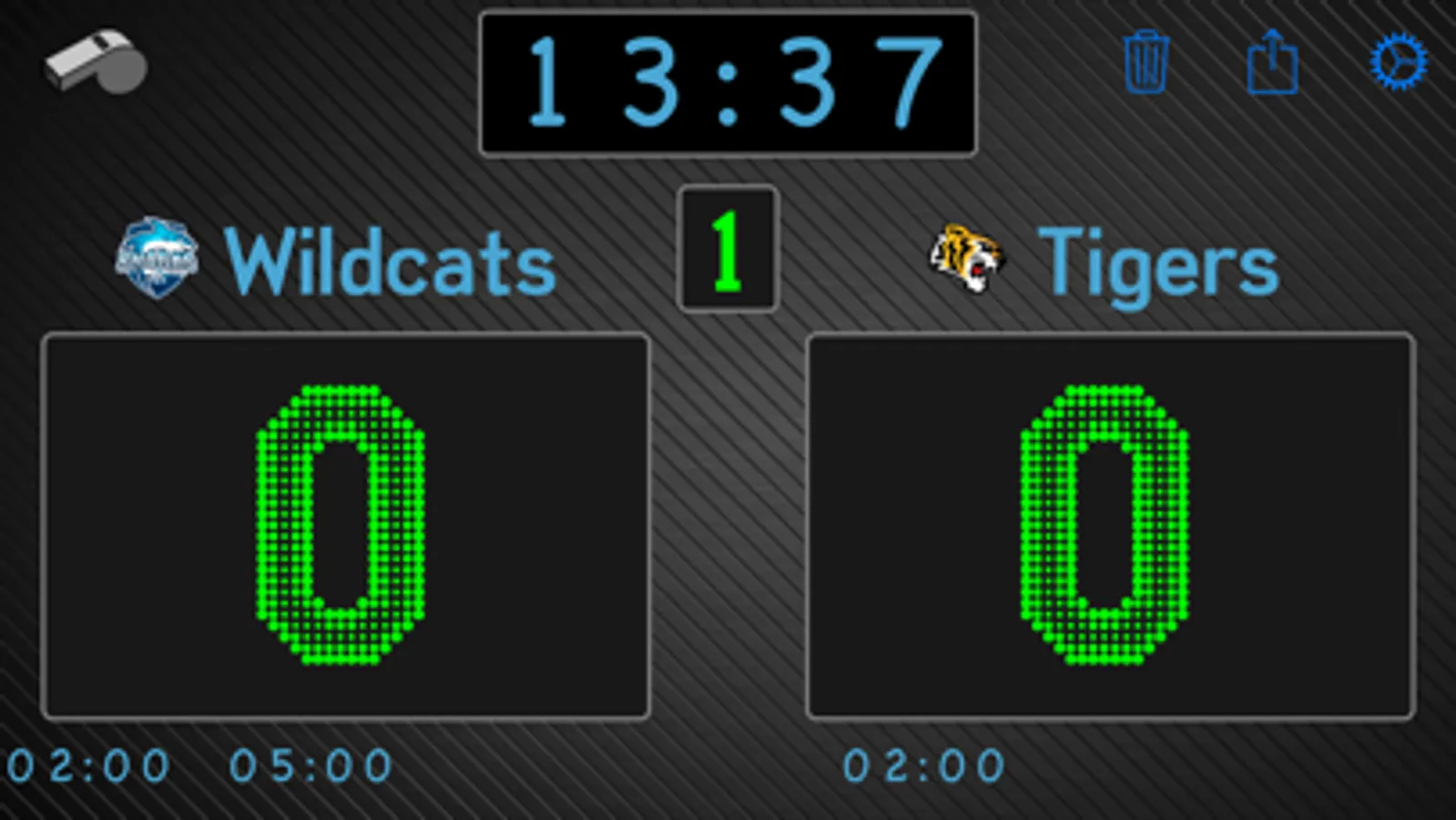
Tap on the game clock (or any other clock for that matter) to start/pause it. Tap on the period to change to the next period, long press to edit. To give either team a penalty or a timeout, tap the whistle icon in the top left.
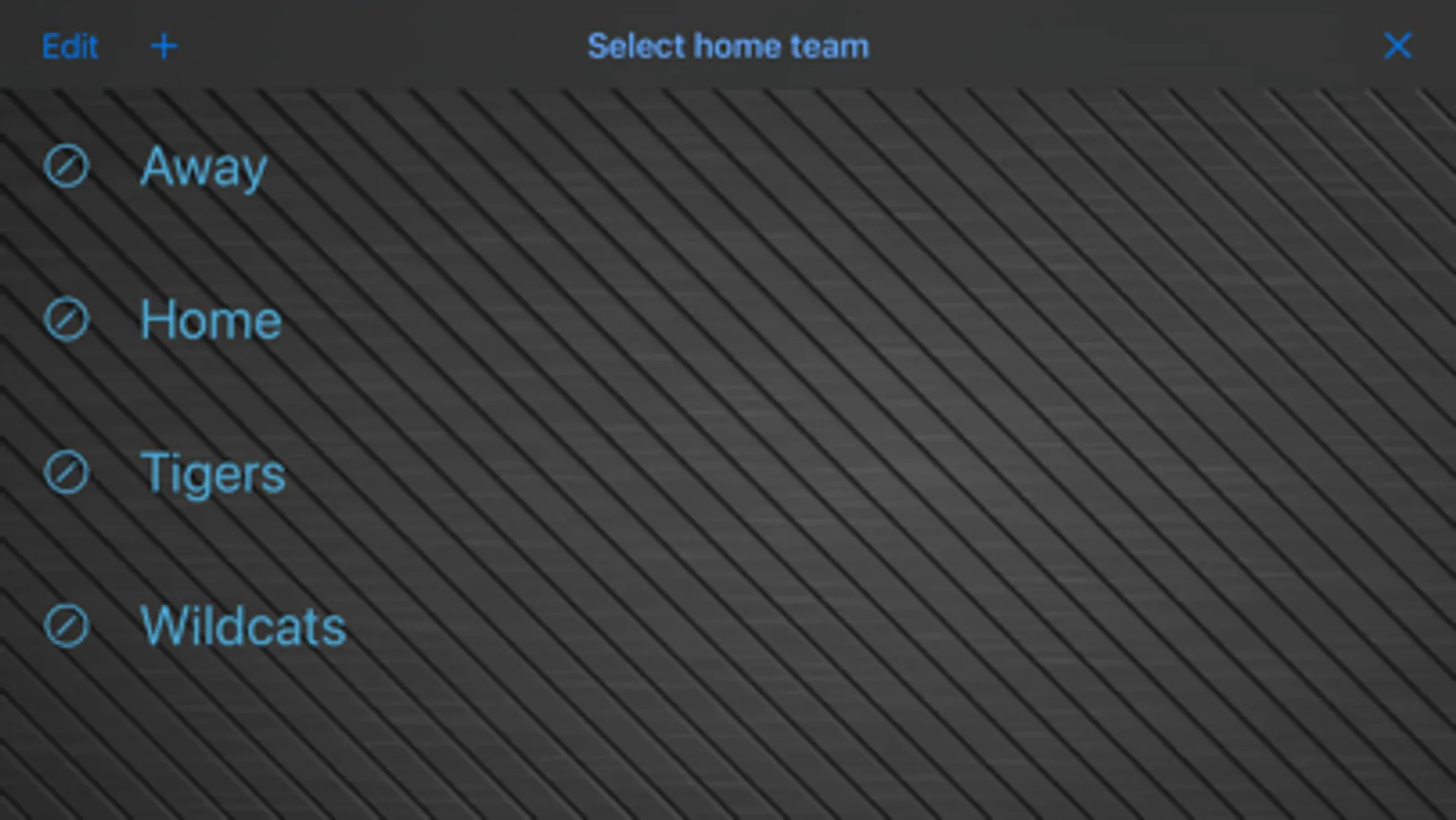
Tap on the team names to go to the team editor, where you can create new teams with customized logos and colors and select teams for the current game.
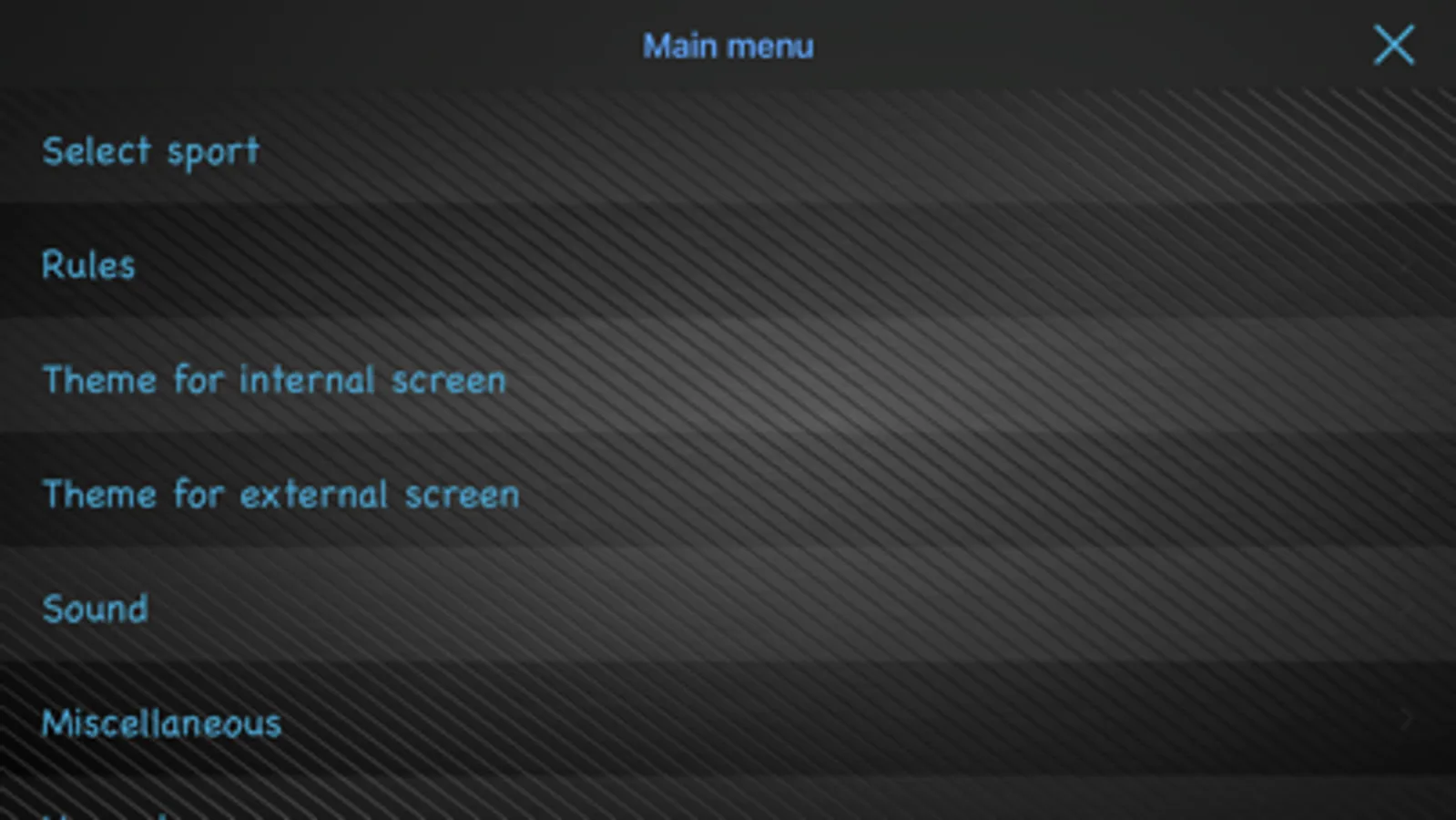
Adjust the length and number of periods, the length of penalties and so on from the settings menu.
Tap the trashcan icon to reset the current game.
Use the share icon to share results with MMS/Facebook/Twitter/Email etc or save it to your photo album as a dear memory of that big win.
Watch app:
- swipe left and right to switch between screens.
- on the score screen, tap each team button to add a point and swipe down on the button to undo the latest point.
- on the game time screen, tap the time to start/stop the game clock.
- on the last screen you have the option to reset the current game.
Ultimate Scoreboard Screenshots
Tap to Rate:
Reviews for Ultimate Scoreboard
problem with goro
AMAZING!!!
I’ve never been able to keep track of my baseball and basketball games at home until this app provides so many colors and I can add cool logos to my team I love this app and it is so fun playing every single baseball and basketball game with this app so fun!!😀😀
Nick Weder
App Is Not Working
I’m Trying too Play Some Hockey But It’s Not Working Not Sure Why