Weekly Planner - Diary, Notes
Digital Legal Tech
4.7 ★
14K ratings
Free
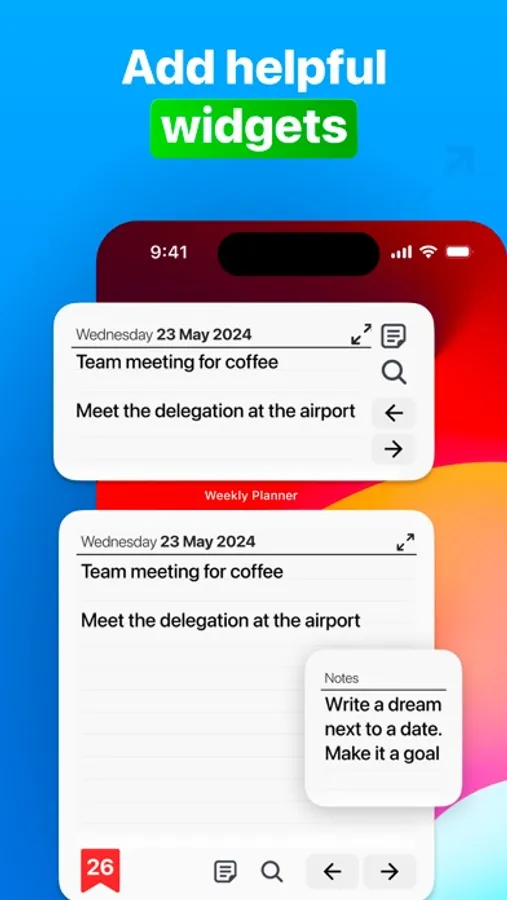
In this calendar and note-taking app, you can add appointments, tasks, and recurring events to organize your week. Includes task management, event scheduling, and synchronization features.
AppRecs review analysis
AppRecs rating 4.4. Trustworthiness 73 out of 100. Review manipulation risk 28 out of 100. Based on a review sample analyzed.
★★★★☆
4.4
AppRecs Rating
Ratings breakdown
5 star
85%
4 star
9%
3 star
3%
2 star
1%
1 star
2%
What to know
✓
Low review manipulation risk
28% review manipulation risk
✓
Credible reviews
73% trustworthiness score from analyzed reviews
✓
High user satisfaction
85% of sampled ratings are 5 stars
About Weekly Planner - Diary, Notes
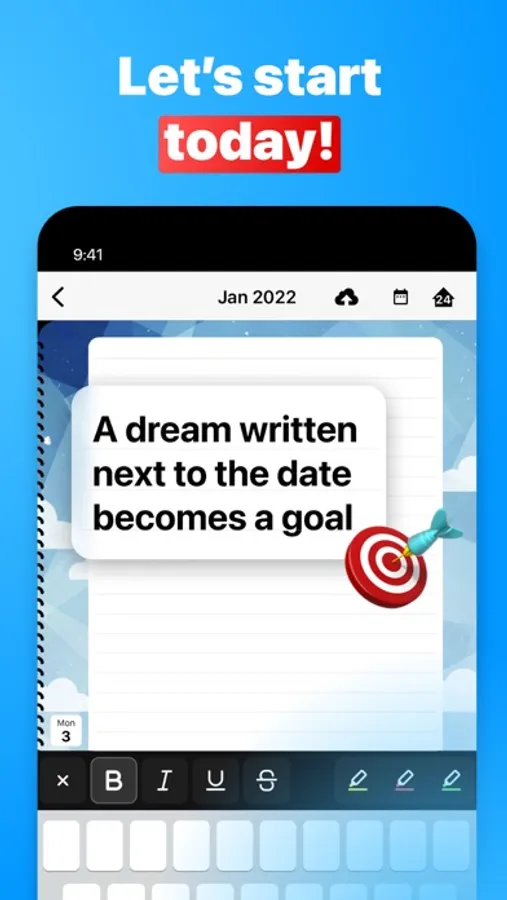
We created Weekly Planner - Diary, Notes for people frustrated by visiting multiple screens to write down an appointment or task. It’s for individuals who don’t have the time or want to add endless details about each task or appointment. They need an effortless way to see and record to-dos and events.
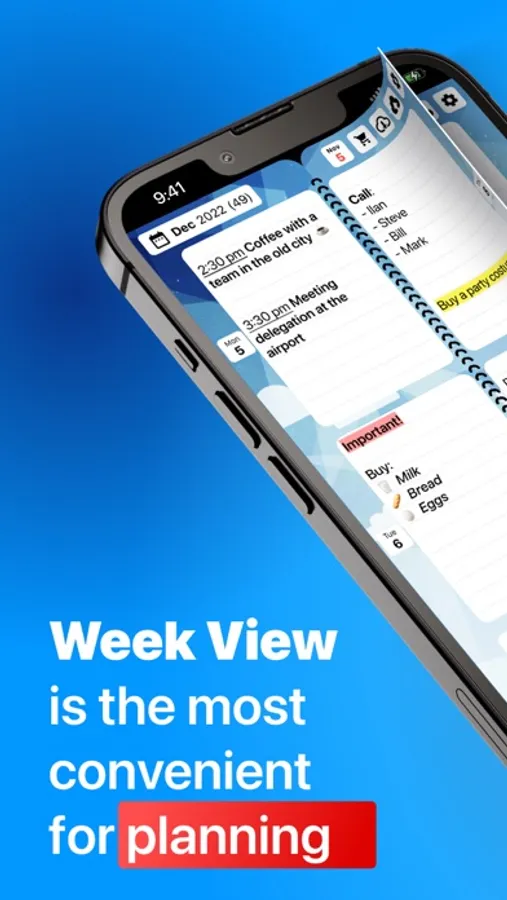
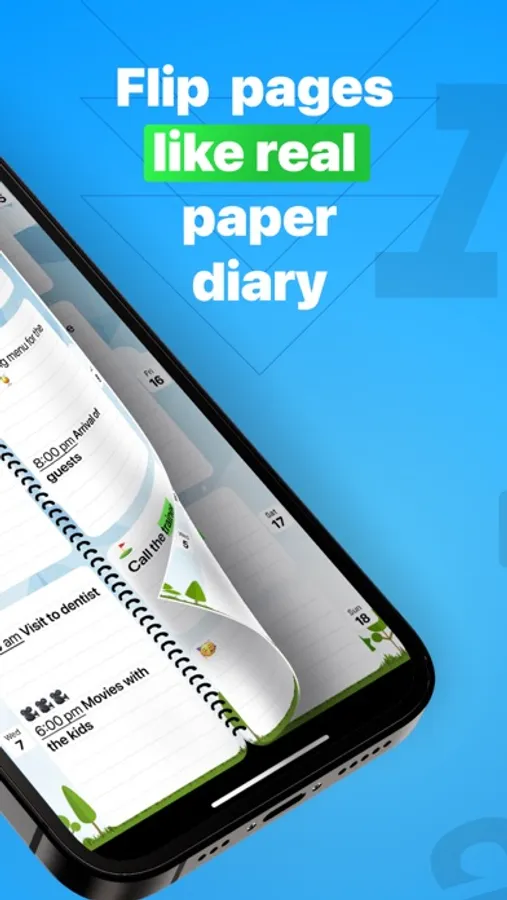
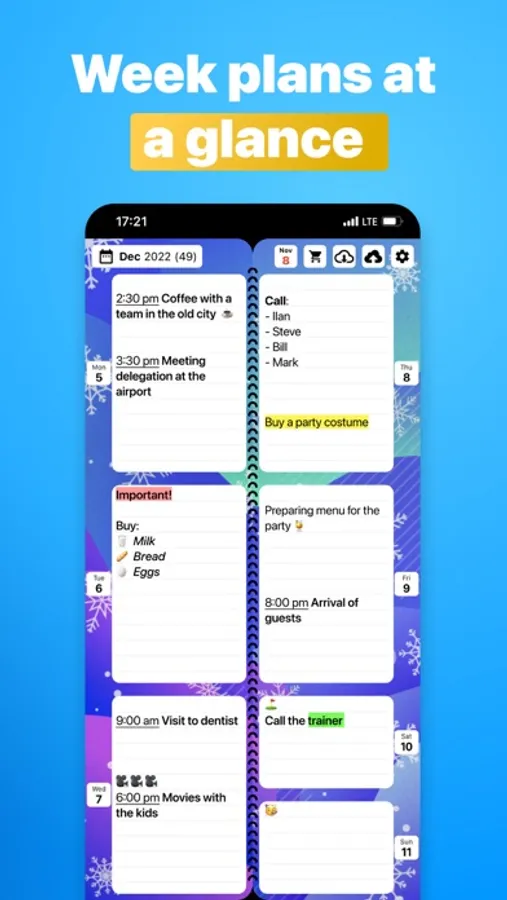
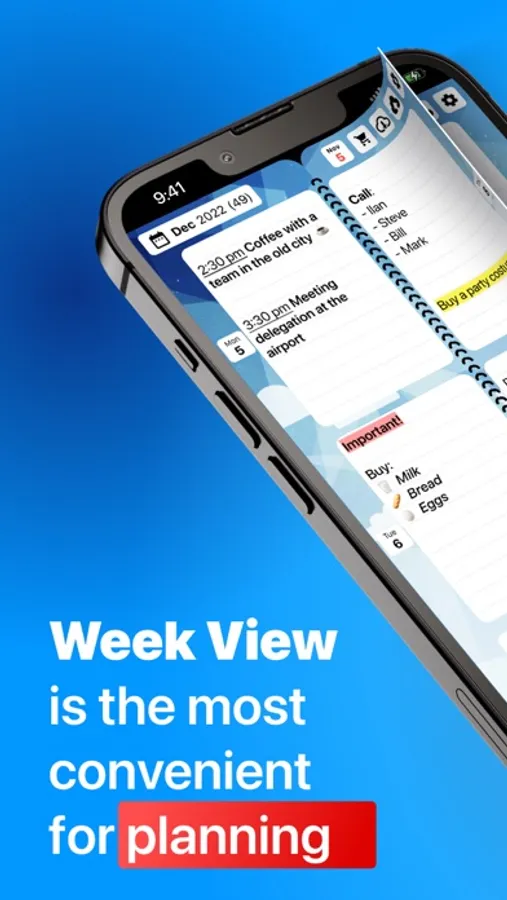
Open Weekly Planner and you’ll immediately see the current week. You can instantly add items to your Calendar or go to your Notes page with one tap on the Notes icon. When you finish a task, add a check.
Weekly Planner allows you to record events weeks and years in advance. You can also review your past events.
If you prefer a focused, minimalist approach to organizing your life and work, Weekly Planner - Diary, Notes app is for you.
Don’t search for paper refills for your old planner! Learn to use Weekly Planner today and easily track your tasks, appointments, goals, and priorities.
Get started
You can start with a FREE version or with a 7-day free trial of Weekly Planner's PRO version. After 7 days, you can purchase the PRO version for $5.99, if you wish. Use it for a lifetime with no monthly or annual subscription fees. Or use the FREE version as long as you like. The purchase screen will always show you the difference between FREE and PRO.
PRO Features
Optional password lock protection
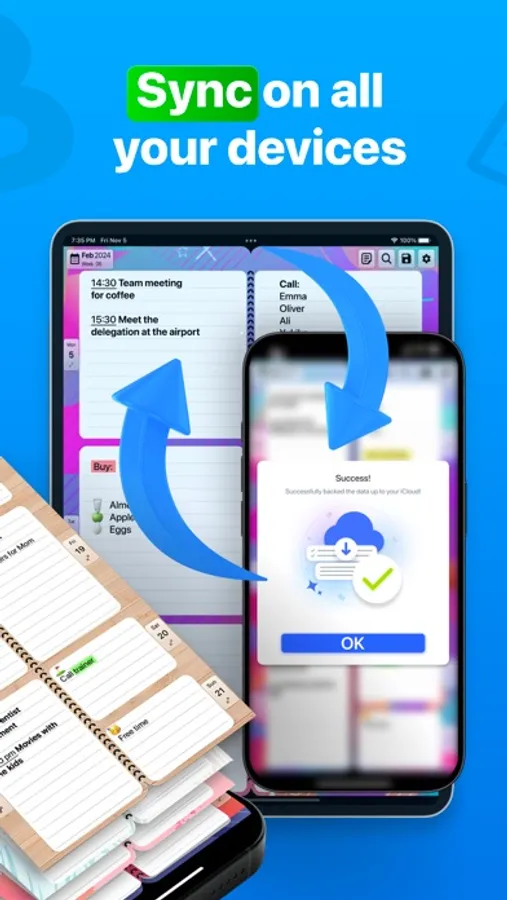
Synchronize Weekly Planner with iCloud, Google Cloud, and other devices
Save manually or automatically
Save versions for printing in customizable PDFs
Create recurring events happening daily, weekly, monthly, or annually
Create recurring events on exact dates-keep track of birthdays and anniversaries
Search events and entries
Copy, paste, and move entries
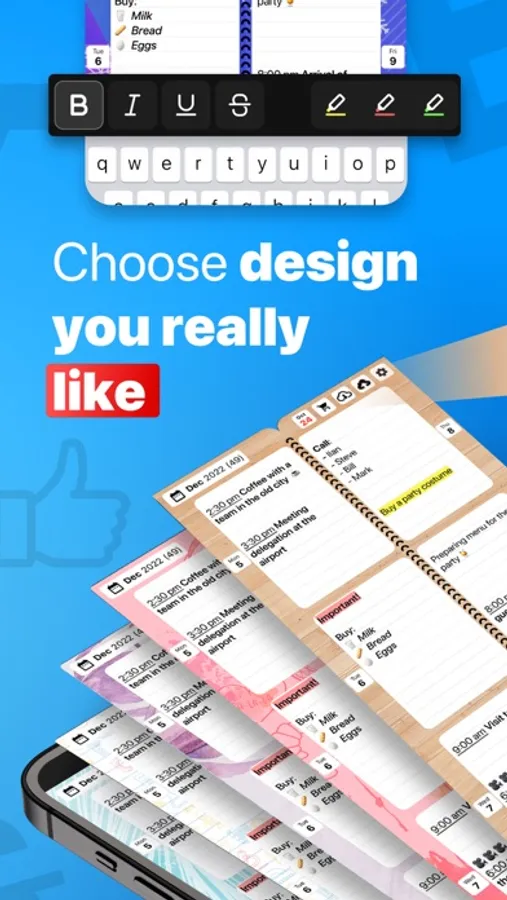
Customization options available in PRO settings
Set Sunday, Monday or any other day as the first day of the week
Select a one-day, two-day, four-day, or weekly view
Select from your choice of app icons
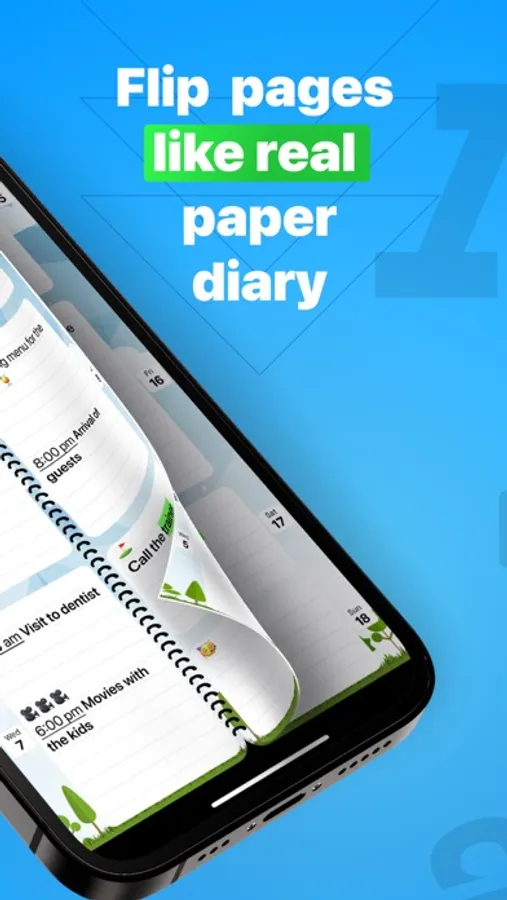
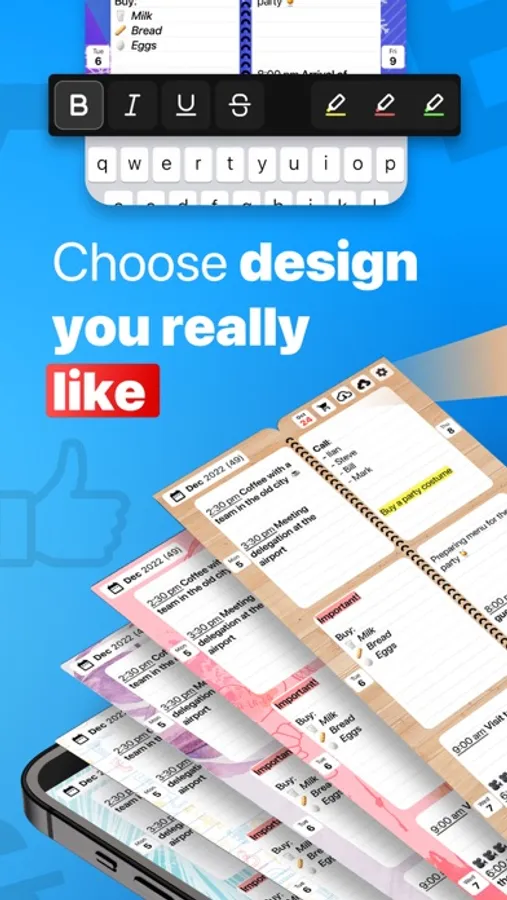
Select a page design
Select font size and color
Additional designs are available as in-app purchases.
Contact us for help or support or to share suggestions for improving Weekly Planner at appweeklyplanner@gmail.com.
Weekly Planner - Diary, Notes Screenshots
Tap to Rate:
Reviews for Weekly Planner - Diary, Notes
Jamesray27
It does not let me edit entries
Does not work
Blondenia
Pretty solid
This planner is great because, unlike most calendar apps, you can write in things that don’t have a specific time attached. I find this useful for when you are invited to events that don’t have a start time set yet and for when I plan to hang with friends but don’t discuss a time beforehand. You can also copy over appointments from your phone calendar, although I wish it would also copy over from other apps like Outlook. My only beef with this app is that it doesn’t have a monthly view. If it did, it would be perfect. The AI assistant claims that a monthly view is coming, but it didn’t say when that would be.