
AppRecs review analysis
AppRecs rating 2.5. Trustworthiness 80 out of 100. Review manipulation risk 20 out of 100. Based on a review sample analyzed.
★★☆☆☆
2.5
AppRecs Rating
Ratings breakdown
5 star
20%
4 star
20%
3 star
11%
2 star
13%
1 star
37%
What to know
✓
Low review manipulation risk
20% review manipulation risk
✓
Credible reviews
80% trustworthiness score from analyzed reviews
⚠
Mixed user feedback
Average 2.7★ rating suggests room for improvement
About QVR Pro Client
Minimum system requirements:
- QVR Pro / Elite installed and initialized on the QNAP NAS running QTS 4.3.0
- The latest version of QTS 4.3.4 is required for enabling push notifications and activating licenses.
- QVR Pro 1.1.0 is required for querying event logs.
Key Features:
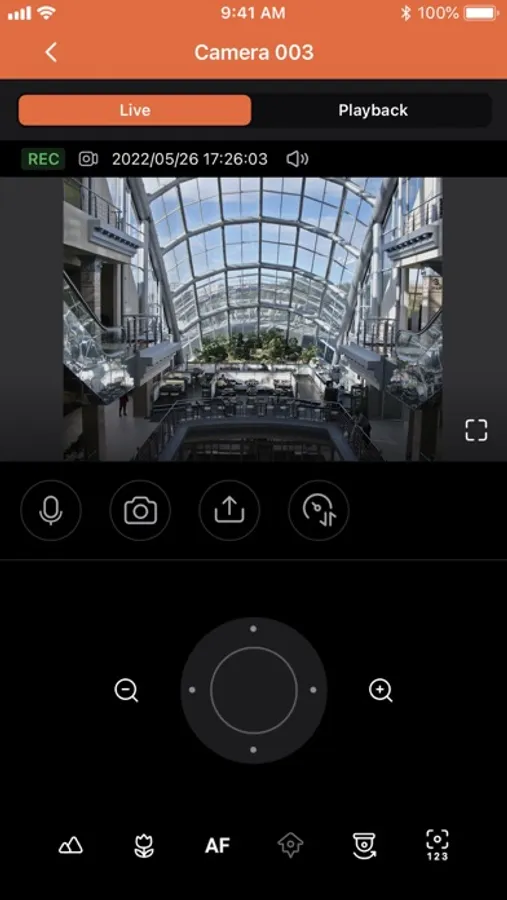
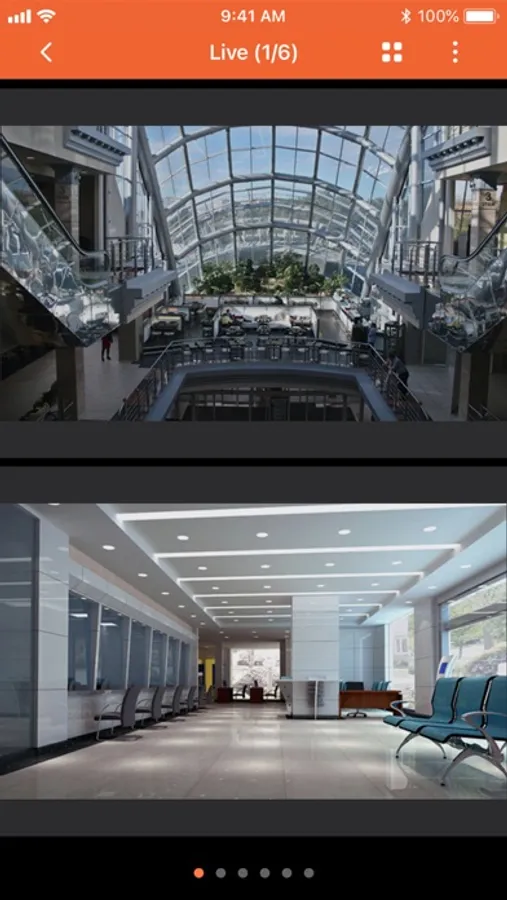
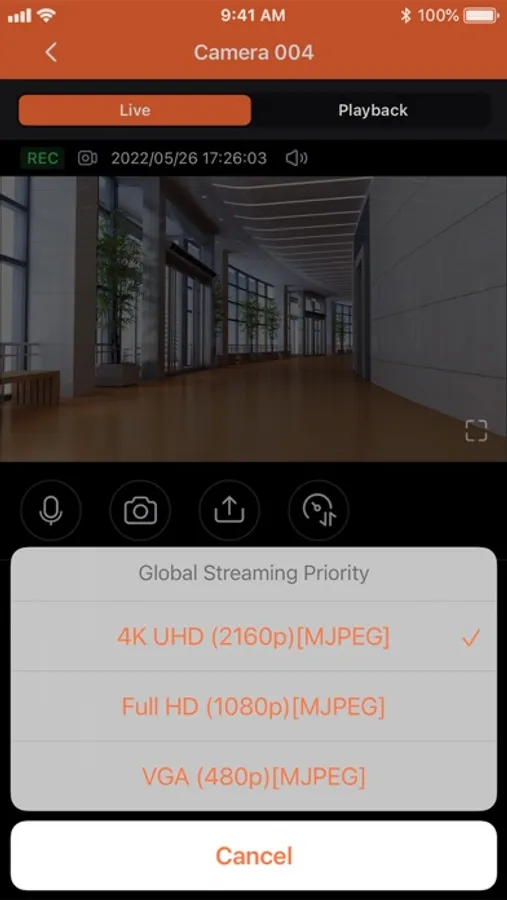
- Supports viewing multiple IP cameras connected to QVR Pro.
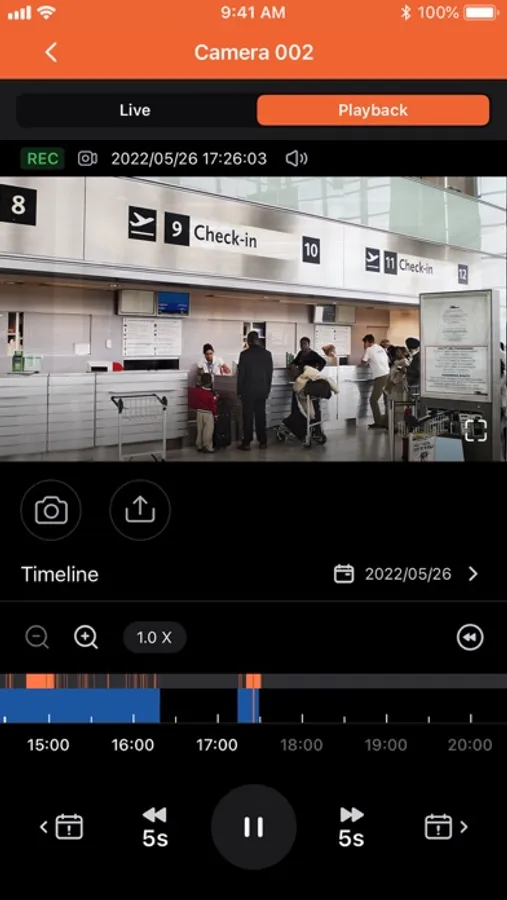
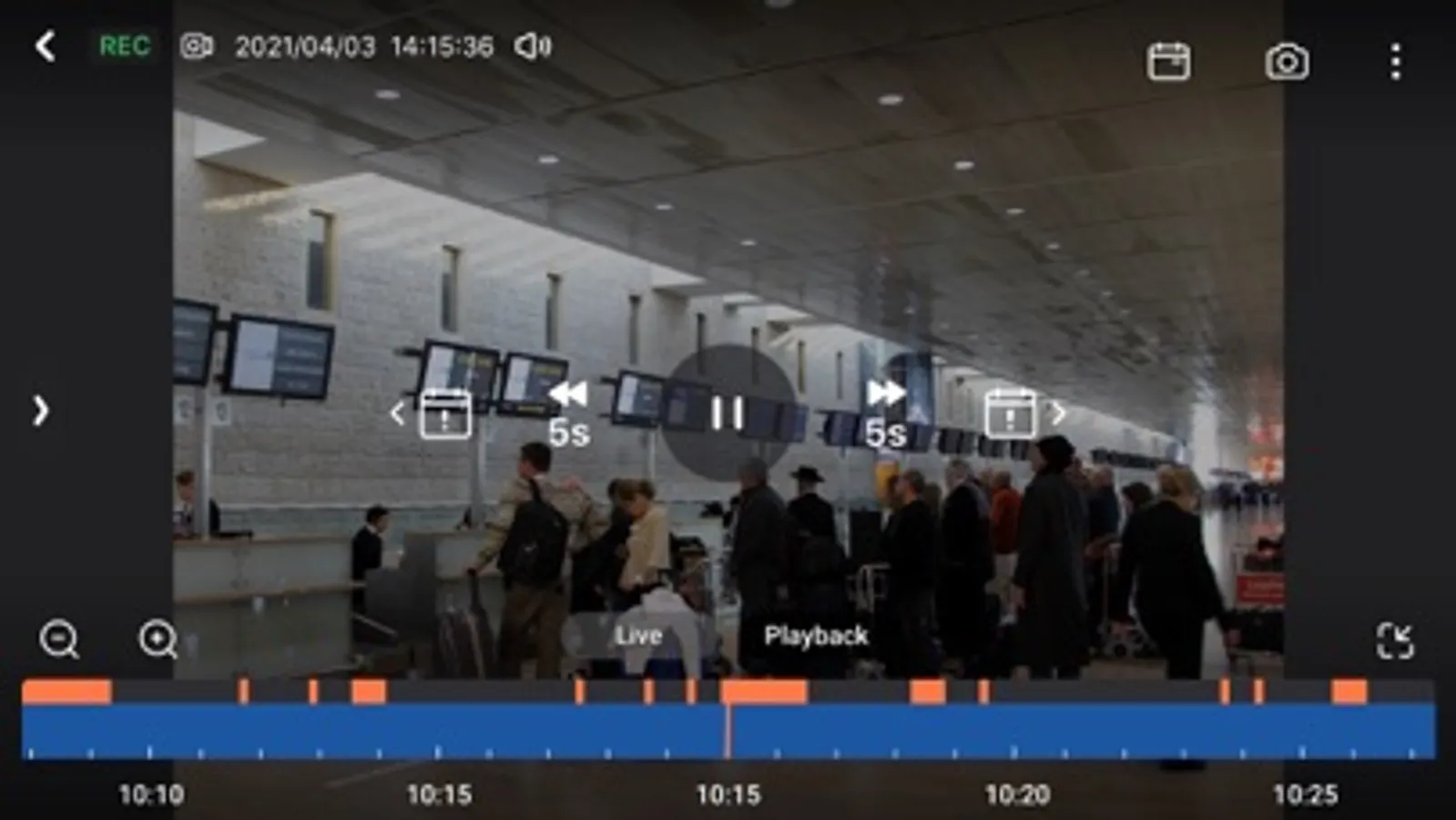
- Supports switching instantly between the Live and Playback modes and clicking the timeline to play back recordings from a specific moment.
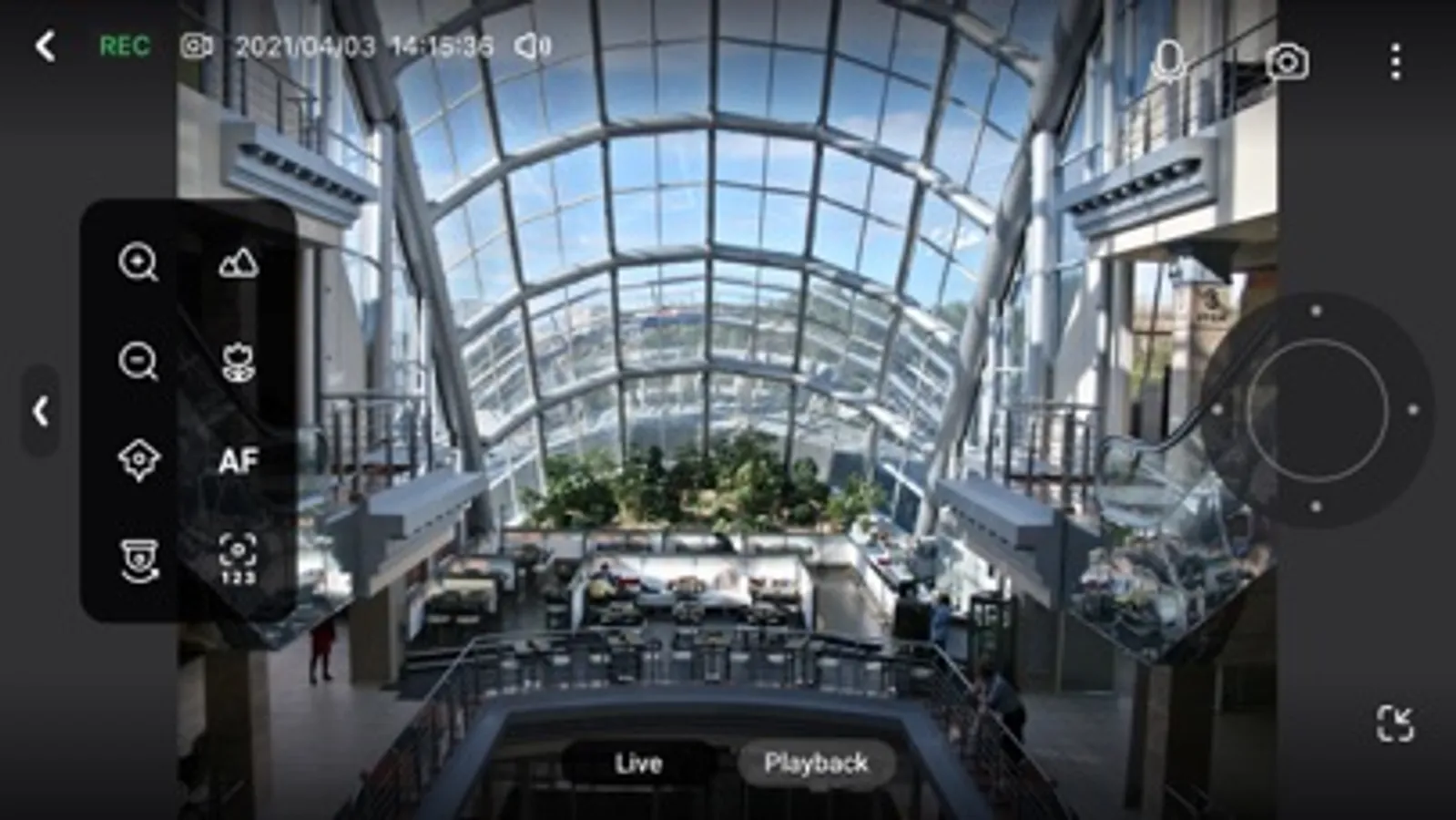
- Provides various advanced monitoring options: Sequential mode, PTZ control, auto cruising and preset point control.
- Supports sending instant push notifications.
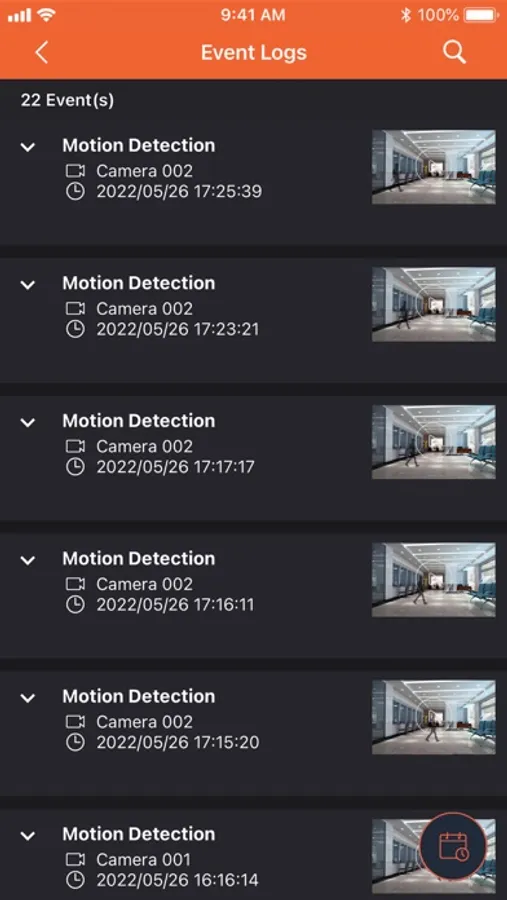
- Provides the option to click snapshots in event logs to play back previous events.
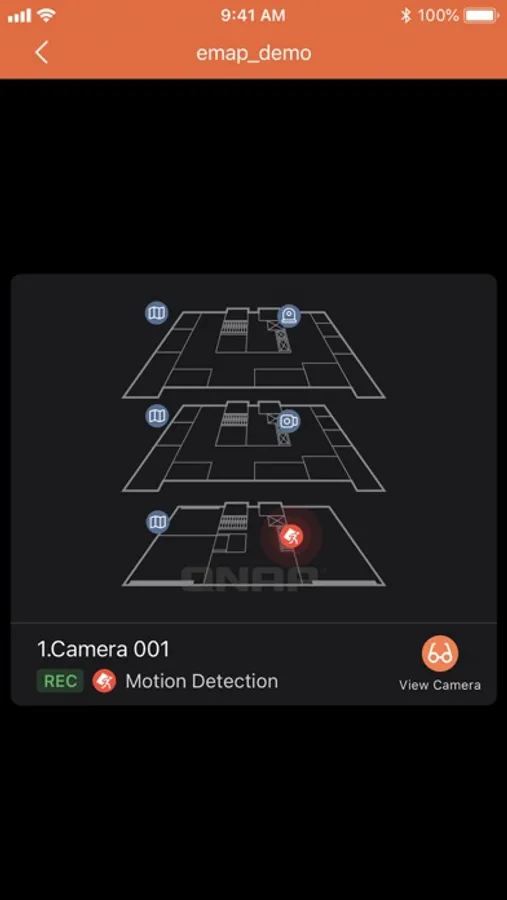
- Displays camera locations and event icons on E-maps to allow for comprehensive monitoring.
QVR Pro Client Screenshots
Tap to Rate:
Reviews for QVR Pro Client
Access_101
Was working
The app stopped working one day. Push notifications stopped working. Updated everything and myqnapcloud login errors out with a no internet error. All the other apps work with the same NAS using the cloud. App is very stow and needs some cosmetic love; however, at this point I’d just like it to work.
iczfirz
lousy unfinished client app
No full screen for View on landscape mode. Must use the same port number for login is a joke! I would say this is an unfinished client app.