
AppRecs review analysis
AppRecs rating 2.2. Trustworthiness 75 out of 100. Review manipulation risk 27 out of 100. Based on a review sample analyzed.
★★☆☆☆
2.2
AppRecs Rating
Ratings breakdown
5 star
0%
4 star
20%
3 star
20%
2 star
20%
1 star
40%
What to know
✓
Low review manipulation risk
27% review manipulation risk
✓
Credible reviews
75% trustworthiness score from analyzed reviews
⚠
Mixed user feedback
Average 2.2★ rating suggests room for improvement
About Photo Tagger by QNAP
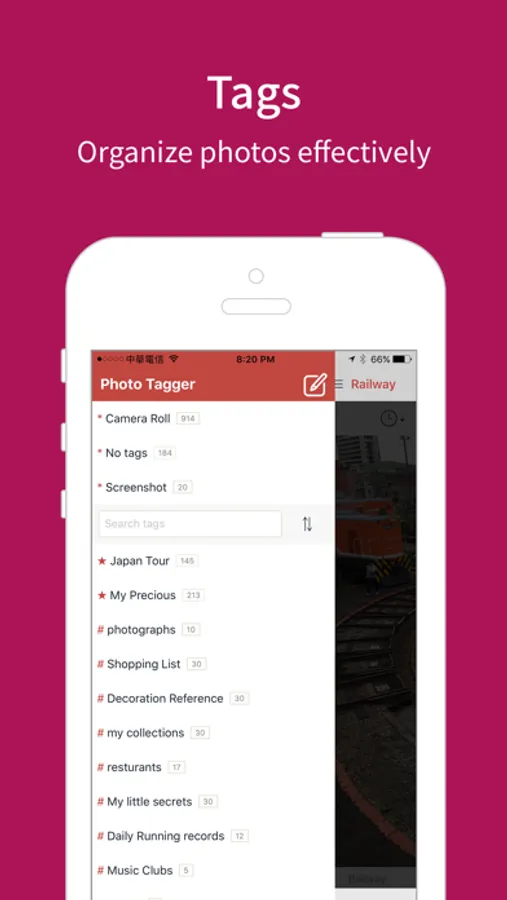
Create Tags and Custom Categories
- Add tags to your photos, creating your own classification plan
- Add multiple tags to a photo to specify all the keywords
- Add a tag to multiple photos, easily managing a large number of related photos
- Add descriptions to photos, capturing every precious moment
- Switch between different browsing modes to meet your needs
Add Tags before Taking Photos
- Add tags before taking photos, allowing the system to automatically categorize photos
- Preserve your thoughts or feelings at the moment when you take photos
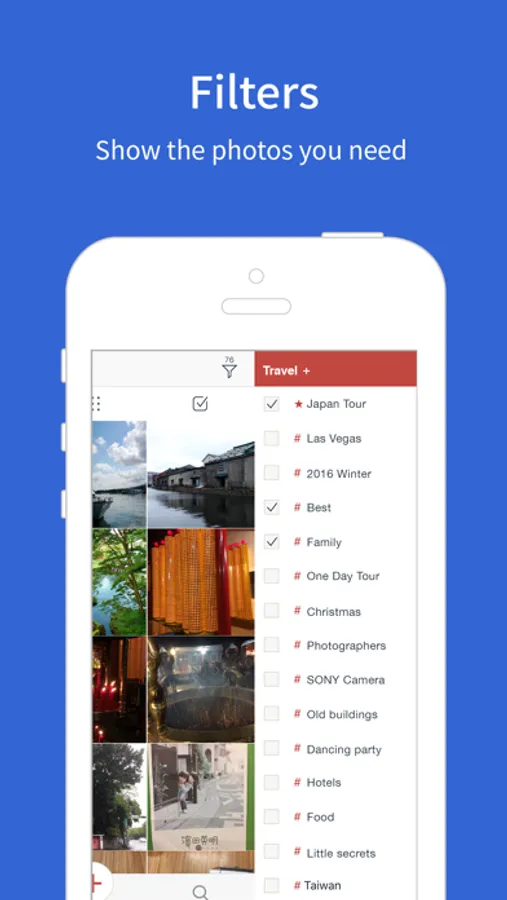
Use Tag List to View Photos
- Select a tag and view all the photos carrying this tag
- Use tag filters to quickly locate the photos you want
- Create favorite tags to easily browse your beloved photos
- Create or delete any tags, making your classification plan more flexible
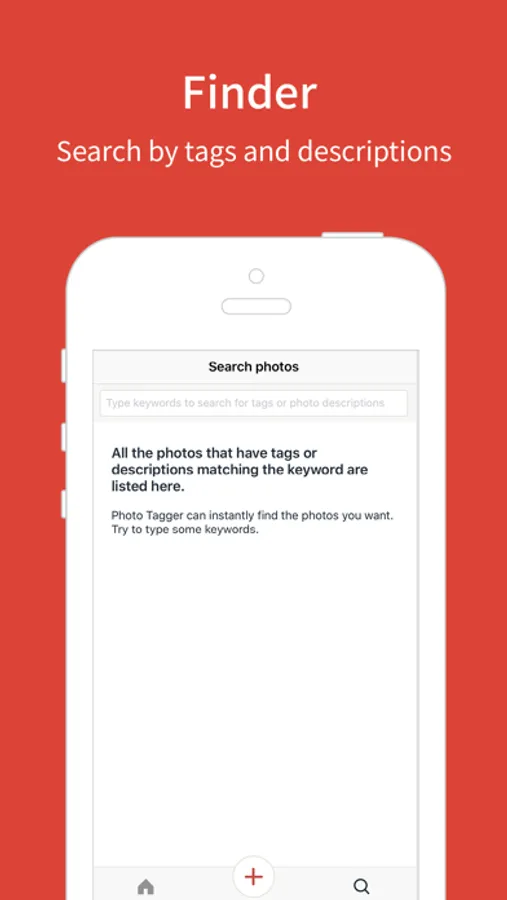
Use Keywords to Find Photos
- Specify keywords to find all the photos that have related tags or descriptions
- Specify keywords to find certain tags
Use QNAP NAS to Preserve Precious Moments
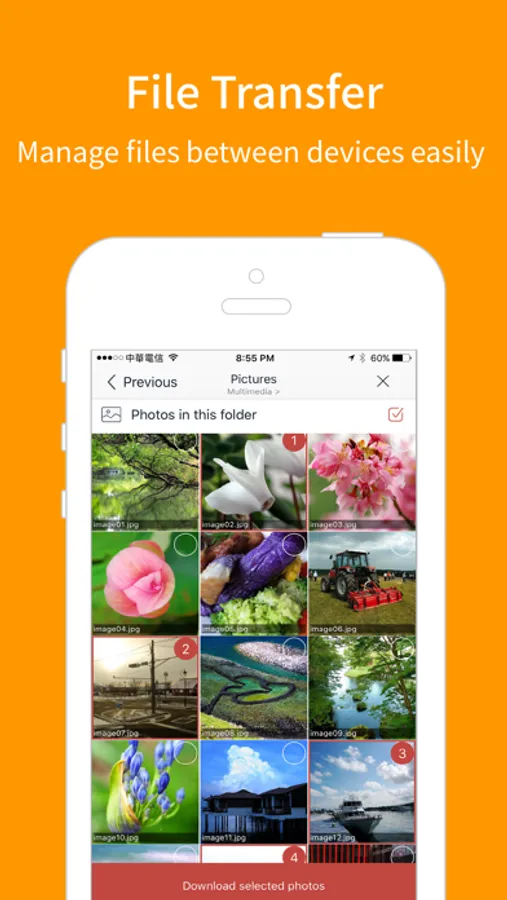
- Back up your photos from the iPhone to the QNAP NAS, so that all you precious photos will remain intact even if you lose your phone
- Back up your photos with their tags and metadata to the QNAP NAS and thus keep all your classification plans
If you have any questions about the app, please contact us at mobile@qnap.com
We will provide all the support and assistance you need.
Photo Tagger by QNAP Screenshots

Tap to Rate:
Reviews for Photo Tagger by QNAP
iDAVIDCH
Remoteness? Standardization?
Isn’t the whole idea of NAS be managing files remotely? What kind of NAS app is this if I cannot tag photos on a NAS but have to send them back and forth?! The function of adding tags should be integrated into QuMagie! And the descriptions in QuMagie should be written in exif or XMP or IPTC files which are standard metadata file instead of Windows comment!
ConstantZero
Almost Worth Using
I’ve been looking for an app to help me quickly add tags to multiple photos, edit tags in existing photos, and retrieve photos based on tag search and selection. This app was almost perfect for me… it has a clean, simple, and easy to use interface, I can select multiple photos using a swipe (instead of having to tap each one), I can tag multiple photos at once, it remembers all the tags I’ve created so I can easily reuse/reapply existing tags to additional photos, and I can search for and browse photos using tags. What killed this app for me… is that it doesn’t update the metadata inside of the actual photo (and for that matter it also doesn’t read any existing keyword metadata from photos either). And I’m just not interested wasting any time adding tags to photos just to get locked into an app, which may or may not be supported in the future. I want the metadata to be written in the photo so I can leverage my work using countless other programs on all my devices. If the actual photo’s metadata were updated I could even search for photos using my tags in the native Apple Photos app. I assume this app was aimed at getting me to buy a $500+ NAS so I can back up photos and won’t lose my work. But unfortunately my brain doesn’t work that way and isn’t willing to make that jump. I would however be willing to pay $3 to $5… one time for a premium feature. If this app could read keywords from photos and write the metadata back into the photo… it would be useful enough to be its own stand alone product.