TV Cast Pro for Sony TV
Kraus und Karnath GbR 2Kit Consulting
2.8 ★
1K ratings
$9.99
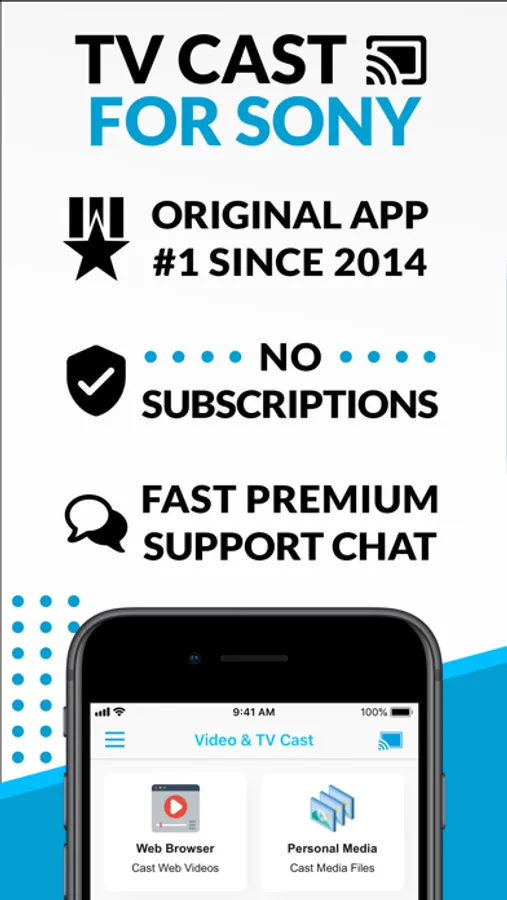
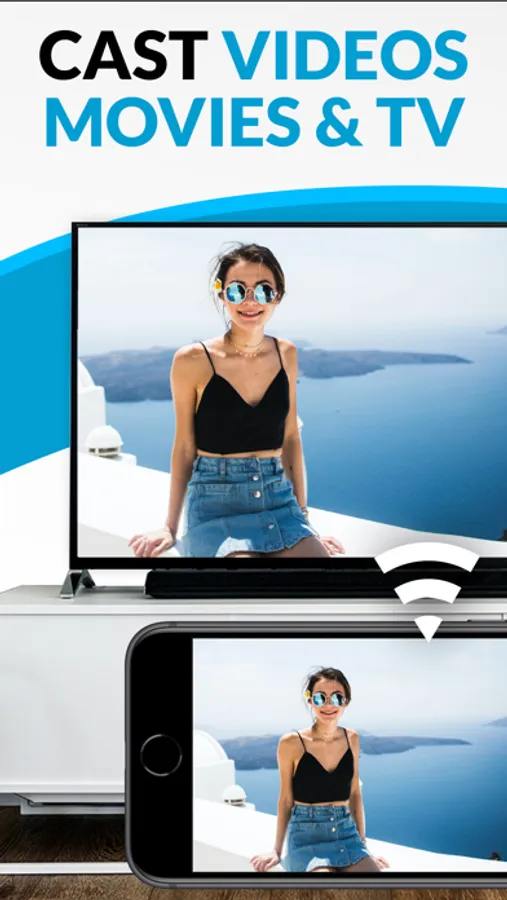
In this app, you can browse websites and cast web videos, movies, or live streams to your Sony TV. Includes link detection, remote control support, and no time restrictions.
AppRecs review analysis
AppRecs rating 2.8. Trustworthiness 61 out of 100. Review manipulation risk 28 out of 100. Based on a review sample analyzed.
★★☆☆☆
2.8
AppRecs Rating
Ratings breakdown
5 star
39%
4 star
5%
3 star
3%
2 star
3%
1 star
50%
What to know
✓
Low review manipulation risk
28% review manipulation risk
⚠
Mixed user feedback
Average 2.8★ rating suggests room for improvement
⚠
High negative review ratio
54% of sampled ratings are 1–2 stars
About TV Cast Pro for Sony TV
With Video & TV Cast for Sony TV you can browse the web and stream any web video, online movie, livestream or live tv show you want on your Sony TV. Mp4, m3u8, hls livestreams and also video-over-https are supported.
There is no time limit at all! You can watch videos of 2 minutes or 2 hours or even more. Just open Video & TV Cast, navigate to a website, wait for link detection and send the video with a single tap to your Sony TV. The discovered link will be shown below the browser. A tap on the link will start the show. You don't need to install a big media server like Plex or any other third party software.
>>> Important Notes
* To enable video casting please open the App Store on your Sony TV, search for 'TV Cast' and install the companion app.
* If your Sony TV is powered by Google Cast or Chromecast built-in, please download our dedicated App 'Video & TV Cast | Google Cast' to enable casting.
* Please enter the ip-address of your iPhone/iPad by using the number pad and up/down/left/right keys on your Sony Remote. Just enter the numbers, no need to press the enter key.
* iTunes movies, Flash video and DRM protected videos like Amazon Prime, Netflix, Hulu, Vudu, DirecTV, Xfinity, HBO now are not supported!
* Please test your favorite videos with the free edition before upgrading!
* Please use the Remote Playbar for video control while browsing (see more info below)
* The app streams only the video part of a website and not the whole website content (No screen or tab mirroring!).
* Sometimes it is necessary to play the video on your iPad or iPhone first before it gets discovered by the app for streaming. It may also be neccessary to start casting multiple times until it works with specific videos.
* If a specific video is not working, please check the FAQ on the app startpage. If that does not help you, please drop us an email before leaving a negative comment on the App Store. We will try to add support for that website as soon as possible.
>>> PRO FEATURES
* Remote Playbar: Use the Playbar for advanced video control while browsing, including video scrubbing, forward, rewind, play, pause, stop.
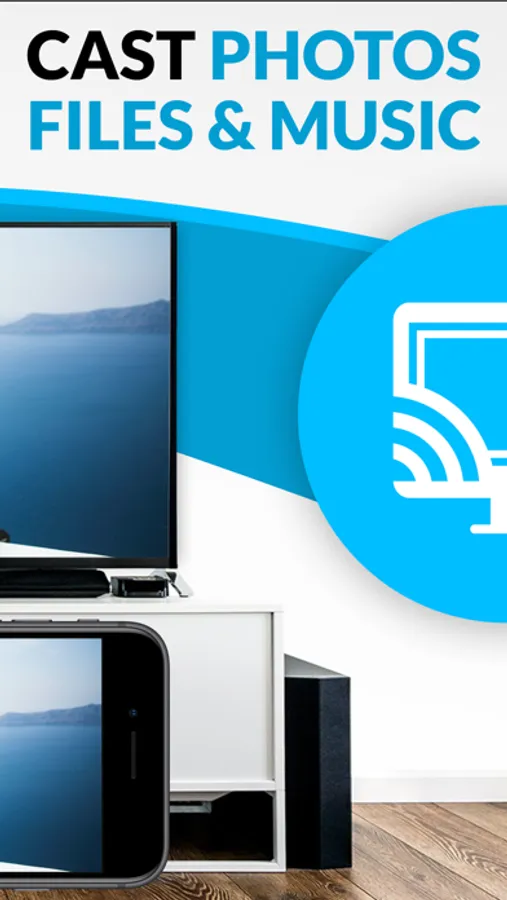
* Local Videos: Cast your camera roll videos from an iPhone or iPad. Supports mp4, m4v and mov videos that were saved to the camera roll via Apples SD-Card/USB Adapter, iTunes Desktop Software or third party apps.
* Ad-Blocker + No Sponsoring Ads: The Pro app version has no ads and the Ad-Blocker blocks ads & popups on most websites that you visit. You can update, enable/disable ad-blocking at any time in the settings.
* Bookmarks: Save unlimited website bookmarks. Synchronize and transfer them between different TV Cast apps and iOS devices by using backup and restore via iCloud.
* Desktop Mode: Change the browser user-agent and cloak your iPhone/iPad as a desktop PC to load the desktop website instead of a mobile website. Please note that this will NOT enable video casting on websites that serve Flash videos in desktop mode.
* Change Homepage: Set your personal homepage in the settings.
Disclaimer: This app is not affiliated with Sony or any other trademark mentioned here.
TV Cast Pro for Sony TV Screenshots
Tap to Rate:
Reviews for TV Cast Pro for Sony TV
Dama Floridiana
Can’t figure out how to use
Charged me $9.99, I can’t figure out how to use it, and when I try to cast from my phone to the TV is keeps sending me to different apps (such as “Screen Mirroring) which cost another $9.99. Biggest rip off ever.
CoreyAsk
Total trash and outdated
Want my money back. This doesn’t even work.