TV Cast for Roku App
Kraus und Karnath GbR 2Kit Consulting
4.3 ★
21K ratings
Free
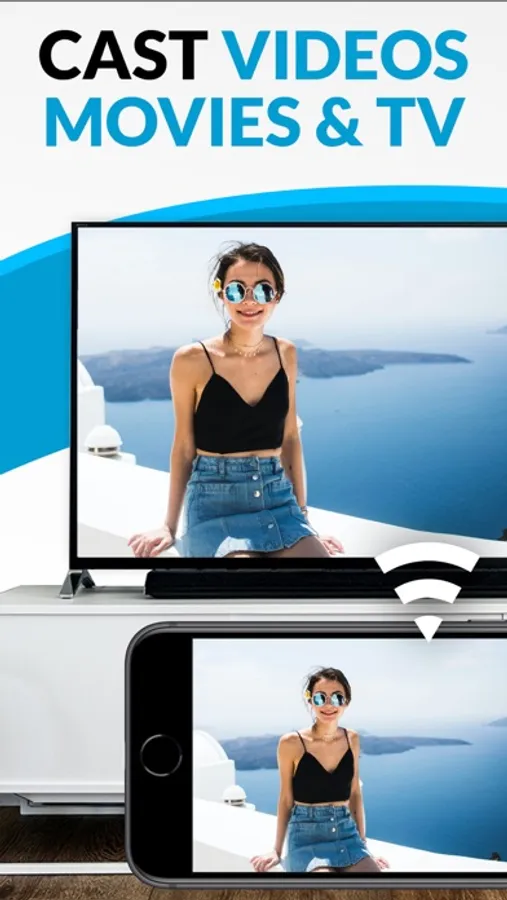
Stream web videos and online TV shows to your Roku with this app. Includes support for MP4, m3u8, HLS livestreams, and Full HD streaming.
AppRecs review analysis
AppRecs rating 3.9. Trustworthiness 76 out of 100. Review manipulation risk 26 out of 100. Based on a review sample analyzed.
★★★☆☆
3.9
AppRecs Rating
Ratings breakdown
5 star
74%
4 star
8%
3 star
3%
2 star
2%
1 star
12%
What to know
✓
Low review manipulation risk
26% review manipulation risk
⚠
Ad complaints
Many low ratings mention excessive ads
⚠
Pricing complaints
Many low ratings mention paywalls or pricing
About TV Cast for Roku App
Watch any web video or camera-roll video on your Roku and enjoy the show on your big screen with the no#1 web video streamer.
With Video & TV Cast for Roku you can browse the web and stream any web video or online TV show on your Roku. Mp4, m3u8, hls livestreams, video over https and of course Full HD are supported.
Just open Video & TV Cast, navigate to a website and wait for the video link detection. The video link will appear below the browser. Tap it and the video will be sent to your big screen instantly! Streaming personal media from your device is also supported.
* SUPPORTED Roku Players: Roku TV, Roku Streaming Stick, Roku Express, Roku Premiere, Roku Ultra, Roku 2, Roku 3, Roku 4, Roku HD (2500), Roku LT (2400+2450) Player, Telstra TV, NOW TV Stick & Box. Please make sure that firmware 5.1 or later is installed.
* NOT SUPPORTED Roku Players: Roku classic models (N1000, N1050, N1100, N1101), Roku 2000, 2050, 2100, Sky Ticket (WOW TV).
* COMPATIBILITY: Please test your favorite videos with the free app edition before upgrading! Compatibility may depend on your Roku device and firmware.
* iTunes movies and DRM-protected videos like Amazon Prime, Netflix, Hulu, Vudu, DirecTV, Xfinity, HBO Now are not supported!
* The app streams only the video part of a website and not the whole website content (No screen or tab mirroring!).
* Sometimes it is necessary to play the video on your iPad or iPhone first before it gets discovered by the app for streaming.
* If a specific video does not cast, please check our FAQ. If that does not help, please give us a chance to help you by dropping a mail to info@video-tv-cast.com instead of leaving a negative comment on the App Store. We will try to add support for your video as soon as possible.
>>> UPGRADE FEATURES (available as in-app purchases)
* Premium Edition: Unlocks all of the features listed here. Also future features are included, so you do not have to pay for them when they are released in an updated app version.
* Remote Playbar: Use the Playbar for advanced video control while browsing, including video scrubbing, forward, rewind, play, pause, stop.
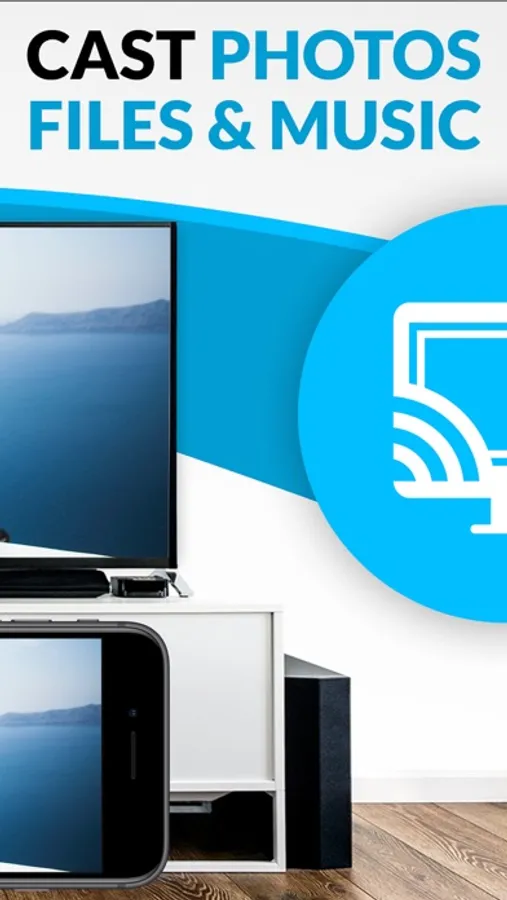
* Personal Media: Cast unlimited personal photos, videos and music directly from your device or from cloud services like iCloud and Dropbox.
* Ad-Blocker: Blocks ads & popups on most websites and removes the sponsoring ads from the app. You can update and enable/disable ad-blocking at any time in the settings.
* Bookmarks: Save unlimited website bookmarks. Synchronize and transfer them between different TV Cast apps and iOS devices by using backup and restore via iCloud.
* Desktop Mode: Change the browser user-agent and cloak your iPhone/iPad as a desktop PC to load the desktop website instead of the mobile website. Please note that this will NOT enable video casting on websites that serve Flash videos in desktop mode.
* Change Homepage: Set your personal homepage in the settings.
>>> USER FEEDBACKS
"You have saved my life - Honestly. I cannot thank you enough. This is probably the best app I have ever gotten. Purchased all of the addons immediately after I saw it worked. I hope you continue to develop, and I trust you see our emails :)"
AJ The Man, USA
>>> A MESSAGE FROM THE DEVELOPERS
We want to say thank you for all your great support and kindly invite you to honestly rate our app. This helps us to keep up our app development and support for you.
If you have any feedback, feature requests or other requests, please notify us at info@video-tv-cast.com.
Disclaimer: This app is not affiliated with Roku or one of its products or any other trademark mentioned here. ROKU, the ROKU Logo, ROKU READY, the ROKU READY Logo, "STOP DREAMING. START STREAMING.", "HAPPY STREAMING", "THERE'S A TON OF ENTERTAINMENT IN THIS LITTLE BOX.", "STREAMING STICK", and "NOW THIS IS TV" are trademarks and/or registered trademarks of Roku, Inc. in the United States and other countries.
With Video & TV Cast for Roku you can browse the web and stream any web video or online TV show on your Roku. Mp4, m3u8, hls livestreams, video over https and of course Full HD are supported.
Just open Video & TV Cast, navigate to a website and wait for the video link detection. The video link will appear below the browser. Tap it and the video will be sent to your big screen instantly! Streaming personal media from your device is also supported.
* SUPPORTED Roku Players: Roku TV, Roku Streaming Stick, Roku Express, Roku Premiere, Roku Ultra, Roku 2, Roku 3, Roku 4, Roku HD (2500), Roku LT (2400+2450) Player, Telstra TV, NOW TV Stick & Box. Please make sure that firmware 5.1 or later is installed.
* NOT SUPPORTED Roku Players: Roku classic models (N1000, N1050, N1100, N1101), Roku 2000, 2050, 2100, Sky Ticket (WOW TV).
* COMPATIBILITY: Please test your favorite videos with the free app edition before upgrading! Compatibility may depend on your Roku device and firmware.
* iTunes movies and DRM-protected videos like Amazon Prime, Netflix, Hulu, Vudu, DirecTV, Xfinity, HBO Now are not supported!
* The app streams only the video part of a website and not the whole website content (No screen or tab mirroring!).
* Sometimes it is necessary to play the video on your iPad or iPhone first before it gets discovered by the app for streaming.
* If a specific video does not cast, please check our FAQ. If that does not help, please give us a chance to help you by dropping a mail to info@video-tv-cast.com instead of leaving a negative comment on the App Store. We will try to add support for your video as soon as possible.
>>> UPGRADE FEATURES (available as in-app purchases)
* Premium Edition: Unlocks all of the features listed here. Also future features are included, so you do not have to pay for them when they are released in an updated app version.
* Remote Playbar: Use the Playbar for advanced video control while browsing, including video scrubbing, forward, rewind, play, pause, stop.
* Personal Media: Cast unlimited personal photos, videos and music directly from your device or from cloud services like iCloud and Dropbox.
* Ad-Blocker: Blocks ads & popups on most websites and removes the sponsoring ads from the app. You can update and enable/disable ad-blocking at any time in the settings.
* Bookmarks: Save unlimited website bookmarks. Synchronize and transfer them between different TV Cast apps and iOS devices by using backup and restore via iCloud.
* Desktop Mode: Change the browser user-agent and cloak your iPhone/iPad as a desktop PC to load the desktop website instead of the mobile website. Please note that this will NOT enable video casting on websites that serve Flash videos in desktop mode.
* Change Homepage: Set your personal homepage in the settings.
>>> USER FEEDBACKS
"You have saved my life - Honestly. I cannot thank you enough. This is probably the best app I have ever gotten. Purchased all of the addons immediately after I saw it worked. I hope you continue to develop, and I trust you see our emails :)"
AJ The Man, USA
>>> A MESSAGE FROM THE DEVELOPERS
We want to say thank you for all your great support and kindly invite you to honestly rate our app. This helps us to keep up our app development and support for you.
If you have any feedback, feature requests or other requests, please notify us at info@video-tv-cast.com.
Disclaimer: This app is not affiliated with Roku or one of its products or any other trademark mentioned here. ROKU, the ROKU Logo, ROKU READY, the ROKU READY Logo, "STOP DREAMING. START STREAMING.", "HAPPY STREAMING", "THERE'S A TON OF ENTERTAINMENT IN THIS LITTLE BOX.", "STREAMING STICK", and "NOW THIS IS TV" are trademarks and/or registered trademarks of Roku, Inc. in the United States and other countries.
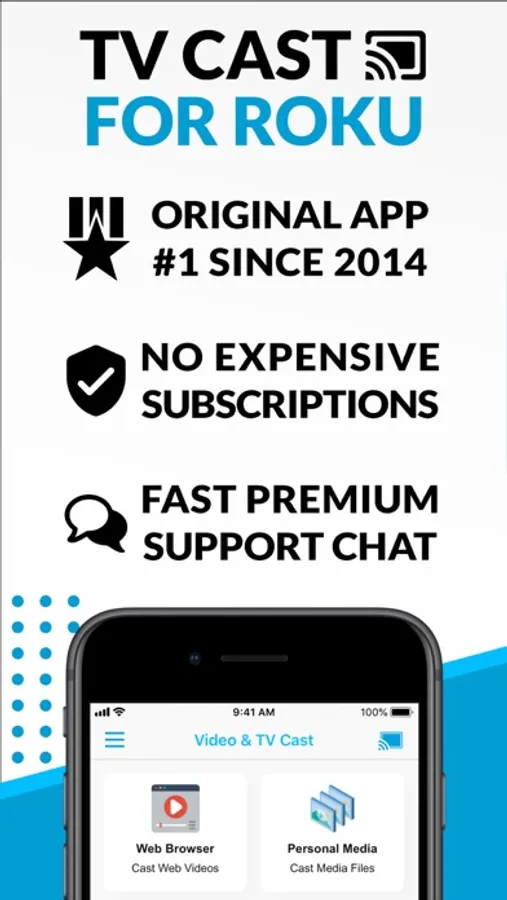
TV Cast for Roku App Screenshots
Tap to Rate:
Reviews for TV Cast for Roku App
Cole1894
Scam
It makes you download another app which cost $10 in order to do anything.
goodlife43269
Used to work
Just keep getting a pop op saying I need to open app ‘play on Roku’ but nothing happens.