
MakePDF: Document Merger
Pedro Jose Pereira Vieito
4.5 ★
2 ratings
$5.99
AppRecs review analysis
AppRecs rating 4.5. Trustworthiness 0 out of 100. Review manipulation risk 0 out of 100. Based on a review sample analyzed.
★★★★☆
4.5
AppRecs Rating
Ratings breakdown
5 star
50%
4 star
0%
3 star
0%
2 star
0%
1 star
50%
About MakePDF: Document Merger
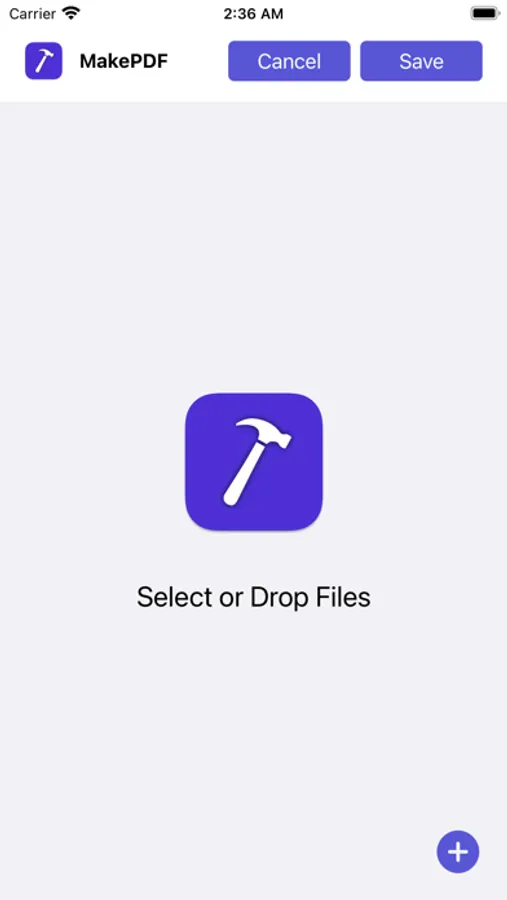
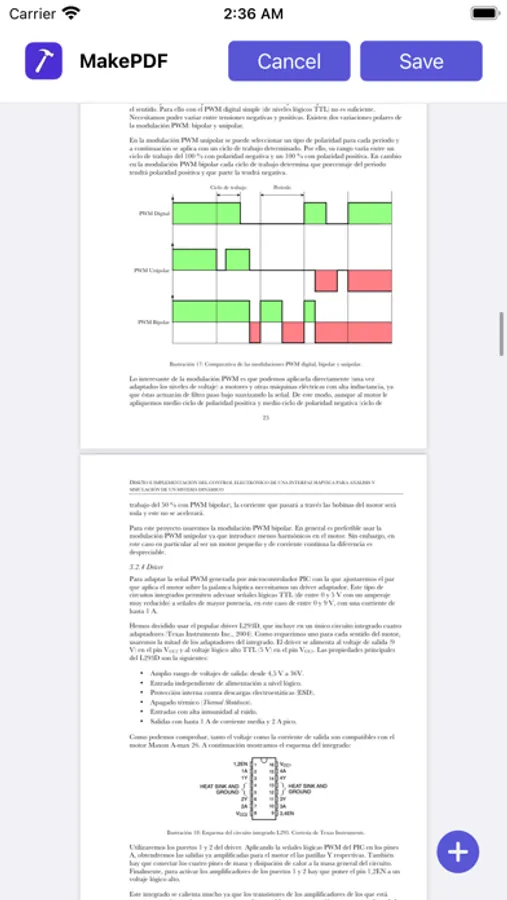
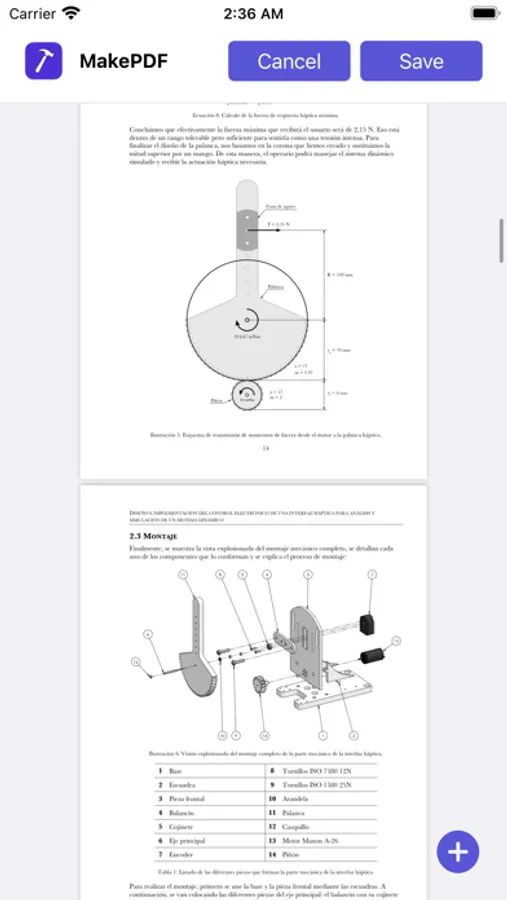
MakePDF allows you to merge multiple files into a single PDF really quickly by simply selecting or dropping documents and images.
MakePDF supports a wide variety of files:
• Any plain text file.
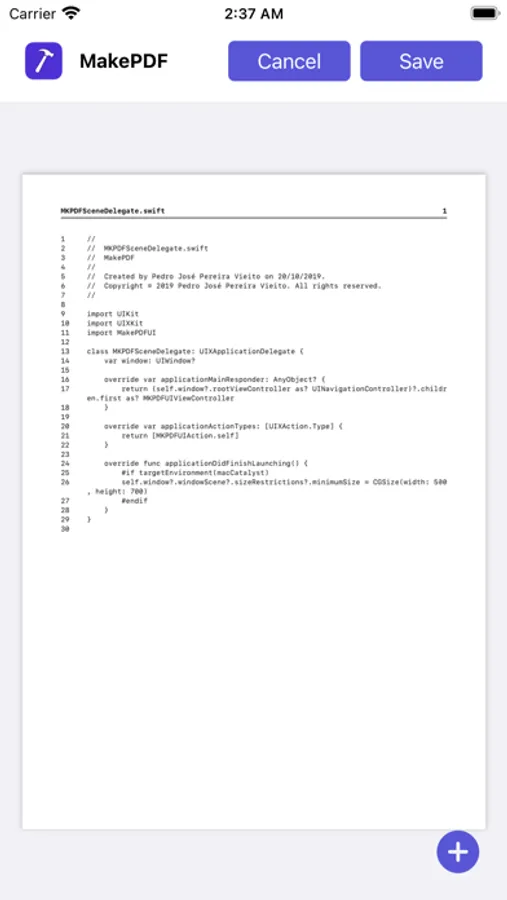
• Source code files (MakePDF will render them with line numbers!).
• HTML files.
• Images and photos.
• Word and Pages documents (supported on macOS).
• PowerPoint and Keynote presentations (supported on macOS).
• Excel and Numbers spreadsheets (supported on macOS).
• And of course, PDFs.
On macOS, MakePDF uses Apple Events to automate the native apps for each file format to ensure the best quality in the final PDF.
MakePDF is designed to help you create PDFs super quickly: if you select a folder, it will auto-sort the files alphabetically and even try to guess the output file name and save location with its SmartPath technology.
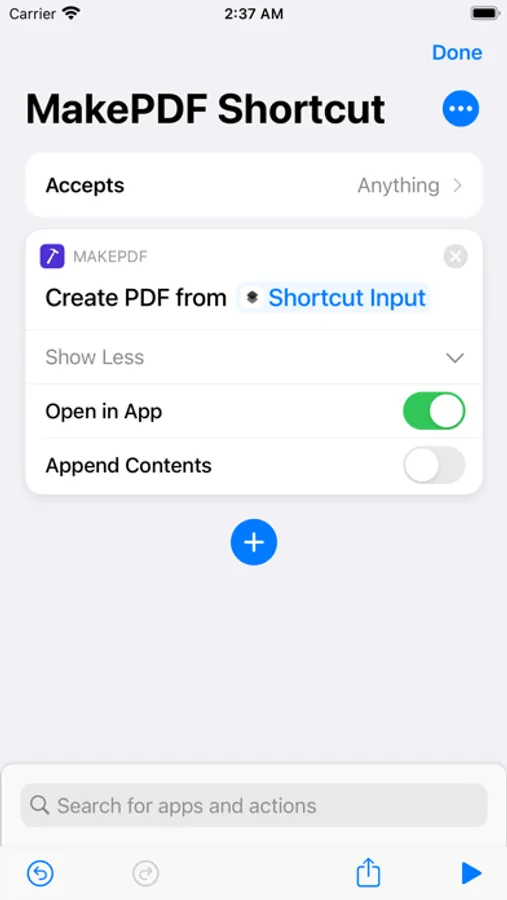
MakePDF also includes advanced features like multiple window support, keyboard shortcuts, and automation with Shortcuts.
MakePDF supports macOS, iOS, and iPadOS.
Notes:
• On macOS, MakePDF can automate the following native apps to achieve the best PDF quality: Microsoft Word, Microsoft Excel, Microsoft PowerPoint, Pages, Numbers, Keynote, and Preview.
Privacy by Design: MakePDF works completely on-device and never stores or sends any information outside of the protected app sandbox.
MakePDF supports a wide variety of files:
• Any plain text file.
• Source code files (MakePDF will render them with line numbers!).
• HTML files.
• Images and photos.
• Word and Pages documents (supported on macOS).
• PowerPoint and Keynote presentations (supported on macOS).
• Excel and Numbers spreadsheets (supported on macOS).
• And of course, PDFs.
On macOS, MakePDF uses Apple Events to automate the native apps for each file format to ensure the best quality in the final PDF.
MakePDF is designed to help you create PDFs super quickly: if you select a folder, it will auto-sort the files alphabetically and even try to guess the output file name and save location with its SmartPath technology.
MakePDF also includes advanced features like multiple window support, keyboard shortcuts, and automation with Shortcuts.
MakePDF supports macOS, iOS, and iPadOS.
Notes:
• On macOS, MakePDF can automate the following native apps to achieve the best PDF quality: Microsoft Word, Microsoft Excel, Microsoft PowerPoint, Pages, Numbers, Keynote, and Preview.
Privacy by Design: MakePDF works completely on-device and never stores or sends any information outside of the protected app sandbox.
MakePDF: Document Merger Screenshots
Tap to Rate:
Reviews for MakePDF: Document Merger
Kspencera
Does nothing right click > quick action> creat pdf does
Does nothing right click > quick action> creat pdf does
ConsiderateReviewer
Small and Perfect
This app makes PDFs out of multiple documents seamlessly. What else could you want?