
OverPicture for Safari
Pedro Jose Pereira Vieito
4.3 ★
13 ratings
$3.99
AppRecs review analysis
AppRecs rating 4.5. Trustworthiness 80 out of 100. Review manipulation risk 21 out of 100. Based on a review sample analyzed.
★★★★☆
4.5
AppRecs Rating
Ratings breakdown
5 star
62%
4 star
15%
3 star
15%
2 star
8%
1 star
0%
What to know
✓
Low review manipulation risk
21% review manipulation risk
✓
Credible reviews
80% trustworthiness score from analyzed reviews
✓
High user satisfaction
77% of sampled ratings are 4+ stars (4.3★ average)
About OverPicture for Safari
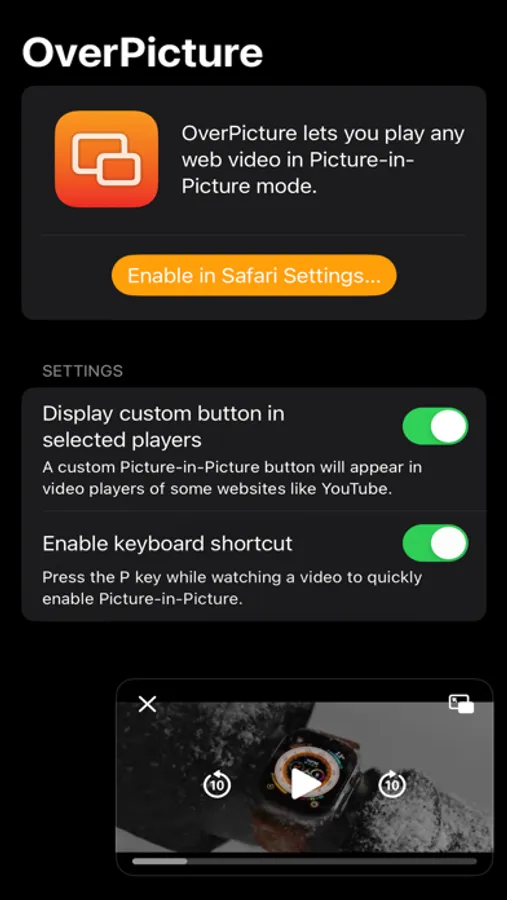
You can enable Picture-in-Picture for any web video in the following ways:
• Using the Picture-in-Picture Safari extension button.
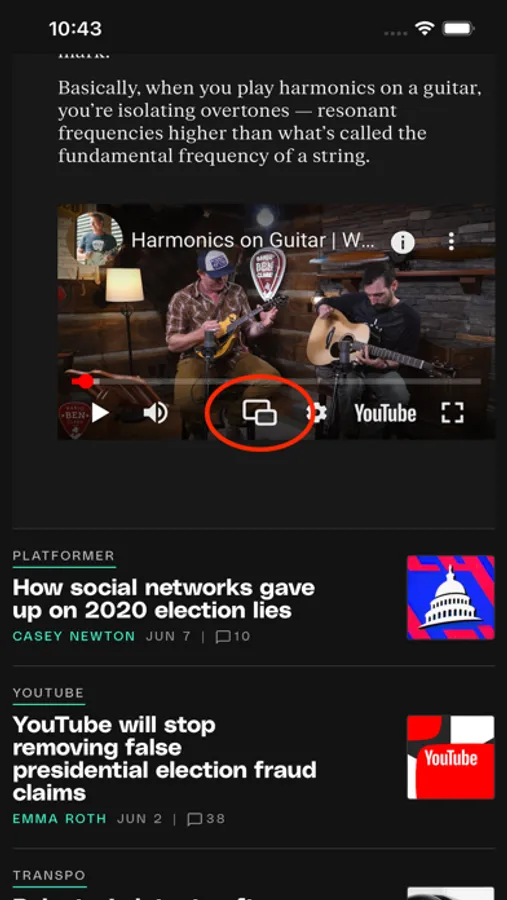
• Using the custom button in supported players like YouTube.
• Pressing the P key while a video is playing.
OverPicture works on macOS, iOS, and iPadOS.
Notes:
• You can enable the OverPicture Extension from the Extensions section in Safari settings.
• OverPicture can also be enabled in Web Apps created from Safari on macOS.
Privacy by Design: OverPicture works completely on-device and never stores or sends any information outside of the protected app sandbox.
OverPicture for Safari Screenshots

Tap to Rate:
Reviews for OverPicture for Safari
Corey ray135
Works! I use it daily!
I didn’t realize how much I loved it until I had to reset the permissions after an OS update. I use this to watch YouTube and Netflix in PiP with one key press.
Matador2022
Fast and Simple!
There’s not a whole lot to complain about with OverPicture. Having a PiP shortcut should be something built into Safari by default, but this app gets it done!