AppRecs review analysis
AppRecs rating 3.2. Trustworthiness 82 out of 100. Review manipulation risk 24 out of 100. Based on a review sample analyzed.
★★★☆☆
3.2
AppRecs Rating
Ratings breakdown
5 star
41%
4 star
5%
3 star
18%
2 star
5%
1 star
32%
What to know
✓
Low review manipulation risk
24% review manipulation risk
✓
Credible reviews
82% trustworthiness score from analyzed reviews
About PassDrop 2
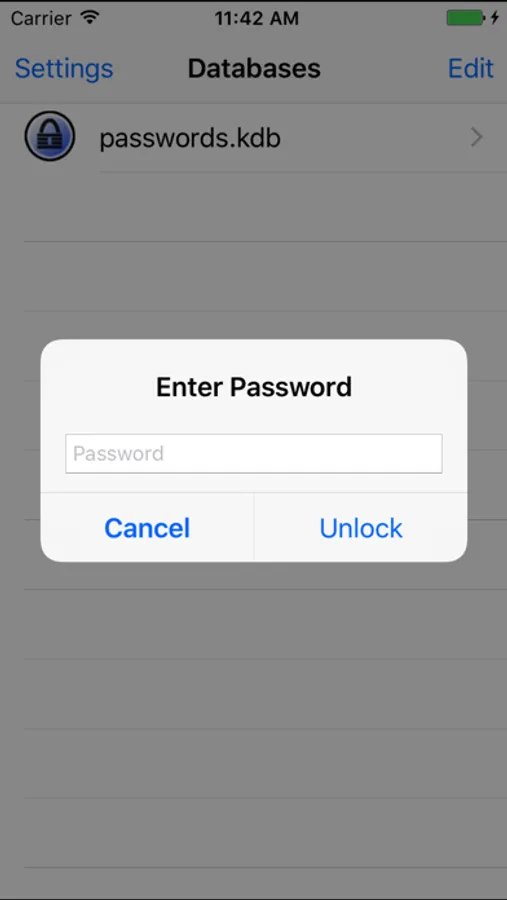
PassDrop is a fully-featured secure password management system, compatible with the free [KeePass 1.x (Classic)](http://keepass.info/) and multi-platform [KeePassX](http://www.keepassx.org/) desktop applications. PassDrop uses the free [Dropbox](http://www.dropbox.com) storage service for hassle-free synchronization of your password databases between your iPhone, Windows, macOS, and Linux computers.
Features
- Strong emphasis on clean, simple, intuitive user interface
- Load, create, and edit multiple KeePass 1.x databases in your Dropbox account
- Open KeePass 1.x databases with any file extension
- Fully integrated two-way syncing to Dropbox, with collision detection
- Lock file utilization when opening databases in edit mode
- Offline read access to databases when no network is available
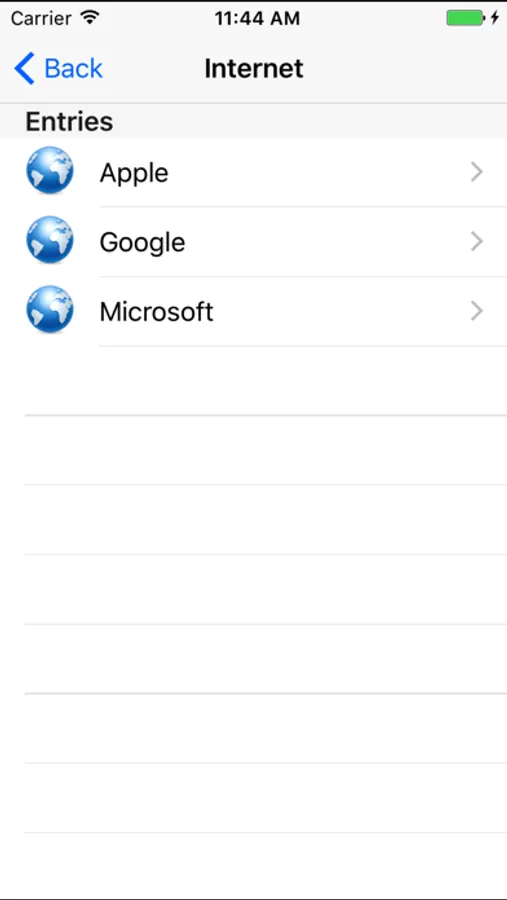
- View, create, move, sort, and edit all groups and entries nested to any level
- Password generator to automatically create random strong passwords for entries
- Entry search capabilities at global and group-specific levels
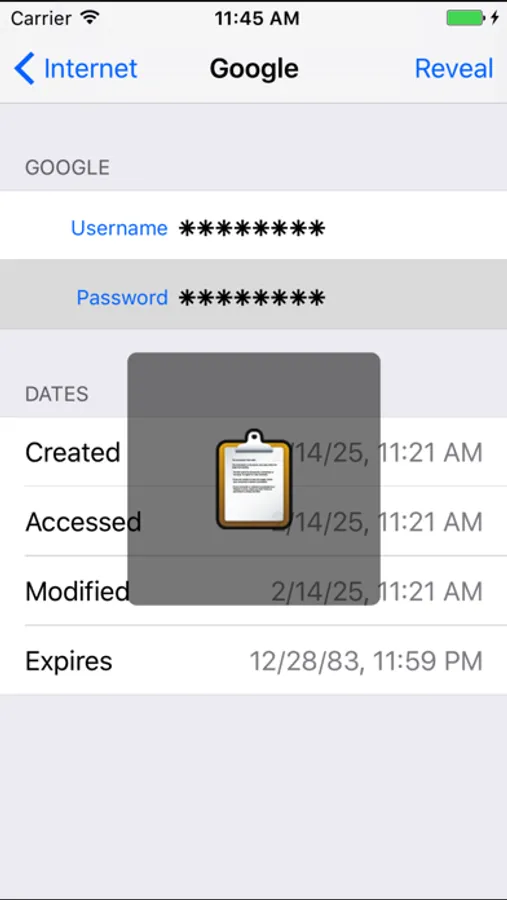
- Copy logins, passwords, URLs, or notes to your clipboard
- Automatically open URLs in Safari while PassDrop remains open in the background
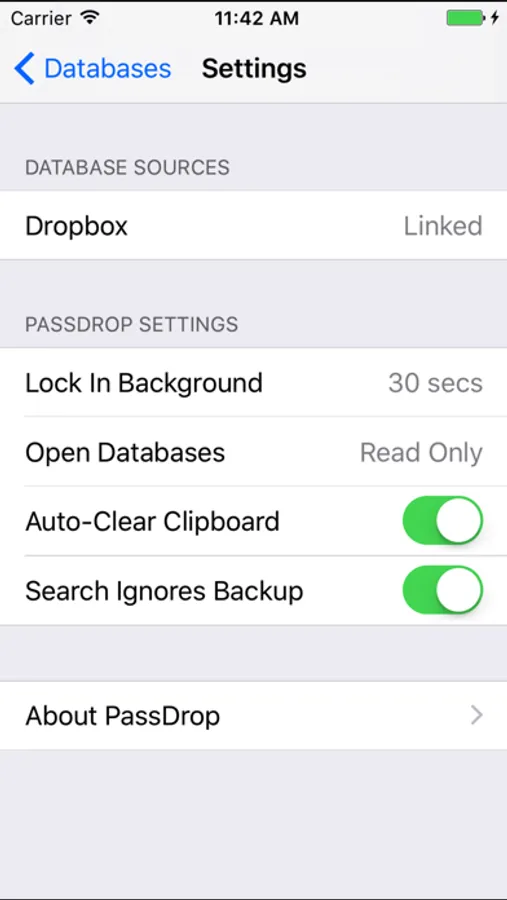
- Optionally clear clipboard whenever PassDrop is re-activated
- "Lock in background" option to auto-lock your database after a customizable amount of time
- Hide "Backup" group results when searching entries
- Encrypted HTTPS communication directly with the official Dropbox API for maximum security
## Commonly Requested Missing Features
- File attachment viewing and sharing
- Option to visually mark or hide expired entries
- Add files from other apps via file sharing
- Ability to unlink Dropbox and keep local databases
- Key file authentication
- Better UTF16/international character support
- KeePass 2.x database support
- KeePass 2.x is not an improved version of KeePass 1.x, but rather an entirely new product with completely unrelated file formats. Both KeePass 1.x and 2.x are actively developed and maintained and are viable password storage solutions. I chose to support KeePass 1.x with PassDrop due to the higher portability and multi-platform support for the KeePass 1.x file format.
- Twofish encryption
PassDrop 2 Screenshots
Tap to Rate:
Reviews for PassDrop 2
Jisipo
Cannot edit
Nice simple app, but does not allow you to edit entries. Read only🤦♂️
mcmluser
Great product
This very helpful product allows for the organization of passwords into categories and sub-categories, the creation of entries for passwords and to assign them icons, urls, descriptions and notes. It comes with many features that are not even available in "paid" products. It has been stable for the past 6 years I have used this product. I set my rating to 3 stars, as this only works with dropbox who have changed their policy to limit the number of connections unless you pay. Since I already pay for other data cloud services, it would be extremely helpful if you could select from one of these as well, such as Google Drive, OneDrive or iCloud. It would also be really awesome if it would allow for more icons, perhaps from what the iOS provides (the icon issue is only a little thing, not really needed, but would be nice). Other than that, great app, thanks!