
AppRecs review analysis
AppRecs rating 1.0. Trustworthiness 58 out of 100. Review manipulation risk 31 out of 100. Based on a review sample analyzed.
★☆☆☆☆
1.0
AppRecs Rating
Ratings breakdown
5 star
0%
4 star
0%
3 star
0%
2 star
0%
1 star
100%
What to know
⚠
Mixed user feedback
Average 1.0★ rating suggests room for improvement
About Party Planner "Menu & Invites"
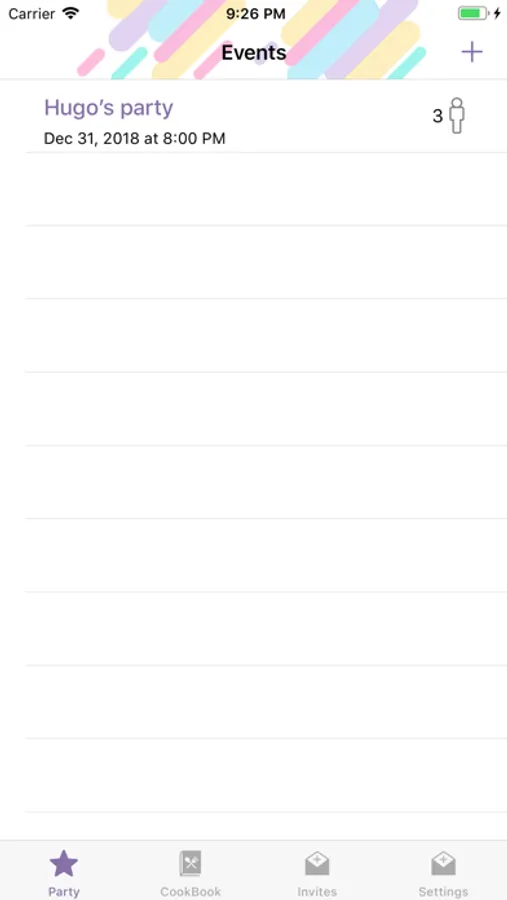
1. Create an event and add notes.
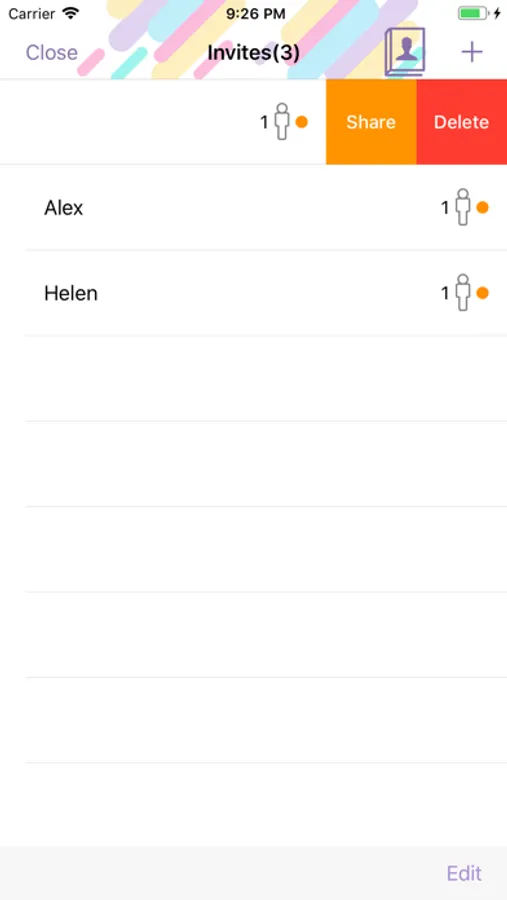
2. Make a guest list, send invitations and get real-time responses.
3. Create, save and publish recipes.
4. Make an individual menu out of “My CookBook” or “Shared CookBook” recipes.
5. Get all menu items calculated automatically, depending on a number of guests.
6. Use easy-to-follow shopping list with real-time updates.
7. Share your favorite recipes with friends.
How to make a fabulous party in just 6 steps:
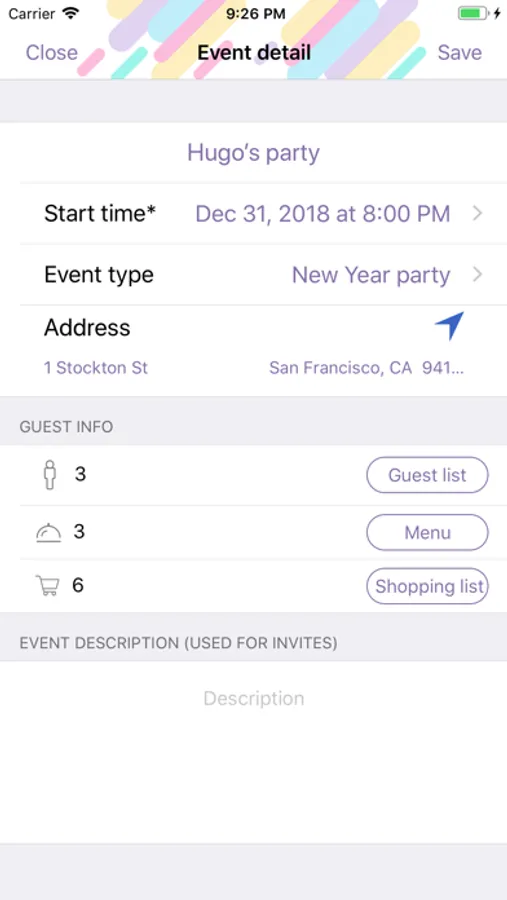
1. Describe your party: name, type, date, place, text for invitations.
2. Create a guest list using your Contacts.
3. Invite your friends via Messages, email or any other messenger, and get their real-time responses.
5. Make a menu out of your CookBook or Shared CookBook recipes. Choose number of portions and you’ll get all the ingredients calculated automatically. All the ingredients will be displayed in the shopping list.
5. Buy everything you need for a party using an easy-to-follow shopping list.
6. Cook your favorite meals using recipes from your menu.
Share your recipes easily by simply sending a link via any messenger. They’ll be added automatically to your friends’ CookBooks.
Coming soon:
- Menus sending
- Unique cards for each party
- Powerful TO DO list
- Parties timeline
- Unlimited images for your favorite recipes
2. Make a guest list, send invitations and get real-time responses.
3. Create, save and publish recipes.
4. Make an individual menu out of “My CookBook” or “Shared CookBook” recipes.
5. Get all menu items calculated automatically, depending on a number of guests.
6. Use easy-to-follow shopping list with real-time updates.
7. Share your favorite recipes with friends.
How to make a fabulous party in just 6 steps:
1. Describe your party: name, type, date, place, text for invitations.
2. Create a guest list using your Contacts.
3. Invite your friends via Messages, email or any other messenger, and get their real-time responses.
5. Make a menu out of your CookBook or Shared CookBook recipes. Choose number of portions and you’ll get all the ingredients calculated automatically. All the ingredients will be displayed in the shopping list.
5. Buy everything you need for a party using an easy-to-follow shopping list.
6. Cook your favorite meals using recipes from your menu.
Share your recipes easily by simply sending a link via any messenger. They’ll be added automatically to your friends’ CookBooks.
Coming soon:
- Menus sending
- Unique cards for each party
- Powerful TO DO list
- Parties timeline
- Unlimited images for your favorite recipes
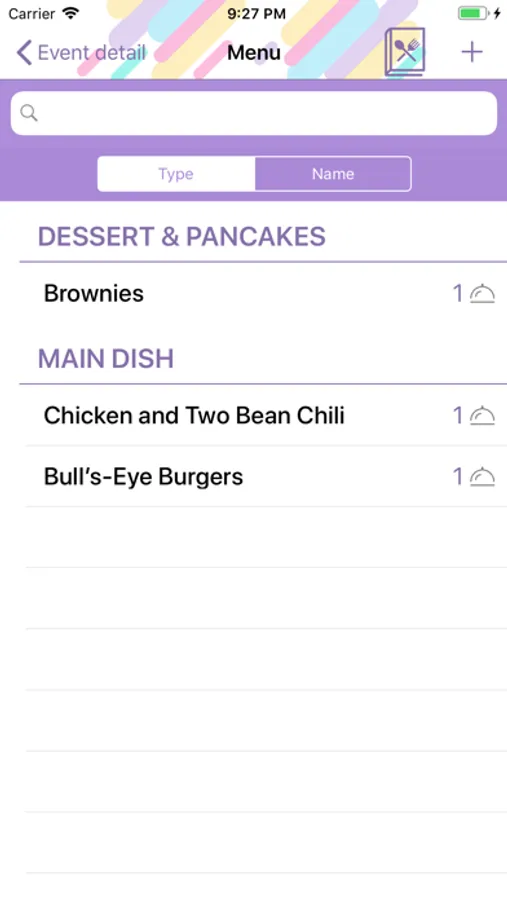
Party Planner "Menu & Invites" Screenshots
Tap to Rate:
Reviews for Party Planner "Menu & Invites"
BluBalloon!
Terrible
Too glitchy. Couldn’t even save one event.
MKusovski
Does not work
The app doesn’t save any information.