In this geometry app, you can create constructions with points, lines, circles, and polygons and explore them by dragging points. Includes measurement tools, transformation options, and access to learning activities.
AppRecs review analysis
AppRecs rating 4.0. Trustworthiness 83 out of 100. Review manipulation risk 22 out of 100. Based on a review sample analyzed.
★★★★☆
4.0
AppRecs Rating
Ratings breakdown
5 star
68%
4 star
5%
3 star
7%
2 star
1%
1 star
18%
What to know
✓
Low review manipulation risk
22% review manipulation risk
✓
Credible reviews
83% trustworthiness score from analyzed reviews
✓
High user satisfaction
74% of sampled ratings are 4+ stars (4.1★ average)
About GeoGebra Geometry
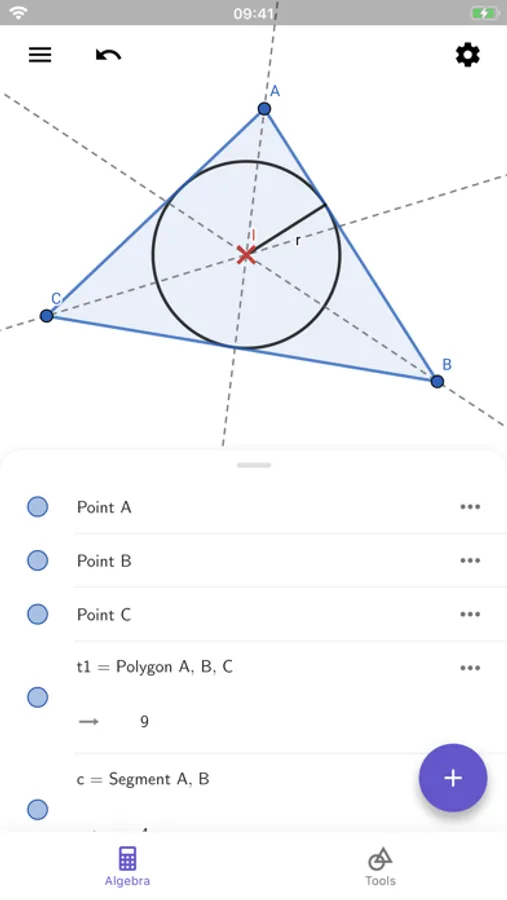
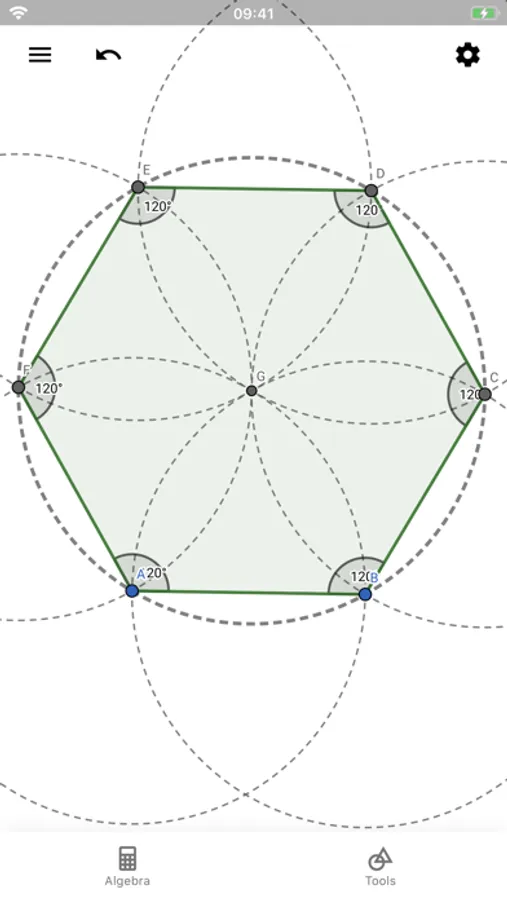
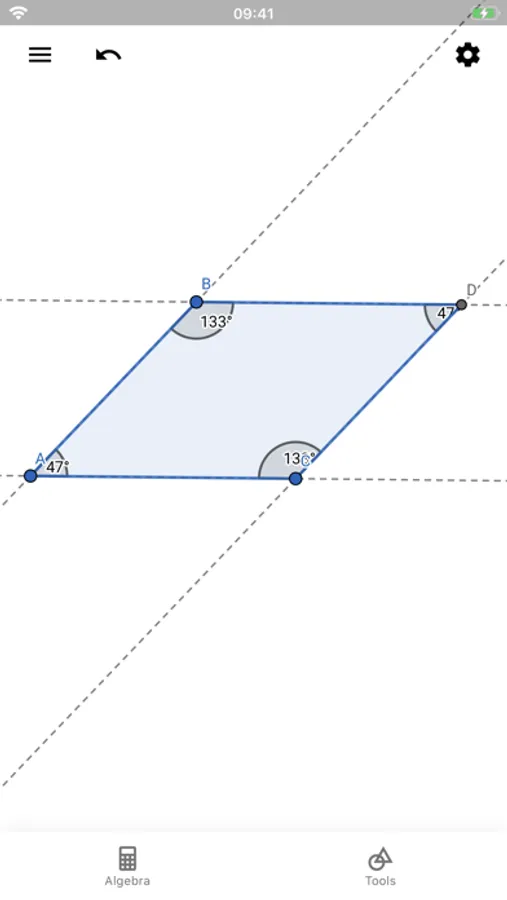
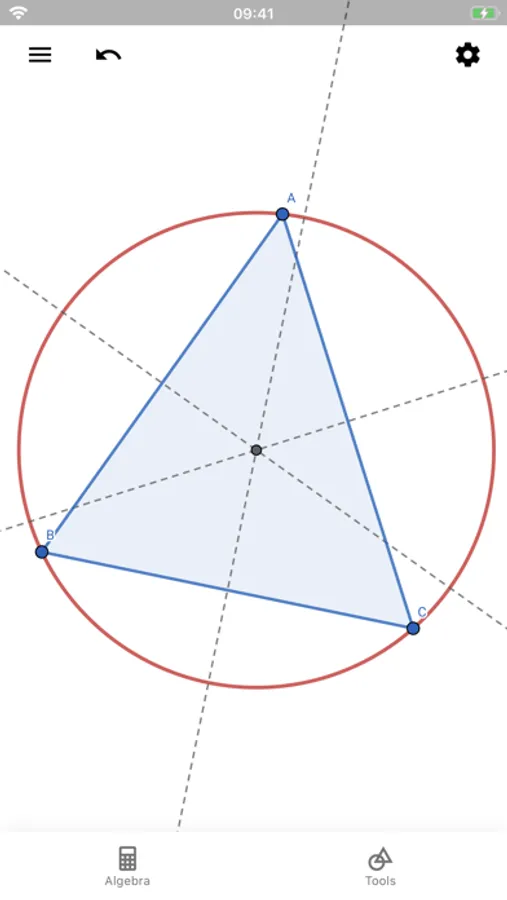
• Create constructions with points, lines, circles, polygons, and angles
• Explore interactive geometry by dragging points
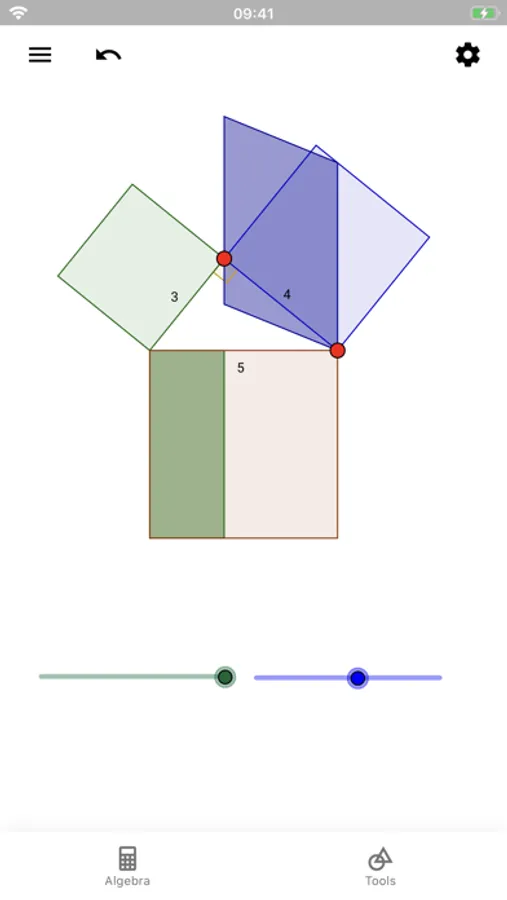
• Measure lengths and areas
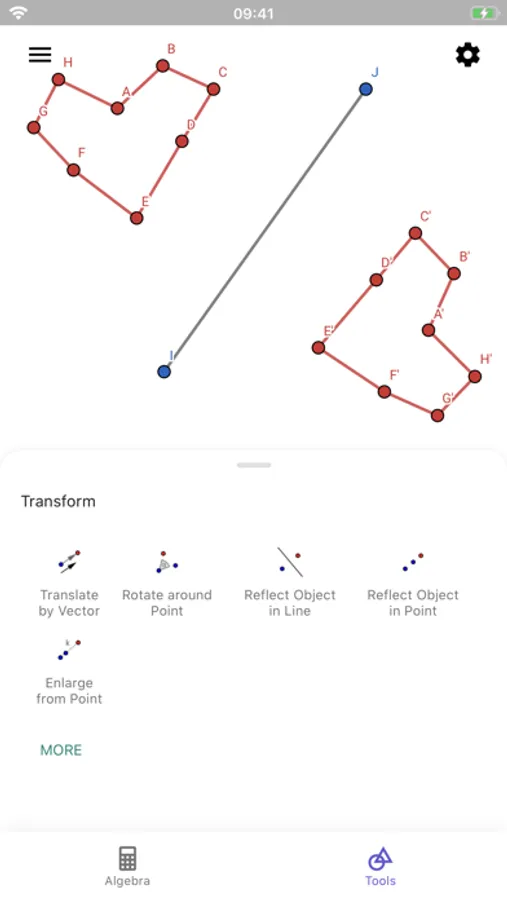
• Transform shapes by mirroring, rotating and dilating them
• Try advanced constructions with conics and locus lines
• Investigate construction steps to get deeper understanding
• Search for free learning activities directly from our app
• Save and share your results with others
We’d love to hear from you: send us your questions or feedback via Twitter @geogebra or via https://help.geogebra.org
GeoGebra Geometry Screenshots
Tap to Rate:
Reviews for GeoGebra Geometry
meteorusss
Dear geogebra
This app is really cool and useful. Thanks to it, even if I don't have access to my notebook, I can still solve problems. However, I do have one request for the developers: add the ability to save projects within the app itself.
sternutator
Delightful trial version, lacks "Open File"
A trial version delightful to explore and that even allows to save one's work, BUT not to actually open files again. Where can one buy a fully functional version?