
With this email client, you can manage multiple accounts, schedule emails, and track read receipts. Includes calendar integration, email customization, and offline support.
AppRecs review analysis
AppRecs rating 4.2. Trustworthiness 78 out of 100. Review manipulation risk 30 out of 100. Based on a review sample analyzed.
★★★★☆
4.2
AppRecs Rating
Ratings breakdown
5 star
80%
4 star
11%
3 star
4%
2 star
2%
1 star
4%
What to know
✓
Credible reviews
78% trustworthiness score from analyzed reviews
✓
High user satisfaction
80% of sampled ratings are 5 stars
⚠
Pricing complaints
Many low ratings mention paywalls or pricing
About Email Client - Boomerang Mail
NEW: Set Boomerang as your default email. Select Settings - scroll down, select Boomerang - tap Default Email App - tap Boomerang.
***Featured in NYT, TC, Inc., The Guardian and more!***
Why Boomerang:
• NEW! One-tap calendar scheduling. Share availability and schedule a meeting while in email.
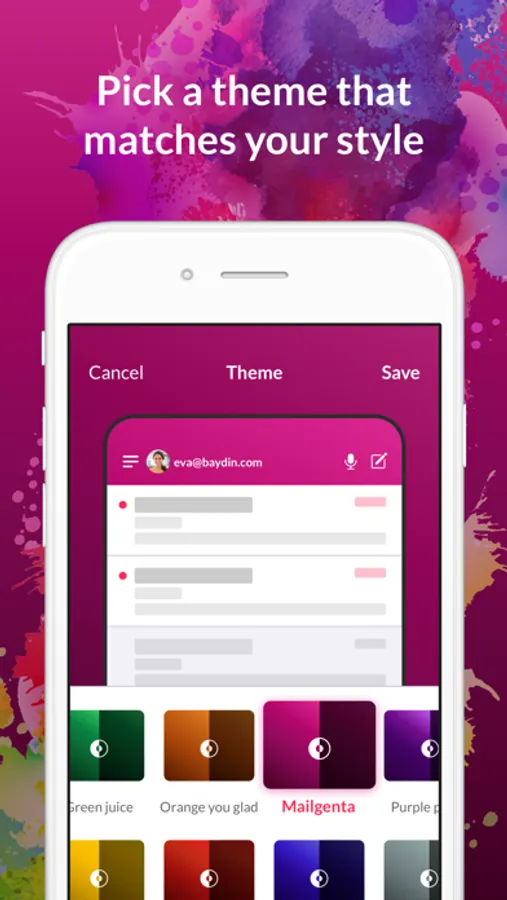
• NEW! Set different colored email accounts.
• Read Receipts. Track email opens and clicks.
• Easy follow up: Get notified when no one replies to your email.
• Inbox Pause: Stop incoming emails until you’re ready for them.
• Email scheduling. Schedule emails to be sent later.
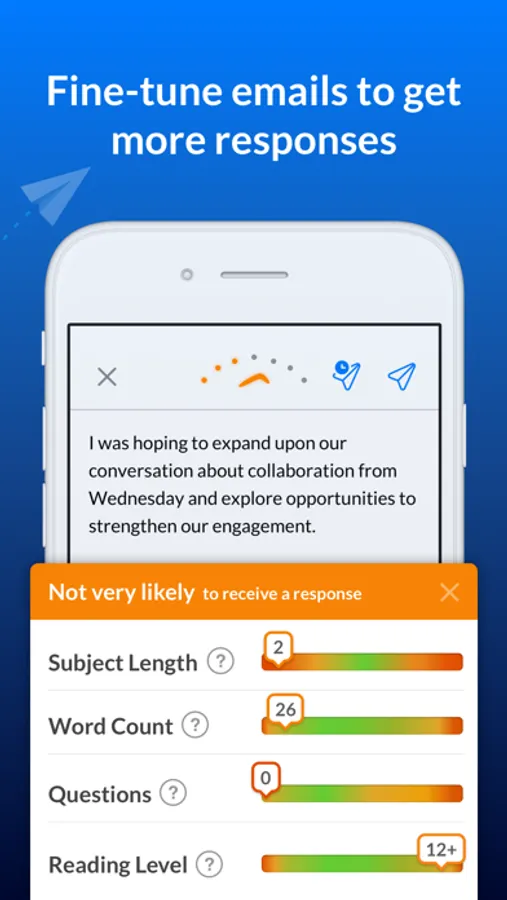
• Get faster replies: Our AI gives you feedback to write better emails. Know if your emails are too short, too wordy, or just right.
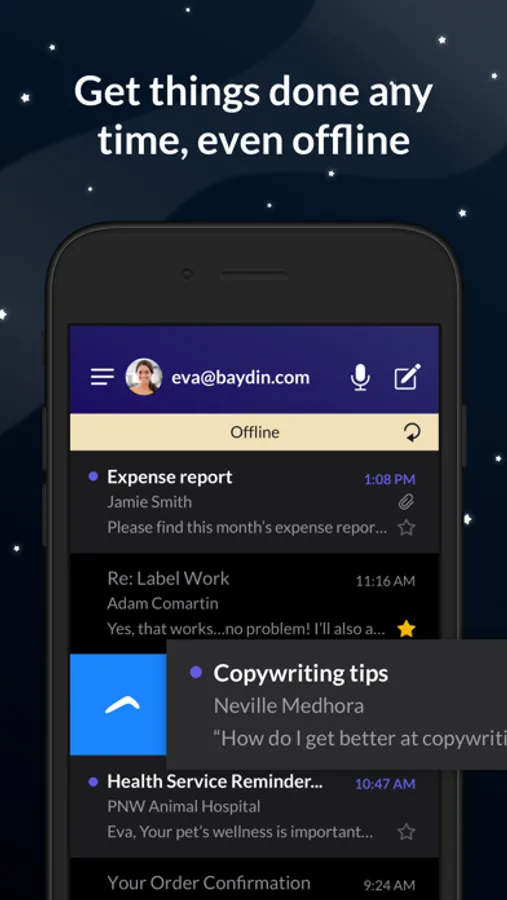
• Offline Support
• Dark Mode
• Custom swipes
Loving the app? Please post a positive review. Thank you for your five stars. It really helps!
Questions/feedback? Email us at support+iphone@boomerangapp.com or tweet to @Boomerang
A BIG thanks to everyone who rates us 5 stars. Your support means the world to us.
Terms of Use: https://www.apple.com/legal/internet-services/itunes/dev/stdeula/
Email Client - Boomerang Mail Screenshots
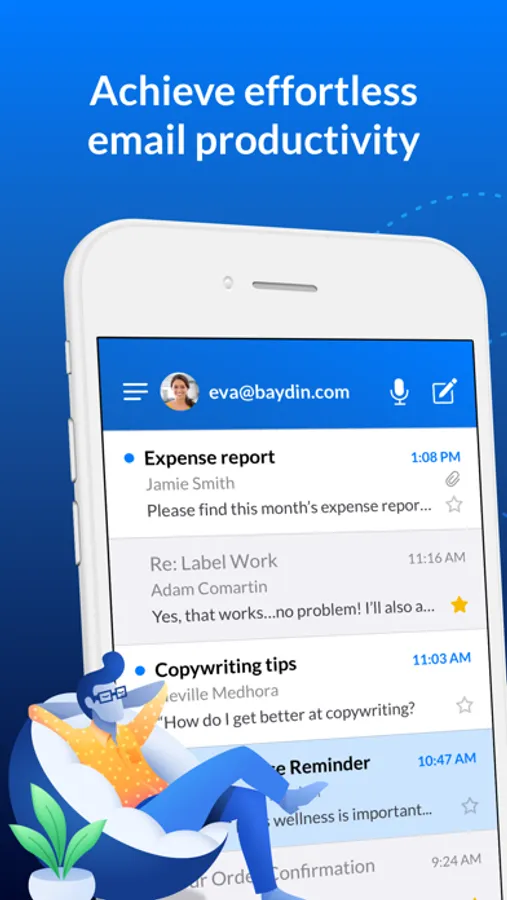
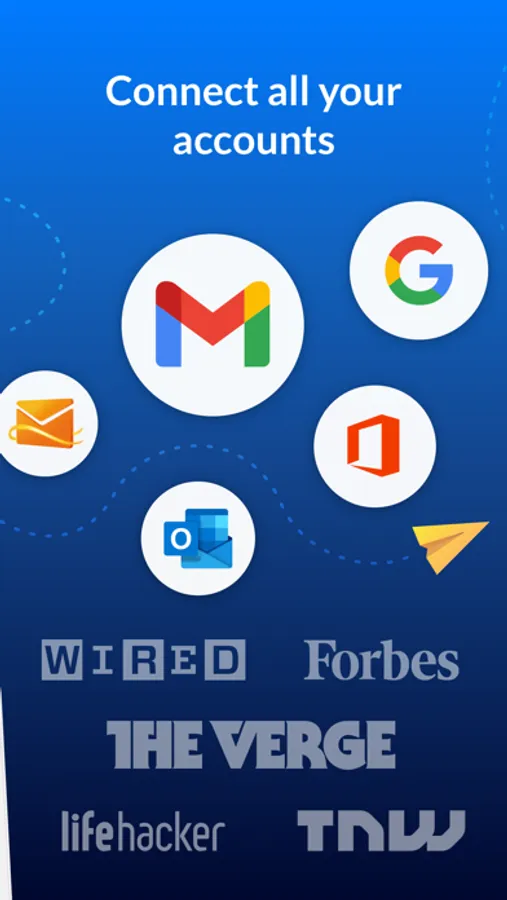
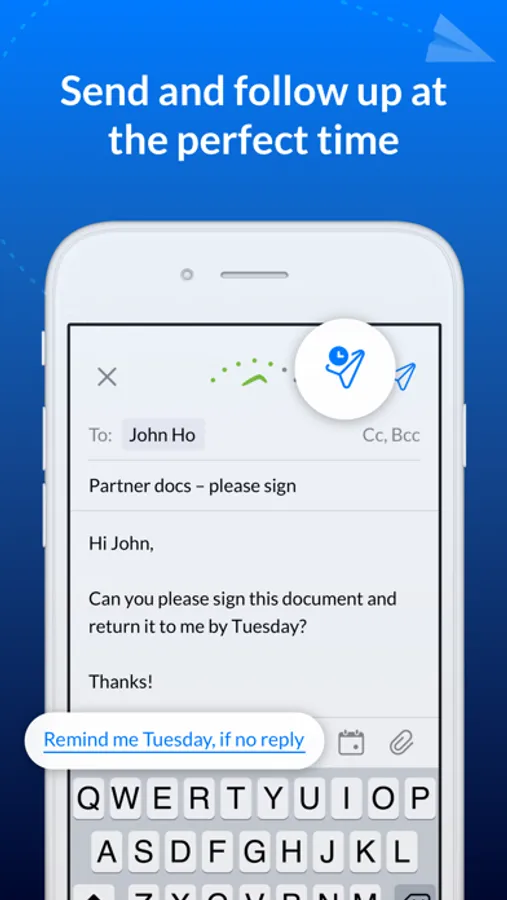
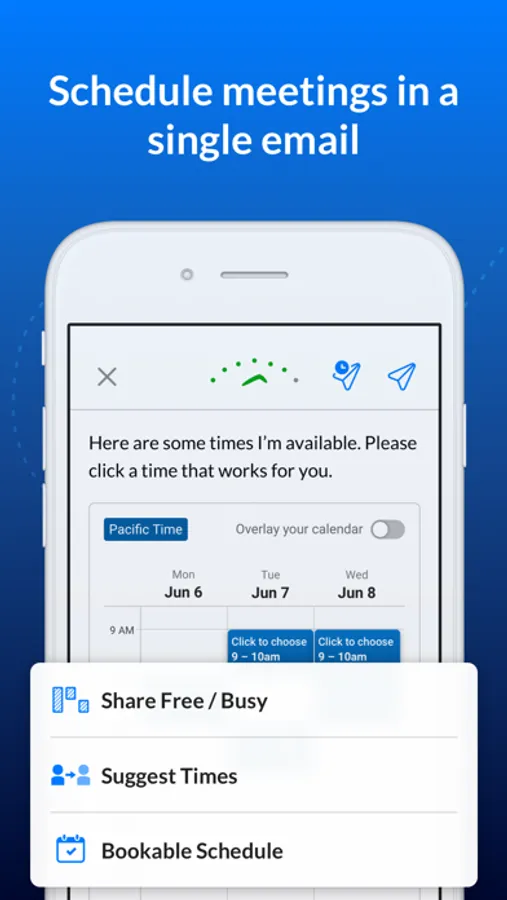
Tap to Rate:
Reviews for Email Client - Boomerang Mail
Jerry Fess
Way too expensive
$20/ mo for? When I can get the same features in similar free apps. Too bad too.
RolTowne405
Terrible App
I’ll start by saying the desktop version is great and I have no issue with it. The app on the other hand is terrible. Very buggy, doesn’t update and just generally hard to use. I wrote into customer support and they told me they were aware of the bugs but there was nothing they could do.