
AppRecs review analysis
AppRecs rating 4.3. Trustworthiness 90 out of 100. Review manipulation risk 26 out of 100. Based on a review sample analyzed.
★★★★☆
4.3
AppRecs Rating
Ratings breakdown
5 star
86%
4 star
5%
3 star
0%
2 star
0%
1 star
9%
What to know
✓
Low review manipulation risk
26% review manipulation risk
✓
Credible reviews
90% trustworthiness score from analyzed reviews
✓
High user satisfaction
86% of sampled ratings are 5 stars
About Pulse Tags
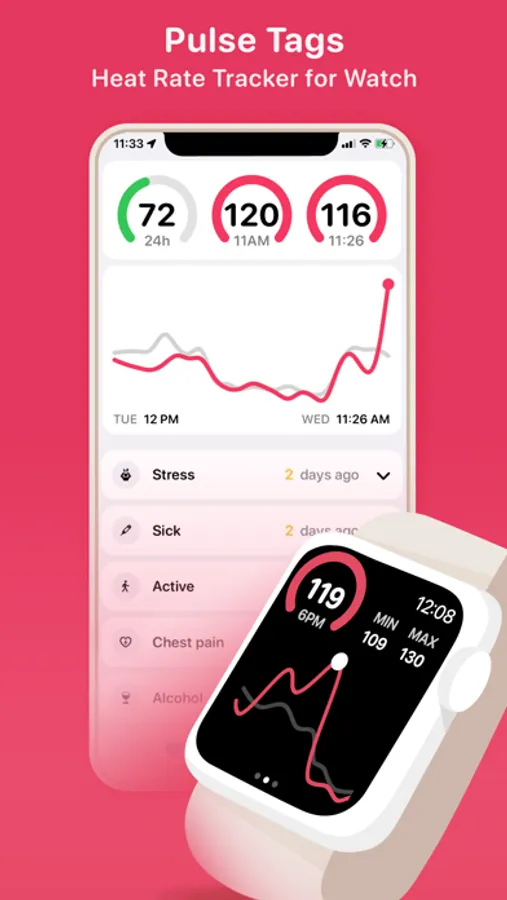
In many cases changes in heart rate can be caused by things like stress, caffeine or flu/other diseases. In such cases you can choose to tag the specific heart rate event and use Pulse Tags to keep track of how often for example stress has caused your heart rate to elevate.
Pulse Tags requires an Apple Watch with watchOS 9 or later. Pulse Tags integrates with the Health app and uses data stored in the Health app.
Key features:
-See how your hourly heart rate (bpm) averages compare to your seven day hourly averages.
-Use the Digital Crown on your Apple Watch to scroll between different values.
-See detailed heart rate values recorded within the selected hour.
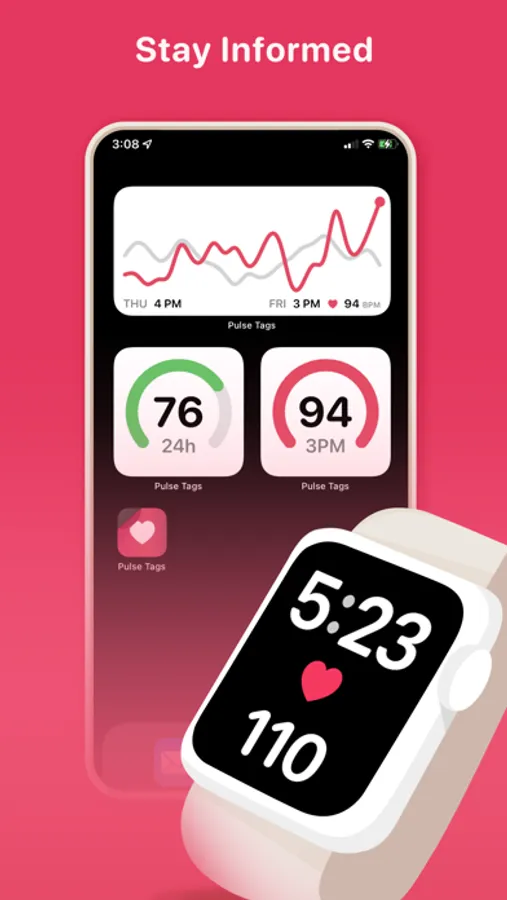
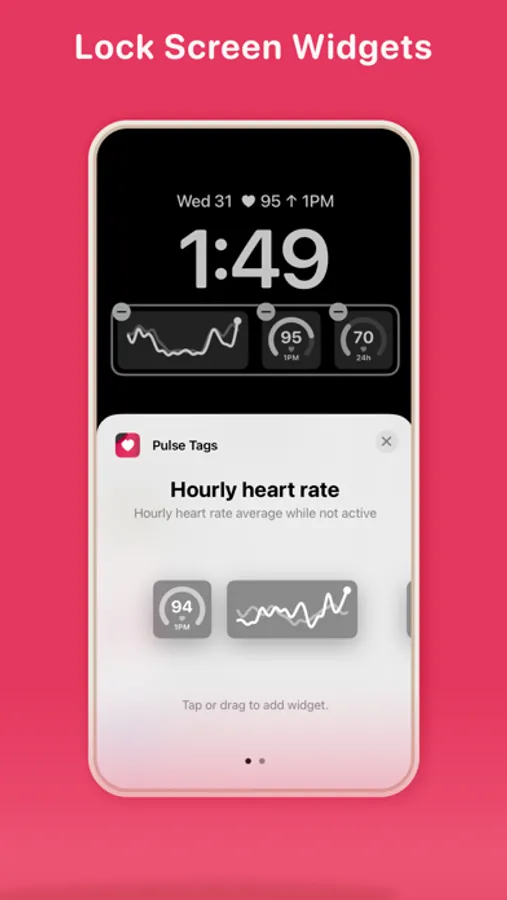
-Add Pulse Tags as complications on your Apple Watch faces to see updated heart rate data directly on your watch faces.
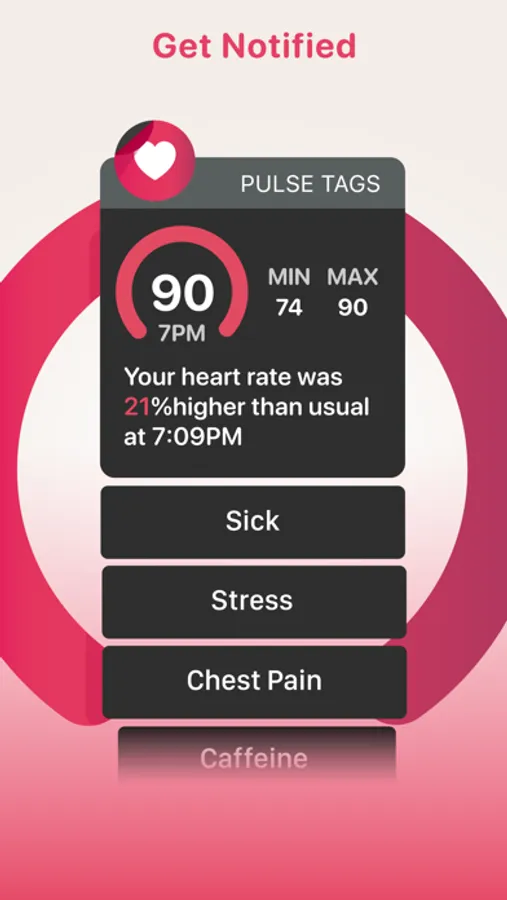
-Get notified if your hourly heart rate average is significantly higher or lower than usual. Please note that notifications and complication updates can get delayed or even blocked. Keep Pulse Tags as a complication on your active watch face to ensure better notification performance.
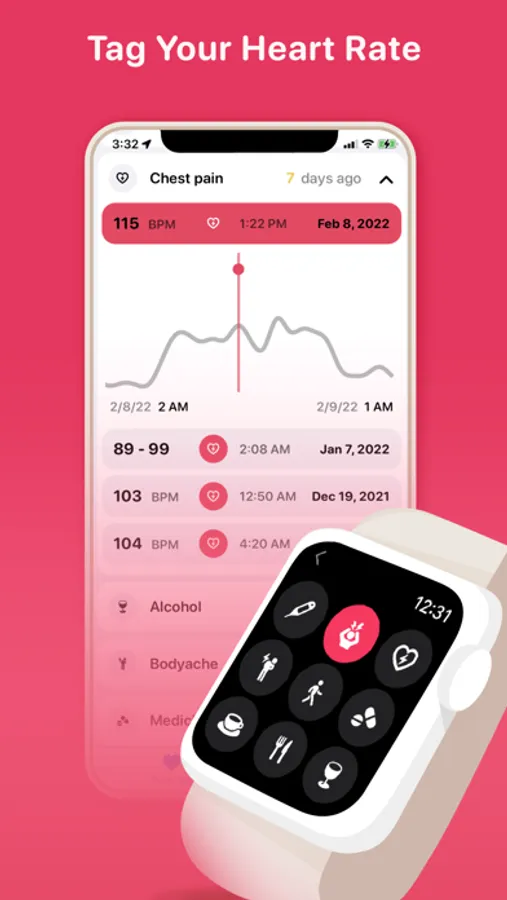
-Tag heart rate changes with a possible cause or symptom. You can also tag heart rate changes directly from the notification.
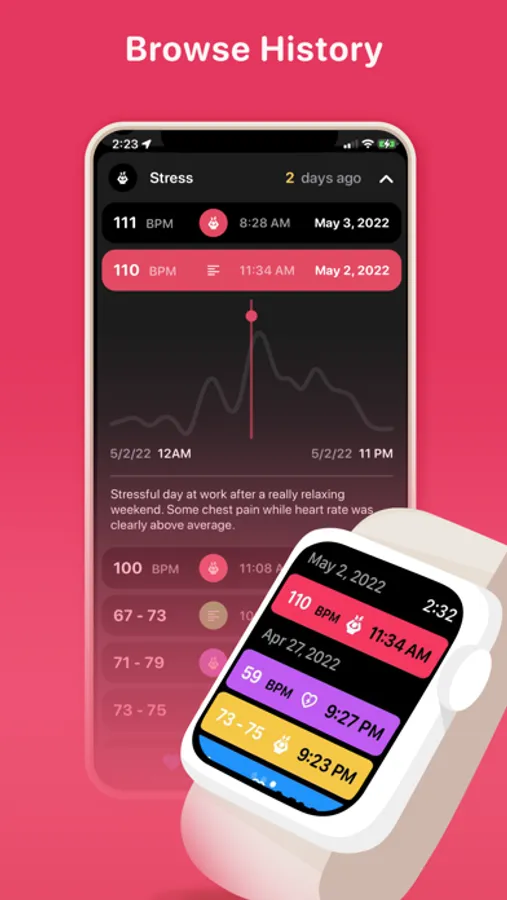
-Browse full history of tagged heart rate values.
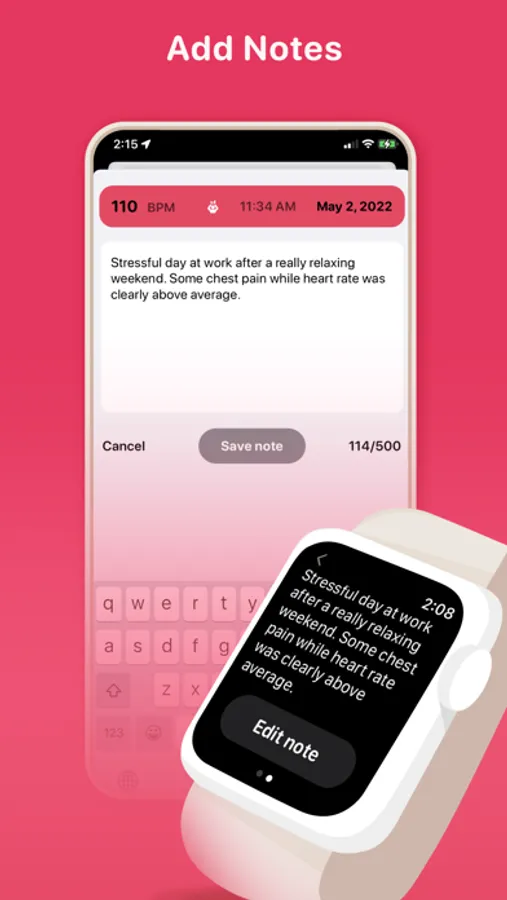
-Add and edit notes to tagged heart rate values.
-Privacy: Information read by Pulse Tags is only used locally on your Apple Watch and iPhone while relevant data is synced to your personal iCloud. This data can not be accessed by anyone else but you.
-Tutorial and in-app purchases on iPhone.
If you have any questions we will happily help you:
contact@sydvesti.com
Pulse Tags Screenshots
Tap to Rate:
Reviews for Pulse Tags
Hunter4679
Love the idea but it won’t work
I downloaded this and it worked great until i paid the $2 for continued use and now it is stuck showing the same time and heart rate for 2 days, none of the hourly stamps will show up either
dallaspike
Fantastic app with lots of potential
UPDATE: Changed from 4 to 5 stars! The most recent update includes both of the features I requested, AND they made it possible to add notes not just from the iPhone app, but also from the Watch app- which I didn’t even think of, and makes this already amazing app even more so! I am so glad I found it, and I will be recommending it to everyone who needs to track their heart health. ORIGINAL REVIEW: I was admitted to the hospital recently for tachycardia and am now needing to keep a close eye on my heart health and any triggers of a high heart rate. This app is an invaluable tool to that end because of how quick and easy it is to record triggers and symptoms immediately and on the go. I purchased lifetime access as soon as the trial ended. The only issue I've encountered is that it is not possible to select multiple options per entry- for instance, recording both caffeine and chest pain together. I emailed the developers to request that feature, and they responded in less than 12 hours. It's great to see they are responsive and take the time to consider users' needs. I'm excited to see where the app will go in the future and to continue to use it as a valuable tool for my health care. I hiahlv recommend it with full confidence.