AppRecs review analysis
AppRecs rating 4.0. Trustworthiness 78 out of 100. Review manipulation risk 20 out of 100. Based on a review sample analyzed.
★★★★☆
4.0
AppRecs Rating
Ratings breakdown
5 star
57%
4 star
14%
3 star
14%
2 star
0%
1 star
14%
What to know
✓
Low review manipulation risk
20% review manipulation risk
✓
Credible reviews
78% trustworthiness score from analyzed reviews
✓
High user satisfaction
71% of sampled ratings are 4+ stars (4.0★ average)
About SmartBusRoute
SmartBusRoute is powered by WorldNav, pioneers in truck routing for portable GPS.
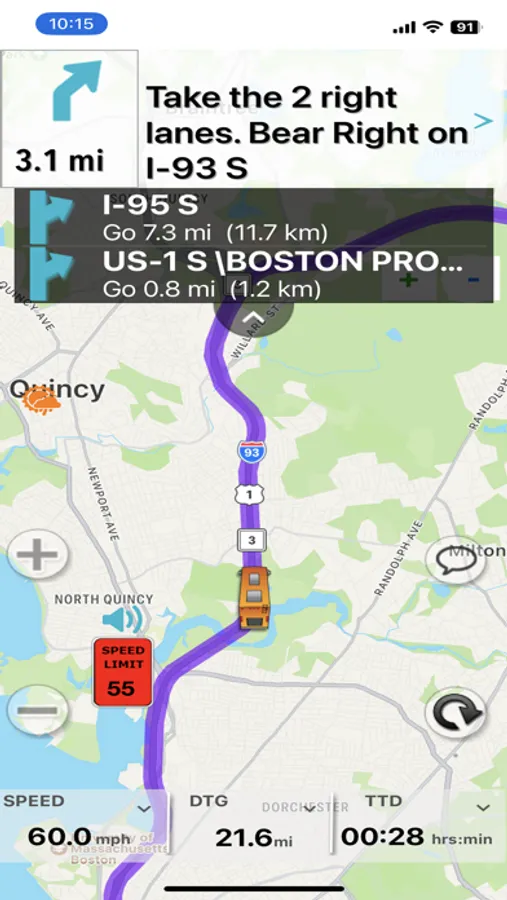
* Navigate any size bus with the convenience of using a mounted iPhone or iPad.
* Offers the latest bus specific maps and routes, updated daily.
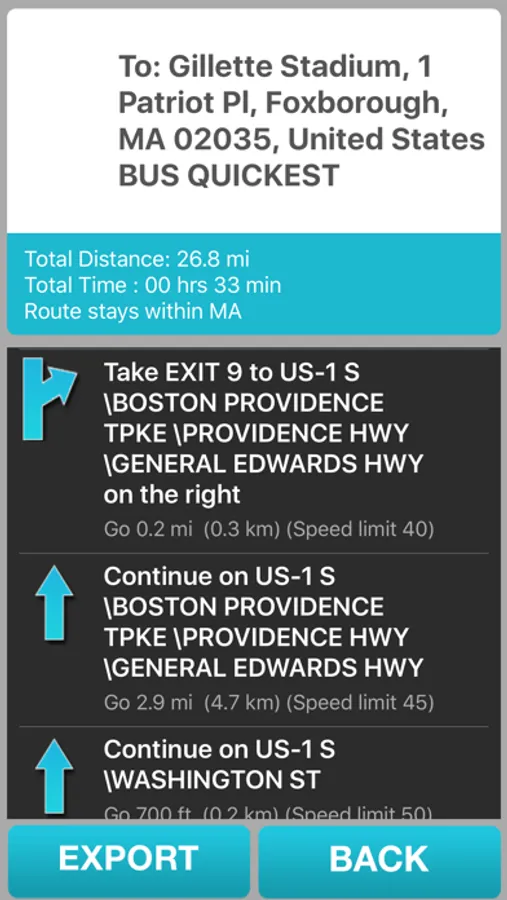
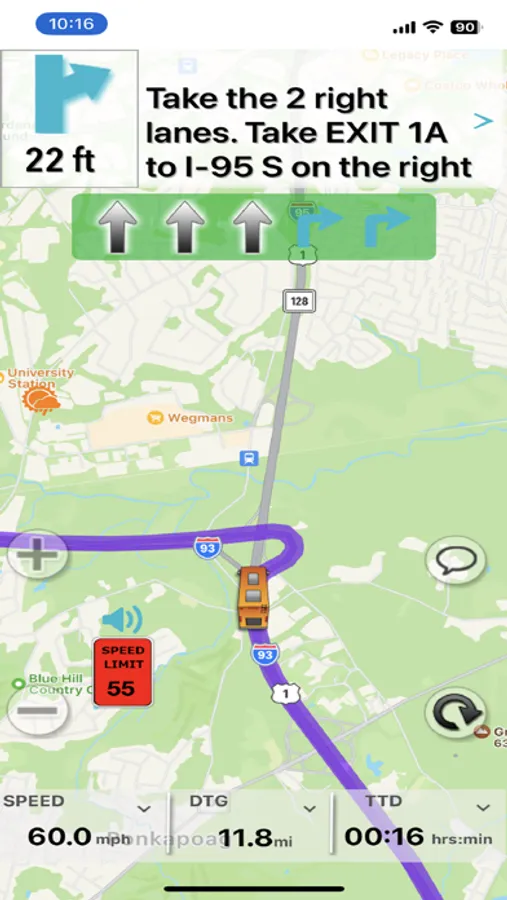
* Provides turn-by-turn instructions with voice with lane guidance.
* Navigate in Street, Hybrid, or Satellite View mode.
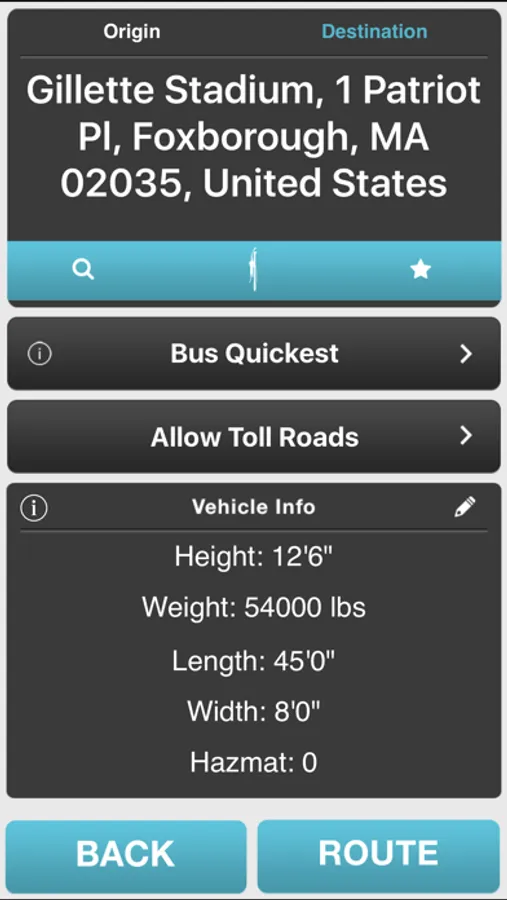
* Specify Height, Length, Width, and Weight to insure accurate bus routing.
* Use the phone's built-in speaker to say your destination address or point of interest (such as a rest area).
* Built-in Odometer function allows you to track state mileage for easy tax filing.
* State border crossing, weigh scale, and speed limit alerts.
* Navigation does not interrupt other functions of the phone.
* Unique driver feedback loop provides best in bus navigation.
* Free Updates
* Unlimited number of user entered destinations.
* Unlimited number of routes, use as often as you wish.
The app is intended for coach drivers conducting charters and tours.
The app is not intended to support school bus drivers and other fixed route bus applications.
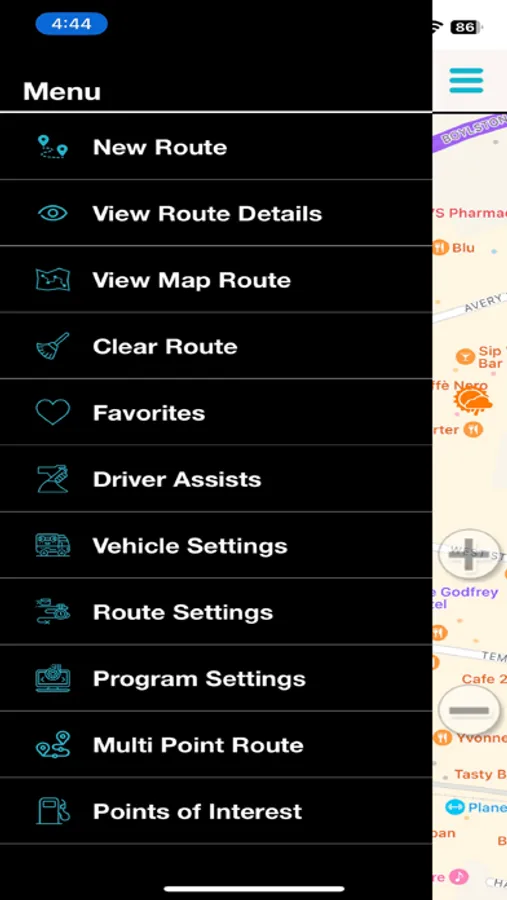
SmartBusRoute Screenshots
Tap to Rate:
Reviews for SmartBusRoute
Boston App Reviews
It’s Good For What It’s Designed To Do
The app does well in guiding bus drivers away from low clearance situations. I used it to get from Bentley University in Waltham MA to The Courtyard Marriott on Tremont St in Boston using the two day trial of the app. This was during afternoon rush hour time in which if I had used Google Maps Google would have told me to take Storrow Dr, which if you’re familiar with Boston, is a long stretch of road with low clearance overpasses. Needless to say the app got me to the Courtyard Marriott avoiding Storrow Dr and other low clearances and even more importantly, allowed me to get the passengers there safely, which at the end of the day is the main goal of all bus drivers. If you compare this to Google or Apple Maps you’ll be disappointed, but if you want to avoid low clearance situations and want to get passengers to where they need to go safely then this app is good for that.
Malskee_
Not what I was hoping for.
If you’re like me, and you drive a school bus, then you know that all navigation apps lack the option to choose “no u-turns”. Or to be able to move the destination pin to show where you need to pick up/drop off. Or even make an adjustment to the suggested turns or routing that the app provides. While this app is advertising avoiding low bridges, they might do that. But my suggestion to the developer would be to allow the user to look at the route you provided, and make a change if needed. For example, I used Apple Maps, google maps, and Waze before I tried this app to route myself to an address where I need to pull up in front of a house and pick up a student. However. All of the maps are having me make a u-turn, or turn into a street nearby. That’s not going to work. I have to pick up at the students house. So I just need to travel one intersection further south so that I’m on the right side of the road to stop at her house. No idea why this concept isn’t already implemented by all navigation apps.