In this calculator app, you can perform calculations using reverse Polish notation and customize the stack size and number format. Includes device synchronization, scrollable stack view, and gesture controls.
AppRecs review analysis
AppRecs rating 4.5. Trustworthiness 74 out of 100. Review manipulation risk 27 out of 100. Based on a review sample analyzed.
★★★★☆
4.5
AppRecs Rating
Ratings breakdown
5 star
64%
4 star
25%
3 star
7%
2 star
0%
1 star
4%
What to know
✓
Low review manipulation risk
27% review manipulation risk
✓
Credible reviews
74% trustworthiness score from analyzed reviews
✓
High user satisfaction
89% of sampled ratings are 4+ stars (4.5★ average)
About RPN Anywhere
*** Important! ***
This calculator uses reverse Polish notation for input, and the operation method is different from a normal calculator using infix notation.
If you don't know about RPN Calculator, you should not purchase this app.
How to use
- All devices
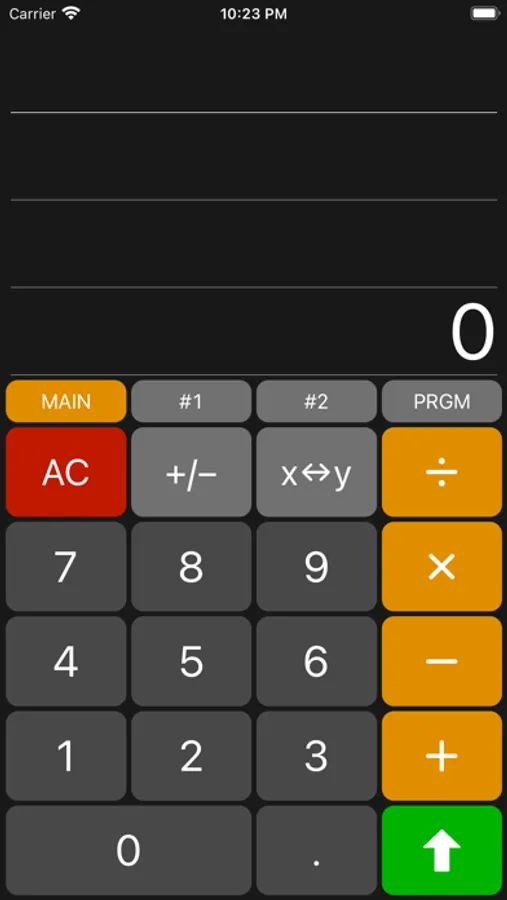
> Green up-arrow is ENTER button
> Stack size can be changed at Setting Screen
> Settings button is gear icon in keypad
> Can change number format from Settings.
- iPhone / iPad
> Stack view is scrollable and can show all values in the stack
> To delete a value in the stack, swipe left on the value in stack view and tap Delete button.
> To delete last typed digit, swipe right on stack view
> Swipe action can be modified at Settings Screen
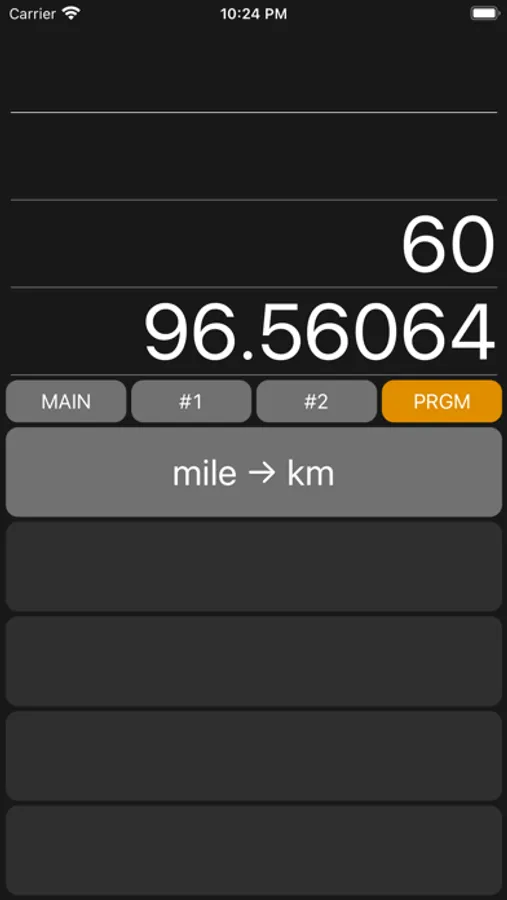
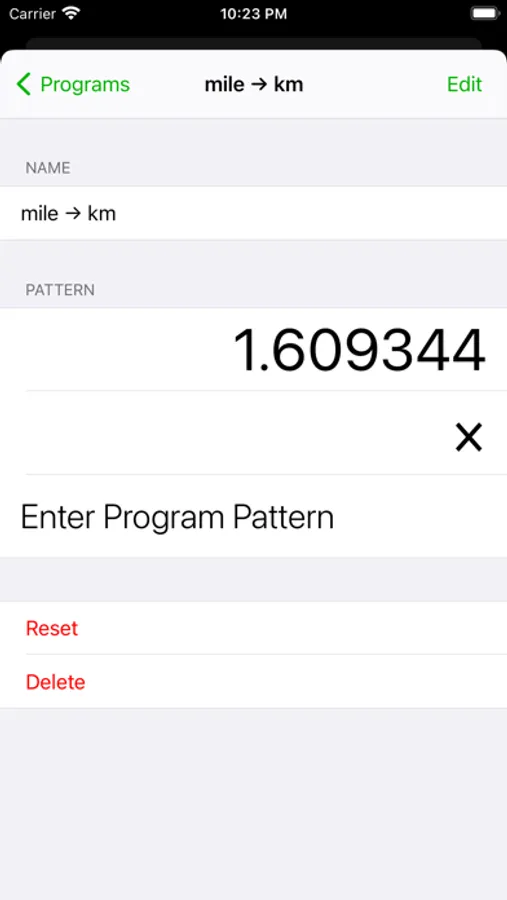
> Programs trace key operations registered in Program Settings Screen
> Setting button is replaced as other actions button while editing programs
- Apple Watch
> To show values in stack, swipe down on anywhere on the screen
> To back to main screen from stack view, swipe up on the screen
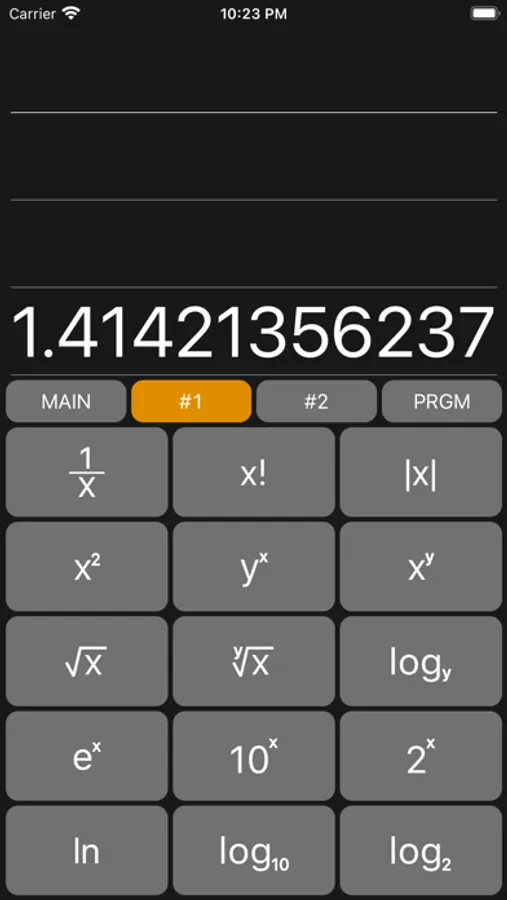
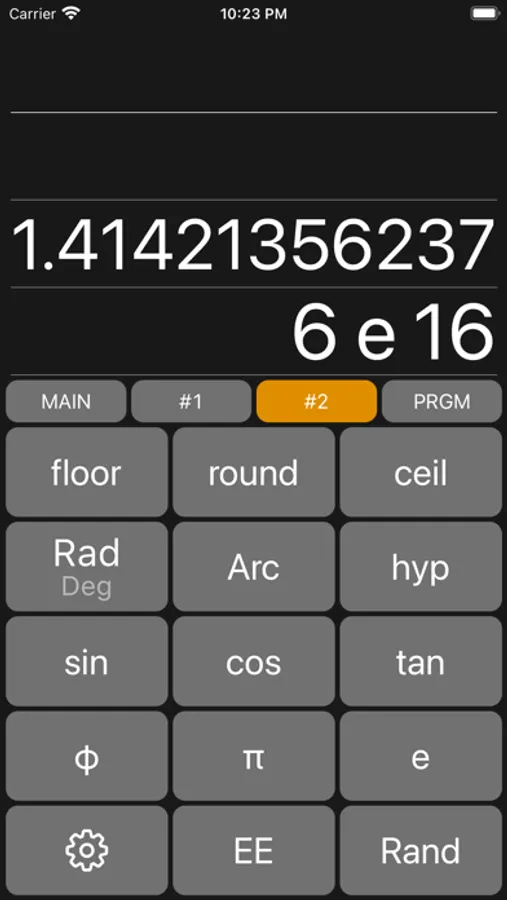
> To show scientific operators, swipe up on the screen
> To back to main screen from operators screen, swipe down on the screen
> Stack view and program view is scrollable with digital crown
> To delete last typed digit, swipe right on anywhere at Main screen
> Program view shows all programs registered in iPhone. you can't register new program on Apple Watch
RPN Anywhere Screenshots
Tap to Rate:
Reviews for RPN Anywhere
MisakaImouto
Almost perfect
This is by far the best Apple Watch calculator app, period. Unfortunately there seems to be a bug where the programs you create on the iPhone do not sync to the watch. Even with this bug, this is still well worth buying over the Lite version of this app.
cidisguise
Functional, but UX desperately needs work on WatchOS
Functionally, this is a pretty competent RPN calculator. The design isn't trying to directly copy an old HP interface and it's the better for it. On iOS, that's essentially the end of the story. It works. On WatchOS, the user interface design has a number of major inconsistencies with standard UI patterns: The watch app is organized as a single screen with two trays at the top and bottom. The trays are accessed exclusively via touch. The stack is in the top tray and advanced functions are in the bottom tray. This is quite different from most software for the Watch, which generally use sliding cards to access things which don't fit on one screen. The lower tray, sensibly enough, is accessed by swiping upwards anywhere on the bottom edge of the display and dismissed by swiping downwards. The upper tray, on the other hand, is accessed by swiping down from the right half of the top edge of the display. There does not appear to be any function assigned to the left half of the display. The tray is dismissed by swiping upwards, but a full row of space in the stack is dedicated to a large "back" button which duplicates this for no discernible reason. This arrangement simply isn't very good. Every Watch includes a hardware control for vertical movement and it's not used in any way despite the use of vertical movement for navigation. The touch controls are implemented strangely. The end result feels very non-native, is fiddly to use, and generally lacks polish.