
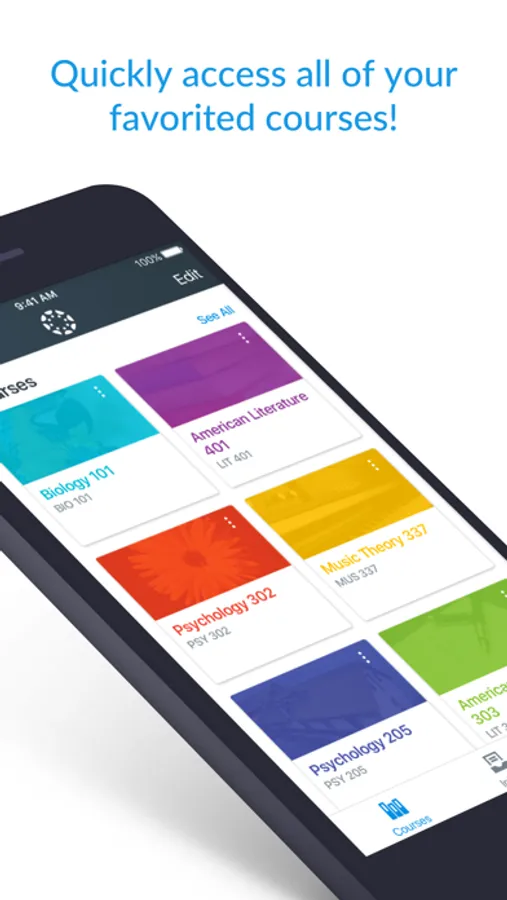
In this class management app, educators can grade assignments, give feedback, and update course content from anywhere. Includes communication tools and content editing features.
AppRecs review analysis
AppRecs rating 4.7. Trustworthiness 75 out of 100. Review manipulation risk 23 out of 100. Based on a review sample analyzed.
★★★★☆
4.7
AppRecs Rating
Ratings breakdown
5 star
80%
4 star
11%
3 star
4%
2 star
1%
1 star
3%
What to know
✓
Low review manipulation risk
23% review manipulation risk
✓
Credible reviews
75% trustworthiness score from analyzed reviews
✓
High user satisfaction
80% of sampled ratings are 5 stars
About Canvas Teacher
Canvas Teacher helps educators, instructors, and teachers grade, give feedback, and manage their classes from anywhere.
What you can do
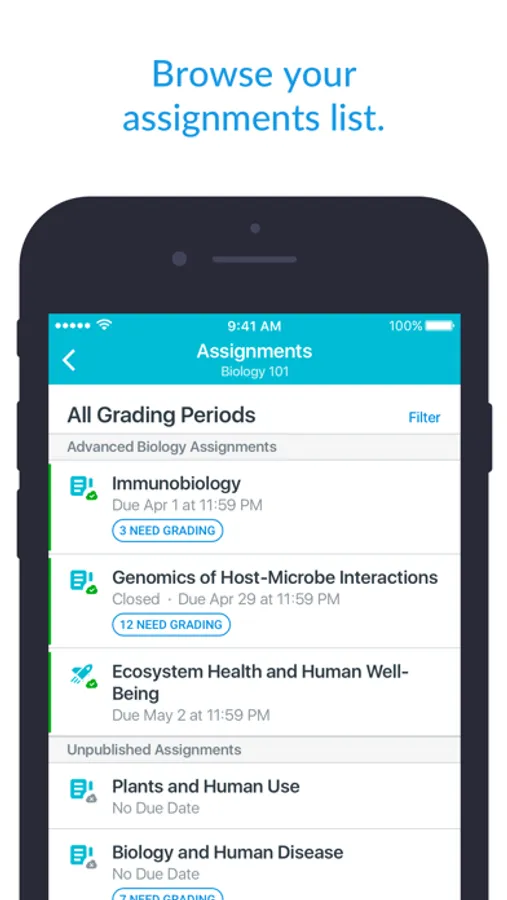
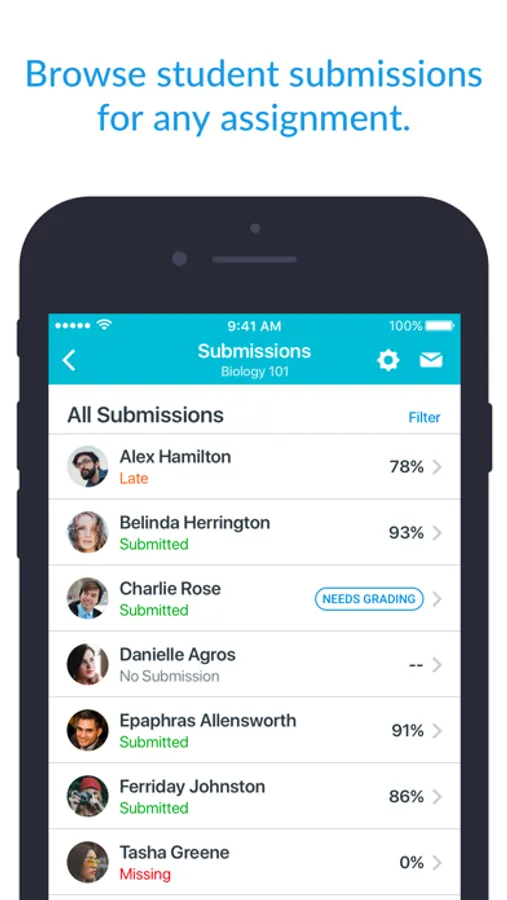
• Grade or mark work: Use mobile friendly SpeedGrader to annotate assignments, apply rubrics and give written, audio, or video feedback
• Communicate: Post class announcements, reply in discussions, and send messages right from your device
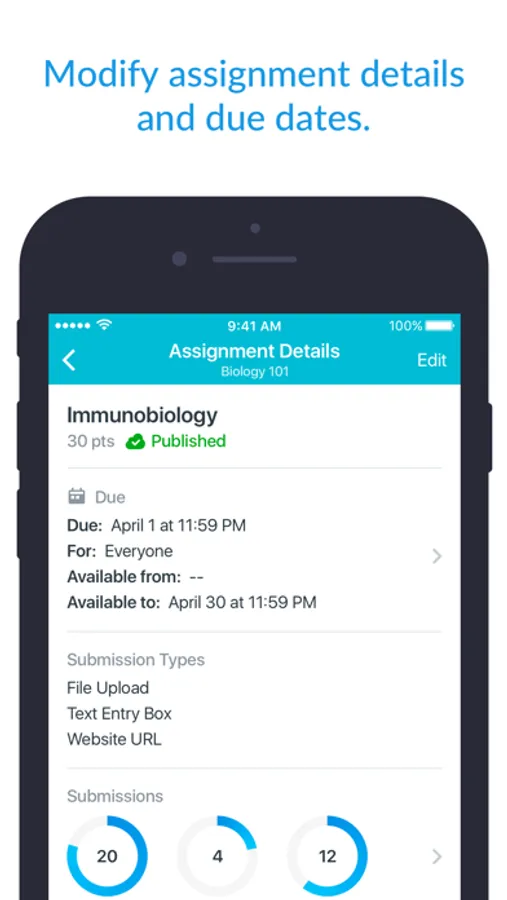
• Update content: Adjust due dates, publish/unpublish assignments, or fix typos in seconds
• Stay connected: Manage your Inbox, reply to student questions, and keep class communication flowing on the move
Canvas Teacher is designed for educators—making mobile grading and class management faster and easier.
Canvas Teacher Screenshots
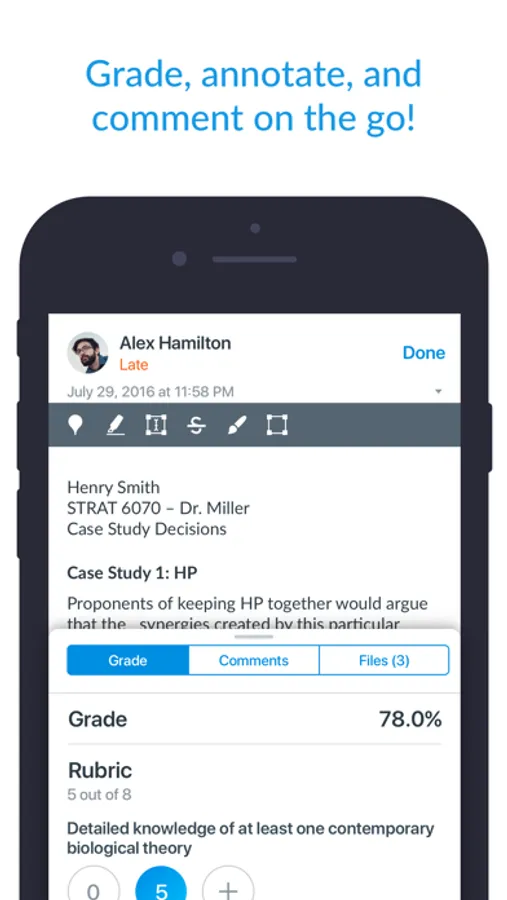
Tap to Rate:
Reviews for Canvas Teacher
MutantSquid
Odd UI Choices
Let me start by saying I’m a huge Canvas fan. It’s made my life so much easier and made it so I can deliver consistent curriculum to students and their families. This app however, makes some strange design choices that sometimes make it easier to use the site in a browser. It’s good in a pinch, or in certain use cases, but with a few changes and additions, it could be so much better. My current issue is with the redesign of the rubrics. Previously, when grading, the rubric scores were stationary and the rubric criteria was in a tool tip. Now, when you tap the rubric score, the rest of the rubric moves, like a hinge or drawer, moving the rest of the rubric downwards. This makes quick grading a huge pain, since the tap targets are constantly moving. Another longstanding feature that is missing in the app is the ability to read submission comments in the inbox. When dealing with a large amount of students or assignments, not being able to filter new submission comments in the inbox (as you can do on the site), makes this extremely difficult to use to find and respond to specific students. While I’m at it, I’d love to see the it implement support for the new Pencil Pro tools and tool selection, and also love to select a default browser for Canvas to use (that may be a iOS / iPadOS limitation), as I use Chrome for work.
TeaMogul
Rubric feedback!? WOW :)
I’ve waited a decade for the ability to enter rubric feedback. THANK YOU. One major glitch: I cannot remove an automatic late penalty by changing the number of days late to zero. The field is editable, but even if I change it and hit enter, it returns back to the days late the submission was leaving the grade book setting of 5% per day late deducted automatically. I appreciate the rubric changes overall!