In this music app, you can generate ambient drone sounds to add atmosphere to your performances and recordings. Includes adjustable filters, crossfades, and import options for custom sounds.
AppRecs review analysis
AppRecs rating 4.5. Trustworthiness 77 out of 100. Review manipulation risk 22 out of 100. Based on a review sample analyzed.
★★★★☆
4.5
AppRecs Rating
Ratings breakdown
5 star
71%
4 star
15%
3 star
6%
2 star
3%
1 star
5%
What to know
✓
Low review manipulation risk
22% review manipulation risk
✓
Credible reviews
77% trustworthiness score from analyzed reviews
✓
High user satisfaction
86% of sampled ratings are 4+ stars (4.4★ average)
About AutoPad — Ambient Pad Loops
AutoPad generates atmospheric drone sounds that lend subtle structure to your live performances and recordings. Simply tap a key, and AutoPad will provide a tasteful soundscape that plays for as long as you like. Natural crossfades between keys are handled automatically.
Features:
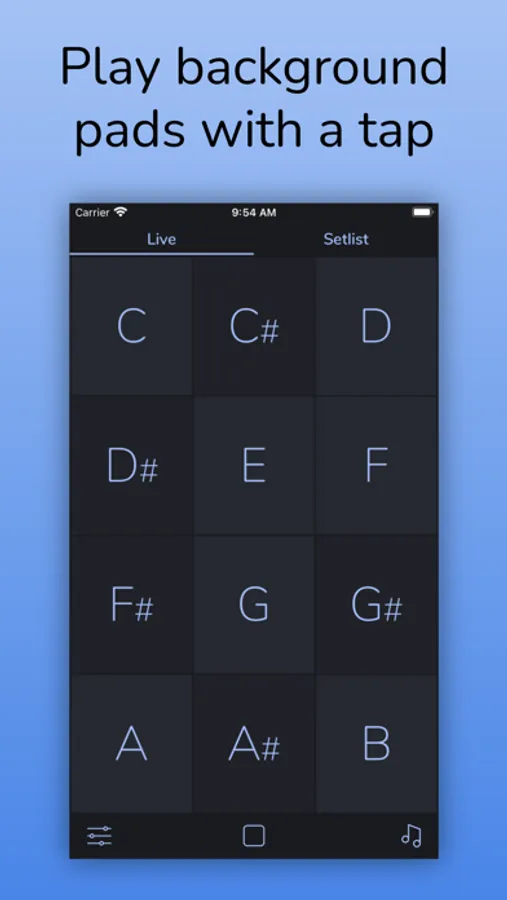
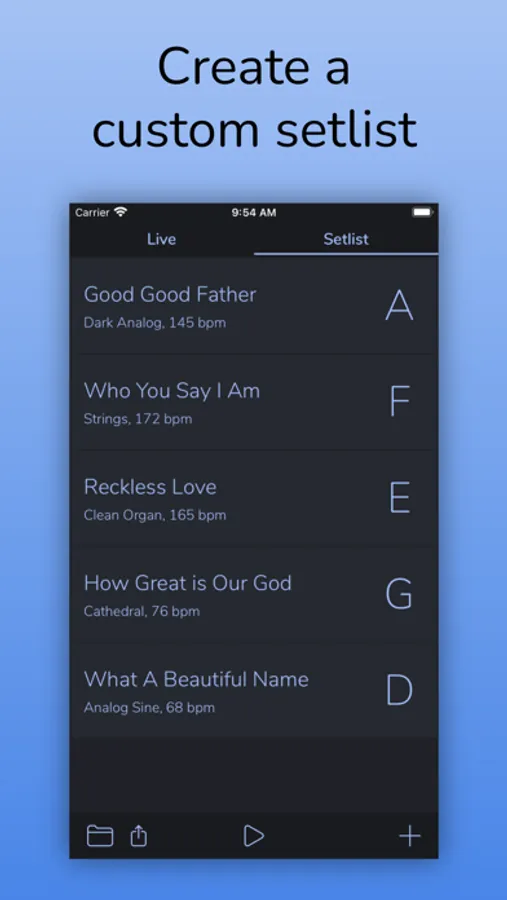
- Perform with ease. AutoPad has two modes: Live mode gives you instant access to all twelve keys, and setlist mode lets you build a custom list of songs.
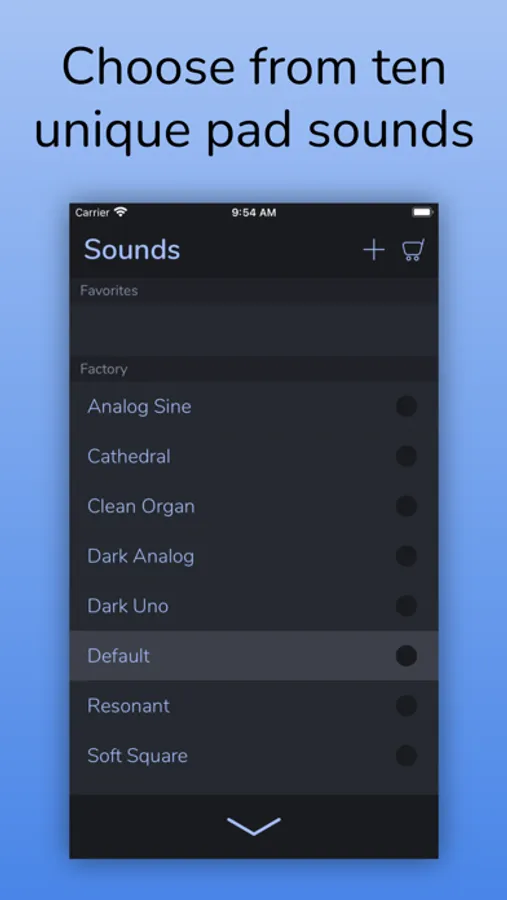
- Set the mood. AutoPad comes with 10 carefully designed pad sounds. Each one creates a unique atmosphere in all 12 keys.
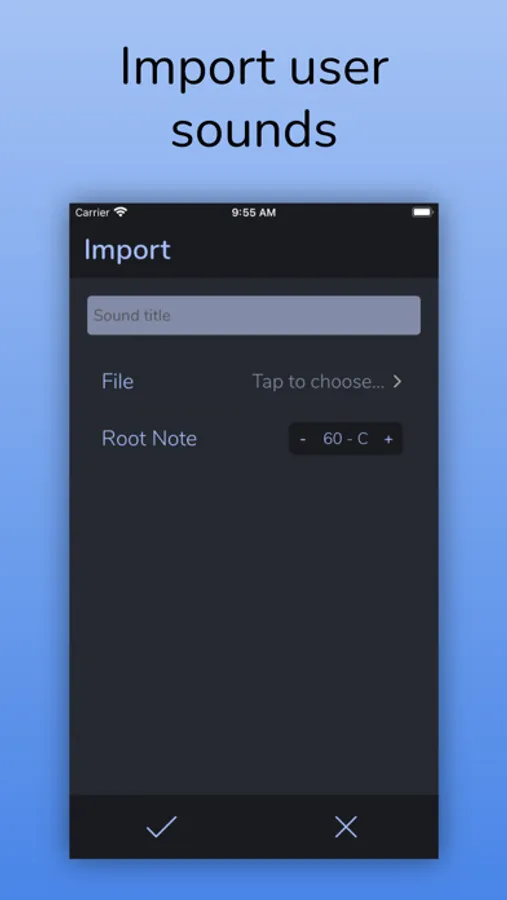
- Expand your library. You can add to the factory sounds by importing your own pads or by purchasing one of the in-app sound packs.*
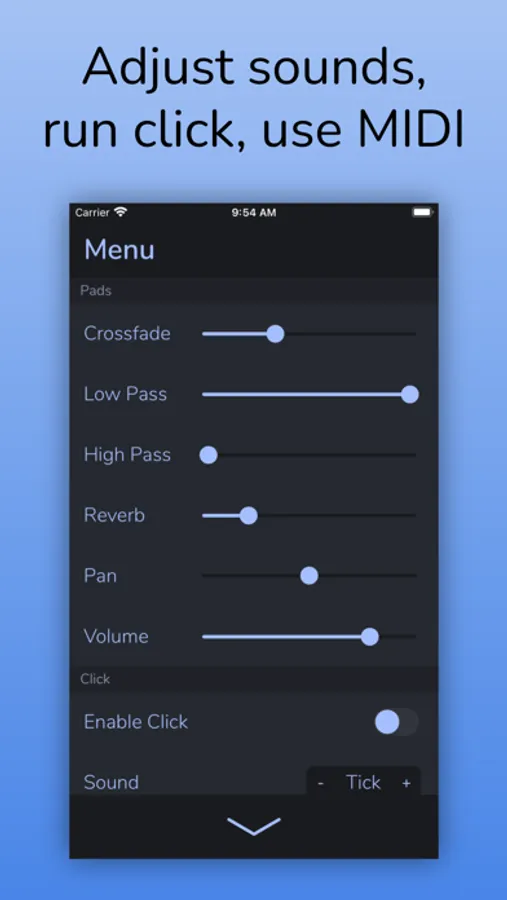
- Shape your sound. AutoPad's menu gives you control over crossfade time, high-pass and low-pass filters, reverb amount, pan, and volume.
- Easy on storage. AutoPad's seamlessly looped sample-based drones contain just what you need to provide a pleasing atmosphere and don't take up excessive space on your device.
- Stay in sync. AutoPad features a customizable metronome with a dedicated pan control. Keep your band locked in without needing to lug around a tracks rig.
- Deep MIDI Control. AutoPad's MIDI Actions menu makes it easy to customize how AutoPad responds to your MIDI controller.
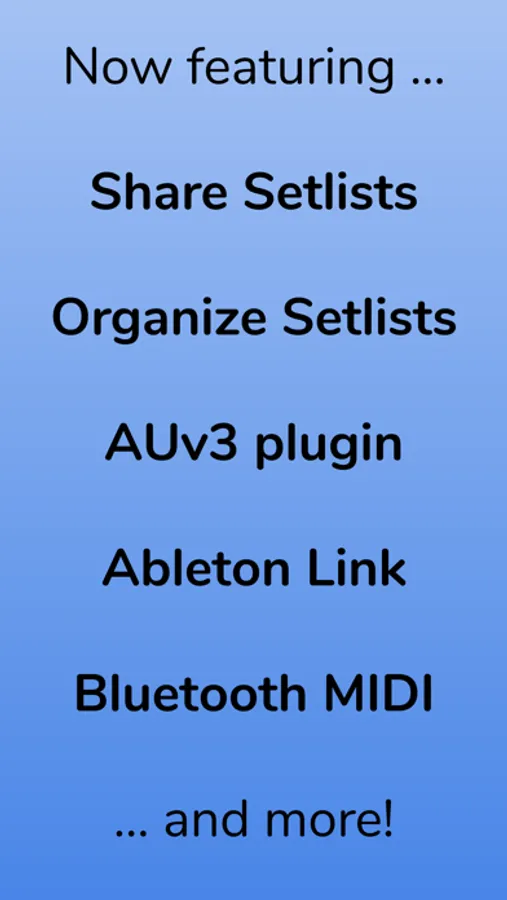
- Use with other apps. AutoPad comes with a fully-featured AUv3 plugin! Run AutoPad alongside other music apps in your favorite AUv3 host.
- Now on the Mac. AutoPad runs on macOS! You can use AutoPad as a standalone app or as an AUv3 plug-in in a compatible host. Both Intel and M1 Macs supported.
- Go Wireless. Ableton Link lets you stay in sync with other devices on the same Wi-Fi network. AutoPad also supports Bluetooth MIDI controllers and AirPlay audio.
- Share with friends. Make sure your band is all on the same page by easily sharing setlists with AirDrop.
- Stay organized. AutoPad lets you save and recall setlists with a simple setlist manager.
- Looks great. AutoPad features a dark color scheme that is easy on the eyes and performs well on the stage.
Note on use:
AutoPad sounds great in a variety of contexts, but please make sure you understand the intended use before purchase.
AutoPad's sounds are designed to be played softly and continuously behind live musicians. They include the root, fifth, and octave. As such, they can be used in a major or minor context. When using AutoPad in worship music, it is not necessary to change the pad with each chord change. For example, if you have a song in the key of E, you can play a pad in E for the duration of the song.
View Manual: https://www.audiosymmetric.com/manuals.html
View Tutorials: https://www.youtube.com/channel/UC9Uka-nFom-pgTB-DftgDvA
* While files of any length can be imported into AutoPad, due to realtime memory restrictions, AutoPad loads a 3.5 minute subsection of files longer than four minutes. A short fade is applied to eliminate pops. See manual for details.
AutoPad — Ambient Pad Loops Screenshots
Tap to Rate:
Reviews for AutoPad — Ambient Pad Loops
Randy77789
ADD IT TO APPLE TV plz
I love this app, I use it every time I play at any given church - ranging from 90 to 300 ppl
jrtxun
I use it weekly
I use it as pads under an acoustic guitar for youth worship. We use MultiTracks in our main service, but their default pad is boring and additional pads are expensive, so I wanted something else for youth. I bought this and the sound packs and brought in some others as well (AeroSpace Audio), all for a reasonable amount. Setting it up for midi with an MPD218 was a game changer and made it even easier to use. I do have a few improvement suggestions (mostly regarding midi) if the developer is ever interested.