
With this plain text editor, you can open, edit, and customize text files using SwiftUI, switch font styles, and revert changes easily. Includes support for dark mode, multiwindow, and data detection features.
AppRecs review analysis
AppRecs rating 4.0. Trustworthiness 82 out of 100. Review manipulation risk 22 out of 100. Based on a review sample analyzed.
★★★★☆
4.0
AppRecs Rating
Ratings breakdown
5 star
50%
4 star
0%
3 star
23%
2 star
0%
1 star
27%
What to know
✓
Low review manipulation risk
22% review manipulation risk
✓
Credible reviews
82% trustworthiness score from analyzed reviews
About SimpleEdit
Features:
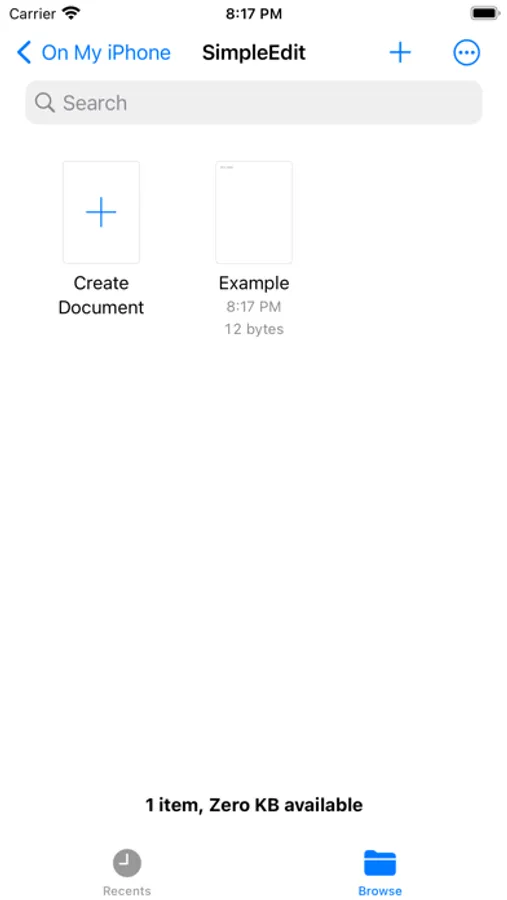
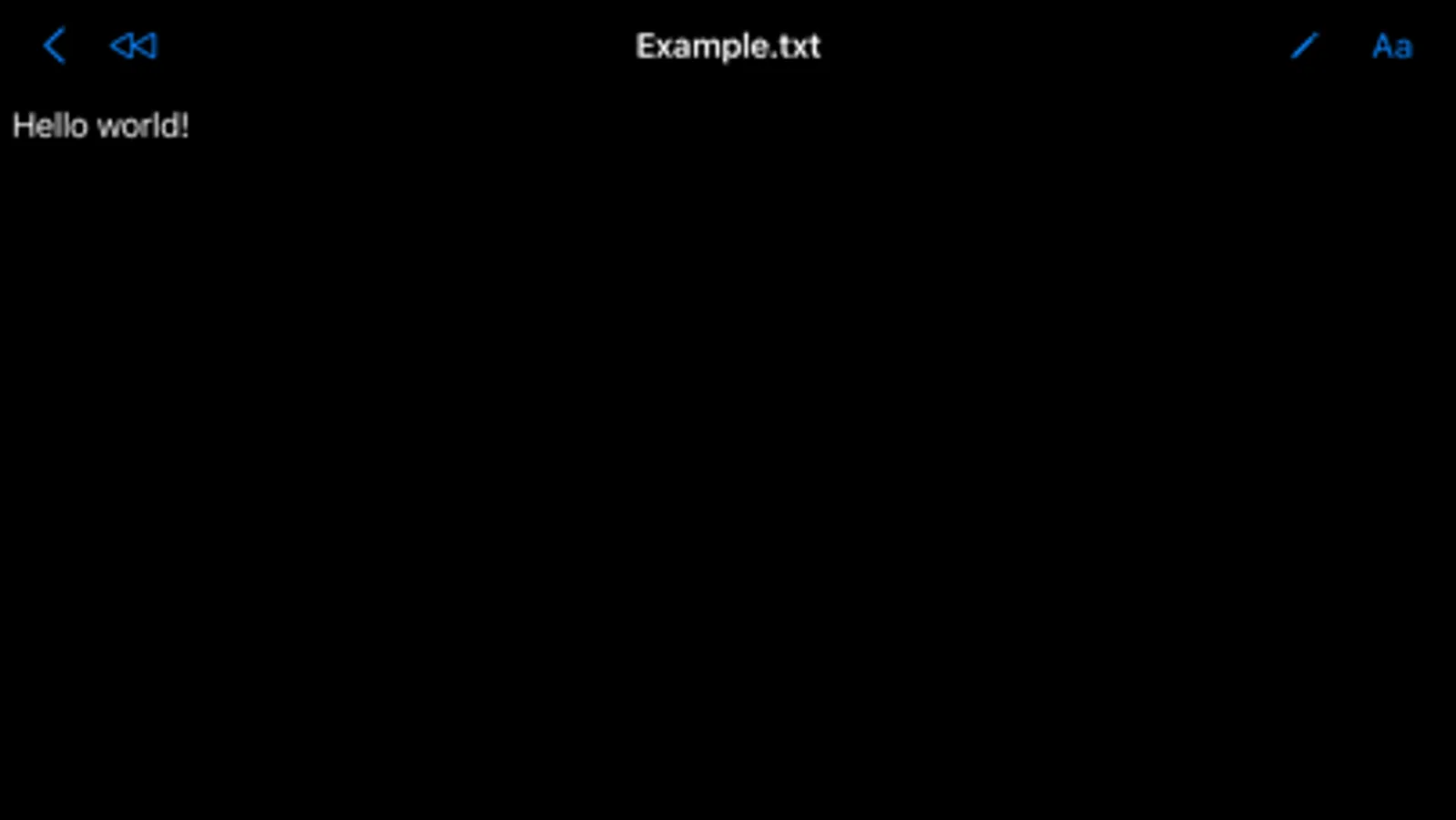
• Open any text file or compatible data files as UTF8 encoded text from the Files app.
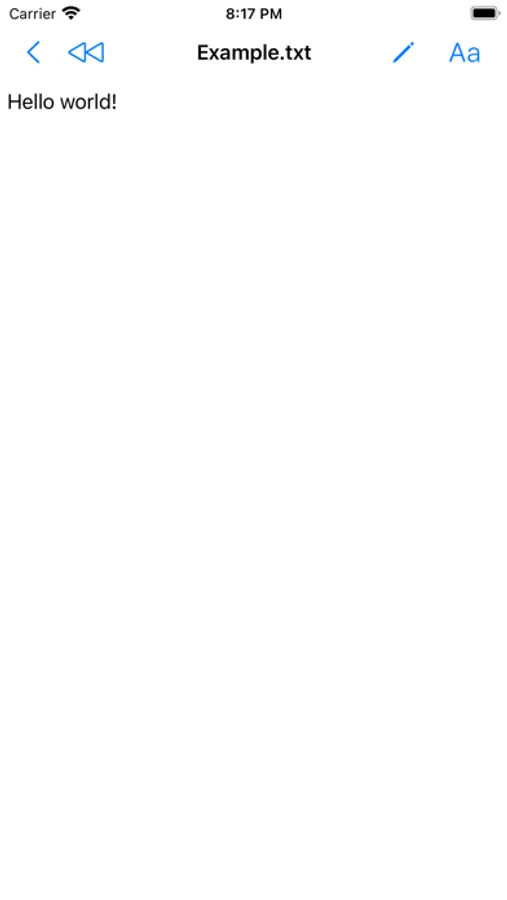
• Enter view-only mode for data detection (links, phone numbers, addresses, …).
• Rewind button to revert files to their original state.
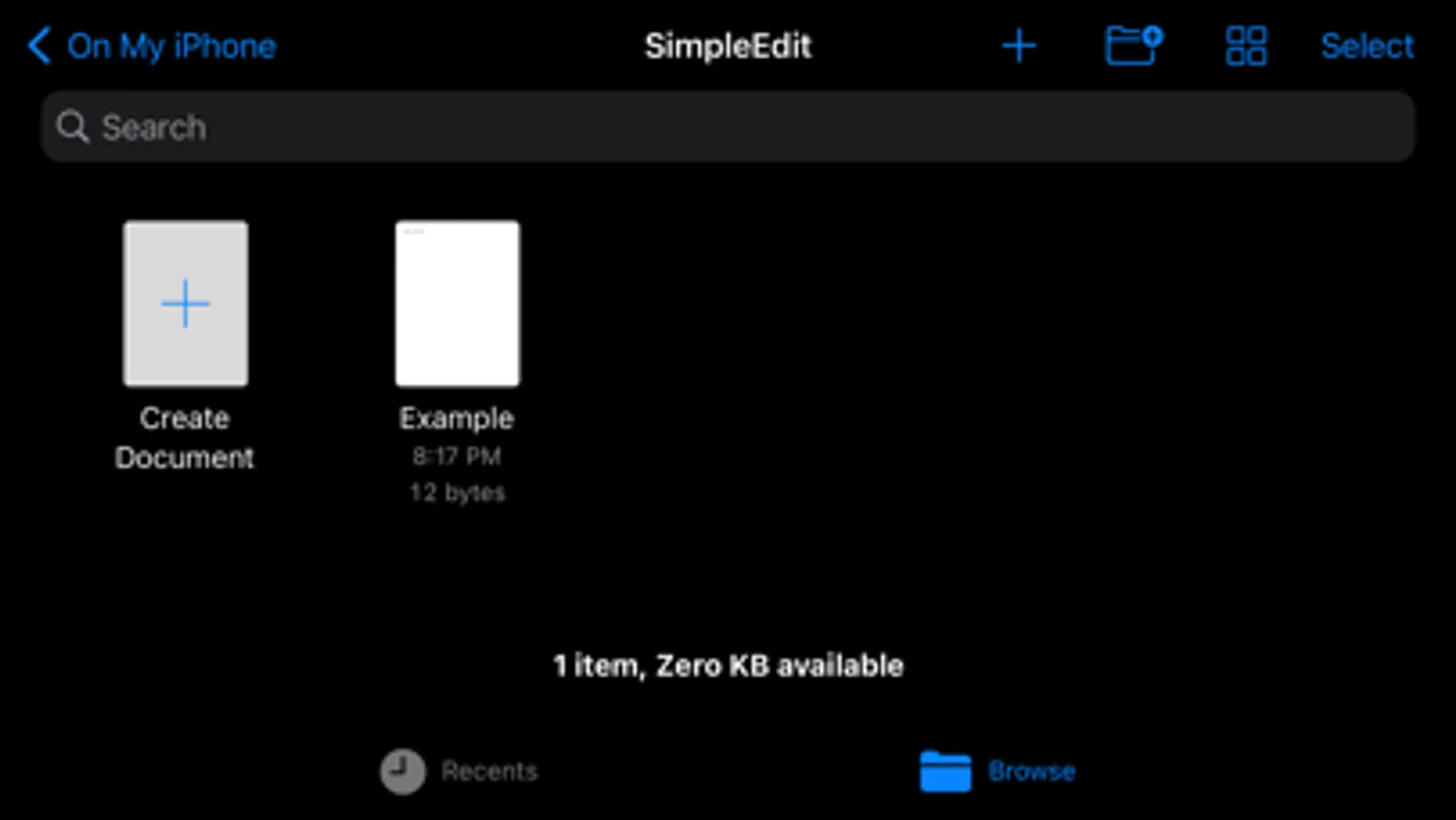
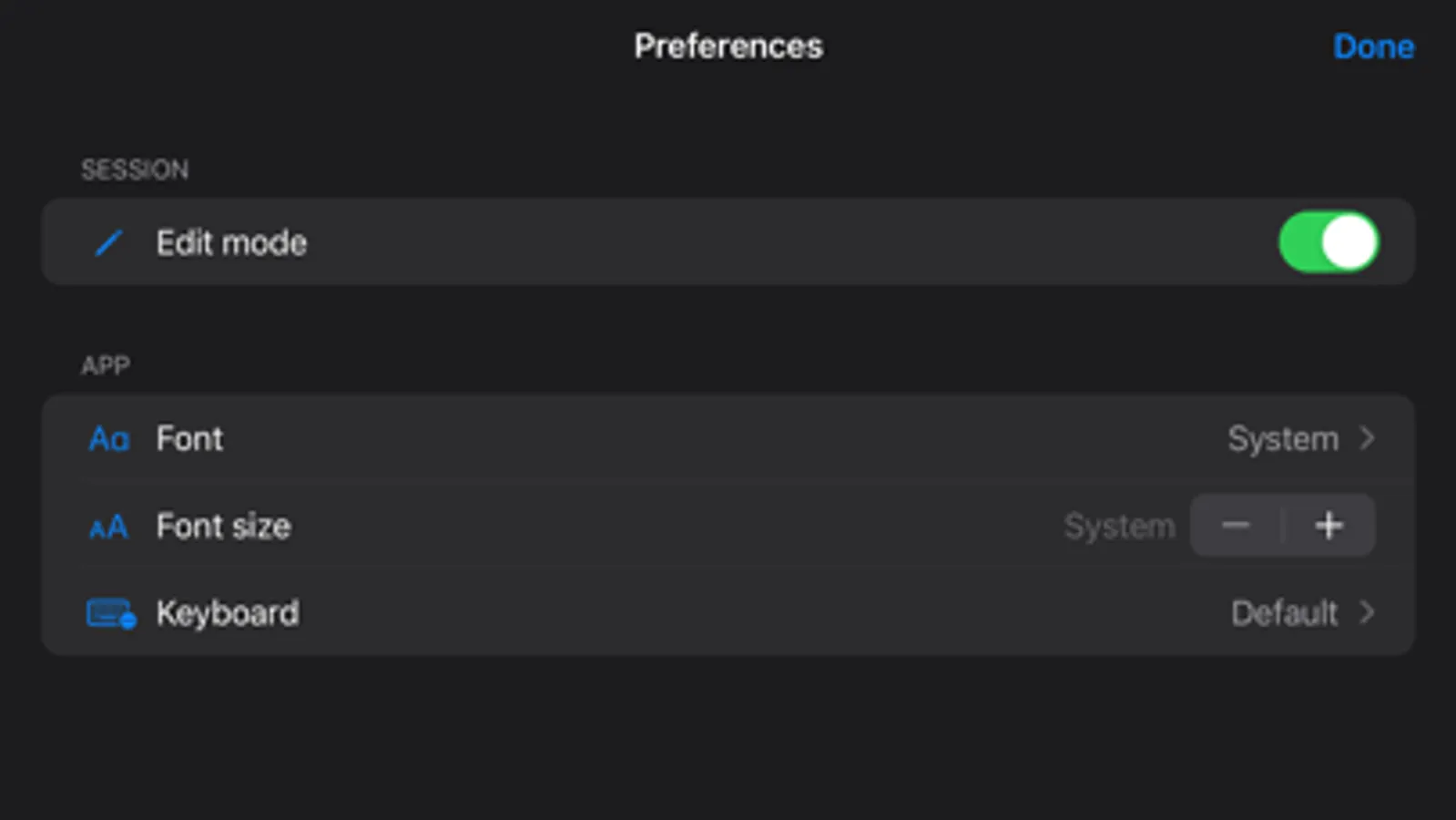
• Supports dark mode, multiwindow, and state restoration.
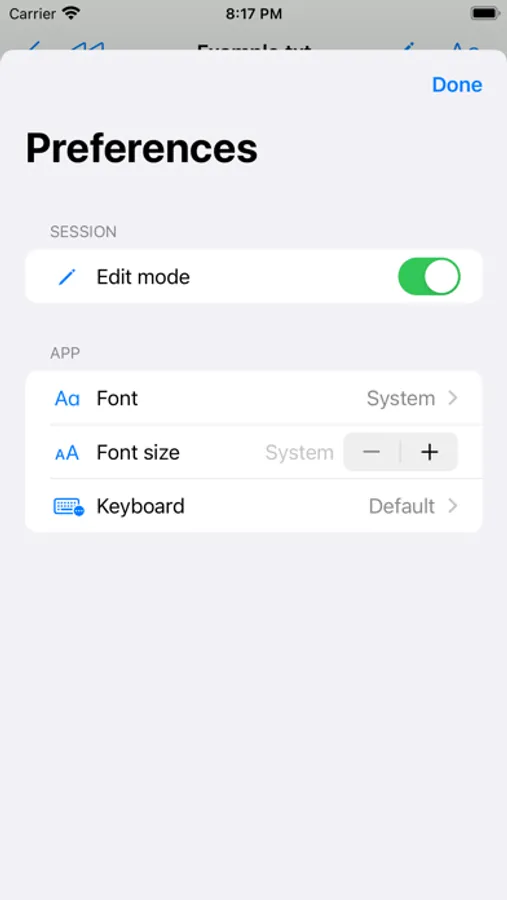
• Customise font family & size used for editing.
• Select fonts using the system font picker, which shows fonts installed in the Settings app. (Settings → General → Fonts)
• Switch between native iOS keyboard types (default, number pad, phone pad, URL, web search, Twitter, …).
SimpleEdit Screenshots
Tap to Rate:
Reviews for SimpleEdit
EssEmmnyc
A Go-To txt editor
Does what its name implies. Simple tex file editing. (Apple’s iOS 18 Files.app can be annoying with all the Authentication dialogs tho..)
iTunes Steve
App Broken
I used to love SimpleEdit. Then updates broke the app. First the curser stated jumping to the bottom of the page. Next, it's now impossible to open any saved SimpleEdit text documents. I have lost work. Its sad what’s happened to this app