AppRecs review analysis
AppRecs rating 3.5. Trustworthiness 81 out of 100. Review manipulation risk 24 out of 100. Based on a review sample analyzed.
★★★☆☆
3.5
AppRecs Rating
Ratings breakdown
5 star
50%
4 star
17%
3 star
0%
2 star
0%
1 star
33%
What to know
✓
Low review manipulation risk
24% review manipulation risk
✓
Credible reviews
81% trustworthiness score from analyzed reviews
✓
Good user ratings
67% positive sampled reviews
About miroT BT
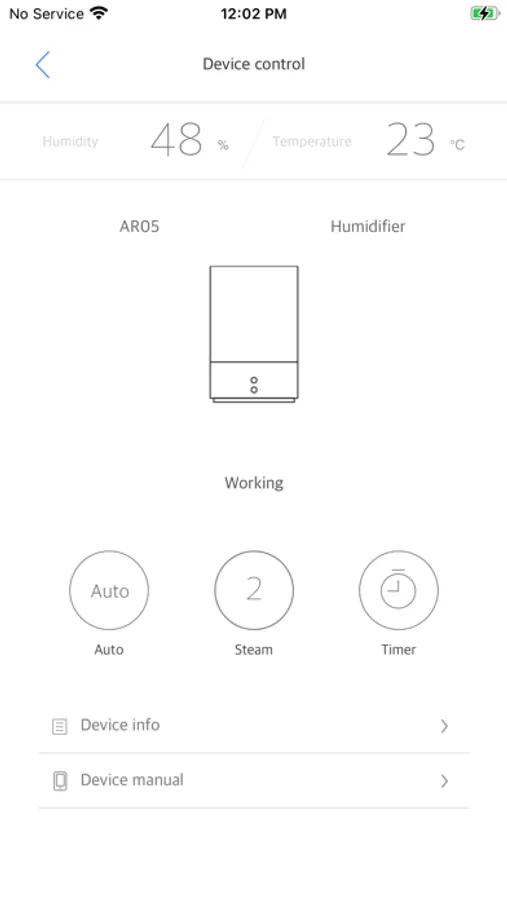
The miroT BT Application connects with the miroT Bluetooth chip in your humidifier, letting users control different features wirelessly.
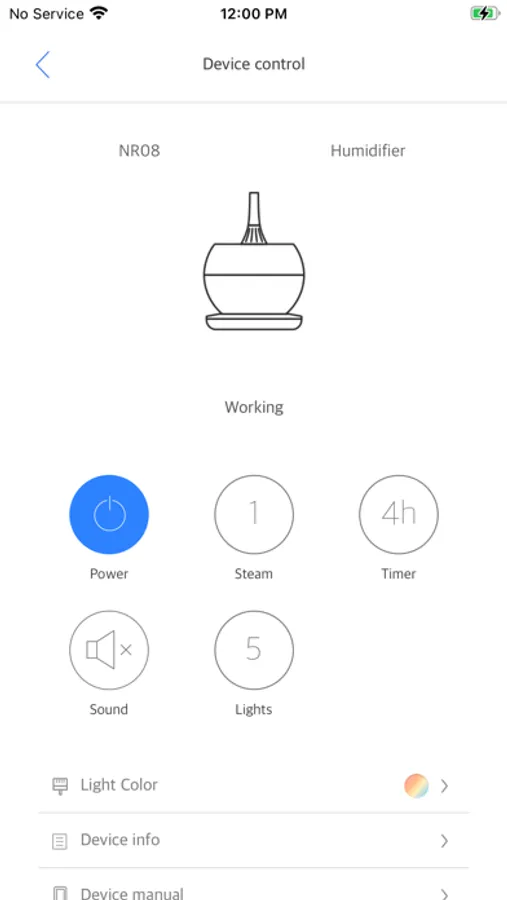
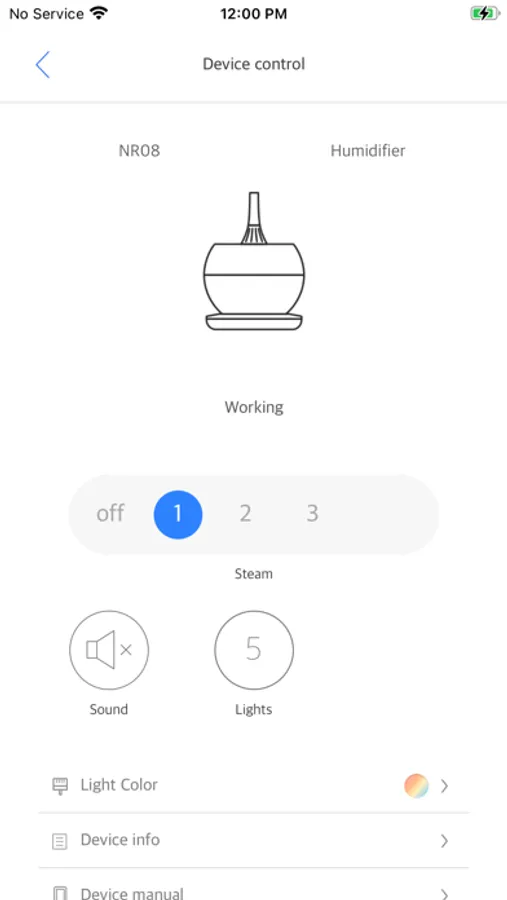
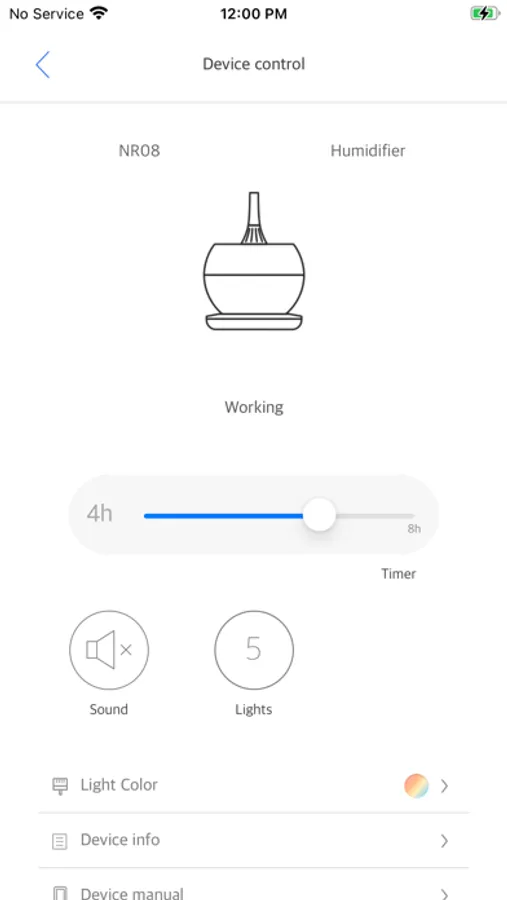
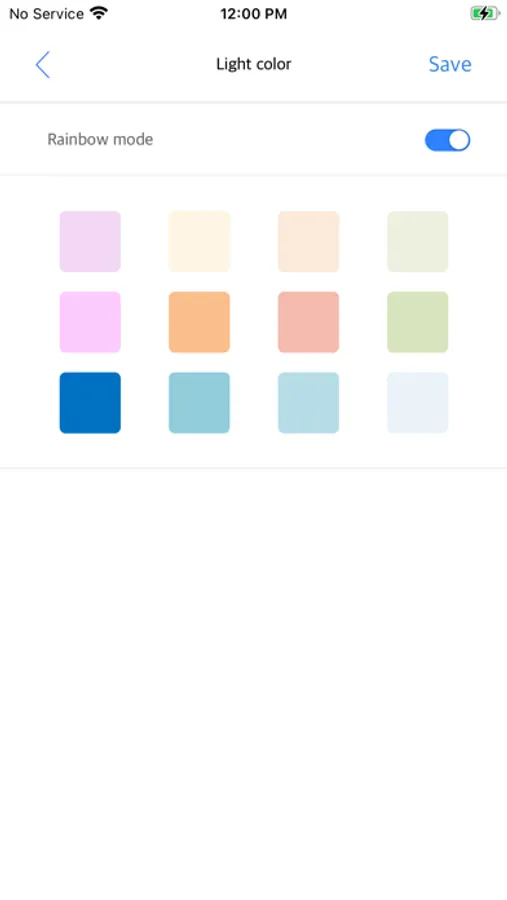
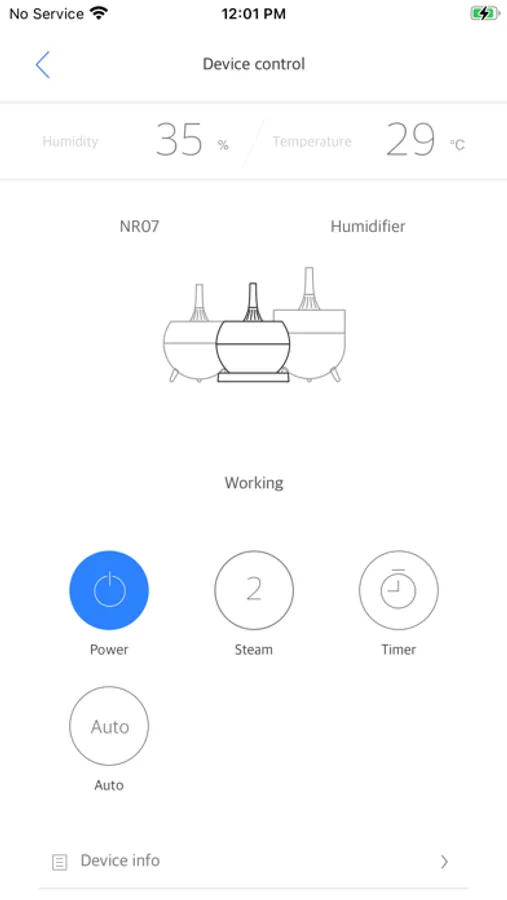
With the Miro Application, users can:
- Turn the power on/off
- See if the "low water" indicator is on
- Set an auto-shutoff timer
- Adjust the humidification intensity
- Choose an LED light color (or turn lights off)
- Turn button chimes on/off (for “quiet mode” at night)
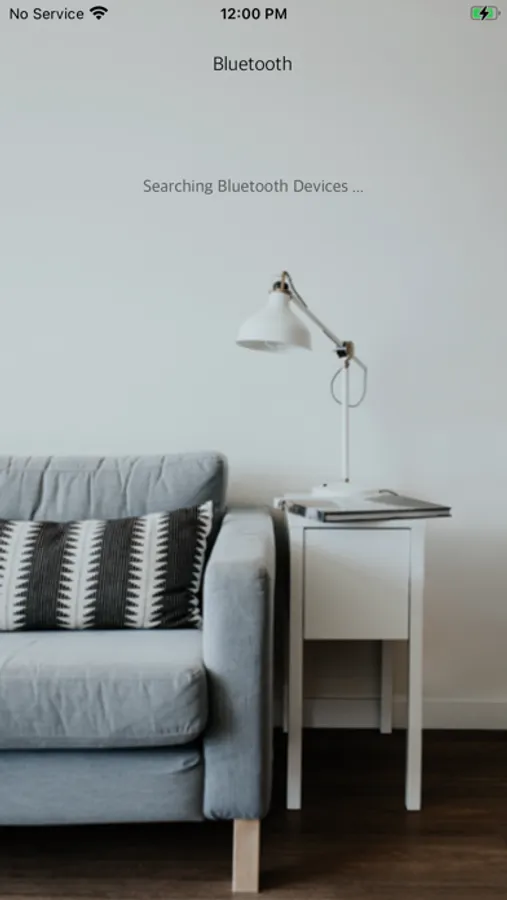
Please download and install the miroT Bluetooth application on your mobile devices, and then connect the devices with Bluetooth.
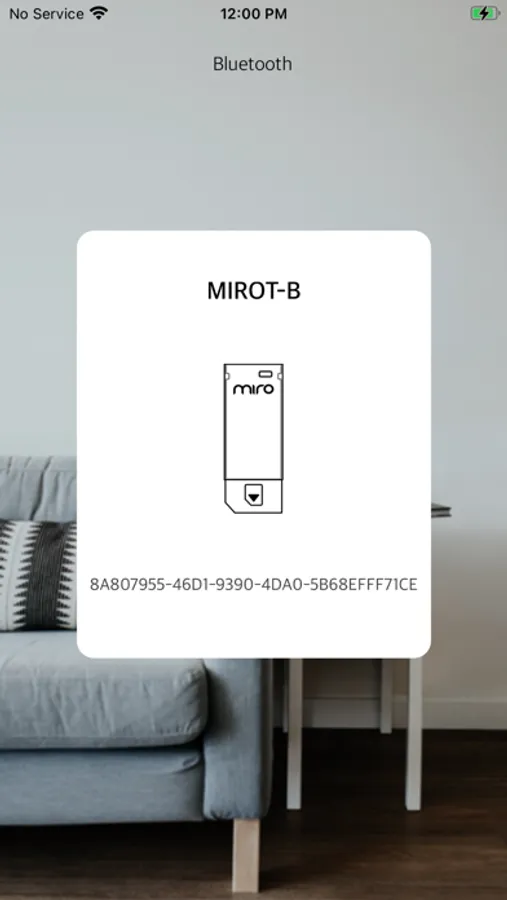
The Bluetooth chip will appear with the device name "MIROT-B"
Attention:
- The miroT Bluetooth app requires the iOS operating system, version 11.0 or newer and BLE enabled device.
This application requires the following software permissions to work:
- Bluetooth: Request to connect, Accept to connect, Authority for Bluetooth communication and data transmission
- Bluetooth_Admin: Authority to start searching for devices and control Bluetooth settings
- Access_Fine_Location: Authority to access location information to discover devices near the user
With the Miro Application, users can:
- Turn the power on/off
- See if the "low water" indicator is on
- Set an auto-shutoff timer
- Adjust the humidification intensity
- Choose an LED light color (or turn lights off)
- Turn button chimes on/off (for “quiet mode” at night)
Please download and install the miroT Bluetooth application on your mobile devices, and then connect the devices with Bluetooth.
The Bluetooth chip will appear with the device name "MIROT-B"
Attention:
- The miroT Bluetooth app requires the iOS operating system, version 11.0 or newer and BLE enabled device.
This application requires the following software permissions to work:
- Bluetooth: Request to connect, Accept to connect, Authority for Bluetooth communication and data transmission
- Bluetooth_Admin: Authority to start searching for devices and control Bluetooth settings
- Access_Fine_Location: Authority to access location information to discover devices near the user
miroT BT Screenshots
Tap to Rate:
Reviews for miroT BT
GSH1126
Bluetooth does not connect
The Bluetooth fails to connect and customer support is not helpful.
VictoriaWang0318
Searching for humidifier forever
Impossible to connect. Page stuck at searching for Bluetooth and nothing happens. Returned.