AppRecs review analysis
AppRecs rating 1.0. Trustworthiness 66 out of 100. Review manipulation risk 27 out of 100. Based on a review sample analyzed.
★☆☆☆☆
1.0
AppRecs Rating
Ratings breakdown
5 star
0%
4 star
0%
3 star
0%
2 star
20%
1 star
80%
What to know
✓
Low review manipulation risk
27% review manipulation risk
⚠
Mixed user feedback
Average 1.0★ rating suggests room for improvement
About Miro SmartHome
The intuitive way to control every Miro devices in your home. You can control your devices anywhere through the MIRO application or AI Speaker (e.g. Amazon Alexa)
[Main Features]
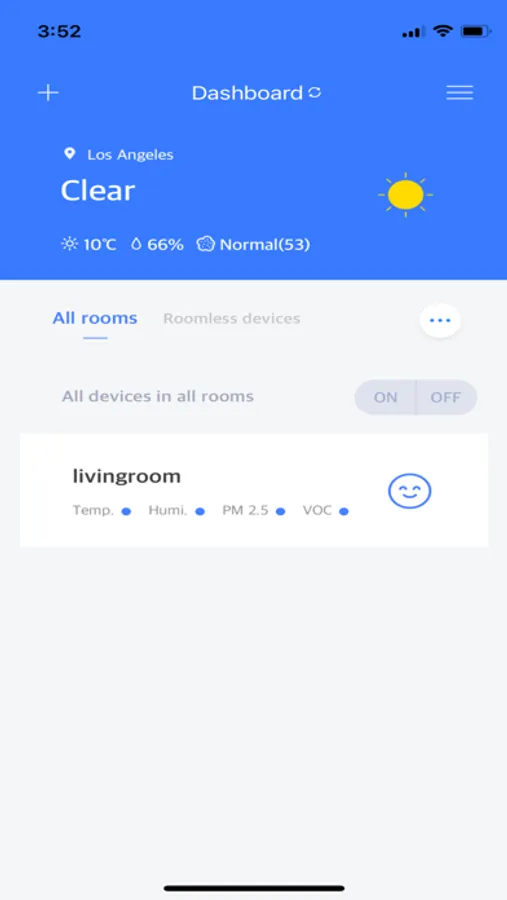
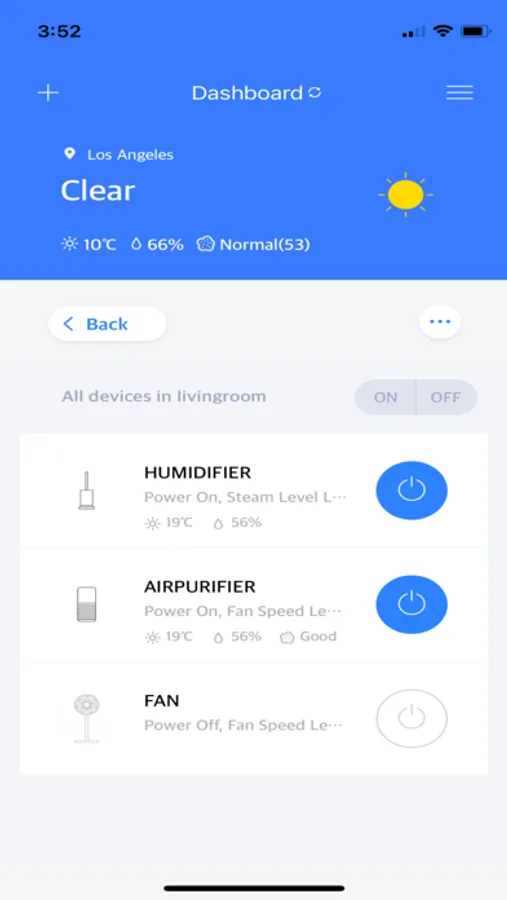
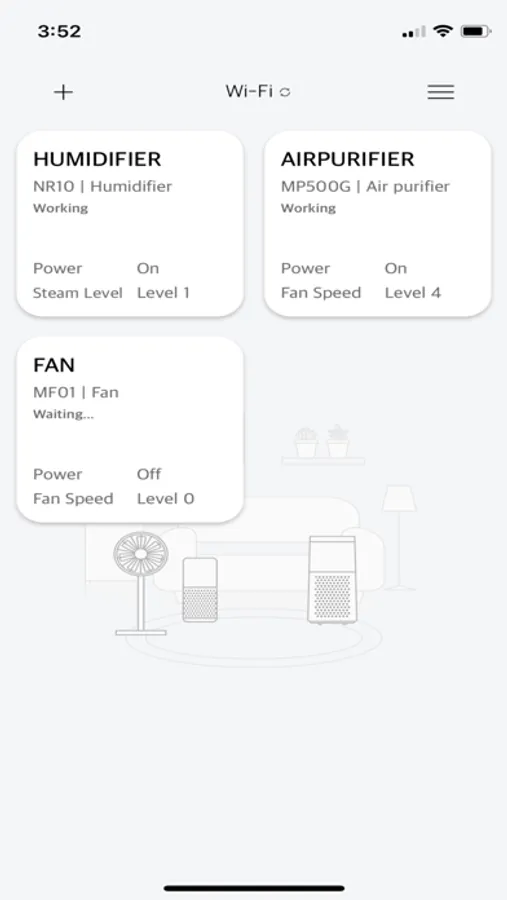
#Check the current status of your devices
- The Miro App shows the status of your devices, provides product information, and can display your use history.
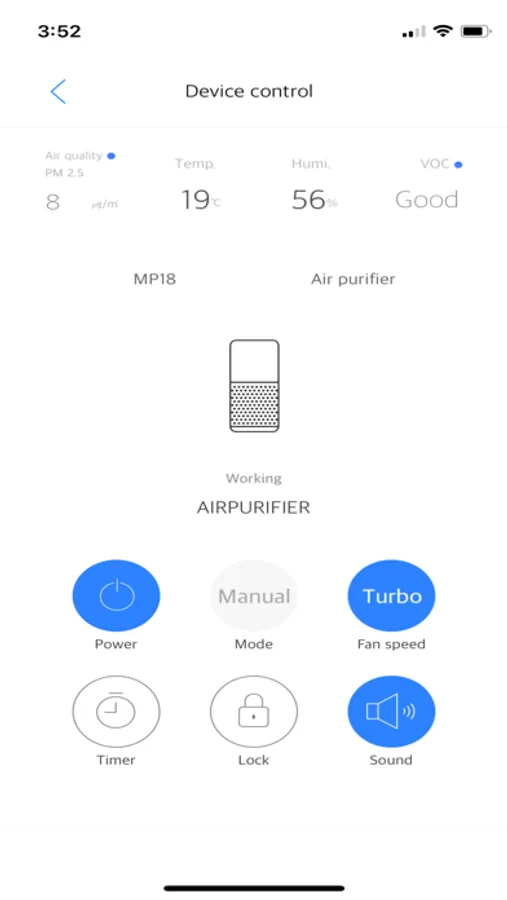
#Control your devices with ease
- Where ever you go, your home controls are in reach. Check the status of your devices on the Miro App, and operate them even while away.
- You talk to Alexa, Miro devices respond. Whether you want to turn your devices on/off, change the light, or change the intensity, a lot can be done using your voice.
[Device Requirements]
The Miro SmartHome app requires the iOS operating system, version 11 or newer and BLE enabled device.
[Note]
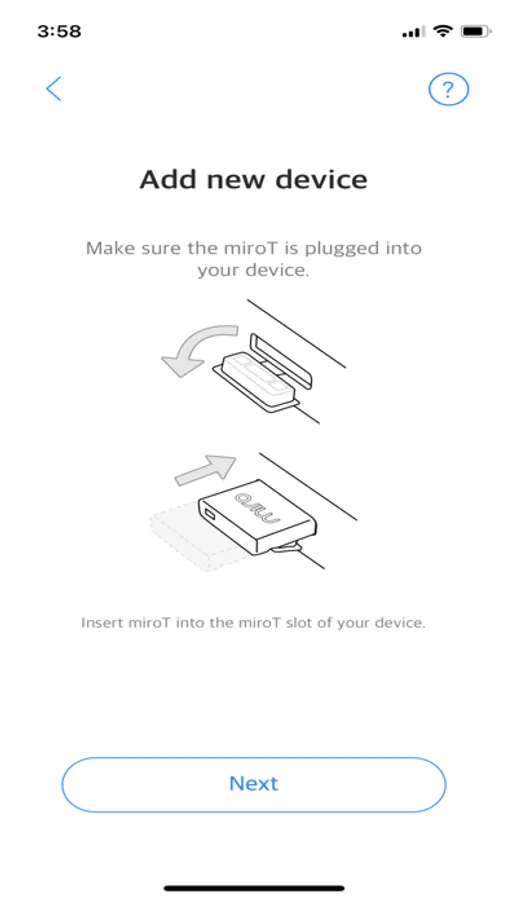
- Features and services provided by miroT might be different depending on product specifications, such as miroT Bluetooth and miroT AI).
- miroT AI chips must be connected to a Wi-Fi network, and configured with a device.
- miroT AI operates only on 2.4GHz networks, not with 5GHz. If you have a dual-band router, you must use the 2.4 GHz network with the miroT AI chip.
※ Access privileges overview
Several device-permissions are required to use miroT services, requiring authorization by users.
- Storage permission: Required to store application data used within the app.
- Location permission: Required to use bluetooth function when connecting to a miroT
Miro SmartHome Screenshots
Tap to Rate:
Reviews for Miro SmartHome
Meangst246885
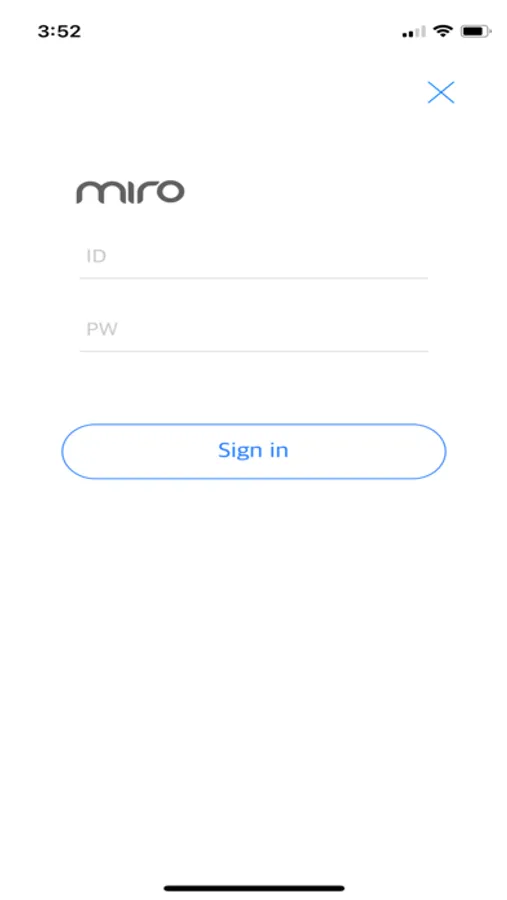
Sign into the app every time you open it?
What a joke! Why bother creating an app you have to sign in with user name & password? Not to mention you cant recover it if you forget. Deleted app
ZulyBonilla
No way to recover password
There’s no way to recover your password if you forget it, which is probably the stupidest feature I’ve ever encountered on an app. A complete pain to not only create a whole new account but also reset the miroT chip to get it to register again. Terrible app design.