With this art drawing app, you can create realistic sketches using over 20 drawing tools, import images, and edit on layers. Includes tools such as pencils, brushes, rulers, layers, color pickup, and undo options.
AppRecs review analysis
AppRecs rating 4.5. Trustworthiness 73 out of 100. Review manipulation risk 26 out of 100. Based on a review sample analyzed.
★★★★☆
4.5
AppRecs Rating
Ratings breakdown
5 star
72%
4 star
15%
3 star
6%
2 star
3%
1 star
5%
What to know
✓
Low review manipulation risk
26% review manipulation risk
✓
Credible reviews
73% trustworthiness score from analyzed reviews
✓
High user satisfaction
87% of sampled ratings are 4+ stars (4.5★ average)
About Sketch Tree - Art Drawing Pad
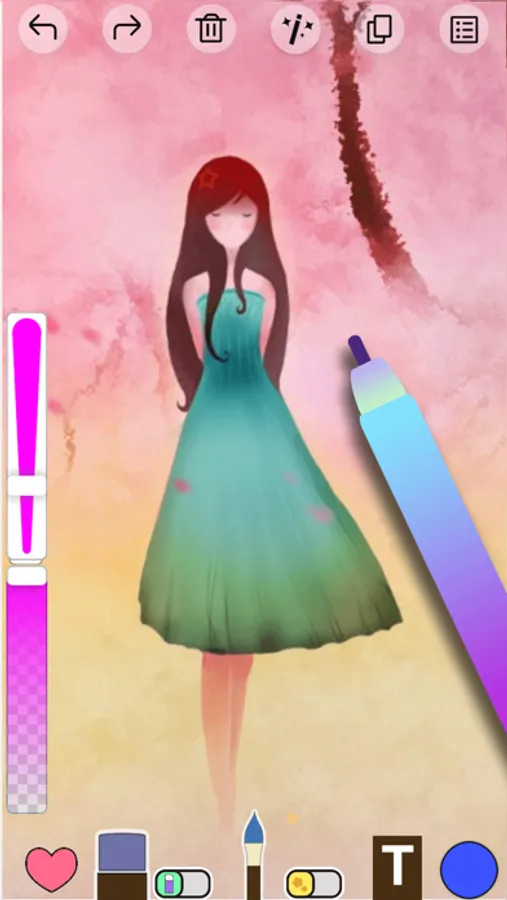
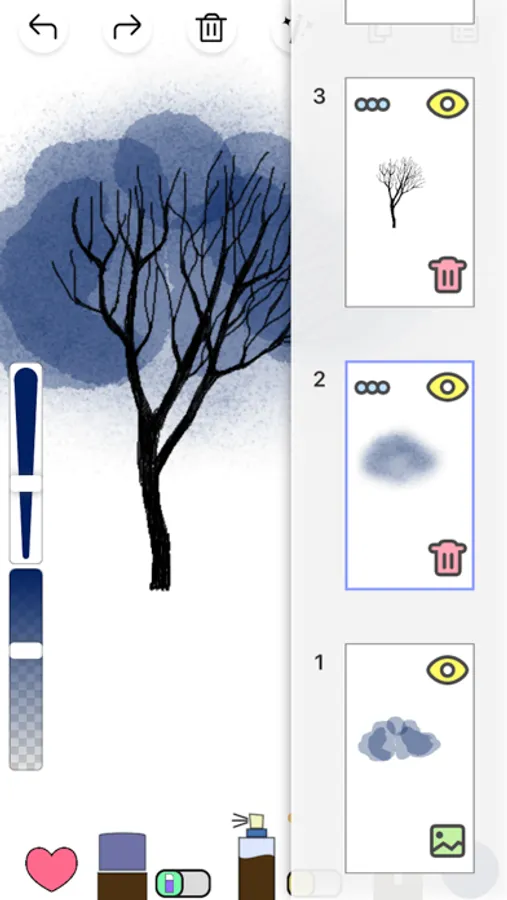
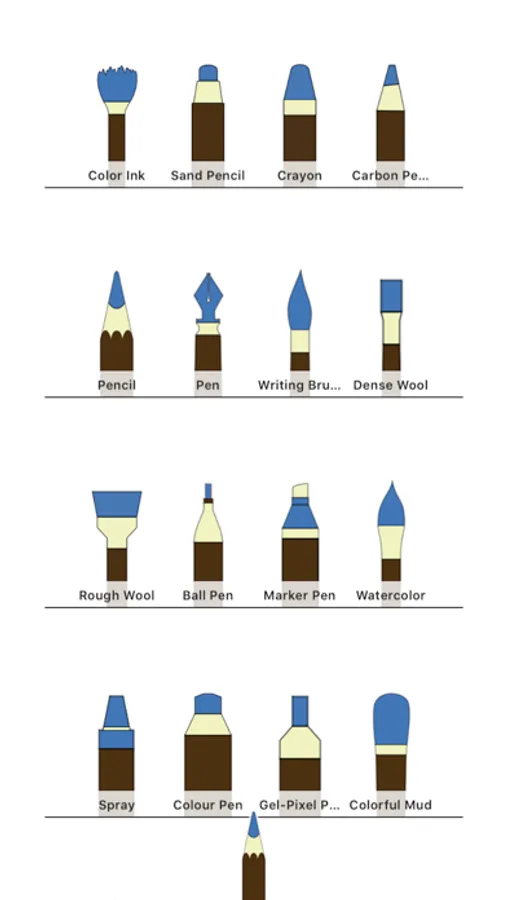
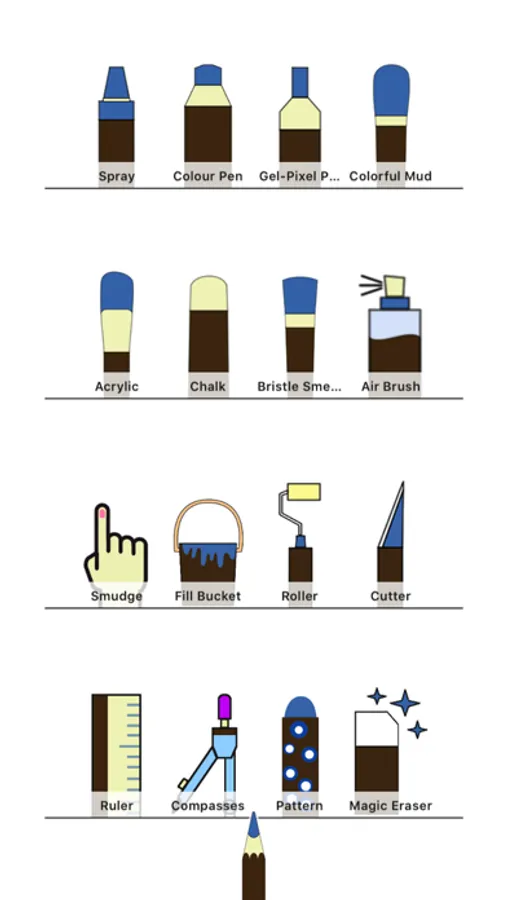
Sketch Tree is a professional drawing software in mobile phone, it focuses on realistic painting, and integrates ps, image editor, picture beauty. We offer more than 20 kinds of ultra-realistic drawing tools, like pencil, Chinese brush, pen, ball pen, marker pen, watercolor pen, acrylic, colorful mud, chalk, spray, smudge, ruler, compasses, eraser, magic eraser, layers and stickers. Additionally, you can import picture in layer, then combine with eraser, ruler, compasses and any other tools, editing and drawing something on it, and you can make an excellent work.
Sketch Tree is similar to Photoshop, it can draw and import photos for editing.
◆ Features
- More than 20 ultra realistic and exquisite brushes
- Ruler, compasses, graphics package and fine stickers
- Color Eyedropper, long press the canvas somewhere to pick up color
- Unlimited revocation, don't worry about making mistakes
- Up to 10 layers
- Continuously auto-saved, ensure the work no lost
◆ Tips
- Adjust brushes and eraser’s size and transparency, do whatever you want to draw
- Pinch in canvas down to 60%, save your painting to gallery
- Add and save colors, convenient to use next time
- Setting for tools auto-hide and brush remember color
- Long press the ruler or compasses to hide them.
Sketch Tree is similar to Photoshop, it can draw and import photos for editing.
◆ Features
- More than 20 ultra realistic and exquisite brushes
- Ruler, compasses, graphics package and fine stickers
- Color Eyedropper, long press the canvas somewhere to pick up color
- Unlimited revocation, don't worry about making mistakes
- Up to 10 layers
- Continuously auto-saved, ensure the work no lost
◆ Tips
- Adjust brushes and eraser’s size and transparency, do whatever you want to draw
- Pinch in canvas down to 60%, save your painting to gallery
- Add and save colors, convenient to use next time
- Setting for tools auto-hide and brush remember color
- Long press the ruler or compasses to hide them.
Sketch Tree - Art Drawing Pad Screenshots
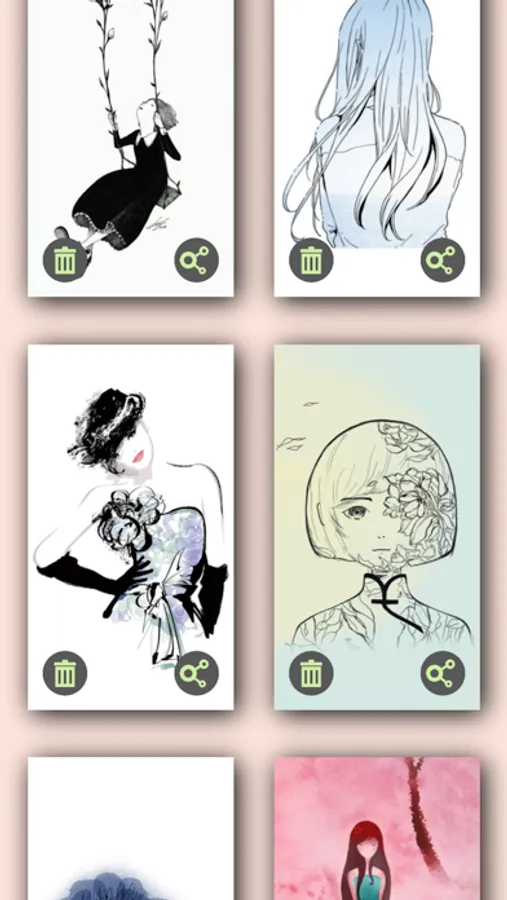
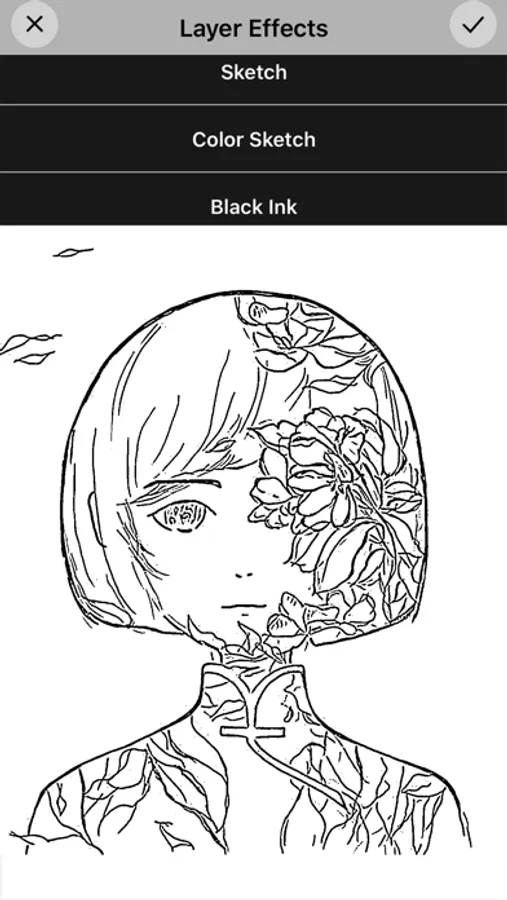
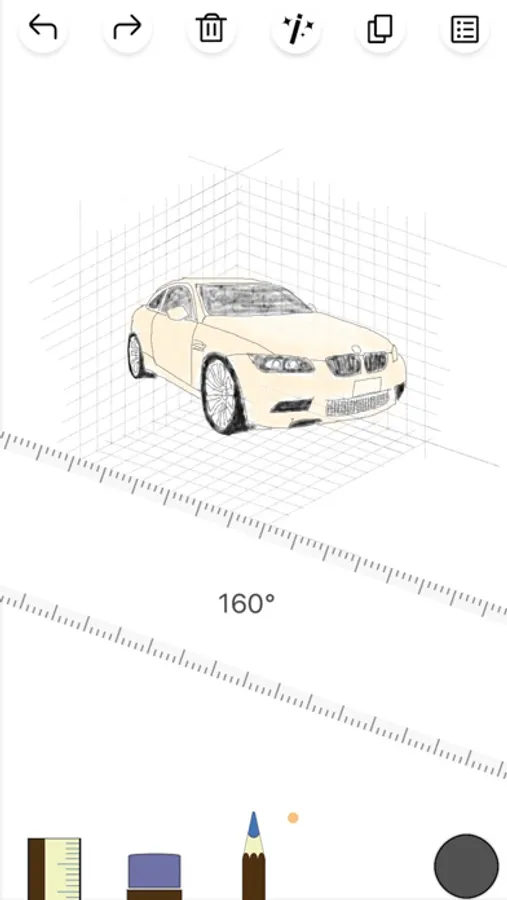
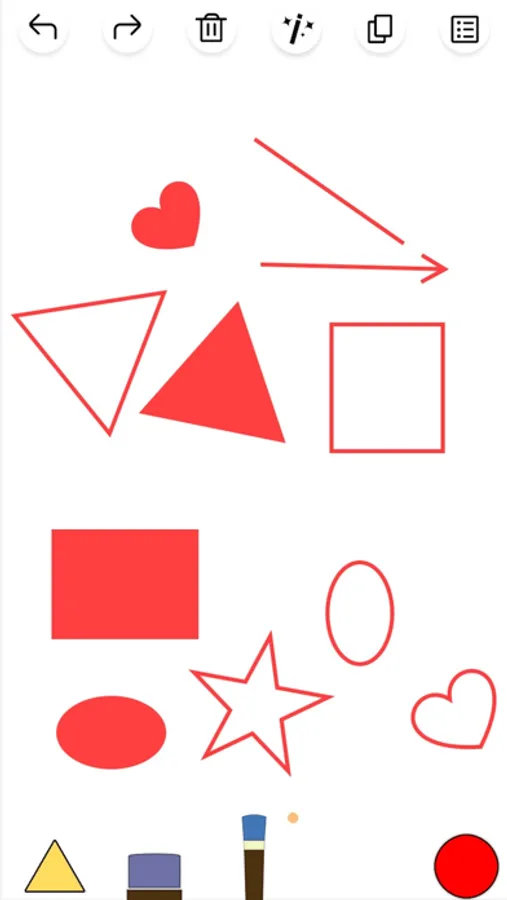
Tap to Rate:
Reviews for Sketch Tree - Art Drawing Pad
Aver_y
Pretty Good
I’ve had this app for a year or so and it’s not bad considering that I use it all the time
Hi ho how do you know
So fun
I’m just loving it and It’s