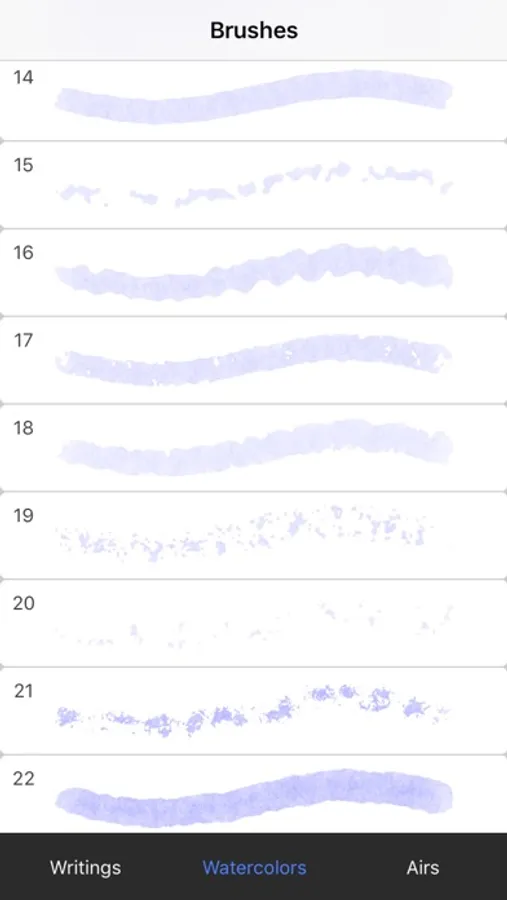
With this drawing app, you can create detailed sketches using over 80 brushes and layer management. Includes realistic watercolor effects, auxiliary tools, and high accuracy grid display.
AppRecs review analysis
AppRecs rating 4.3. Trustworthiness 75 out of 100. Review manipulation risk 22 out of 100. Based on a review sample analyzed.
★★★★☆
4.3
AppRecs Rating
Ratings breakdown
5 star
62%
4 star
18%
3 star
7%
2 star
6%
1 star
7%
What to know
✓
Low review manipulation risk
22% review manipulation risk
✓
Credible reviews
75% trustworthiness score from analyzed reviews
✓
High user satisfaction
81% of sampled ratings are 4+ stars (4.2★ average)
About Sketch Tree Pro - My Art Pad
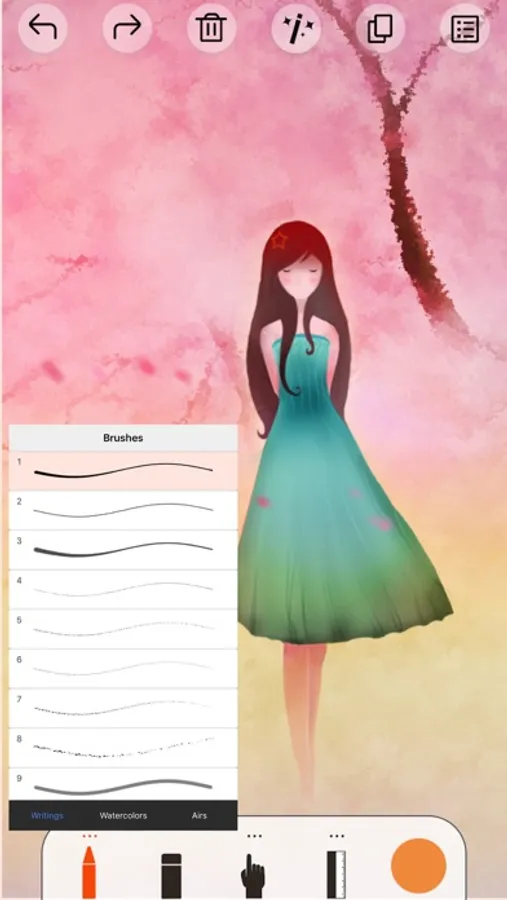
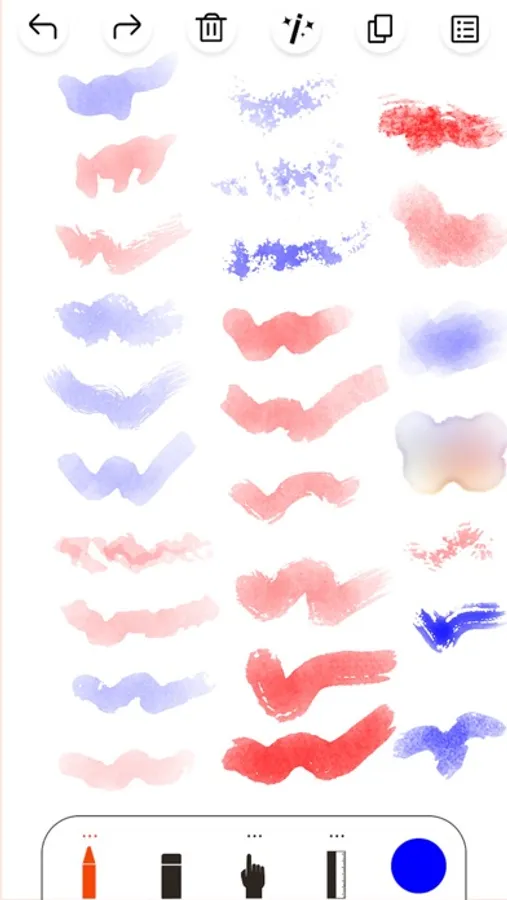
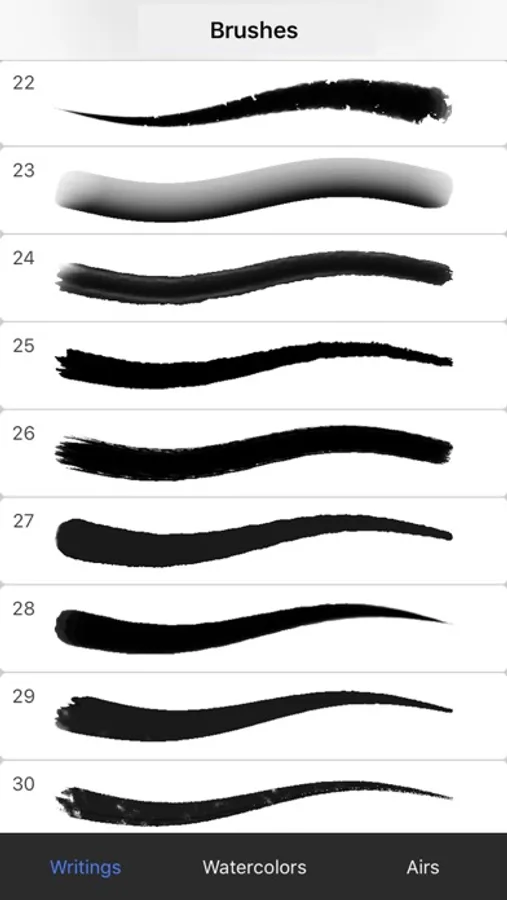
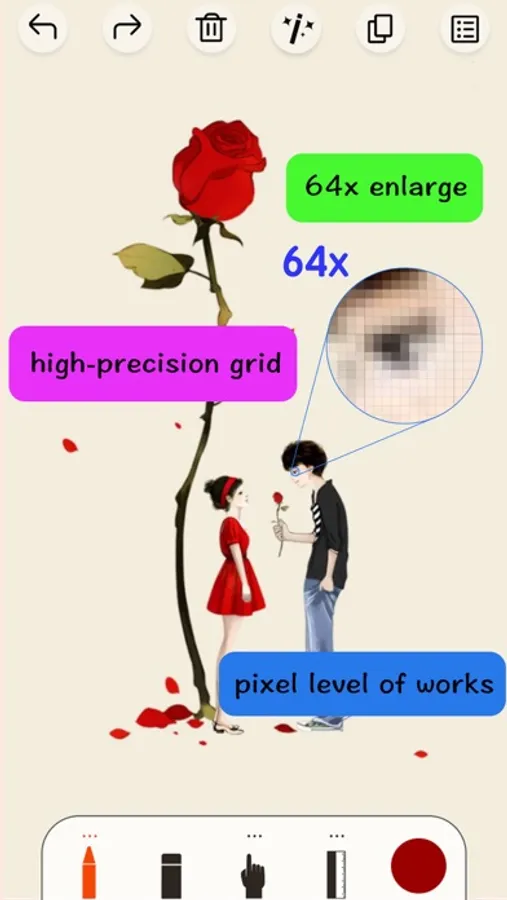
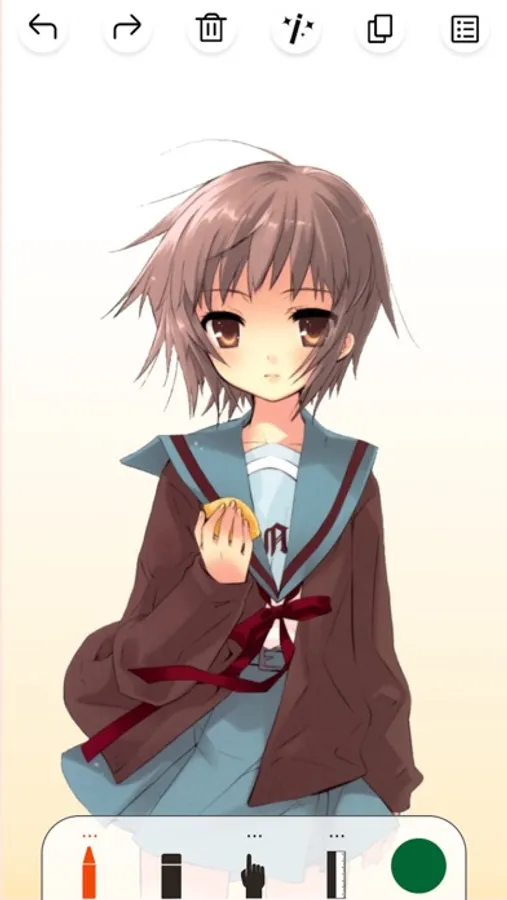
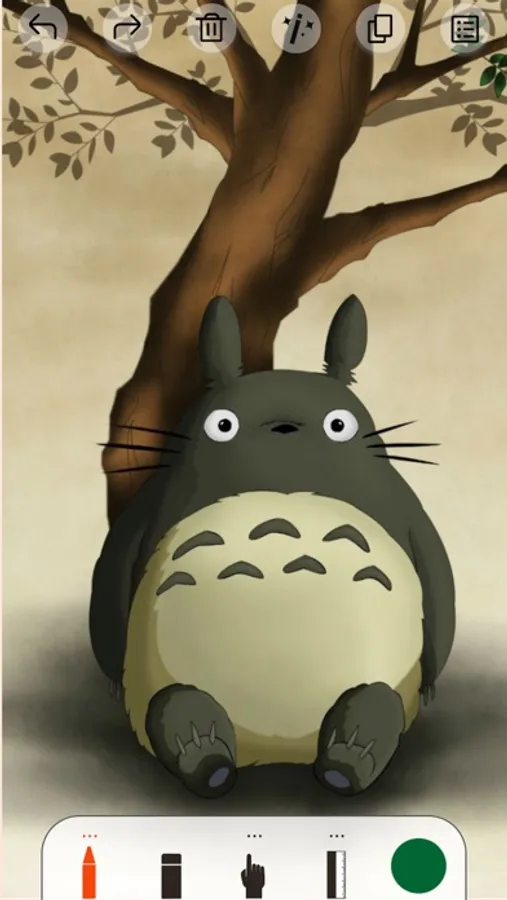
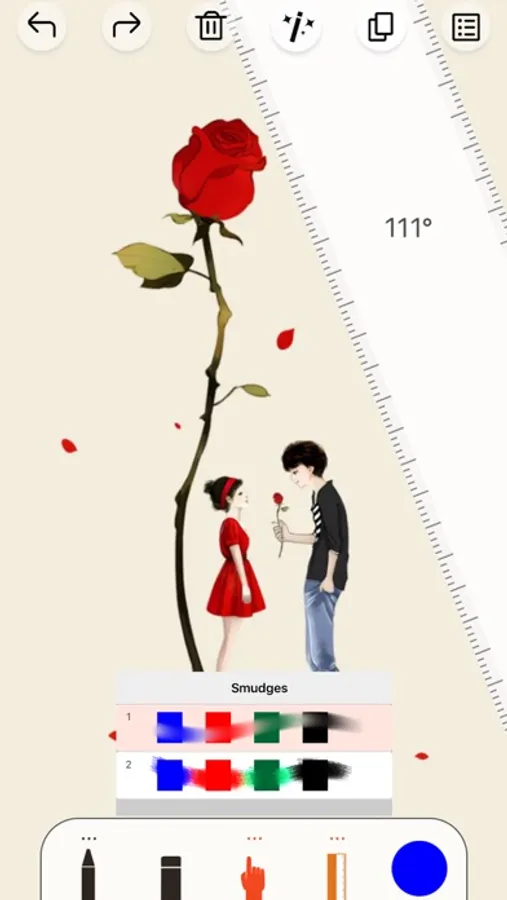
Sketch Tree is a mobile drawing application created specifically for creative professionals. Its painting and drawing function is very groundbreaking, with realistic brushes and breakthrough watercolors. The canvas can be enlarged 64 times with a high-precision grid display, and the artwork is accurate to the pixel level. Full-featured painting tools, with over 80 exquisite brushes, erasers, smearing tools, ruler, cutter, filling and roller auxiliary tools, color picker, and an advanced layers system that can import background images and sketching, black ink, color painting, color separation, sharpen layer processings. Adjustment for brush size and transparency, unlimited undo and redo, continuous automatic saving, simple and easy to use interface, even beginners can quickly get started. GPU hardware acceleration, you can create beautiful sketches, fascinating pictures and wonderful illustrations anywhere and anytime. And you can share your works on social networks.
Whereas painting is not only drawing, it also powerfully to edit image. It can bring life photographs with artistic. When you understand it thoroughly, you couldn't part with it. It will become more and more powerful, as it is still progress.
If you find any questions or suggestions, please feedback us by email astusking@outlook.com.
Art life, creativity, leaving beauty at around, recording moments, depicting the future.
Features:
- Over 80 fine brushes, breakthrough watercolor brushes
- Smear, Ruler, Roller, Filling, Cutter auxiliary tools
- Unlimited Undo and Redo
- Advanced layers system
- Sketching, Ink Painting and other image processing
- 64x magnification, high precision grid display
Whereas painting is not only drawing, it also powerfully to edit image. It can bring life photographs with artistic. When you understand it thoroughly, you couldn't part with it. It will become more and more powerful, as it is still progress.
If you find any questions or suggestions, please feedback us by email astusking@outlook.com.
Art life, creativity, leaving beauty at around, recording moments, depicting the future.
Features:
- Over 80 fine brushes, breakthrough watercolor brushes
- Smear, Ruler, Roller, Filling, Cutter auxiliary tools
- Unlimited Undo and Redo
- Advanced layers system
- Sketching, Ink Painting and other image processing
- 64x magnification, high precision grid display
Sketch Tree Pro - My Art Pad Screenshots
Tap to Rate:
Reviews for Sketch Tree Pro - My Art Pad
DirtyLittleFlower
Cannot create a new canvas
There is no button for starting a new drawing after pressing the + . How can it have a bug so stupid?
Mocha 666789
Need instructions on how to use
Some is easy to figure out. Want to start a new sketch but can’t unless l delete the first