In this podcast video maker, users can create short video clips from podcast episodes with customizable text and layouts. Includes animated templates, background color options, and direct sharing to social media platforms.
AppRecs review analysis
AppRecs rating 4.8. Trustworthiness 77 out of 100. Review manipulation risk 24 out of 100. Based on a review sample analyzed.
★★★★☆
4.8
AppRecs Rating
Ratings breakdown
5 star
86%
4 star
9%
3 star
2%
2 star
1%
1 star
2%
What to know
✓
Low review manipulation risk
24% review manipulation risk
✓
Credible reviews
77% trustworthiness score from analyzed reviews
✓
High user satisfaction
86% of sampled ratings are 5 stars
About Podcast Video Maker 4Instagram
Ideal for content creators and podcast enthusiasts who want to share clips from their favorite podcasts to their Stories on multiple platforms.
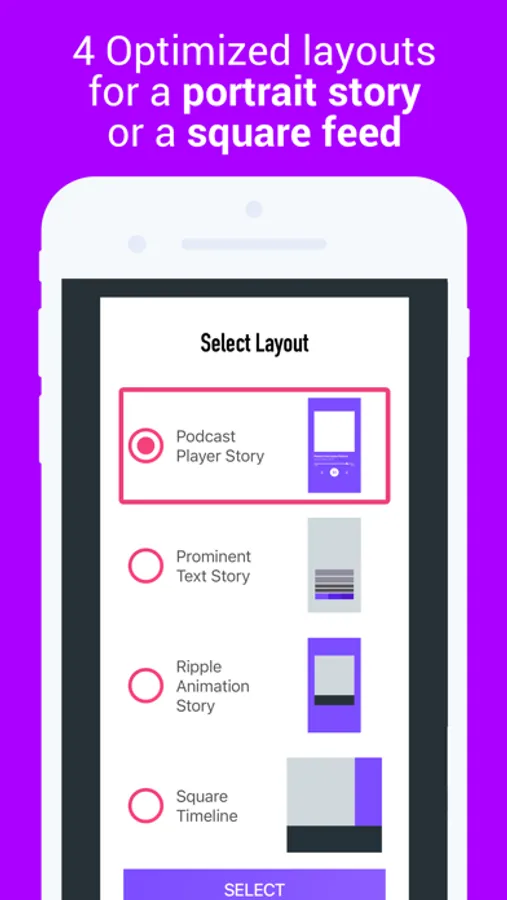
Featuring 3 distinct layouts, each with its own 3-frame animation. The new "Story 1" export layout makes the episode text catchy by using "background color boxes", and a crisp, full-screen high res podcast art image.
- Plays in the background, just like any other Podcast player. Just listen normally, and when you hear an awesome quote, clip it right away.
1. Search for or choose your favorite podcast and episode.
2. Listen to the episode until you hear a section you like.
3. Choose the start and end time for that section.
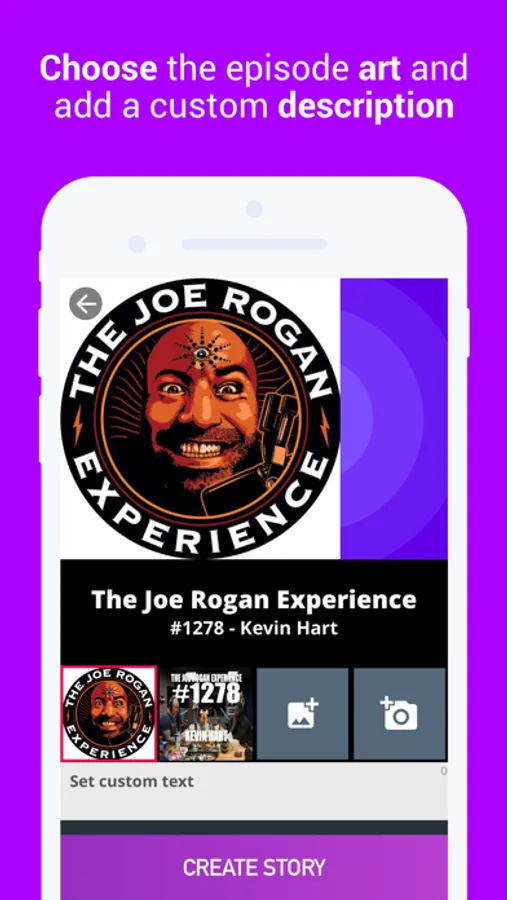
4. Choose the image art for the audiogram.
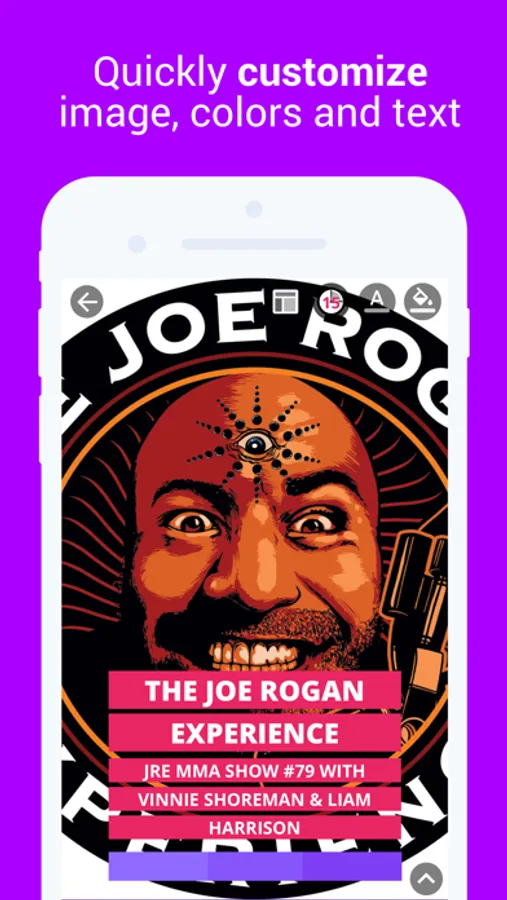
5. Customize the text, background colors and set a custom title if you wish.
6. A video story will be created with an animation, the audio clip and the episode title, or custom text.
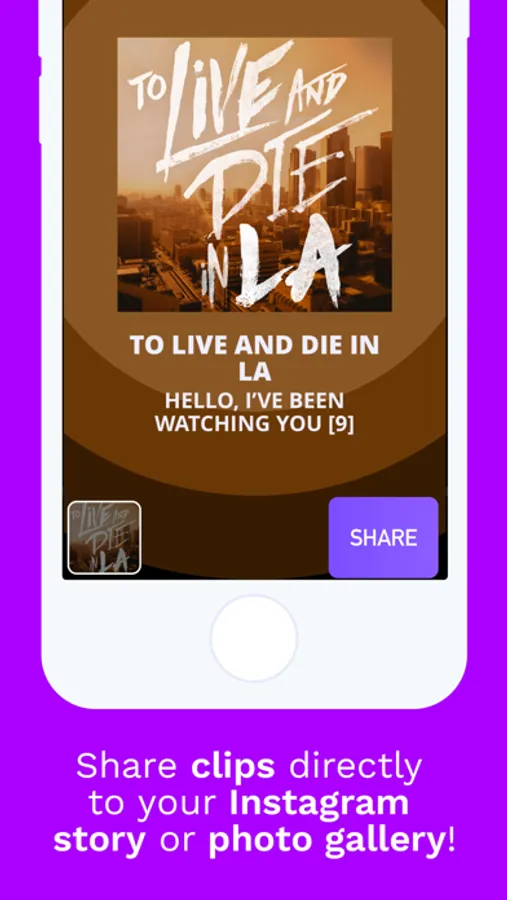
7. Preview and share directly to Instagram or the gallery.
8. You can add extra overlays, tags and hashtags in the Instagram story composer.
You're done!
- Keep track of your favorite podcasts on your home page, for quick access.
- Features two animated layouts: square for Instagram timeline, or portrait for stories.
- Keep track of previous stories for quick access.
Podcast Video Maker 4Instagram Screenshots
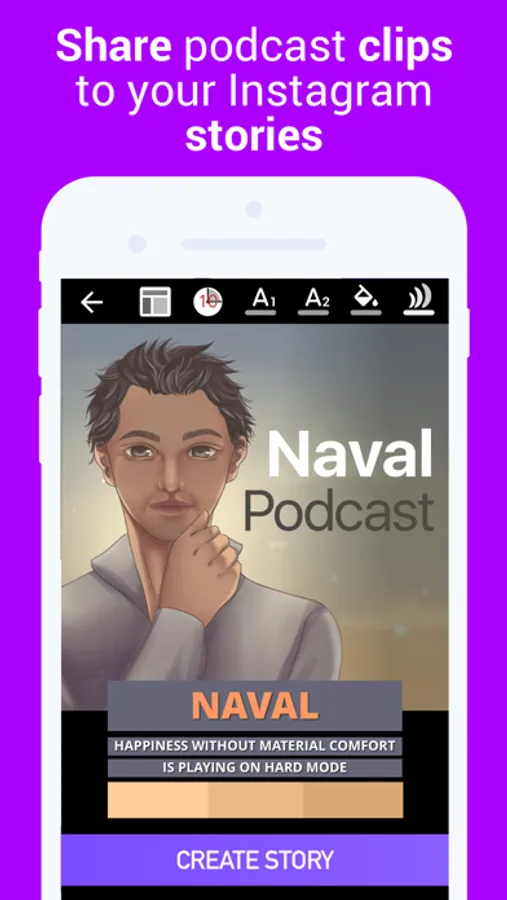
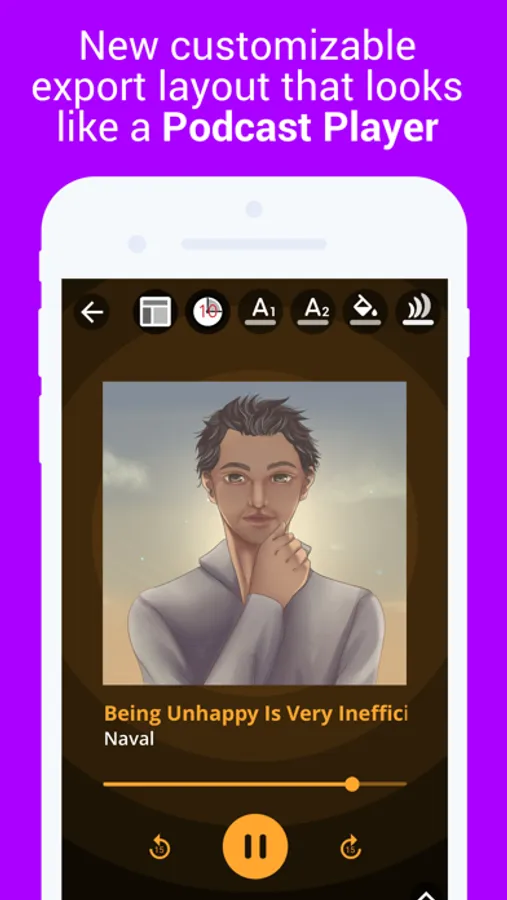
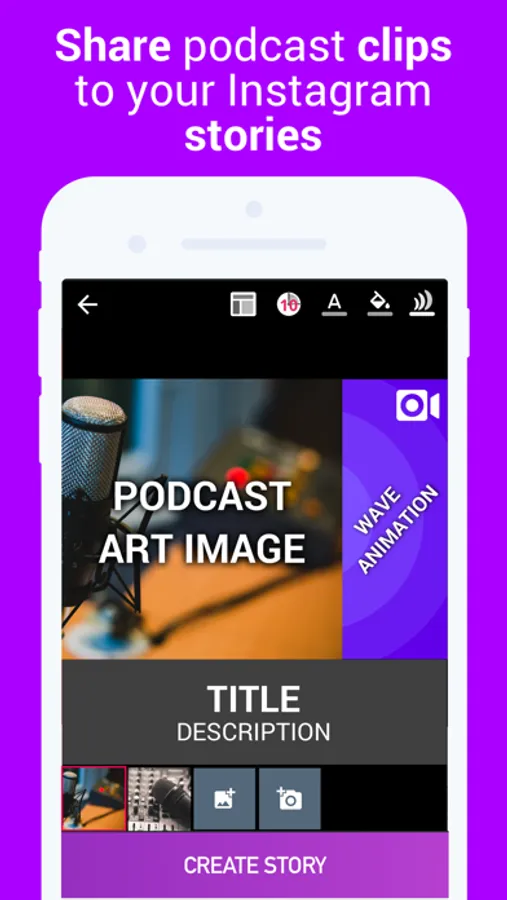
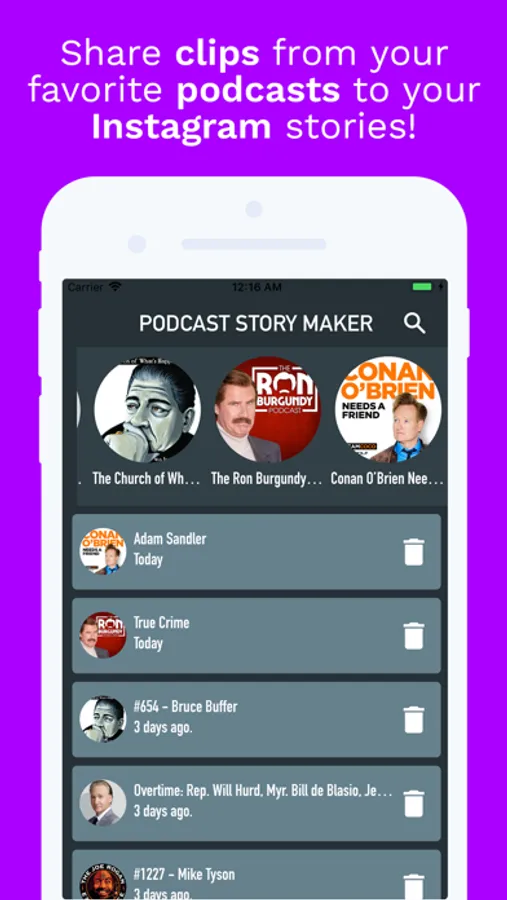
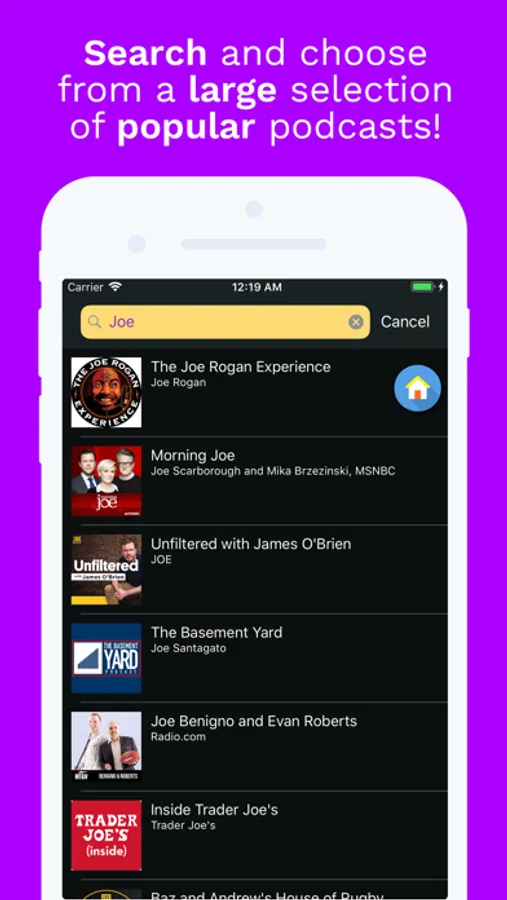
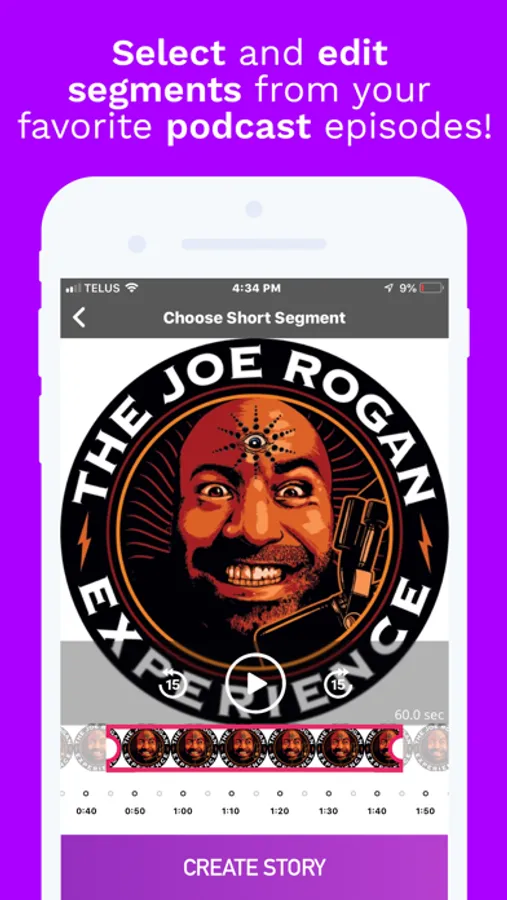
Tap to Rate:
Reviews for Podcast Video Maker 4Instagram
Mon
Fantastic
The app is awesome and help you market your content
J zzz
Almost perfect…
This is SO easy to use, love how you can bring up your own published podcast Ep and select a clip so easily, and the graphic looks really crisp and professional! Onlyyyy thing it needs is the ability to make animated words on the screen from the clip, and ability to make a subtitle at bottom in smaller writing. Other than that it’s fantastic!