AppRecs review analysis
AppRecs rating 3.0. Trustworthiness 75 out of 100. Review manipulation risk 24 out of 100. Based on a review sample analyzed.
★★★☆☆
3.0
AppRecs Rating
Ratings breakdown
5 star
17%
4 star
11%
3 star
0%
2 star
11%
1 star
61%
What to know
✓
Low review manipulation risk
24% review manipulation risk
✓
Credible reviews
75% trustworthiness score from analyzed reviews
⚠
Mixed user feedback
Average 2.3★ rating suggests room for improvement
About SmartPower50
This transformer is commonly use for outdoor deck, landscape, and fence lighting.
Remember to pair the transformer and phone the first time you connect. Before connecting with the app, push and release the pair button on the power supply (display will show 'bt' for 30 seconds or until pairing is successful).
If you are having issues, try the following:
-- Factory reset the transformer (unplug the transformer for 10 seconds - hold in the power button and plug in the transformer at the same time - you can release the power button after the display comes on with 'Ao')
--Remove the device from the iPhone's bluetooth settings (Settings, Bluetooth, click on the blue information icon after the SMARTPOER50_xxxx device. Then click 'Forget This Device')
--Try to reconnect using the app - make sure to push and release the pair button on the transformer BEFORE connecting to the device.
For support, please email: SmartPower50@gmail.com
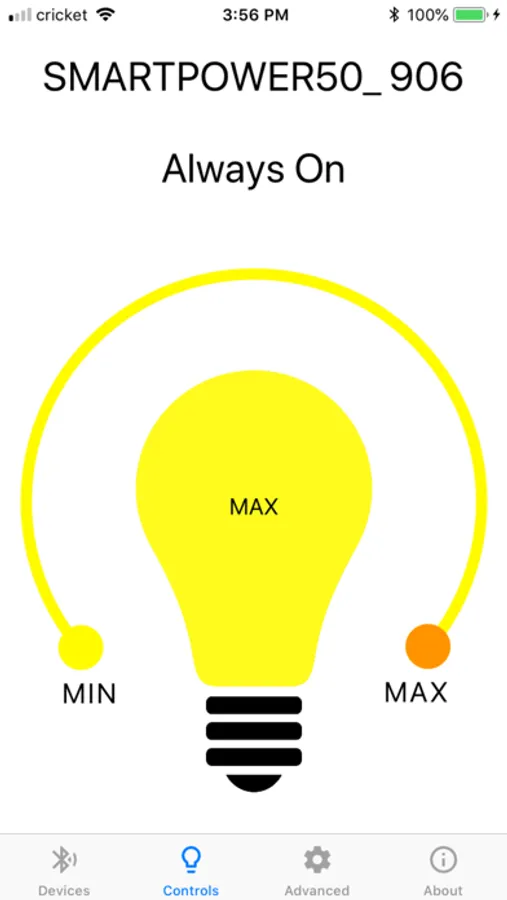
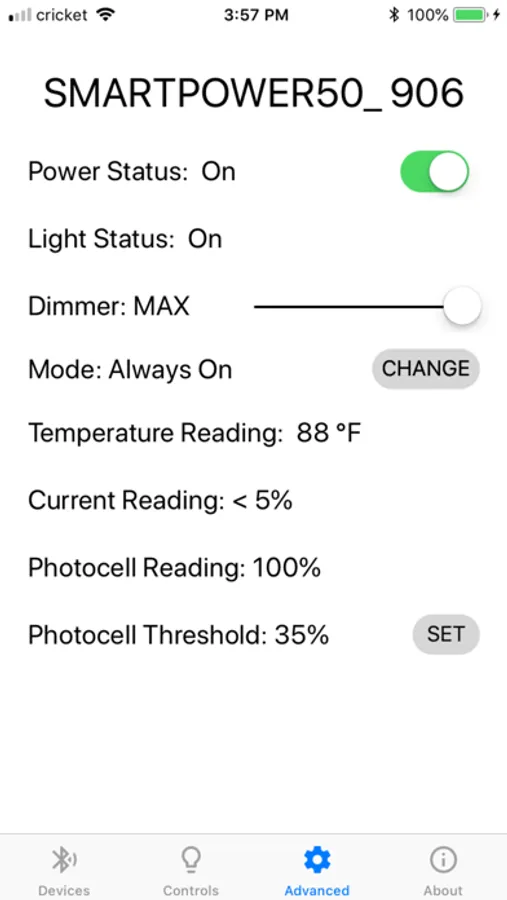
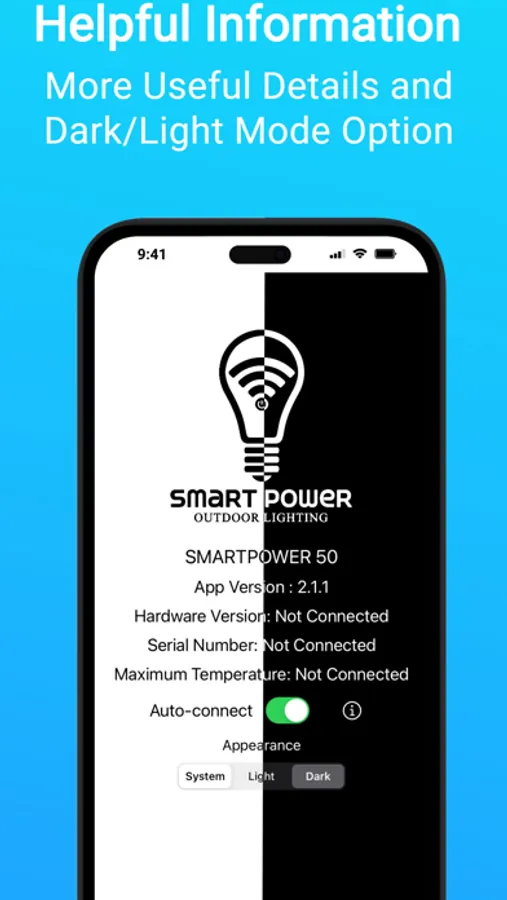
SmartPower50 Screenshots
Tap to Rate:
Reviews for SmartPower50
KMcC32
Doesn’t stay connected
Downloaded this app for my deck lights and although it would pair with them initially, the moment I closed the app or locked my phone it would disconnect and I’d have to go through the pairing process again. I’ve tried deleting and reinstalling the app but that didn’t help. I also emailed the app creator but did not receive a response.
CrayzeeGuy
Latest Update Breaks Connection
The latest update completely prevents the app from being useable. Eternally stuck on a “Fetching Data” message.