In this audio processing app, you can adjust gain and apply dynamic control to keep levels consistent. Includes real-time waveform visualization and multi-track support.
AppRecs review analysis
AppRecs rating 4.9. Trustworthiness 71 out of 100. Review manipulation risk 28 out of 100. Based on a review sample analyzed.
★★★★☆
4.9
AppRecs Rating
Ratings breakdown
5 star
95%
4 star
0%
3 star
3%
2 star
0%
1 star
2%
What to know
✓
Low review manipulation risk
28% review manipulation risk
✓
Credible reviews
71% trustworthiness score from analyzed reviews
✓
High user satisfaction
95% of sampled ratings are 5 stars
About FAC Maxima
In addition to the classic final stage application, FAC Maxima excels on individual tracks too. With a few changes it's easy to go from the common gain deviation compensation, e.g. for vocals, to drastical audio changes that will bring your audio material to new territories: boost reverb tails, flattenize drums… The applications are various and the possibilities are limitless.
• Get the final touch!
FAC Maxima definitely makes audio louder and that makes it an effective tool in many mastering engineers’ arsenals.
• Be creative!
Emphasis subtitle details, sometimes floor contains treasure, you will have a completely new listen to your old tracks! The audio background may indeed contain noise, but sometimes also "pearls" that may be revealed.
• Go further!
Tired by the advertisement boost, or important speech level variation in broadcasting? Use FAC Maxima to maintain the level constant. DJ's may also benefit from the effects to normalise in real time the level of the mixed tracks.
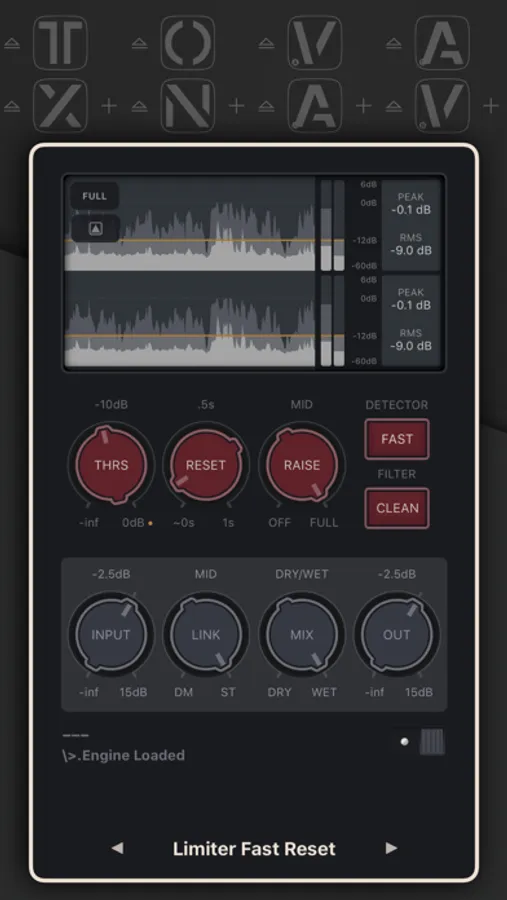
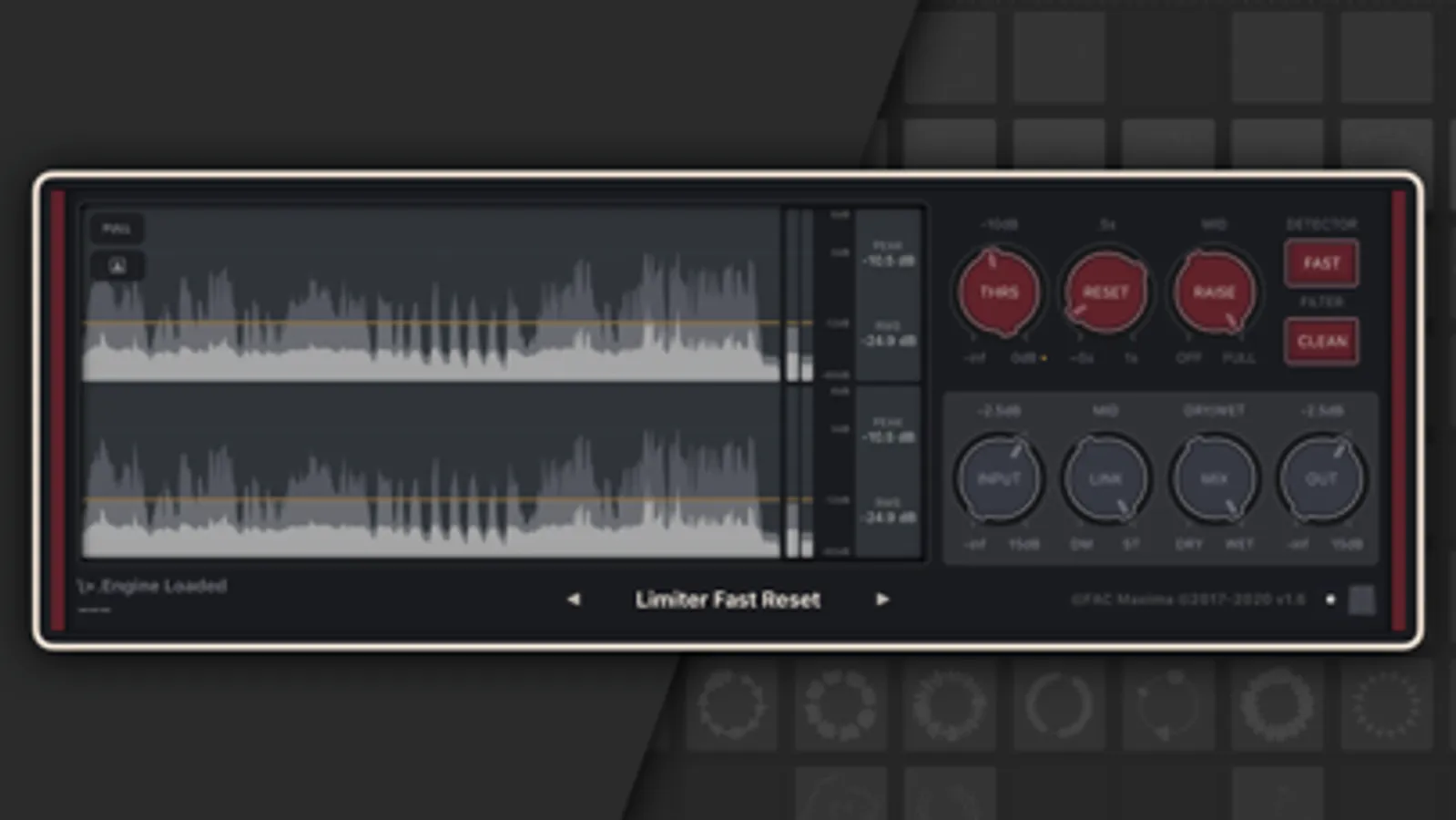
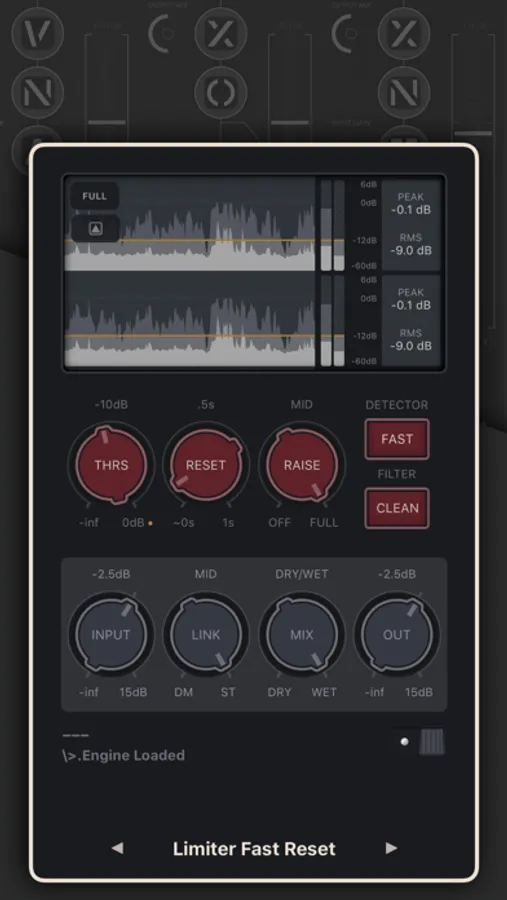
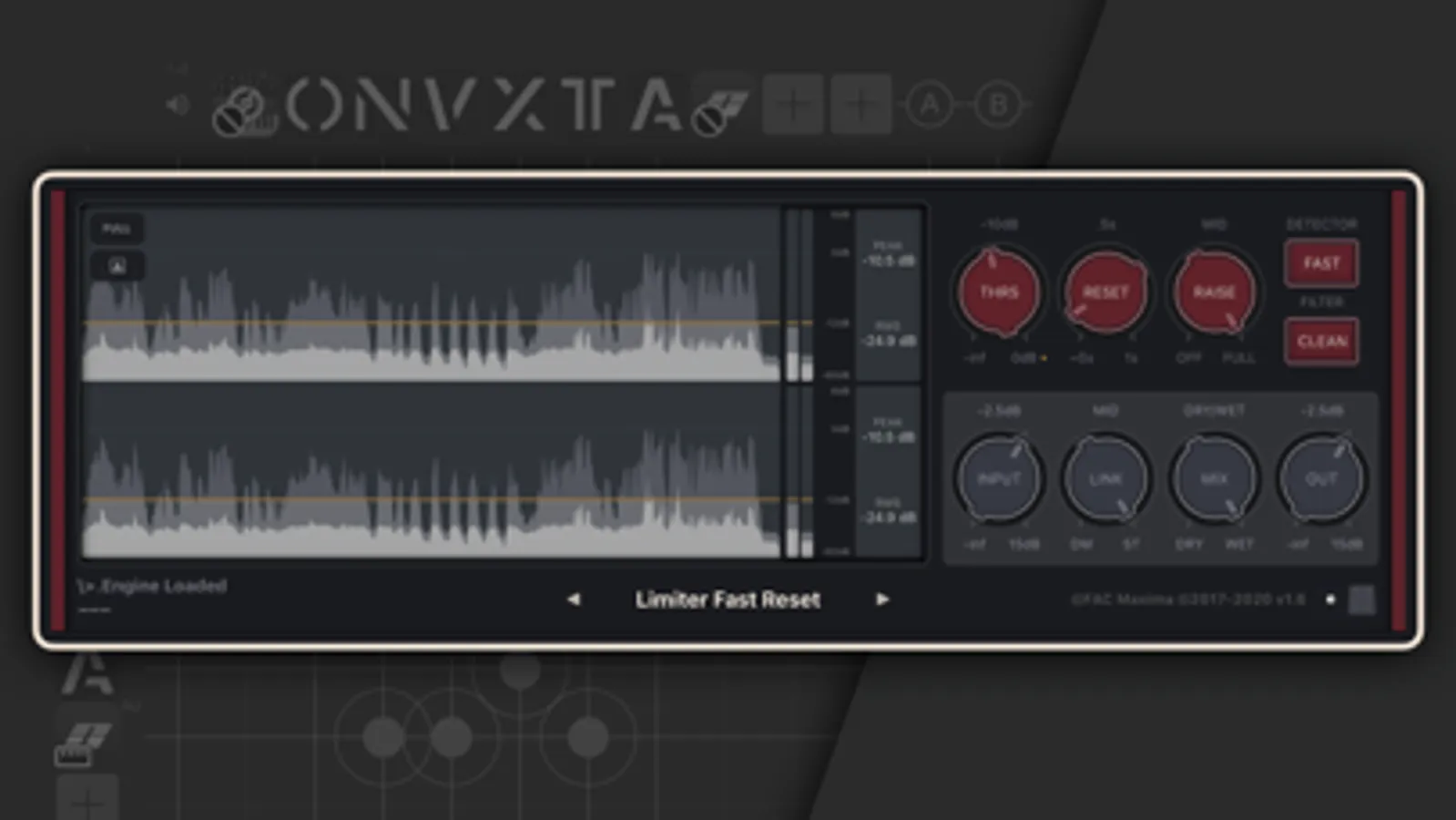
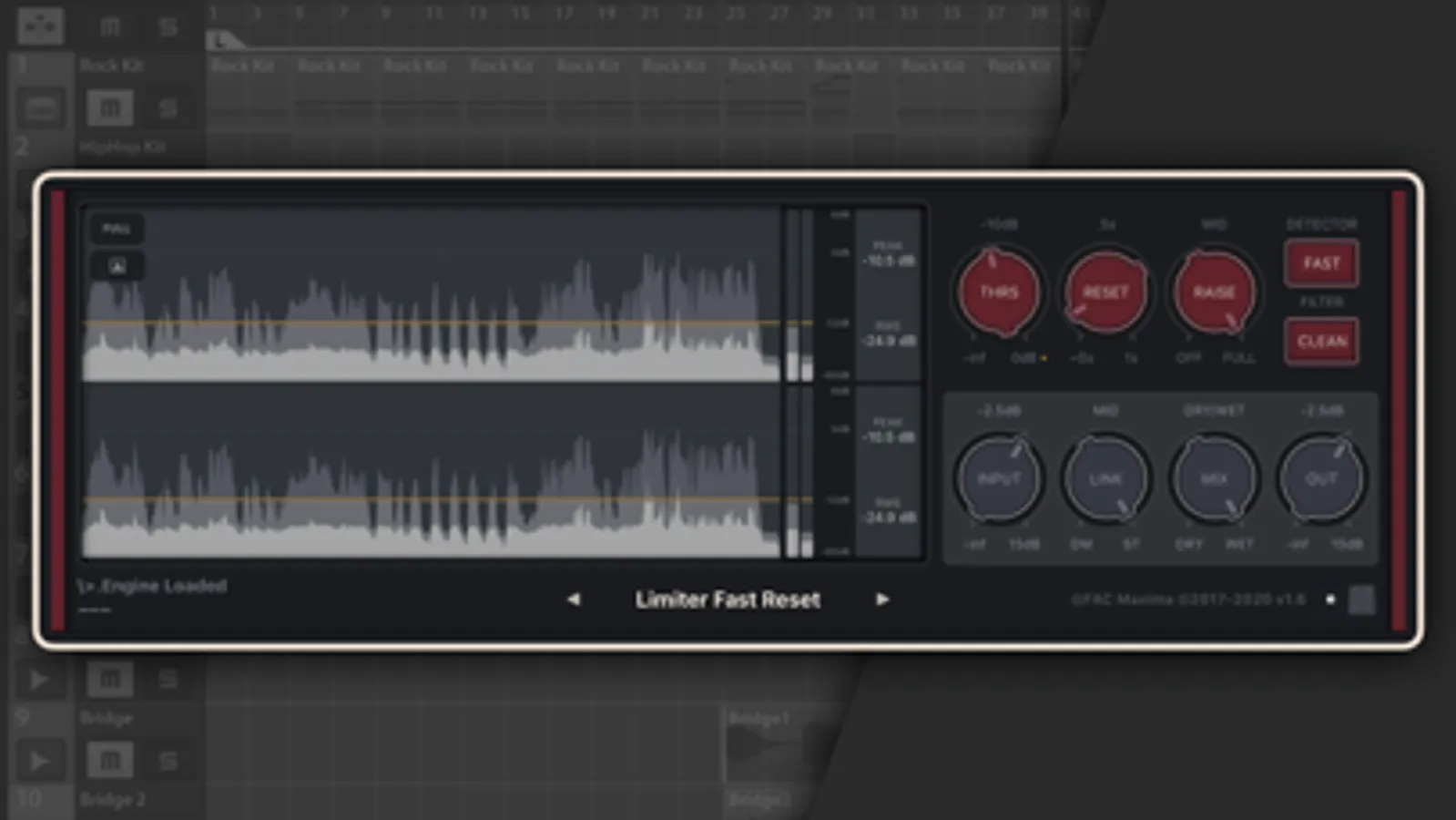
As with all FAC products the interface has a unique sober look and provides a great user experience. FAC Maxima also brings a real-time multi-waveform graph having a 6s buffer of the audio material before and after operations, this will help on setting the right parameters and have a visual feedback.
FAC Maxima Screenshots

Tap to Rate:
Reviews for FAC Maxima
Johnger1234
I can't get it to work
I would give this app a higher rating if I could figure out how to use it. I bought this app to use as a plugin for LumaFusion. I have tried to use it like I use any of the builtin audio plugins. I get no audio and adjusting any of the controls does nothing. If I disable this plugin I hear my audio. This might be a newbie issue but if I can't get it to work I can't rate it 5 stars. I really would love to give it 5 stars because I need this type of plugin. Any advice, help. I am running app/plugin in LumaFusion 5.2 on my M2 iPad Pro running iPadOS26.
sweatshop beats
Simply marvelous
This app does a great job. Don’t go to far with it but find your sweet spot and it’s a go. Great work