With this app, you can extract text from screenshots and images using OCR technology and share or save the results. Includes support for over 92 languages and options to translate or read text aloud.
AppRecs review analysis
AppRecs rating 4.4. Trustworthiness 75 out of 100. Review manipulation risk 24 out of 100. Based on a review sample analyzed.
★★★★☆
4.4
AppRecs Rating
Ratings breakdown
5 star
83%
4 star
7%
3 star
4%
2 star
2%
1 star
4%
What to know
✓
Low review manipulation risk
24% review manipulation risk
✓
Credible reviews
75% trustworthiness score from analyzed reviews
⚠
Pricing complaints
Many low ratings mention paywalls or pricing
About Copy Text On Screen
With its advanced OCR technology, this app allows you to extract text and words from your mobile screen and images. The OCR recognition accuracy is between 99% and 100%, ensuring that you get the exact text you need.
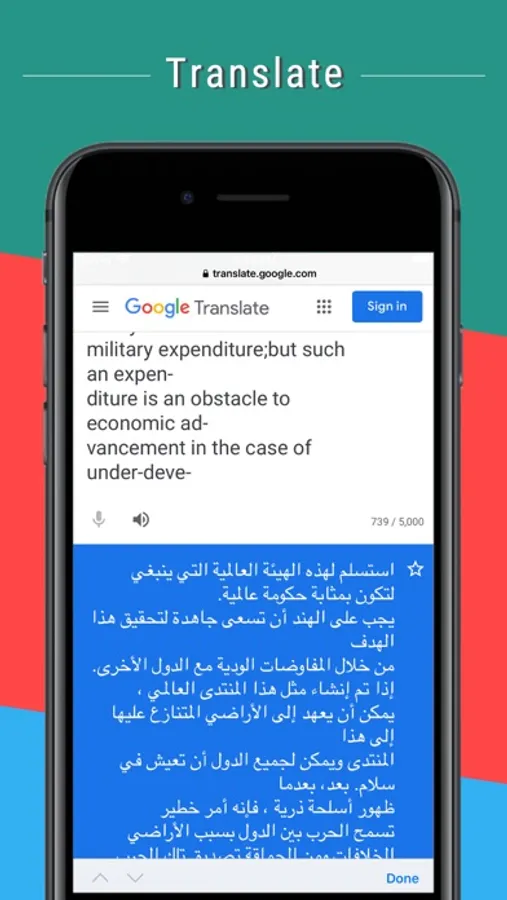
You can also scan and translate screenshot or image text on your device in over 100 languages.
Main Features:
• Copy any text on the mobile screen to your clipboard by sharing screenshot with this app.
• Extract text from any image.
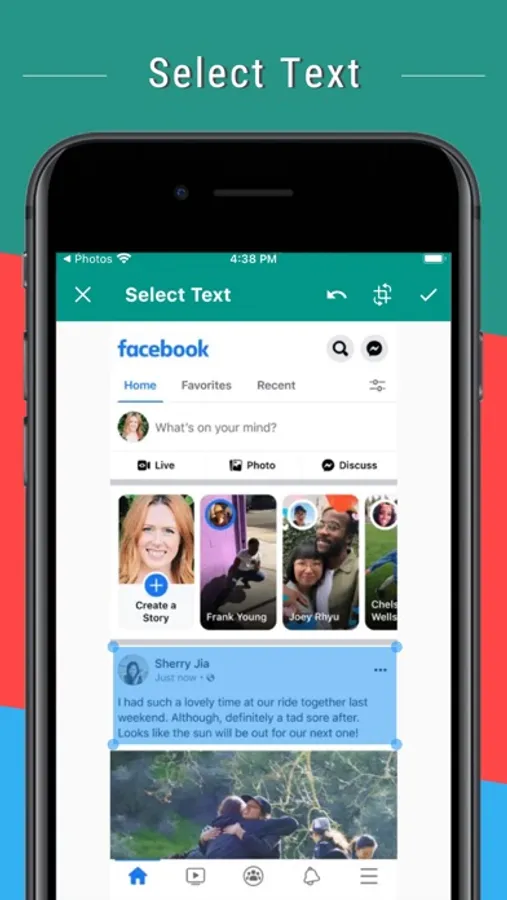
• Extract text easily from any application including social media apps like Facebook, Twitter, Instagram, Youtube and more by just share screenshot.
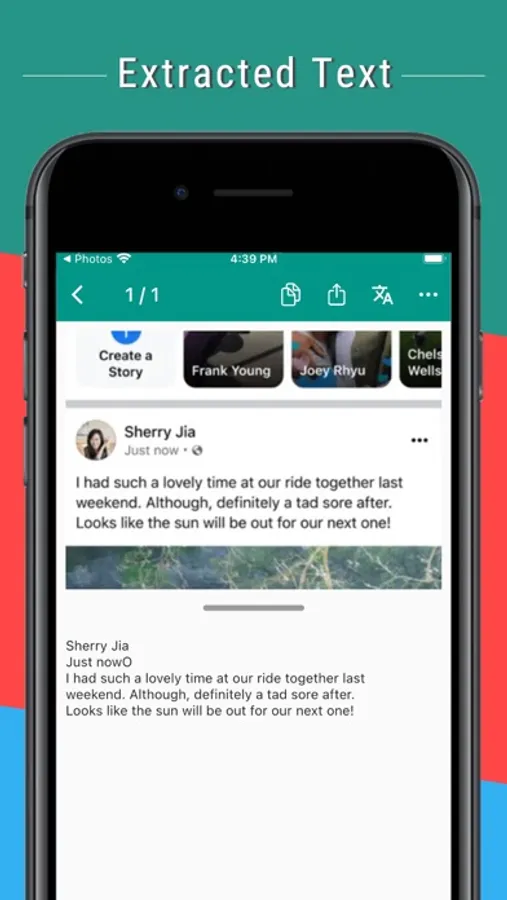
• Extract text on image and read it aloud with text to speech.
• Extracts phone number, email, URL .
• Recent scans history.
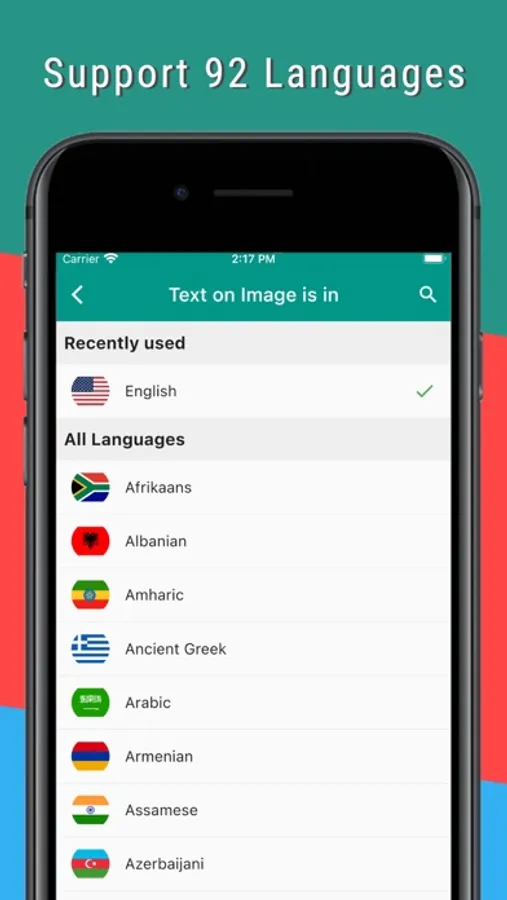
• Supports 92 languages for text recognition and translations in over 100 languages.
• Options to automatically copy extracted text to the clipboard or save it as a .txt file for a faster workflow.
How to use this app to extract Text from screen:
Step 1: Take a screenshot.
Step 2: Open that screenshot and share with this app.
Step 3: Select the text by touch and drag on screeenshot and choose the language for OCR recognition.
Step 4: Please wait while the app performs OCR (Optical Character Recognition) operation to extract the text.
Step 5: Now you may copy to clipboard, share or translate the extracted text.
Never struggle to copy text from your mobile screen and Image again. Get Copy Text app now and enjoy the ease of extracting text and words from your mobile screen and Images!
You can take screenshots by pressing and holding the 'POWER BUTTON' and 'VOLUME UP BUTTON' at the same time for a second.
Subscription Plans
Unlimited Scans Monthly
-------------------------
Unlimited scans
No ads upto 50 scans per day.
for one month period.
monthly 5.99 $
Unlimited Scans Yearly
----------------------
Unlimited scans
No ads upto 50 scans per day.
for one year period.
yearly 60.99 $.
-----------------
Payment will be charged to iTunes Account at confirmation of purchase.
Subscription automatically renews unless auto-renew is turned off at least 24-hours before the end of the current period.
Account will be charged for renewal as per existing plan rate within 24-hours prior to the end of the current period.
Subscriptions may be managed by the user and auto-renewal may be turned off by going to the user's Account Settings after purchase.
Any unused portion of a free trial period, if offered, will be forfeited when the user purchases a subscription to that publication, where applicable.
-----------------
Privacy Policy: https://appzys.com/ios/copytext/privacypolicy
Terms of Service: https://appzys.com/ios/copytext/termsofuse
Copy Text On Screen Screenshots
Tap to Rate:
Reviews for Copy Text On Screen
tjo10
Yes!
It has a few ads, but whatever, it works so well and is clean! Maybe I will do it later if I can afford ad free, but the interface is easy to use! Keep up the good work!
Maria’sInput4WatIt’sWorth
Would have been 5 stars…BUT
It Would have been 5 stars…BUT when you use the recognize text it misses a lot of letters in the words. Please fix this issue and I will gladly give 5 stars. Because for the most part I enjoy using this app