In this screen recording app, you can capture your screen, add reactions with Face Cam, and edit recordings with built-in tools. Includes audio commentary options, export to other apps, and device compatibility.
AppRecs review analysis
AppRecs rating 4.2. Trustworthiness 74 out of 100. Review manipulation risk 30 out of 100. Based on a review sample analyzed.
★★★★☆
4.2
AppRecs Rating
Ratings breakdown
5 star
78%
4 star
9%
3 star
4%
2 star
2%
1 star
7%
What to know
✓
Credible reviews
74% trustworthiness score from analyzed reviews
✓
High user satisfaction
78% of sampled ratings are 5 stars
⚠
Pricing complaints
Many low ratings mention paywalls or pricing
About Screen Recorder: Go Record
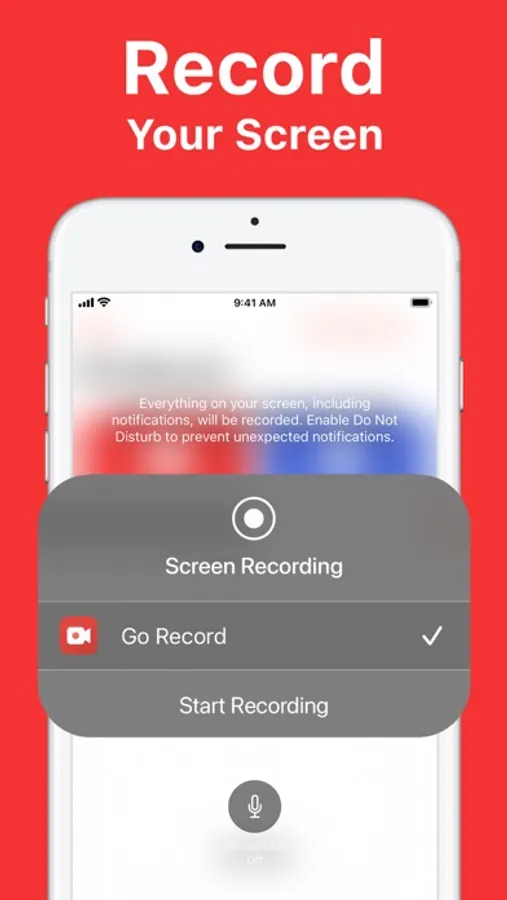
Record your screen with Go Record! Whether you're recording gameplay, creating tutorials, or capturing presentations, Go Record makes it easy to create polished screen recordings. Add Face Cam reactions and voice commentary. Edit with built-in tools, then export directly to your favorite apps when you're ready to share.
What you can do:
EASY SCREEN RECORDING
Record your screen in high quality
FACE CAM REACTIONS
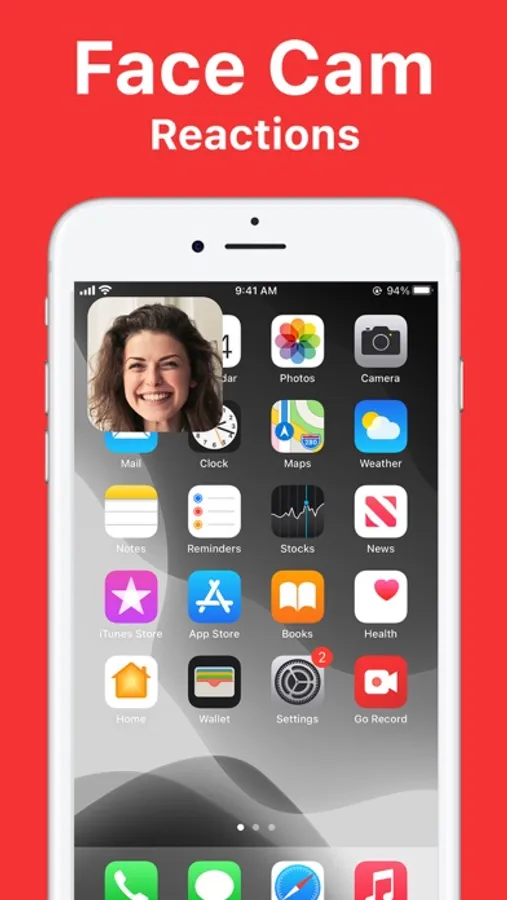
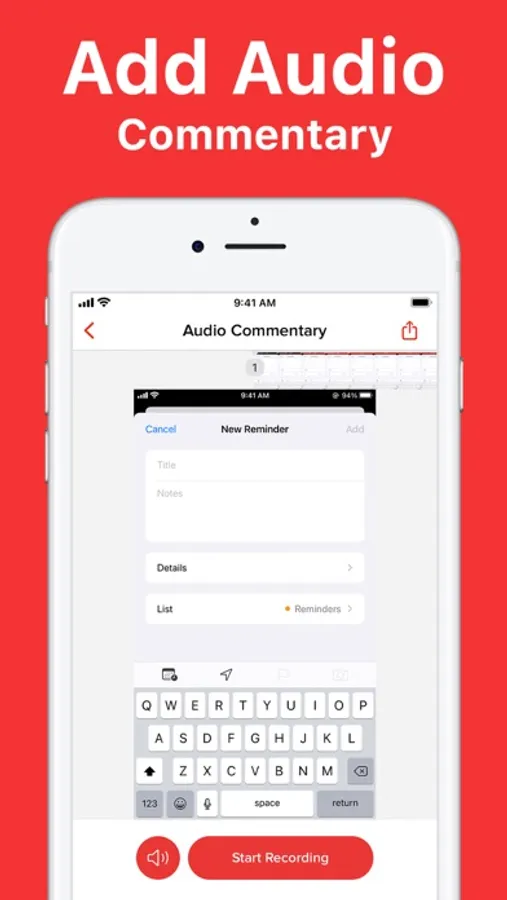
Add Face Cam reactions and voice commentary
BUILT-IN VIDEO EDITOR
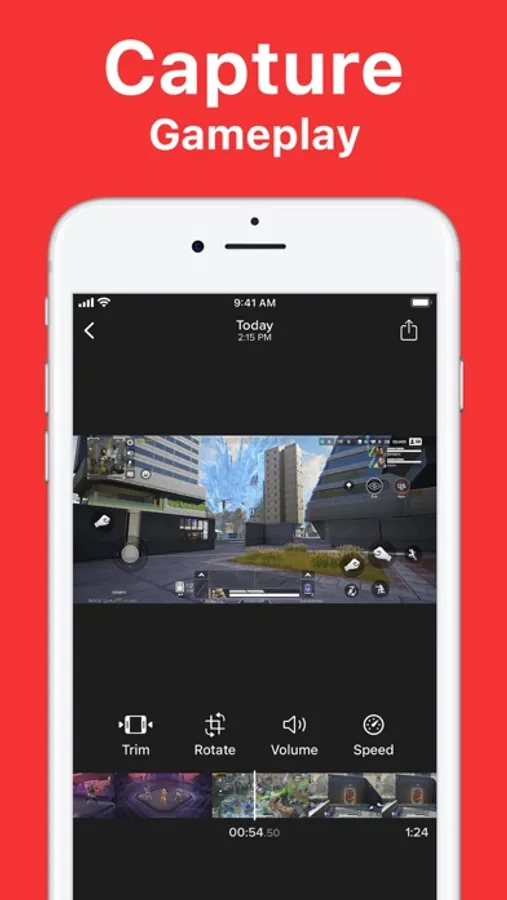
Trim, rotate, adjust audio and more directly from the app.
FAST SHARING
Export to your favorite apps quickly
Go Record is the screen recorder built for creators. Get started today.
What you can do:
EASY SCREEN RECORDING
Record your screen in high quality
FACE CAM REACTIONS
Add Face Cam reactions and voice commentary
BUILT-IN VIDEO EDITOR
Trim, rotate, adjust audio and more directly from the app.
FAST SHARING
Export to your favorite apps quickly
Go Record is the screen recorder built for creators. Get started today.
Screen Recorder: Go Record Screenshots
Tap to Rate:
Reviews for Screen Recorder: Go Record
Jay :3✨
I don’t like this app
It won’t let me save to it because it says I’ve pay money and I don’t want to none of the are free so please some features free please that’s why I’m giving it a one star ⭐️☹️
Love like cats and dogs
Love
I love it but I don’t like you have to pay for microphones