In this screen recording app, you can record your screen, add audio commentary, and include facecam overlays. Includes HD recording, audio capture, live streaming, and no watermark features.
AppRecs review analysis
AppRecs rating 2.8. Trustworthiness 75 out of 100. Review manipulation risk 28 out of 100. Based on a review sample analyzed.
★★☆☆☆
2.8
AppRecs Rating
Ratings breakdown
5 star
40%
4 star
7%
3 star
7%
2 star
6%
1 star
40%
What to know
✓
Low review manipulation risk
28% review manipulation risk
⚠
Ad complaints
Many low ratings mention excessive ads
⚠
High negative review ratio
46% of sampled ratings are 1–2 stars
About Screen Recorder - Go Record
Screen Recorder - Capture It allows you to record your favorite games and apps for tutorials, games walk-through, video demos and training videos on your iPhone and iPad. After recording your screen, you can add video reactions with audio commentary to further enhance your recording!
Screen Recorder - Capture It is a reliable, and easy-to-use stream creator and screen recorder. With Screen Recorder App , you can livestream your screen to YouTube, Facebook and Twitch and record screen videos. Screen Recorder Appr makes it easy to livestream and record content from your screen, like games, live shows, sports, and more.
Free Screen Recorder in FULL HD
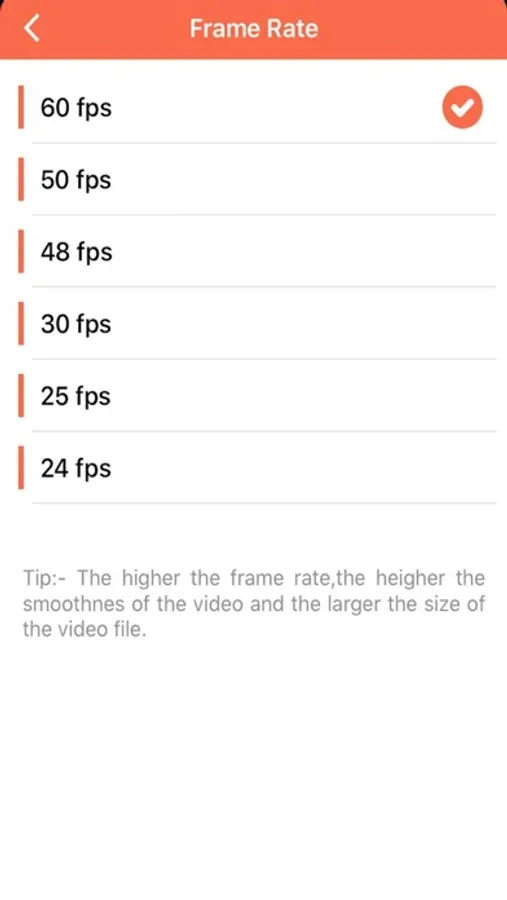
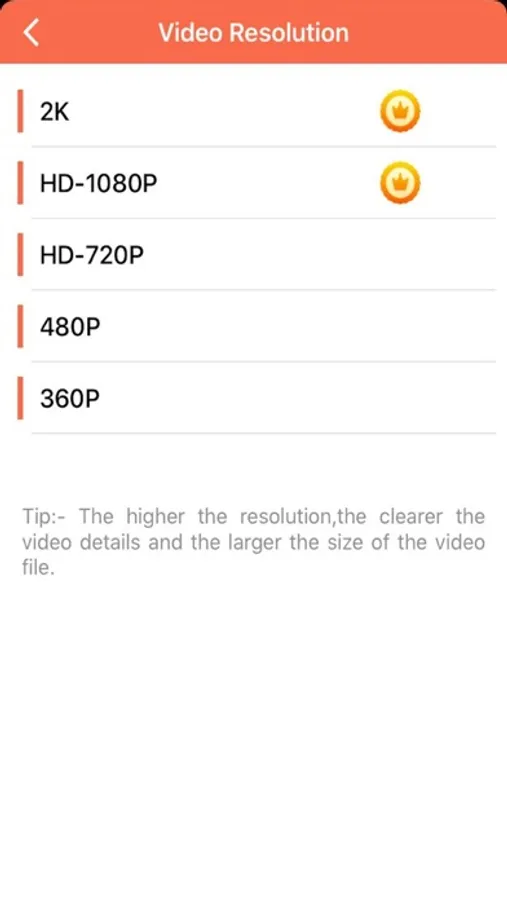
* Screen Recorder App supports recording game screen in the highest quality, 1080p, 12Mbps, 60FPS. Of course, you can record screen with adjustable resolution(240p to 1080p), quality, and FPS(15FPS to 60FPS).
Game Recorder with no Time Limit
* This Screen Recorder App is also a convenient game recorder and screen capture tool. It helps you capture screen, record screen and record gameplay video without recording time limit.
Screen Video Recorder with no Watermark
* Still find a screen capture tool without watermark? Download this video recorder to capture screen in a cleaner way. If you want to capture screen, record screen or take a screenshot efficiently, it is a must-have screen recorder.
Screen Recorder with Sound
* Want to record gameplay, video tutorial with sound? This powerful screen recorder with sound is your best choice. It will record your voice fluidly and clearly.
Screen Recorder with Facecam
* Screen Recorder with Facecam helps you record your face and reaction in a small overlay window. It can be dragged freely to any position on the screen and customized to any size.
Screen Recorder with Audio
* It is also a well functional screen recorder with audio, screen recorder with sound. Download this fantastic screen recorder with audio to record your own video now.
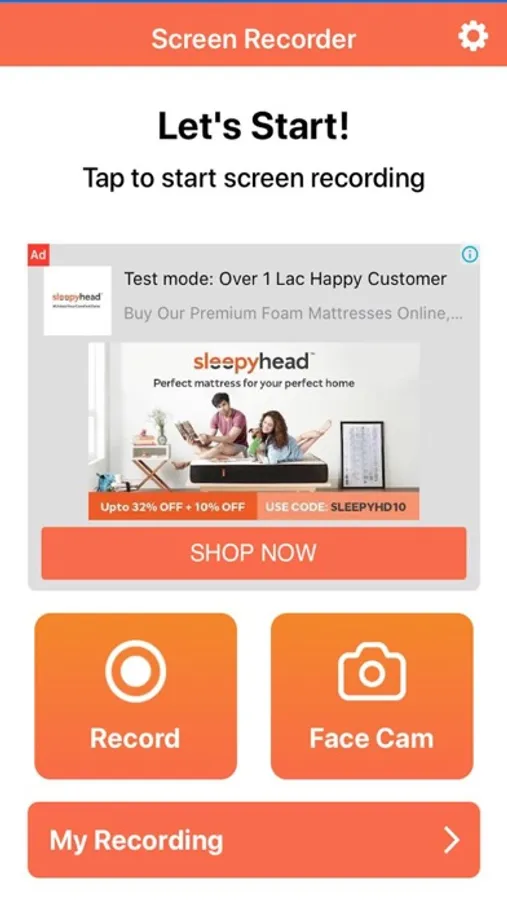
RECORD
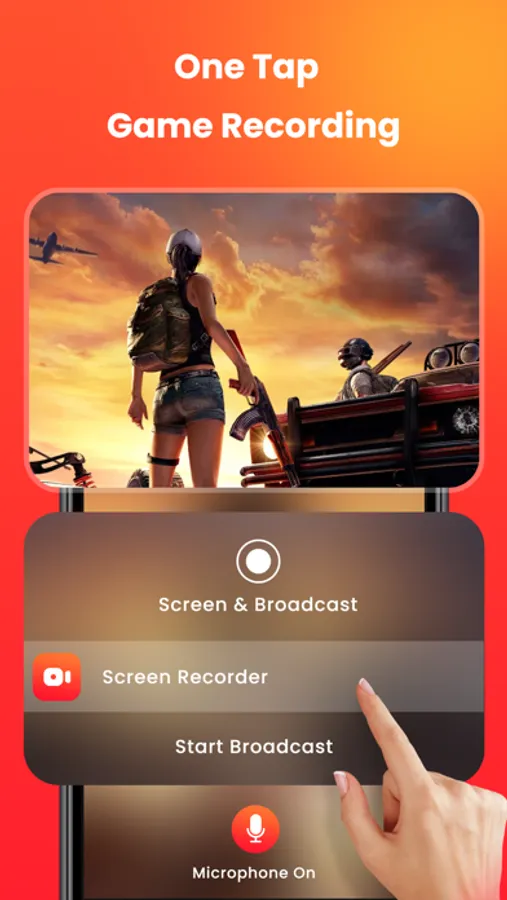
• One tap to start recording your entire screen (requires iOS 12)
• For iOS 11, we provide easy to follow video tutorials to get you setup fast
• Record everything: games, video tutorials, apps
VIDEO FACE CAM REACTIONS
• Add FaceCam Reactions to your recordings
• Add reactions to your favourite YouTube videos!
• Personalize your reaction by setting the reaction shape, position and size
• Camera Roll videos are supported
AUDIO COMMENTARY
• Record audio only commentary for your videos
VIDEO EDITOR
• Trim your video
• Video filters
• Adjustable playback speed
• Change canvas and background color
• Rotate
ORGANIZER
• Organise your recordings in one simple application with easy access
SHARE
• Save directly to camera roll
• Share and export your recordings to other apps, via email or AirDrop. You can also export your recording to your computer via WiFi or any other app for more specialized video editing.
Video reactions is a perfect way to add personality to your video recordings. You can add video reaction to your recordings so your audience can watch you while you play your favourite game, or when simply recording an app demonstration (Perfect to show your friends how to complete a task, or how to achieve that perfect score in a game).
The combinations are endless, just download and try for yourself.
Subscription Details:
1. One Weekly
- Price: $1.99
2. One Year
- Price: $25.99
2. One Month
- Price: $5.99
Subscription automatically renews unless auto-renew is turned off at least 24-hours before the end of the current period
Account will be charged for renewal within 24-hours prior to the end of the current period, and identify the cost of the renewal
Note:-
Privacy Policy :- https://sites.google.com/view/gautamkpatelprivacypolicy
Terms Of User :-https://gpslivenavigationtermsofuse.blogspot.com/2023/11/screen-recorder.html
Screen Recorder - Go Record Screenshots
Tap to Rate:
Reviews for Screen Recorder - Go Record
Its ure girl lia
Not what I expected
I cant pause in between my recordings and its a BIG SCAM
A DISGRACE!!
DO NOT DOWNLOAD. UNDER ANY CIRCUMSTANCES
I tried to pause my recording while it was still recording but it wouldn't let me. And that one picture it shows for the app before you download it, you se that thing with the logo and pencil, all that cool stuff. Right? WELL NO!!! APPARENTLY THE CREATOR WANTS TO FALSE ADVERTISE CAUSE IT'S NOT THERE!!! AND IT WON'T LET YOU PAUSE IT!!!!!!