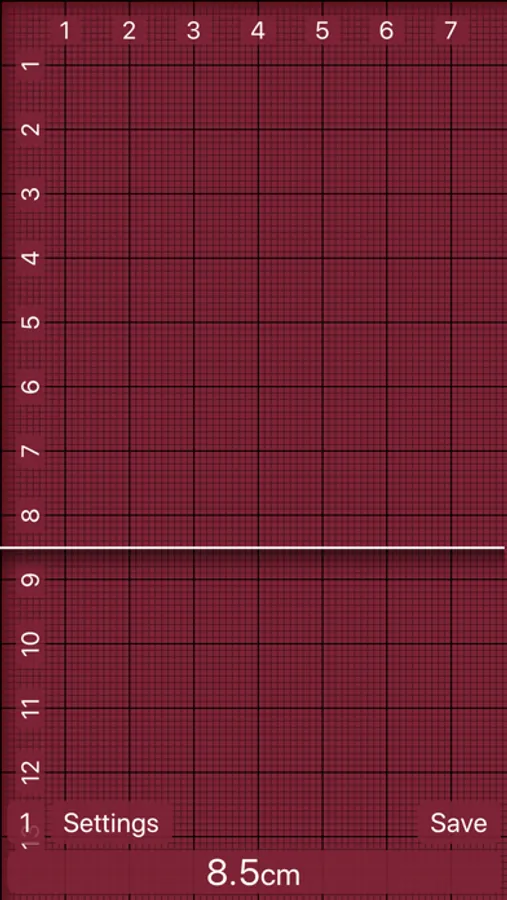
With this measuring app, you can accurately measure lengths and widths using on-screen tools and switch between measurement units. Includes multiple color options, measurement saving, and manual adjustment features.
AppRecs review analysis
AppRecs rating 3.8. Trustworthiness 76 out of 100. Review manipulation risk 25 out of 100. Based on a review sample analyzed.
★★★☆☆
3.8
AppRecs Rating
Ratings breakdown
5 star
64%
4 star
7%
3 star
4%
2 star
5%
1 star
20%
What to know
✓
Low review manipulation risk
25% review manipulation risk
✓
Credible reviews
76% trustworthiness score from analyzed reviews
✓
Good user ratings
71% positive sampled reviews
About Ruler 2.0 - inch, mm, cm
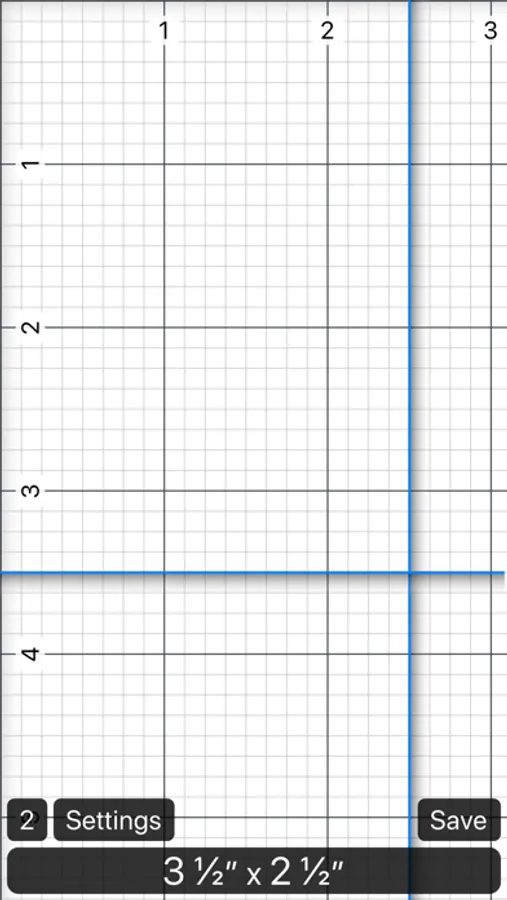
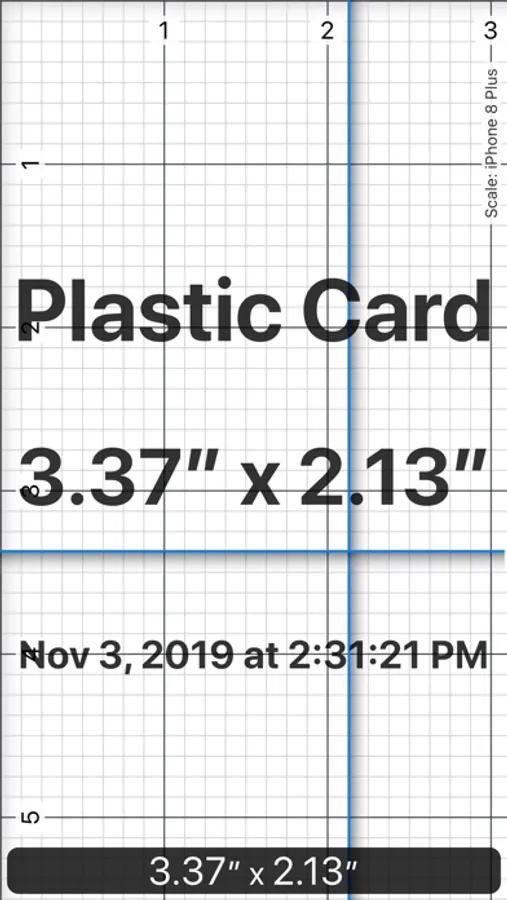
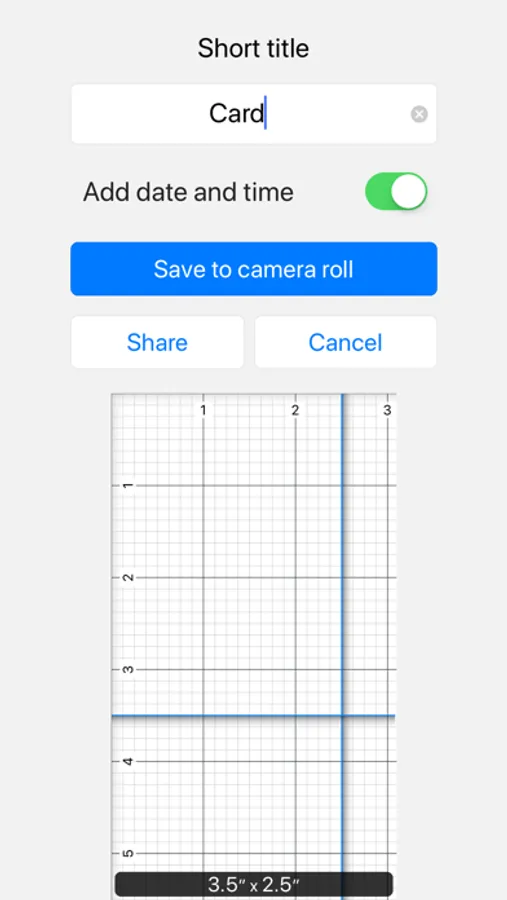
- Save the measurement as a photo
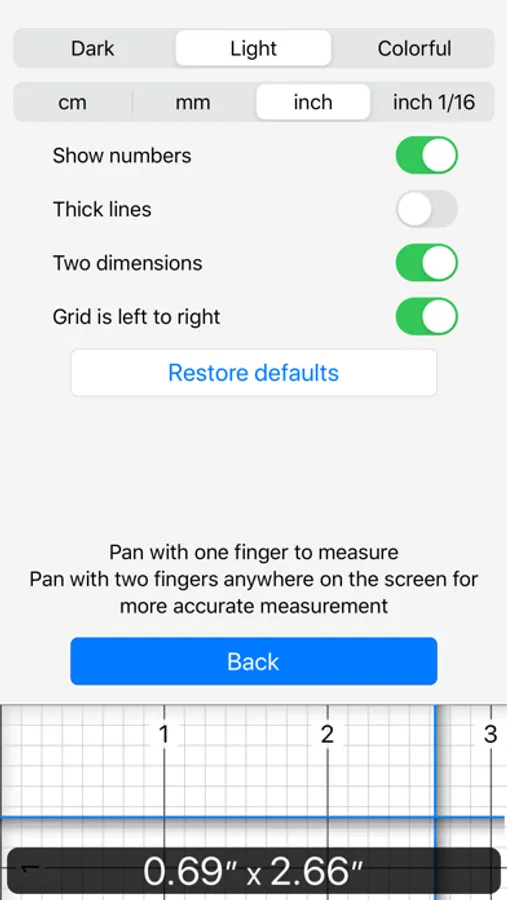
- 3 colors of the ruler for your comfort
- Centimeters, millimeters or inches
- Measure the length only or width and length at the same time
Tap on the measurement result to change it manually.
Pan with two fingers anywhere on the screen for even higher accuracy.
Measure every length and width with precision on-screen Ruler 2.0. Choose your preferred units of measurement - inches (inch), centimeters (cm) or millimeters (mm). Metric and Imperial systems are supported. Use on-screen ruler as you wish. Tap "Save" button to save the result to the Camera Roll of your device.
Ruler 2.0 - inch, mm, cm Screenshots
Tap to Rate:
Reviews for Ruler 2.0 - inch, mm, cm
LouBaby1911
Sizing is off for newer, larger phones (high dpi)
This app was a very good app, but it’s completely unusable now if you’ve got a large max phone, I think it’s the high dpi screen that makes the inches way too small. The inches are about the size of a centimeter in this app. It needs to be updated to support high DPI large phones
Ali Asghari
wrong scale in iphone16
hi wrong dimension measurement on iphone16 please solve