With this Markdown and plain text editor, you can create, edit, and export files easily using keyboard shortcuts and format options. Includes syntax highlighting, HTML preview, in-app file support, and iOS integration.
AppRecs review analysis
AppRecs rating 4.6. Trustworthiness 81 out of 100. Review manipulation risk 24 out of 100. Based on a review sample analyzed.
★★★★☆
4.6
AppRecs Rating
Ratings breakdown
5 star
72%
4 star
13%
3 star
6%
2 star
1%
1 star
8%
What to know
✓
Low review manipulation risk
24% review manipulation risk
✓
Credible reviews
81% trustworthiness score from analyzed reviews
✓
High user satisfaction
85% of sampled ratings are 4+ stars (4.4★ average)
About Pretext
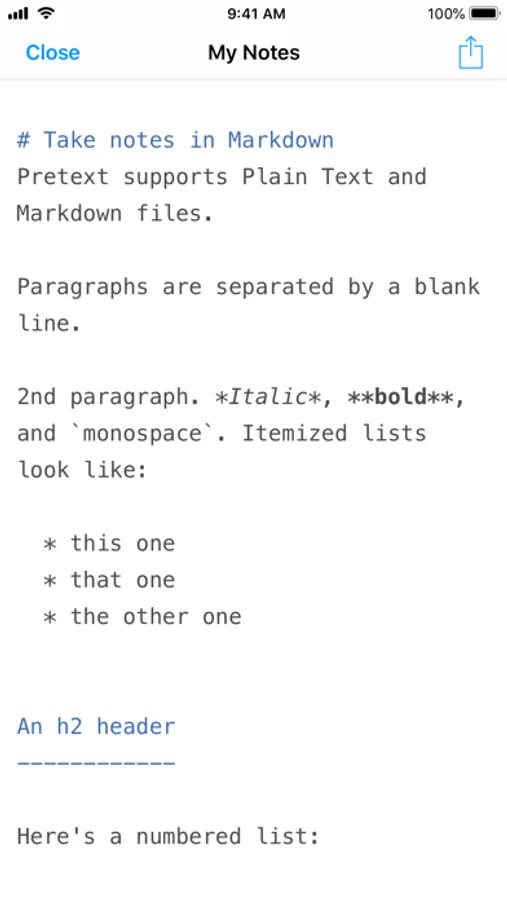
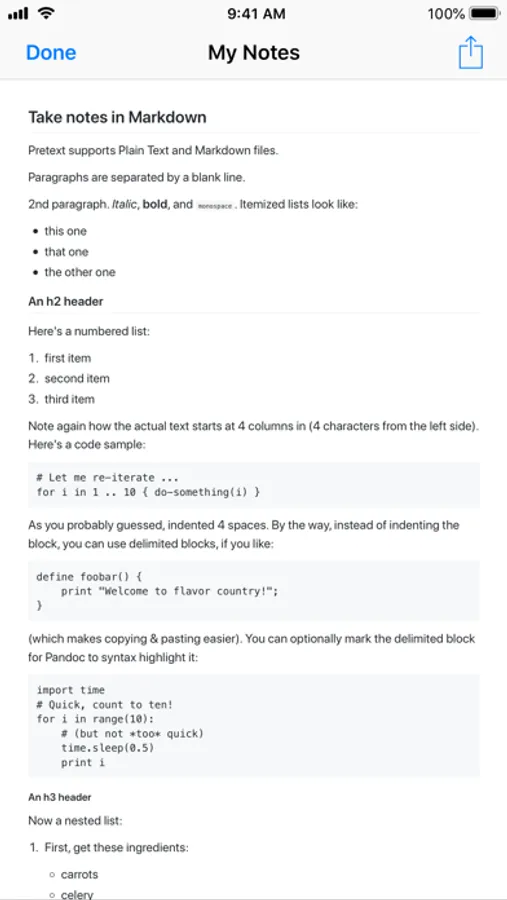
• Markdown syntax highlighting
• HTML preview and export
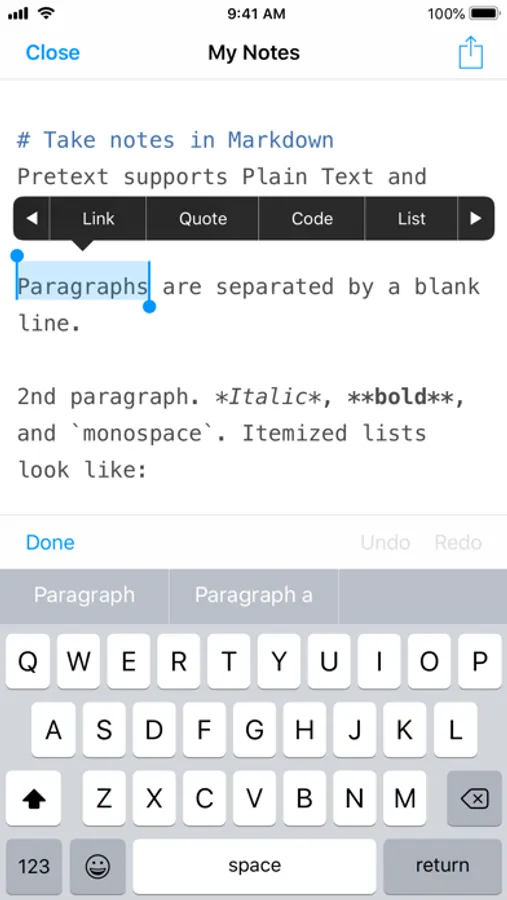
• Comprehensive keyboard shortcuts
• Quick-tap format options
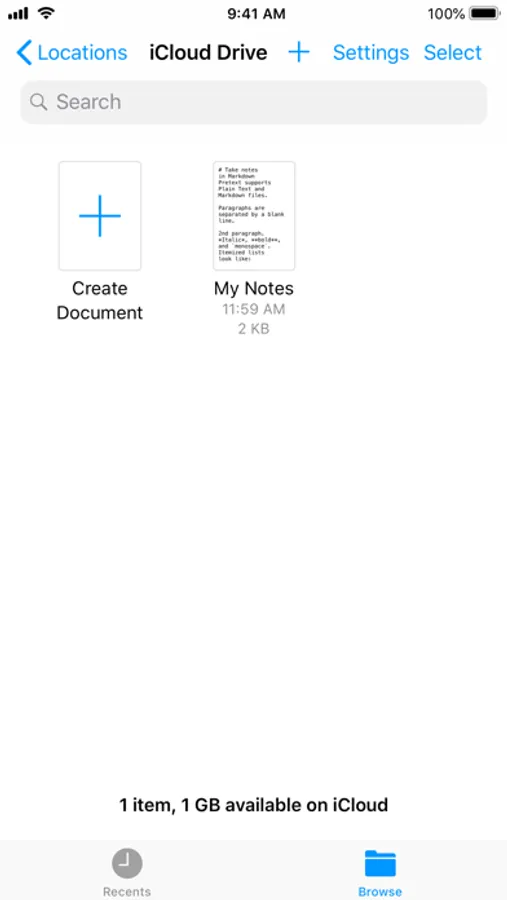
• Files app/Document provider support
• Seamless iOS integration
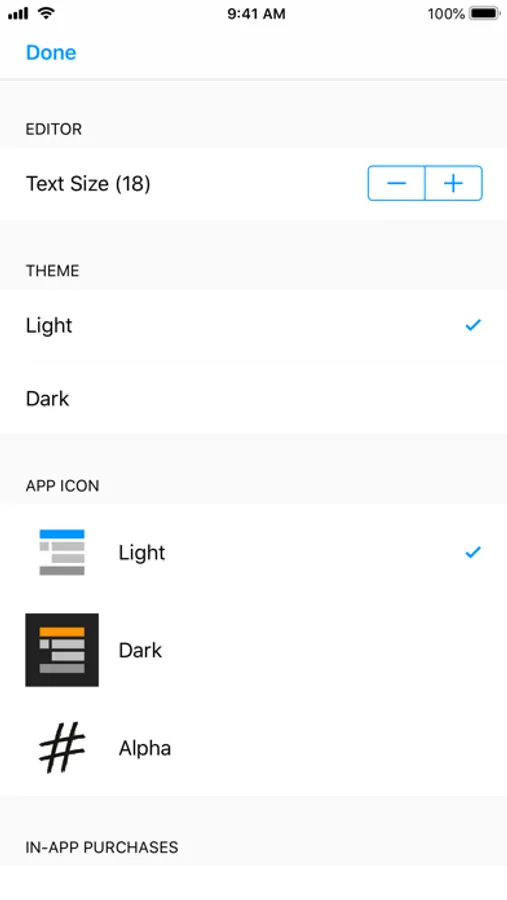
• Customisable font size
• Full undo/redo/revert-all-changes support
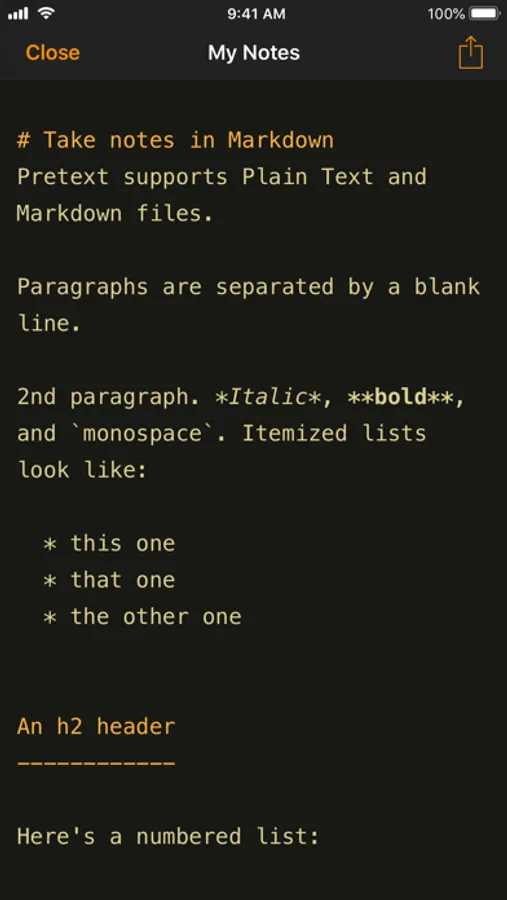
• Dark theme and icon (in-app purchase required)
----
"This app is now my default solution for quickly creating .md files to share with other people." - Federico Viticci, MacStories
----
Pretext is designed to work seamlessly with iCloud Drive and other file providers. This means you can open files directly from your Files app, and any changes are saved right back, available to use on other devices and in other applications. No clunky import and export steps just to make an edit – instead, you keep full control of your files.
Pretext works great on all your iOS devices. Thanks to comprehensive keyboard shortcuts, Pretext works especially well with iPad Pro and Smart Keyboard.
If you encounter any problems, please get in touch at pretext@blork.co.uk, tweet @pretext_app, or post at /r/pretextapp.
Pretext Screenshots
Tap to Rate:
Reviews for Pretext
deiong
Doesnt open grok markdown files
Advertises it, but does not open markdown files
Meztrakker
Shouldn’t have to save before you start typing
I downloaded this to have a Text Edit equivalent on iOS, because I do a lot of copy/paste where I want plain text. Biggest flaw here is you have to create/save a file before you do anything, rather than just start typing and save (or in my case don’t) later. So this won’t work for me. I’ll stick with Notes for now.