In this app, you can input and save Renault radio precodes using button, stalk, or remote control methods. Includes step-by-step instructions and troubleshooting tips.
AppRecs review analysis
AppRecs rating 4.6. Trustworthiness 63 out of 100. Review manipulation risk 27 out of 100. Based on a review sample analyzed.
★★★★☆
4.6
AppRecs Rating
Ratings breakdown
5 star
82%
4 star
7%
3 star
4%
2 star
1%
1 star
6%
What to know
✓
Low review manipulation risk
27% review manipulation risk
✓
High user satisfaction
82% of sampled ratings are 5 stars
✓
Authentic reviews
No red flags detected
About Radio Code Renault
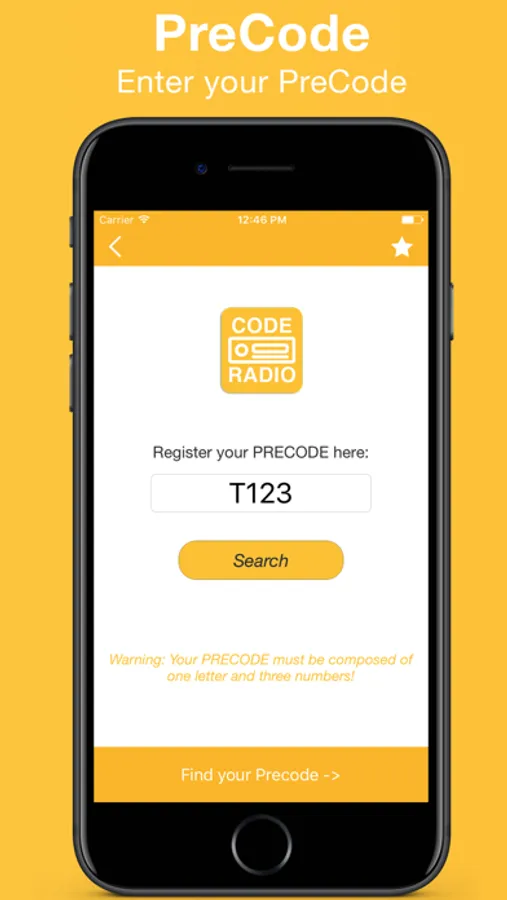
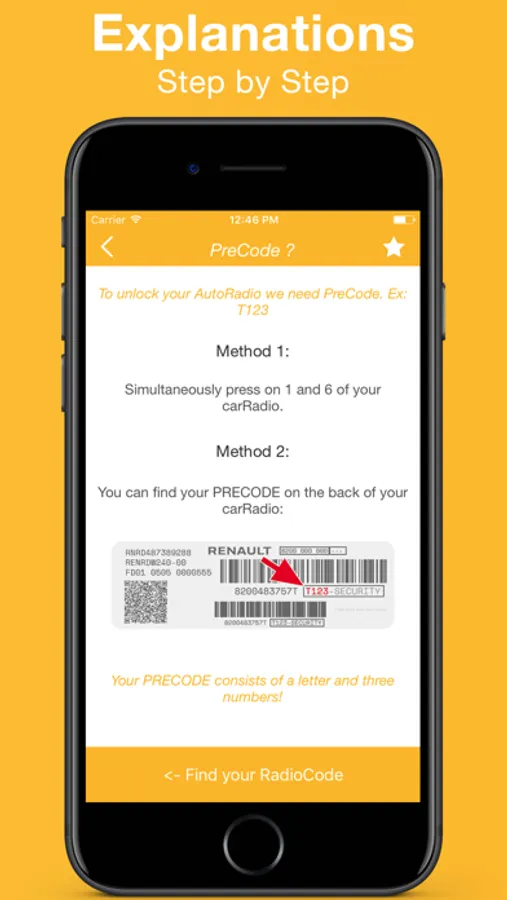
To find the precode:
- Switch on the car radio and hold button 1 and 6 (in some cases it is necessary to remove the car radio)
- The precode is composed of 1 letter and 3 digits. For example: G842, H786, I814
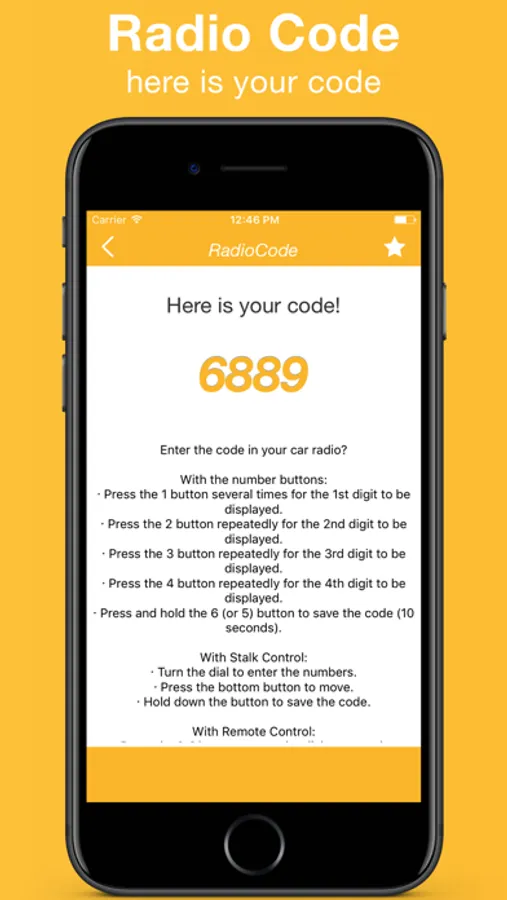
Enter the code in your car radio?
With Buttons
· Press the "1" button several times for the 1st digit to be displayed
· Press the "2" button repeatedly for the 2nd digit to be displayed
· Press the "3" button repeatedly for the 3rd digit to be displayed
· Press the "4" button repeatedly for the 4th digit to display "
· Press and hold the "6" (or "5") button to save code (10 seconds)
With Stalk Control
· Turn the dial to enter the numbers.
Press the bottom button to move.
· Hold down the button to save the code.
With Remote Control
· Press the [¬] button to turn the dial to enter the numbers.
· Press and hold the [¬] button to save code
Terms : https://sidistribution.wixsite.com/website-6/terms
Privacy : https://sidistribution.wixsite.com/website-6/privacy
- Switch on the car radio and hold button 1 and 6 (in some cases it is necessary to remove the car radio)
- The precode is composed of 1 letter and 3 digits. For example: G842, H786, I814
Enter the code in your car radio?
With Buttons
· Press the "1" button several times for the 1st digit to be displayed
· Press the "2" button repeatedly for the 2nd digit to be displayed
· Press the "3" button repeatedly for the 3rd digit to be displayed
· Press the "4" button repeatedly for the 4th digit to display "
· Press and hold the "6" (or "5") button to save code (10 seconds)
With Stalk Control
· Turn the dial to enter the numbers.
Press the bottom button to move.
· Hold down the button to save the code.
With Remote Control
· Press the [¬] button to turn the dial to enter the numbers.
· Press and hold the [¬] button to save code
Terms : https://sidistribution.wixsite.com/website-6/terms
Privacy : https://sidistribution.wixsite.com/website-6/privacy
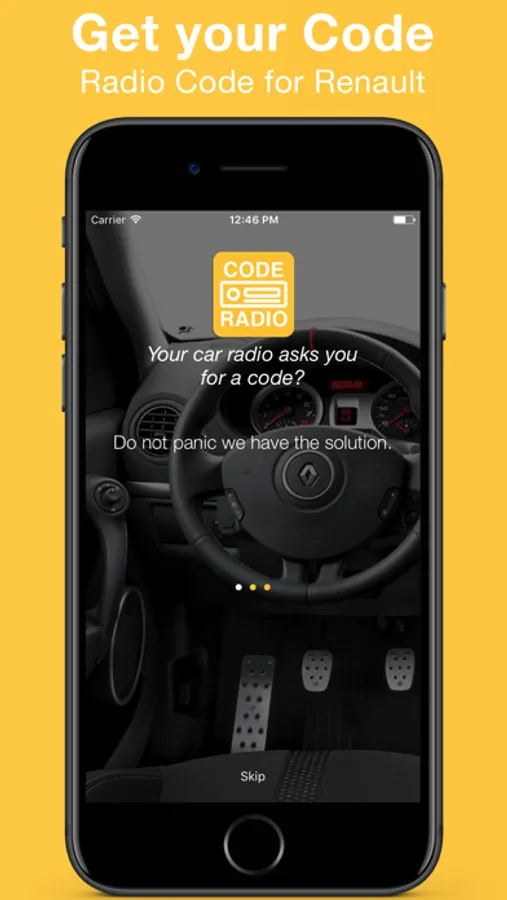
Radio Code Renault Screenshots
Tap to Rate:
Reviews for Radio Code Renault
pouyand14
It works!
Surprisingly worked but I wonder why they’ve made it free while we can’t use it without in-app purchase?!
brkic6
Free?
Do you know what “free” mean? This application is not free at all!