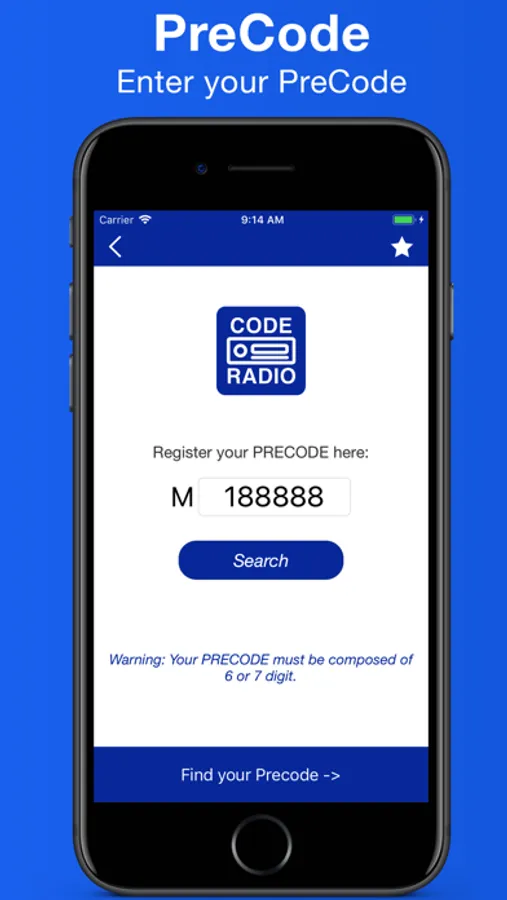
With this app, you can generate and enter Ford radio codes using serial numbers and precodes. Includes features for code retrieval, input, and saving codes.
AppRecs review analysis
AppRecs rating 4.3. Trustworthiness 45 out of 100. Review manipulation risk 28 out of 100. Based on a review sample analyzed.
★★★★☆
4.3
AppRecs Rating
Ratings breakdown
5 star
90%
4 star
3%
3 star
1%
2 star
0%
1 star
5%
What to know
✓
Authentic reviews
No red flags detected
⚠
Rating authenticity concerns
High rating concentration (90% 5-star) in sampled ratings
About Radio Code
Offline code for Ford 3000, 4000, 4500, 5000, 6000, 6006, 7000 and 9006.
Ford M series code.
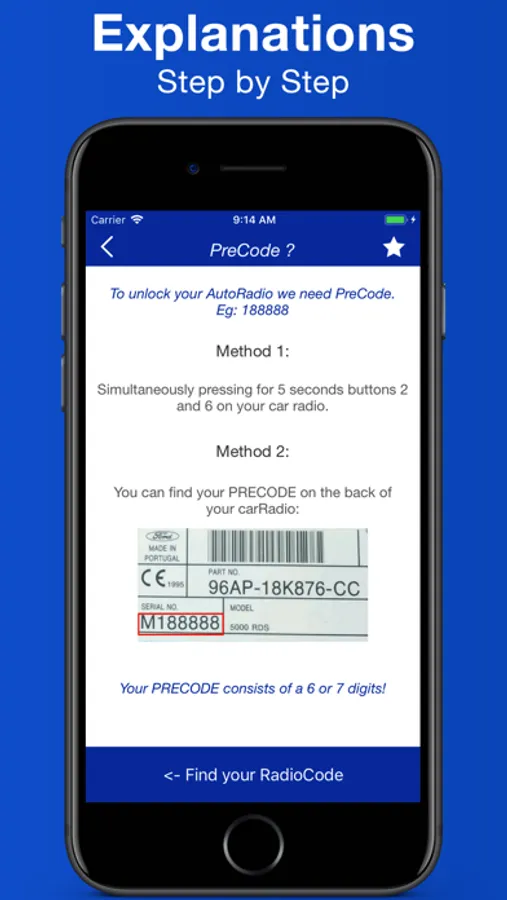
To find the serial number:
- On your car radio simultaneously press 2 and 6 and hold for 5 seconds.
- Remove your car Radio and get your PRECODE on the back.
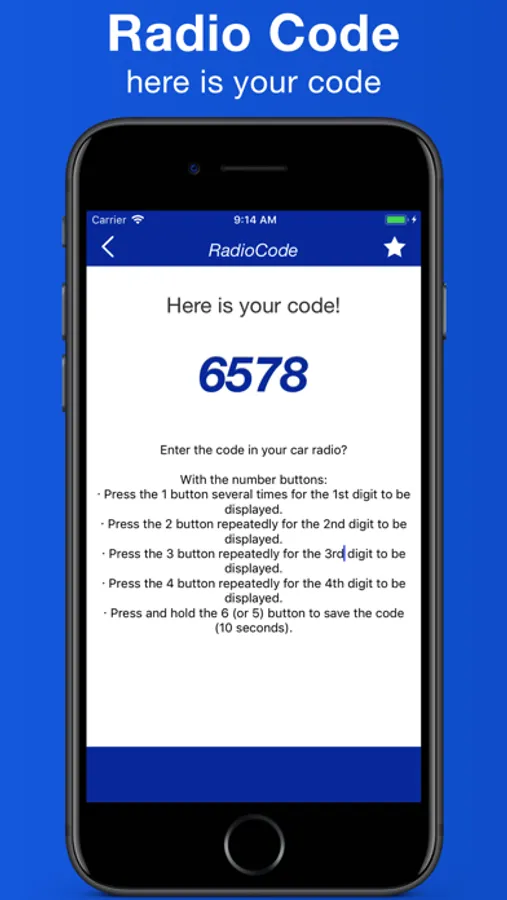
Enter your code?
· Press the "1" button repeatedly for the 1st digit to be displayed
· Press the "2" button repeatedly for the 2nd digit to be displayed
· Press the "3" button repeatedly for the 3rd digit to be displayed
· Press the "4" button repeatedly for the 4th digit to display "
· Press and hold the "5" button to save code (10 seconds)
Ford M series code.
To find the serial number:
- On your car radio simultaneously press 2 and 6 and hold for 5 seconds.
- Remove your car Radio and get your PRECODE on the back.
Enter your code?
· Press the "1" button repeatedly for the 1st digit to be displayed
· Press the "2" button repeatedly for the 2nd digit to be displayed
· Press the "3" button repeatedly for the 3rd digit to be displayed
· Press the "4" button repeatedly for the 4th digit to display "
· Press and hold the "5" button to save code (10 seconds)
Radio Code Screenshots
Tap to Rate:
Reviews for Radio Code
OpasnaZona
Skupo
Skupo je ovo otključavanje. Ima free aplikacija.