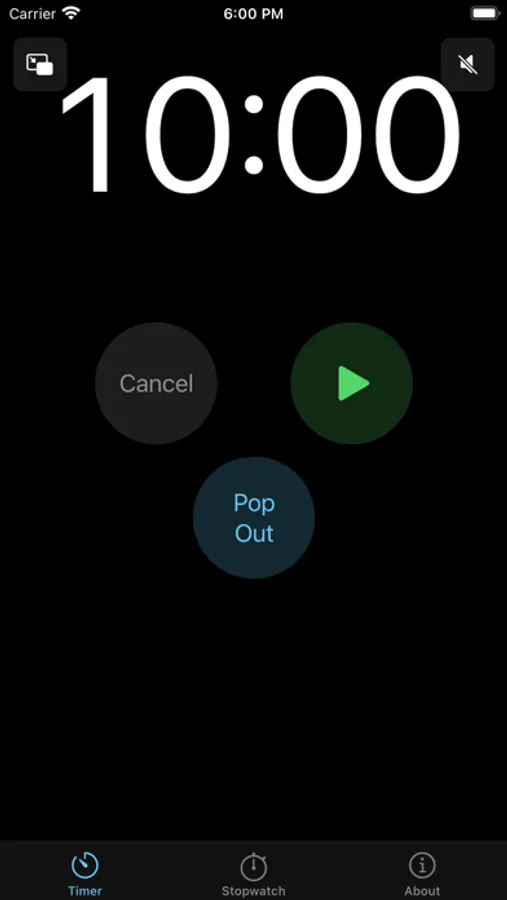
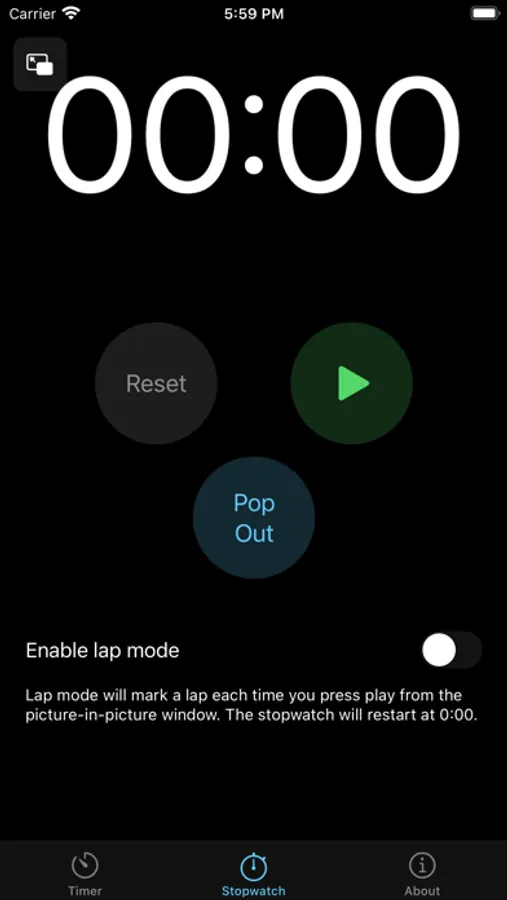
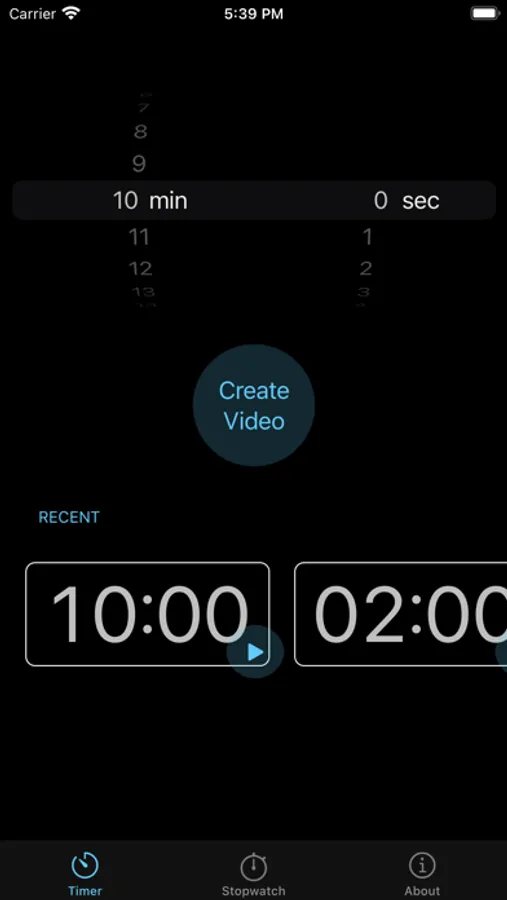
With this app, you can use the picture-in-picture feature to run a floating timer, stopwatch, pomodoro, or clock alongside other applications. Includes customization options, resizing, and movement of the timer window.
AppRecs review analysis
AppRecs rating 4.3. Trustworthiness 77 out of 100. Review manipulation risk 20 out of 100. Based on a review sample analyzed.
★★★★☆
4.3
AppRecs Rating
Ratings breakdown
5 star
80%
4 star
10%
3 star
3%
2 star
3%
1 star
4%
What to know
✓
Low review manipulation risk
20% review manipulation risk
✓
Credible reviews
77% trustworthiness score from analyzed reviews
✓
High user satisfaction
80% of sampled ratings are 5 stars
About Pop Out Timer Stopwatch Clock
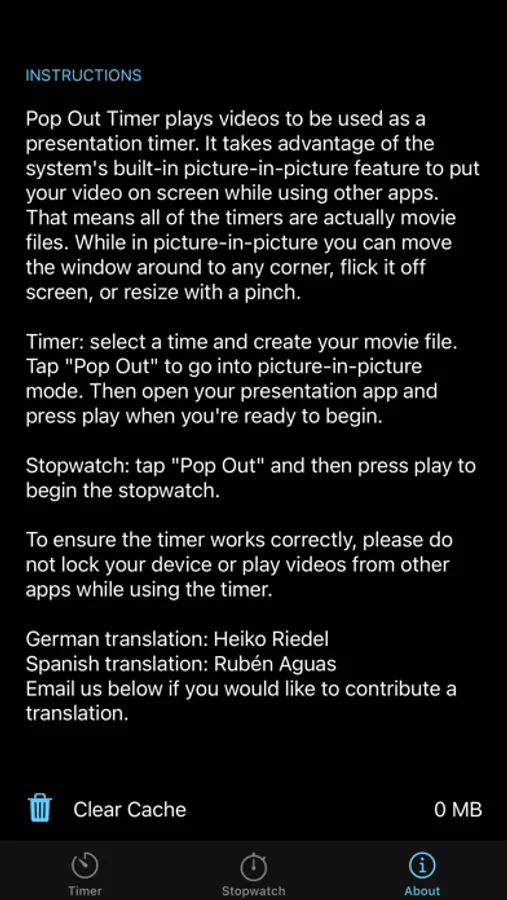
While in picture-in-picture you can move the window around to any corner, flick it off screen, or resize with a pinch.
If you choose to purchase a subscription, payment will be charged to your iTunes account, and your account will be charged for renewal 24 hours prior to the end of the current period. Auto-renewal may be turned off at any time by going to your settings in the iTunes Store after purchase.
Terms of use: https://thinktapwork.com/tos.html
Pop Out Timer Stopwatch Clock Screenshots
Tap to Rate:
Reviews for Pop Out Timer Stopwatch Clock
wilson_ryan
Simple and effective
Very creative way to solve the problem of needing a floating timer. I am a pastor who needs a way to see how long my message is going while speaking from notes on another app. This is perfect and even gives you unique sizes to not overwhelm your screen.
TivonHC
Free placement not fixed corners?
Good but I’ve got Two questions/suggestions: 1) could the size of the timer get any smaller than 1”x2”? You can pinch zoom the size but it stops at about 1”x2” and would be nice to go just a smidge smaller. There’s the long tiny version (it’s like a 1/2” X 4”(ish) but the sides of blank space on either sides of the clock/timer itself seem like wasted or in the way unnecessary taken up space and if that wasted space could be customized to just a tiny 1/2”x 1” border I think it would be a perfect size imo. And 2) being able to have a more or truly free placement anywhere on the screen rather than a few fixed corner positions. Every app is different and fixed corner positions can be in the way of certain tools rather than having to constantly move to another corner if in the way of workspace and having free positions to put the clock/timer anywhere would allow for a more diverse timer and make this app perfect in my opinion. I Would be giving 5 stars if these options could be more customizable. Thanks