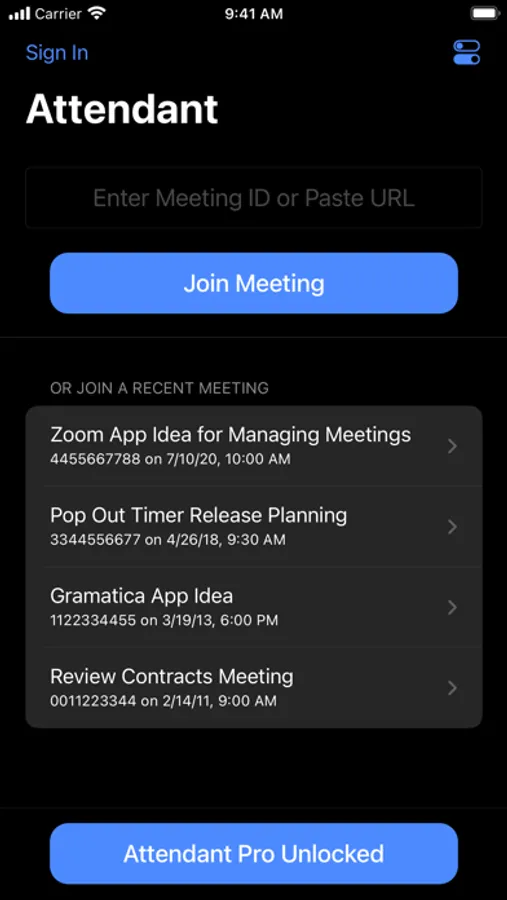
In this app, you can control and manage Zoom meetings by handling audio, video, chat, and participant features. Includes breakout room management, attendee controls, and export options.
AppRecs review analysis
AppRecs rating 4.5. Trustworthiness 79 out of 100. Review manipulation risk 26 out of 100. Based on a review sample analyzed.
★★★★☆
4.5
AppRecs Rating
Ratings breakdown
5 star
78%
4 star
11%
3 star
4%
2 star
2%
1 star
5%
What to know
✓
Low review manipulation risk
26% review manipulation risk
✓
Credible reviews
79% trustworthiness score from analyzed reviews
✓
High user satisfaction
78% of sampled ratings are 5 stars
About Attendant for Zoom
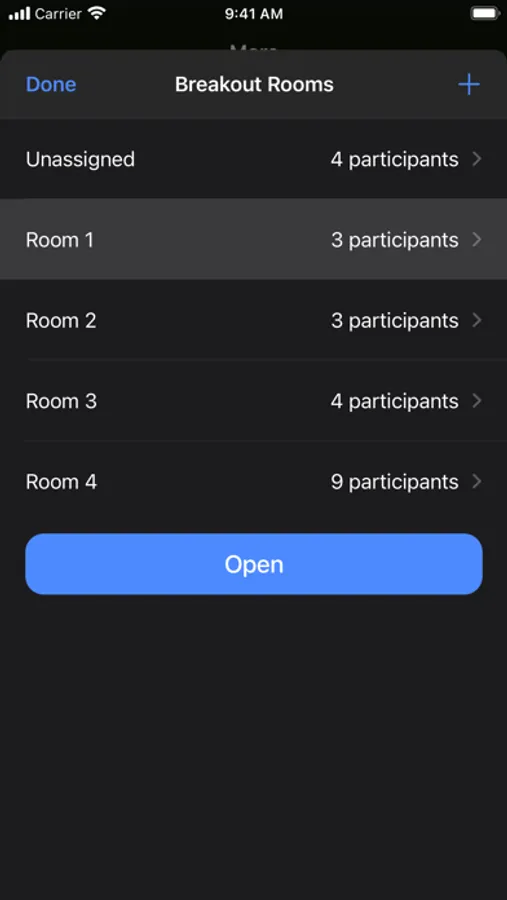
• Manage Breakout Rooms from your mobile device
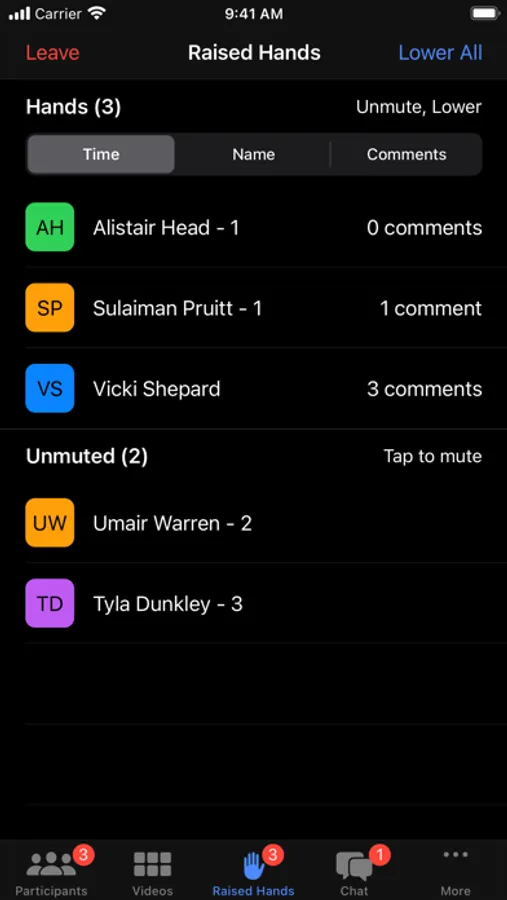
• Unmute and lower a hand with a single tap
• Export participant list for record keeping
• Quick tap management of participant audio/video
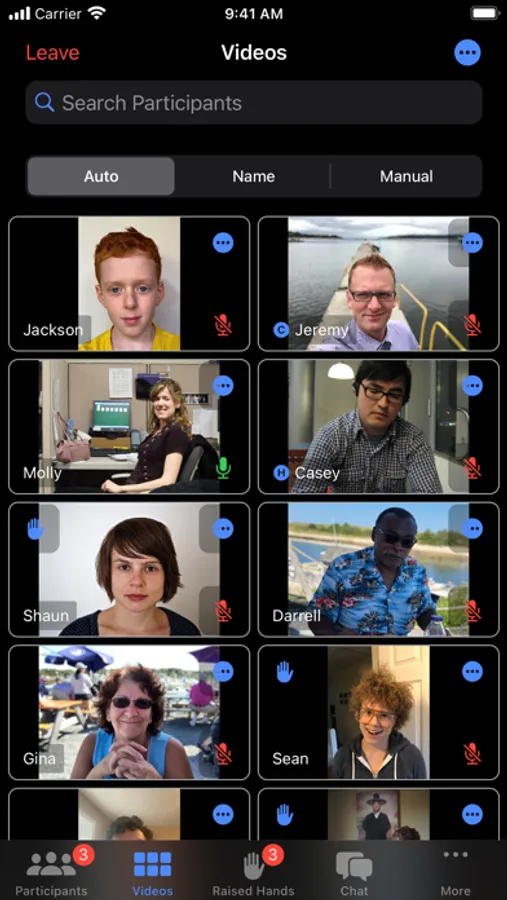
• Manage participants from the video grid
• Search from the video grid
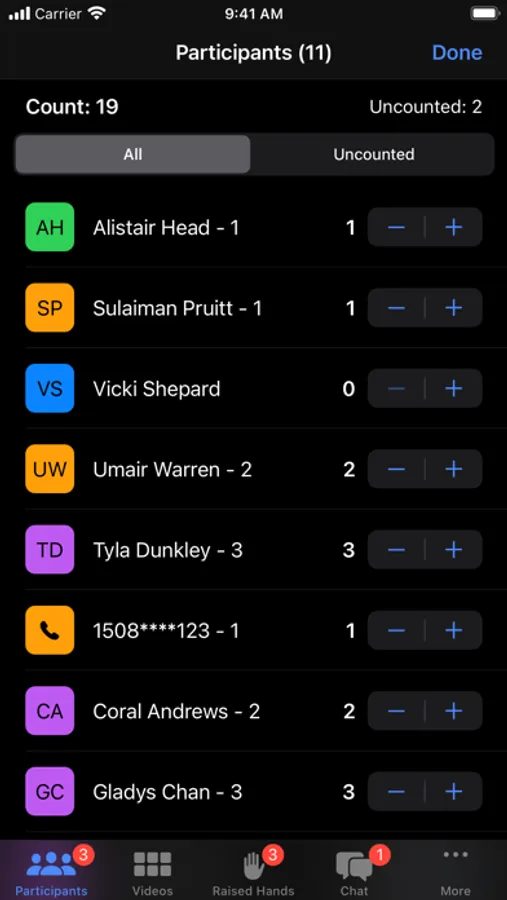
• Get attendee count (based on count in name)
• Actions to mute/unmute all and turn on/off all cameras
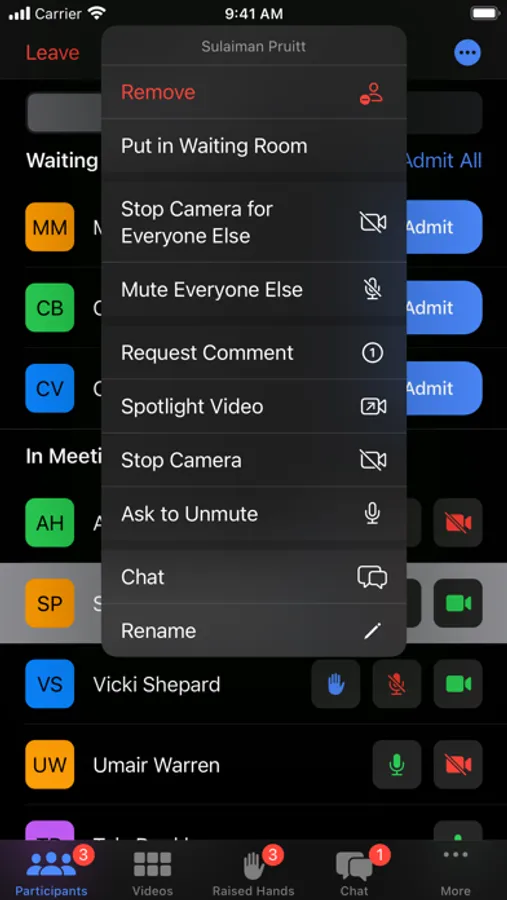
• Mute Everyone Else (everyone but selected participant)
• Turn Off Camera for Everyone Else (everyone but selected participant)
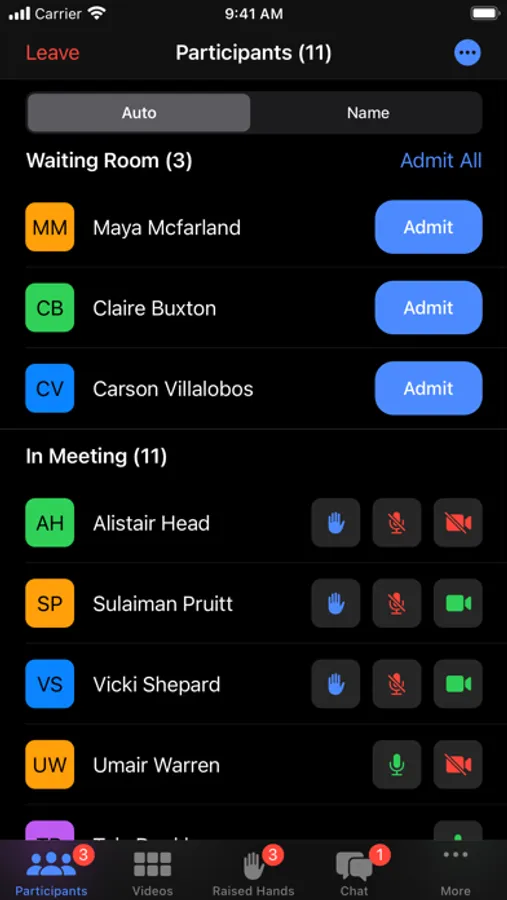
• Easily manage your Waiting Room
• Long press to take a quick look at a participant's video
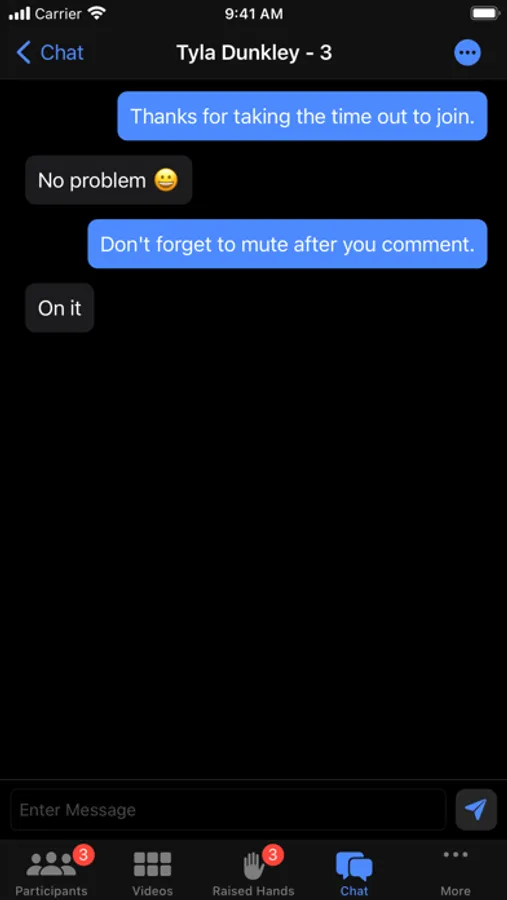
• Chat with participants
Upgrade to Attendant Pro to unlock the following:
• Threaded chat and broadcast direct messages to multiple participants
• Automatically mute specific participants
• Always Admit: optionally choose to always admit specific names into your meeting
• Count attendance to quickly mark the number of attendees on each connection
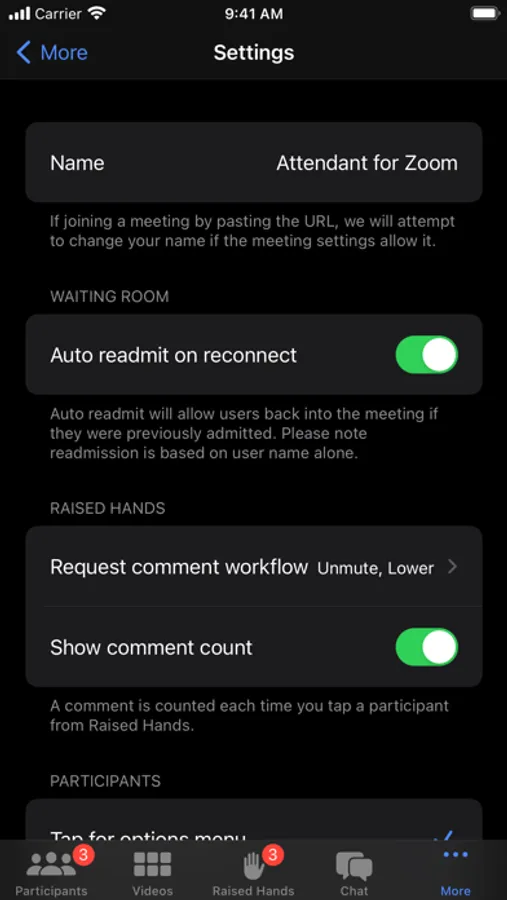
• Auto readmit participants when they reconnect
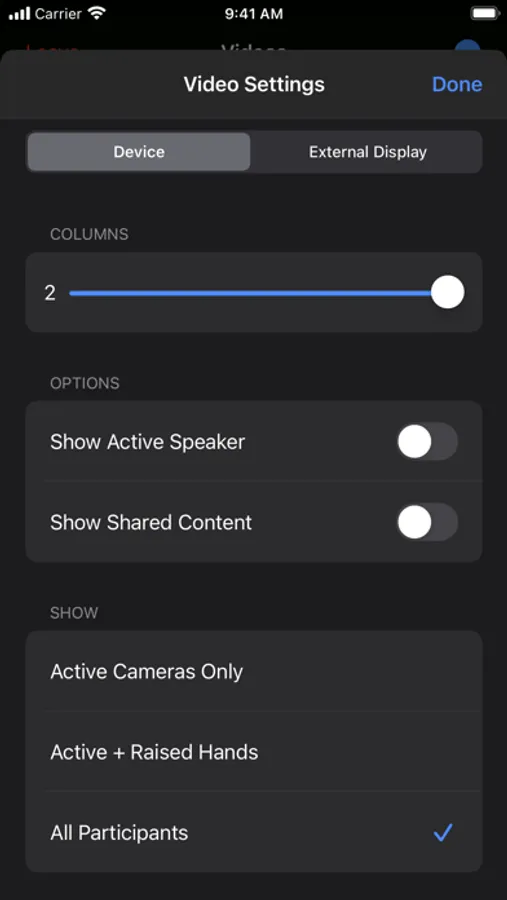
• Video: configure size, manually sort, and configure external display
• Rename mode to quickly rename participants
• Optionally persist renames across multiple meetings
• Breakout room shuffle
• Configure comment workflow
• Comment counting
• Sort raised hands by time, name, or comment count
• Manage unlimited raised hands
• Themes & Icons
Please note that webinars are not currently supported. Attendant for Zoom uses the Zoom SDK but is not endorsed, certified, warrantied, or supported by Zoom Video Communications, Inc. If Zoom changes their policies or capabilities of their SDK this app may lose access.
If you choose to purchase an Attendant Pro subscription, payment will be charged to your iTunes account, and your account will be charged for renewal 24 hours prior to the end of the current period. Auto-renewal may be turned off at any time by going to your settings in the iTunes Store after purchase.
Terms of use: https://thinktapwork.com/tos.html
Attendant for Zoom Screenshots
Tap to Rate:
Reviews for Attendant for Zoom
ElConquistadorJim
Works for me
This gave me two features I needed, participants count, and export participants list. One feature needed, is if I am configured as co-host in a reoccurring meeting, then I should be able to sign on and be made co-host automatically without the host making me co-host. Would change to 5 star for that feature.
coder452
great but…
have had an issue with the application persistently showing the following message upon opening without leaving. (MobileRTCAuthError(rawValue: 11))