With this 3D animation app, you can explore interactive scenes and rotate, zoom, or navigate through detailed models. Includes predefined views, narration, captions, and language options.
AppRecs review analysis
AppRecs rating 4.7. Trustworthiness 70 out of 100. Review manipulation risk 33 out of 100. Based on a review sample analyzed.
★★★★☆
4.7
AppRecs Rating
Ratings breakdown
5 star
79%
4 star
13%
3 star
5%
2 star
2%
1 star
0%
What to know
✓
Credible reviews
70% trustworthiness score from analyzed reviews
✓
High user satisfaction
79% of sampled ratings are 5 stars
✓
Authentic reviews
Natural distribution, no red flags
About Four-stroke Otto engine 3D
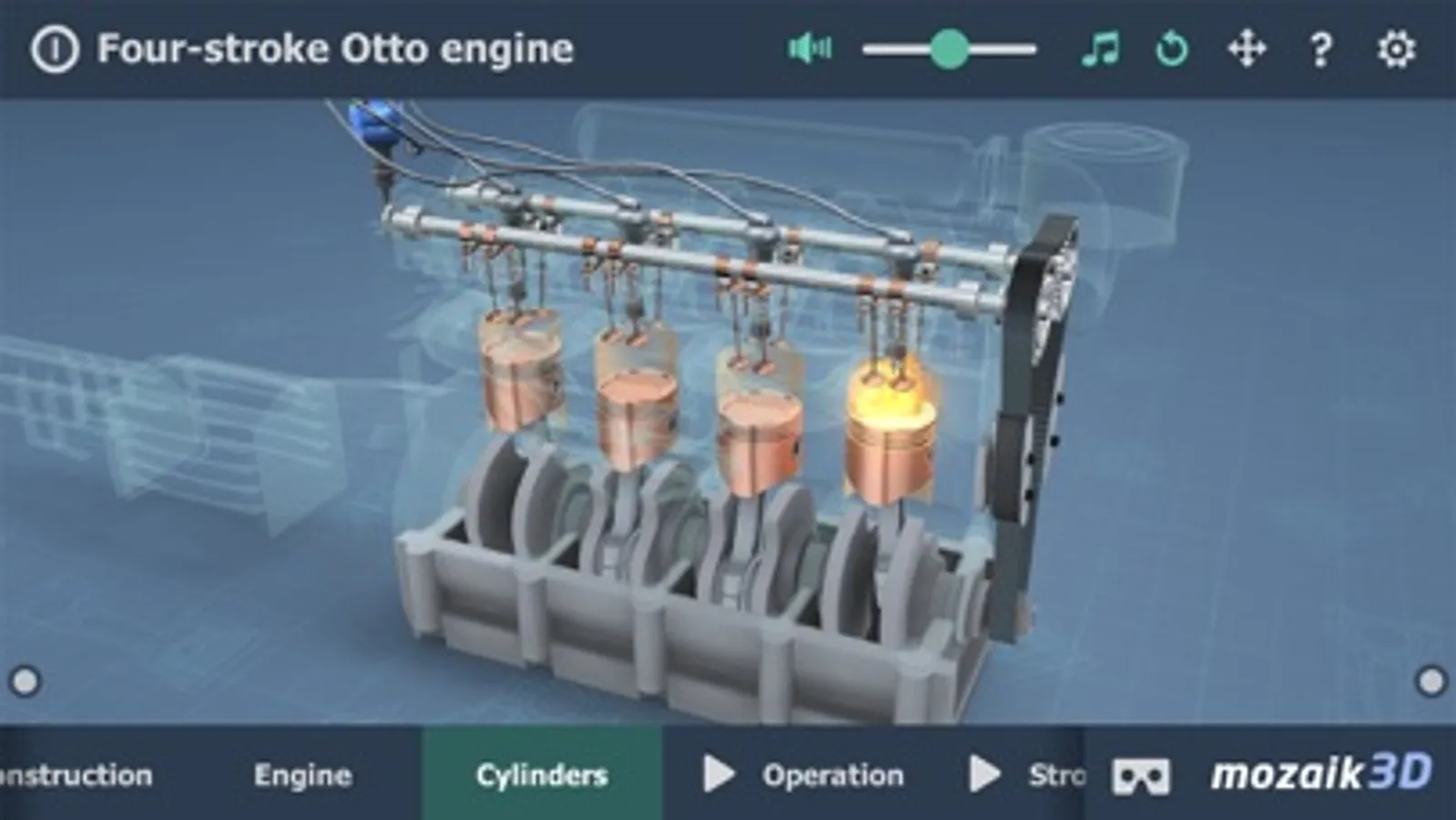
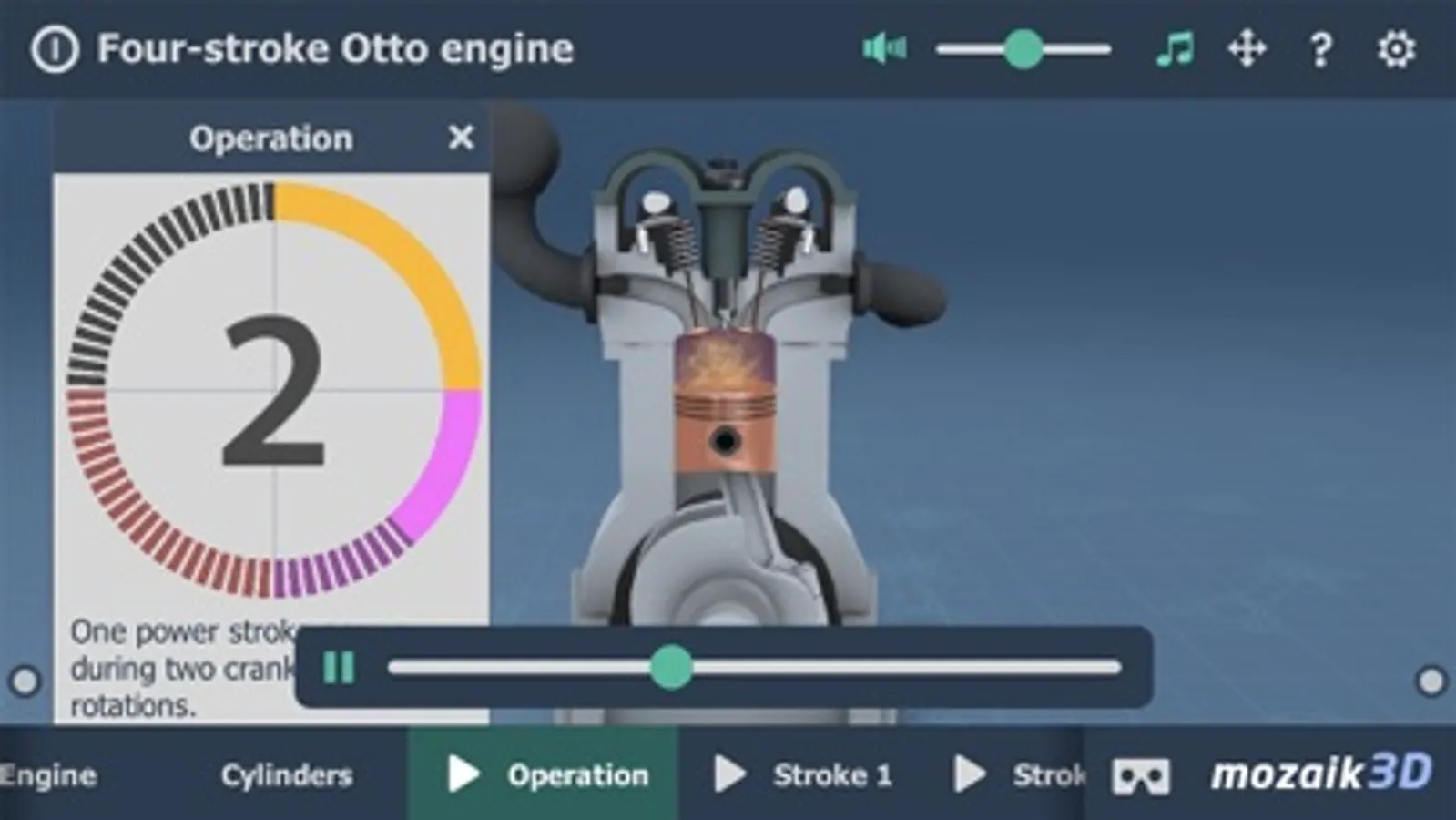
Four-stroke Otto engine
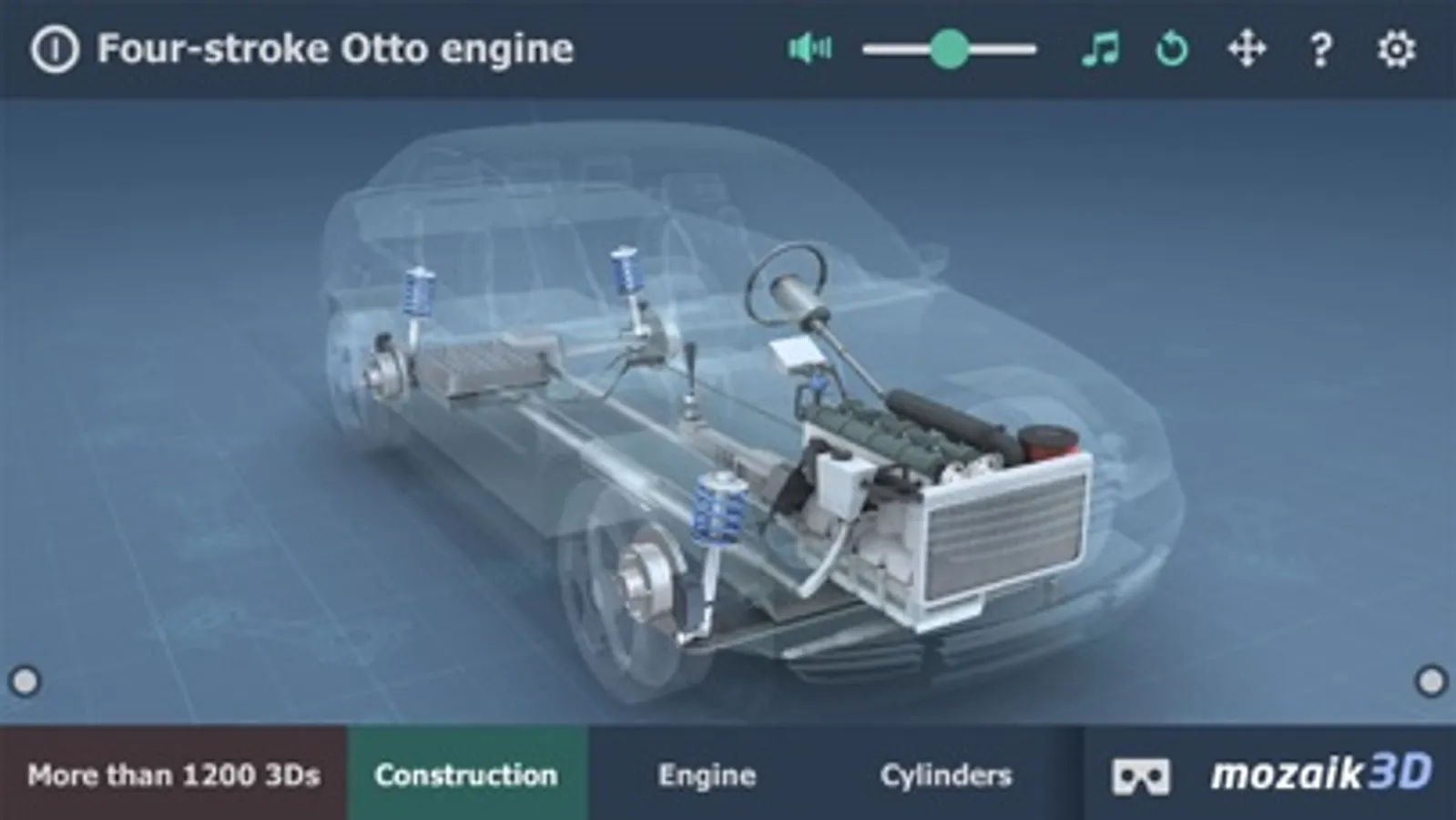
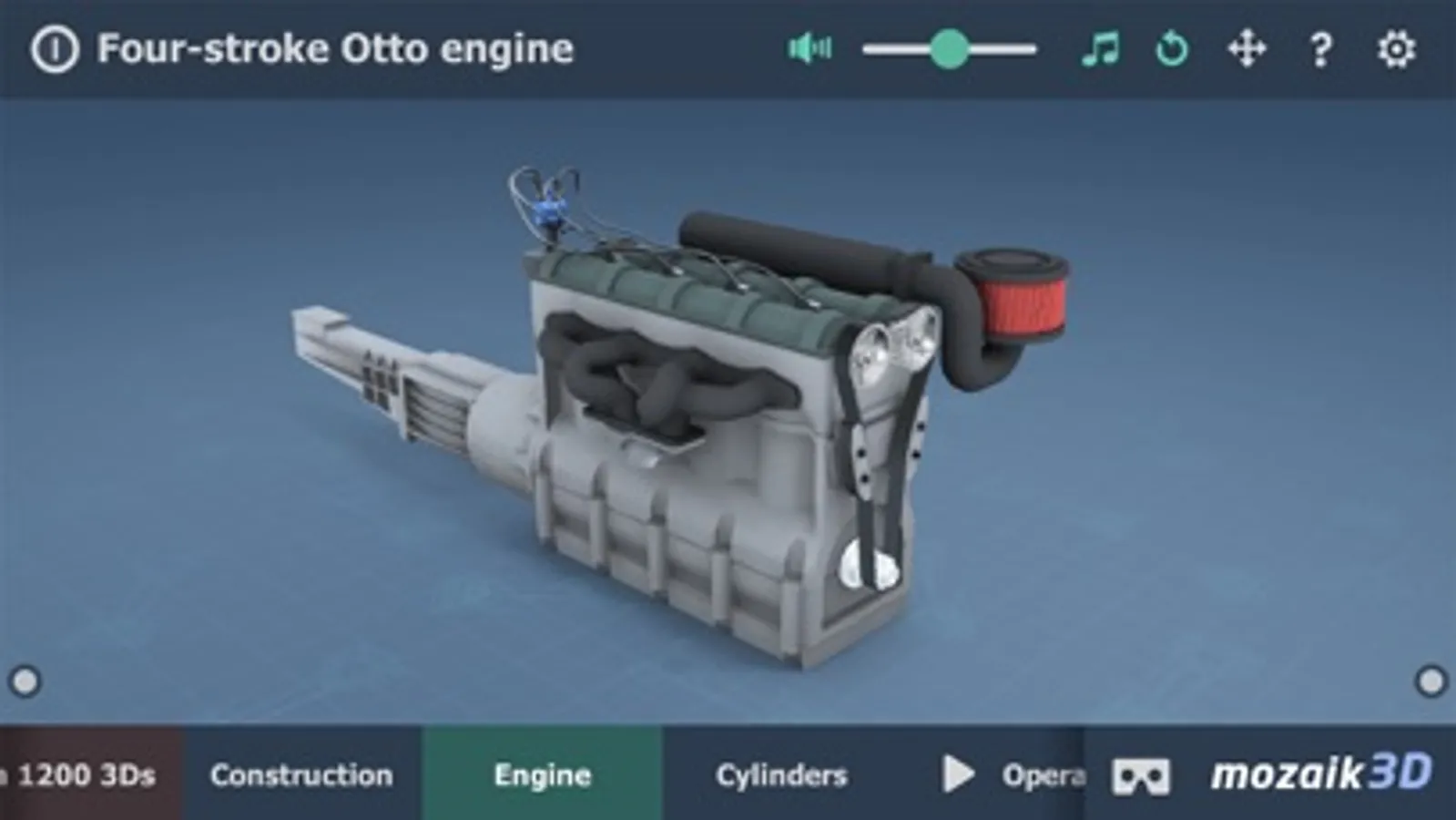
This animation demonstrates the type of engine most commonly used in cars.
Explore technology with our interactive 3D animations! Be actively involved in learning about technology by following the latest results of 3D animation.
Our 3D scenes have been designed for students between 8 and 18 years of age but can be interesting for everyone.
Available languages: English, Deutsch, Français, Español, Русский, العربية, 日本語, 中文, 한국어, Italiano, Português, Svenska, Nederlands, Norsk, Polski, Magyar, Türkçe, Română.
With the mozaik3D App, available in the AppStore, you can access more than 1200 similar 3D scenes.
Mozaik Interactive 3D
Our fully interactive scenes can be rotated, enlarged or viewed from pre-set angles. With the predefined views, you can easily navigate through the complex scenes. Some of the 3D scenes contain a Walk mode, enabling you to explore the scene yourself. Most of our 3D scenes include narrations and built-in animations. They also contain captions, entertaining animated quizzes and other visual elements. The 3D scenes are available in several languages, which also offers an opportunity to learn and practice foreign languages.
Usage and navigation
Rotate the scene by dragging your finger.
Zoom the scene in or out by pinching with your fingers.
Pan the view by dragging with three fingers.
Tap the buttons at the bottom to switch between predefined views.
You can change the language and set other functions in the context menu.
The context menu can be accessed by touching the bottom corners.
Activate VR mode by pressing the VR goggles icon in the bottom right corner.
In VR mode, tilt your head to right or left display the navigation panel.
This animation demonstrates the type of engine most commonly used in cars.
Explore technology with our interactive 3D animations! Be actively involved in learning about technology by following the latest results of 3D animation.
Our 3D scenes have been designed for students between 8 and 18 years of age but can be interesting for everyone.
Available languages: English, Deutsch, Français, Español, Русский, العربية, 日本語, 中文, 한국어, Italiano, Português, Svenska, Nederlands, Norsk, Polski, Magyar, Türkçe, Română.
With the mozaik3D App, available in the AppStore, you can access more than 1200 similar 3D scenes.
Mozaik Interactive 3D
Our fully interactive scenes can be rotated, enlarged or viewed from pre-set angles. With the predefined views, you can easily navigate through the complex scenes. Some of the 3D scenes contain a Walk mode, enabling you to explore the scene yourself. Most of our 3D scenes include narrations and built-in animations. They also contain captions, entertaining animated quizzes and other visual elements. The 3D scenes are available in several languages, which also offers an opportunity to learn and practice foreign languages.
Usage and navigation
Rotate the scene by dragging your finger.
Zoom the scene in or out by pinching with your fingers.
Pan the view by dragging with three fingers.
Tap the buttons at the bottom to switch between predefined views.
You can change the language and set other functions in the context menu.
The context menu can be accessed by touching the bottom corners.
Activate VR mode by pressing the VR goggles icon in the bottom right corner.
In VR mode, tilt your head to right or left display the navigation panel.
Four-stroke Otto engine 3D Screenshots
Tap to Rate:
Reviews for Four-stroke Otto engine 3D
Kawas43
Nice
Love it
Casey999999
Love it!
Just started using the app a few minutes ago and have to say - it’s excellent. Very clean, clear 3-D models depicting the inner workings of the automobile.