
In this contact management app, you can export contacts to formats like XLSX, PDF, VCF, CSV, and HTML and transfer them to various devices. Includes contact merging, backup, restore, and data privacy features.
AppRecs review analysis
AppRecs rating 4.5. Trustworthiness 74 out of 100. Review manipulation risk 25 out of 100. Based on a review sample analyzed.
★★★★☆
4.5
AppRecs Rating
Ratings breakdown
5 star
89%
4 star
7%
3 star
2%
2 star
0%
1 star
2%
What to know
✓
Low review manipulation risk
25% review manipulation risk
✓
Credible reviews
74% trustworthiness score from analyzed reviews
✓
High user satisfaction
89% of sampled ratings are 5 stars
About Export Contact to XLS PDF VCF
Export Contacts with Ease!
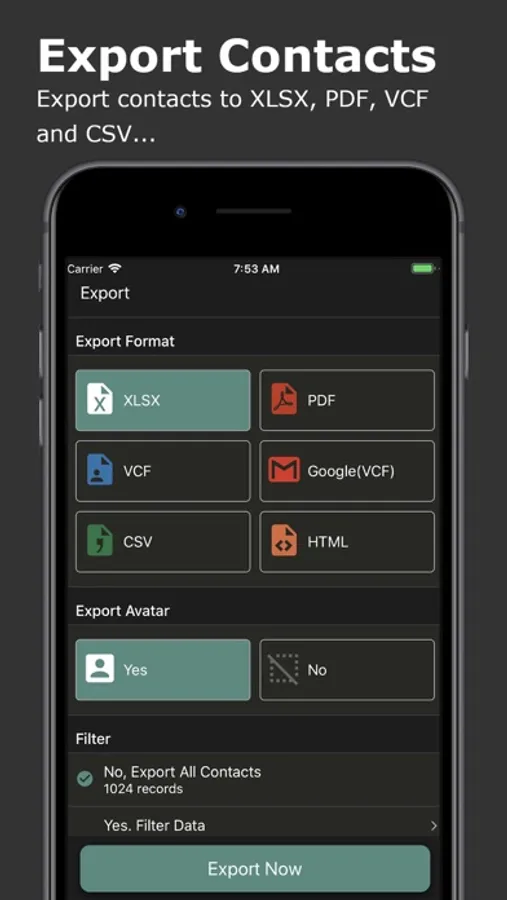
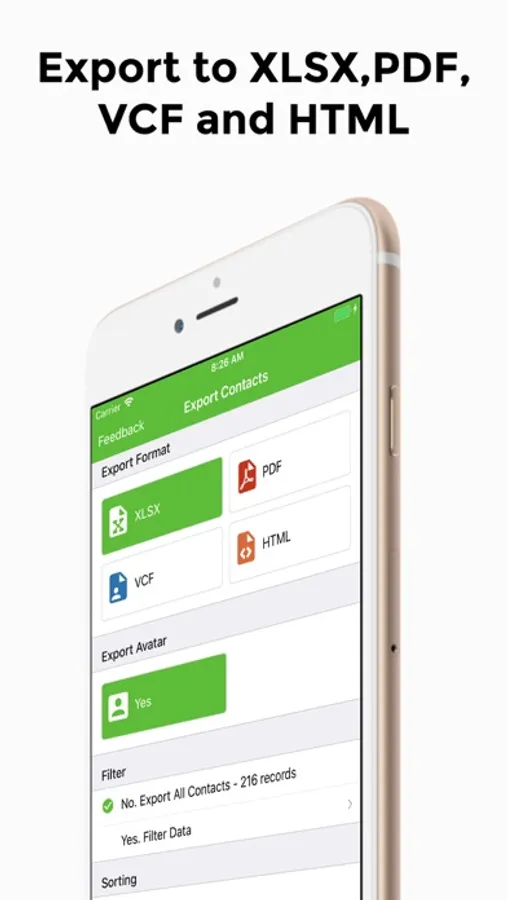
Effortlessly export your iPhone contacts to various formats including Excel (XLSX), PDF, Google Contacts (VCF), vCard (VCF), CSV, and HTML. With a single tap, transfer your contacts and restore them on any device.
Key Features:
* Export contacts to different formats: Excel (XLSX), PDF, Google Contacts (VCF), vCard (VCF), CSV, and HTML.
* Seamlessly transfer contacts to other devices like iPhone, Samsung, Google Pixel, or Google Gmail.
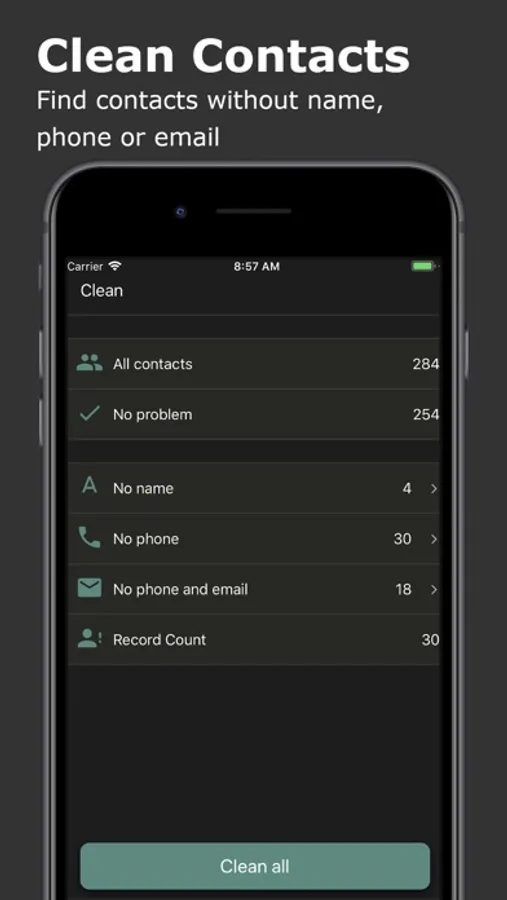
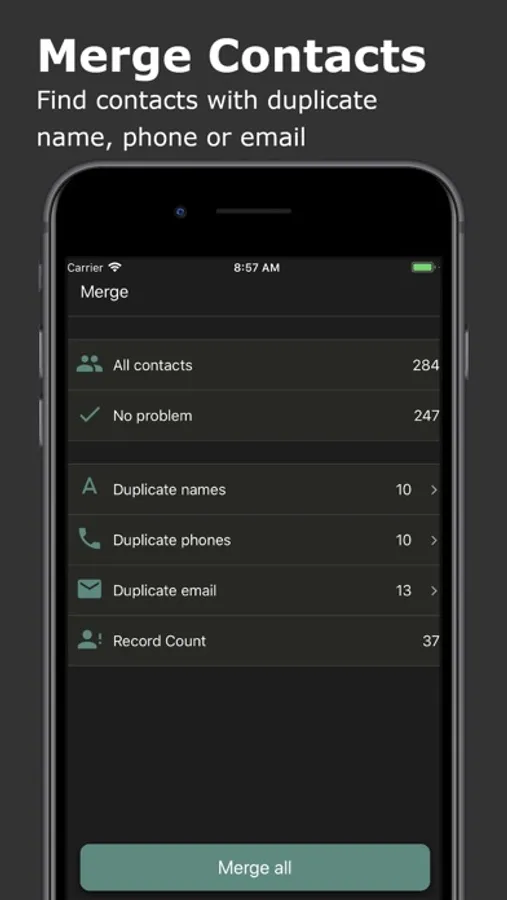
* Clean and manage your contacts by merging duplicates and removing incomplete entries.
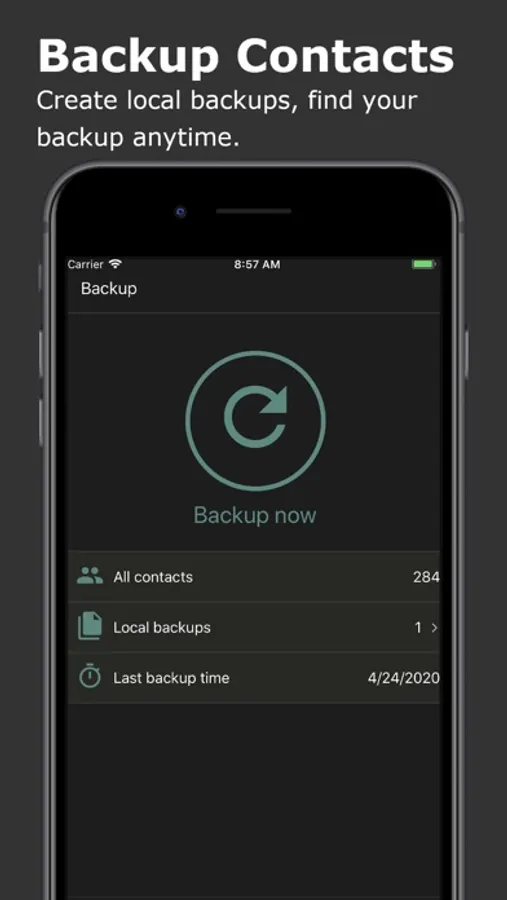
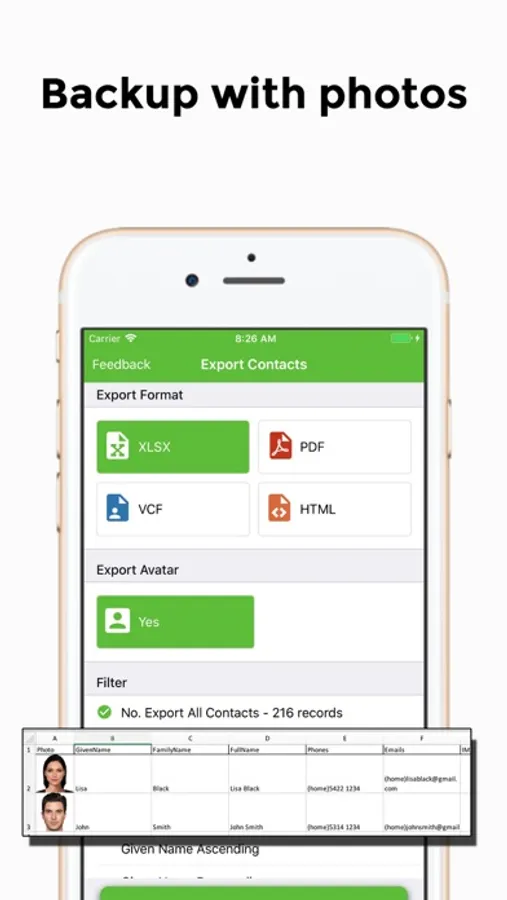
* Backup your contacts to prevent data loss and easily restore them when needed.
Supported Export Formats:
* Excel (XLSX): Includes all contact fields: Name, Phone, Email, Instant Messages, Social Profiles, Birthday, Organization, Job Title, Addresses, URLs, and more.
* PDF: Limited fields (Full Name, Phone, Email, Birthday, and Address) optimized for A4 paper size.
* VCF (vCard): Exports all fields for easy contact transfer.
* CSV & HTML: Supports full contact data for maximum flexibility.
Send Files Anywhere:
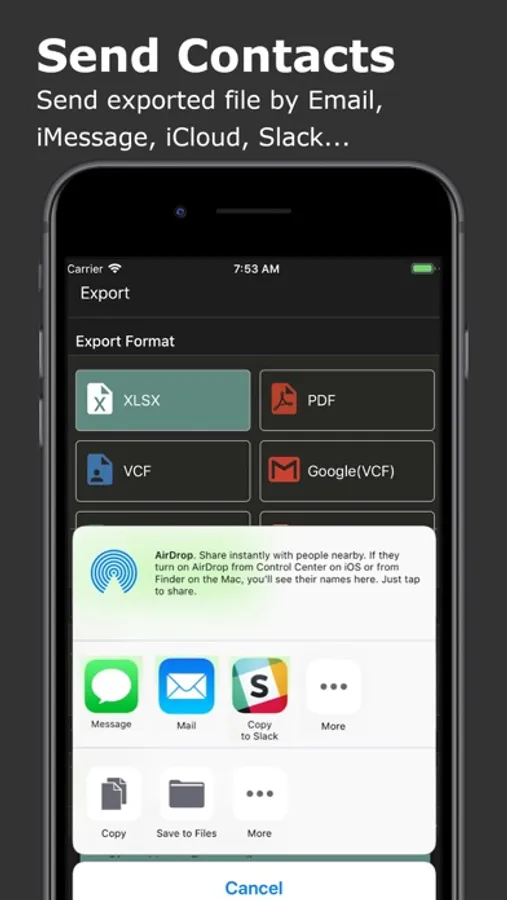
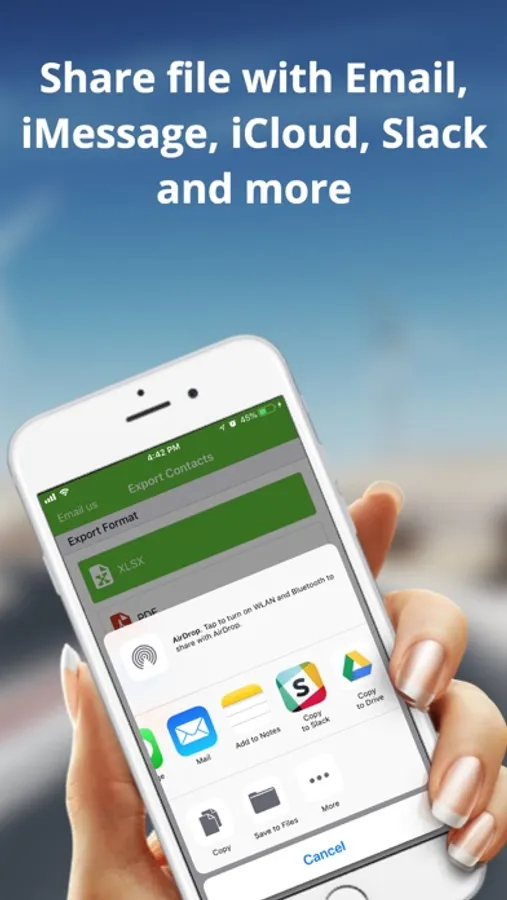
Share your exported contacts via iMessage, Email, iCloud, Slack, AirDrop, Dropbox, Google Drive, and more.
Smart Contact Cleanup:
* Identify and remove contacts without names, phones, or emails.
* Merge duplicate contacts based on name, phone, or email.
Backup & Restore:
Create secure local backups to safeguard your contacts. Recover deleted contacts easily, ensuring you never lose important information.
Your Data, Your Privacy:
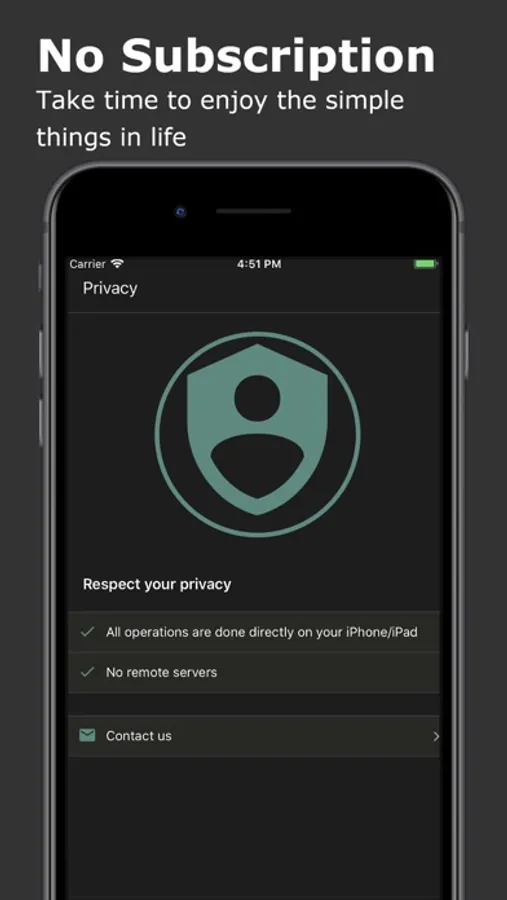
All processes are handled locally on your device. No data is ever sent to a remote server.
Effortlessly export your iPhone contacts to various formats including Excel (XLSX), PDF, Google Contacts (VCF), vCard (VCF), CSV, and HTML. With a single tap, transfer your contacts and restore them on any device.
Key Features:
* Export contacts to different formats: Excel (XLSX), PDF, Google Contacts (VCF), vCard (VCF), CSV, and HTML.
* Seamlessly transfer contacts to other devices like iPhone, Samsung, Google Pixel, or Google Gmail.
* Clean and manage your contacts by merging duplicates and removing incomplete entries.
* Backup your contacts to prevent data loss and easily restore them when needed.
Supported Export Formats:
* Excel (XLSX): Includes all contact fields: Name, Phone, Email, Instant Messages, Social Profiles, Birthday, Organization, Job Title, Addresses, URLs, and more.
* PDF: Limited fields (Full Name, Phone, Email, Birthday, and Address) optimized for A4 paper size.
* VCF (vCard): Exports all fields for easy contact transfer.
* CSV & HTML: Supports full contact data for maximum flexibility.
Send Files Anywhere:
Share your exported contacts via iMessage, Email, iCloud, Slack, AirDrop, Dropbox, Google Drive, and more.
Smart Contact Cleanup:
* Identify and remove contacts without names, phones, or emails.
* Merge duplicate contacts based on name, phone, or email.
Backup & Restore:
Create secure local backups to safeguard your contacts. Recover deleted contacts easily, ensuring you never lose important information.
Your Data, Your Privacy:
All processes are handled locally on your device. No data is ever sent to a remote server.
Export Contact to XLS PDF VCF Screenshots
Tap to Rate:
Reviews for Export Contact to XLS PDF VCF
Terrible donkey donkey
Trash
This app is trash. I used it right after downloading. They dump all your phone numbers into the same cell. There’s a back arrow that doesn’t work. I had to hand key the info which defeats the entire purpose.
rmpbklyn
crashes
just spinninng bar